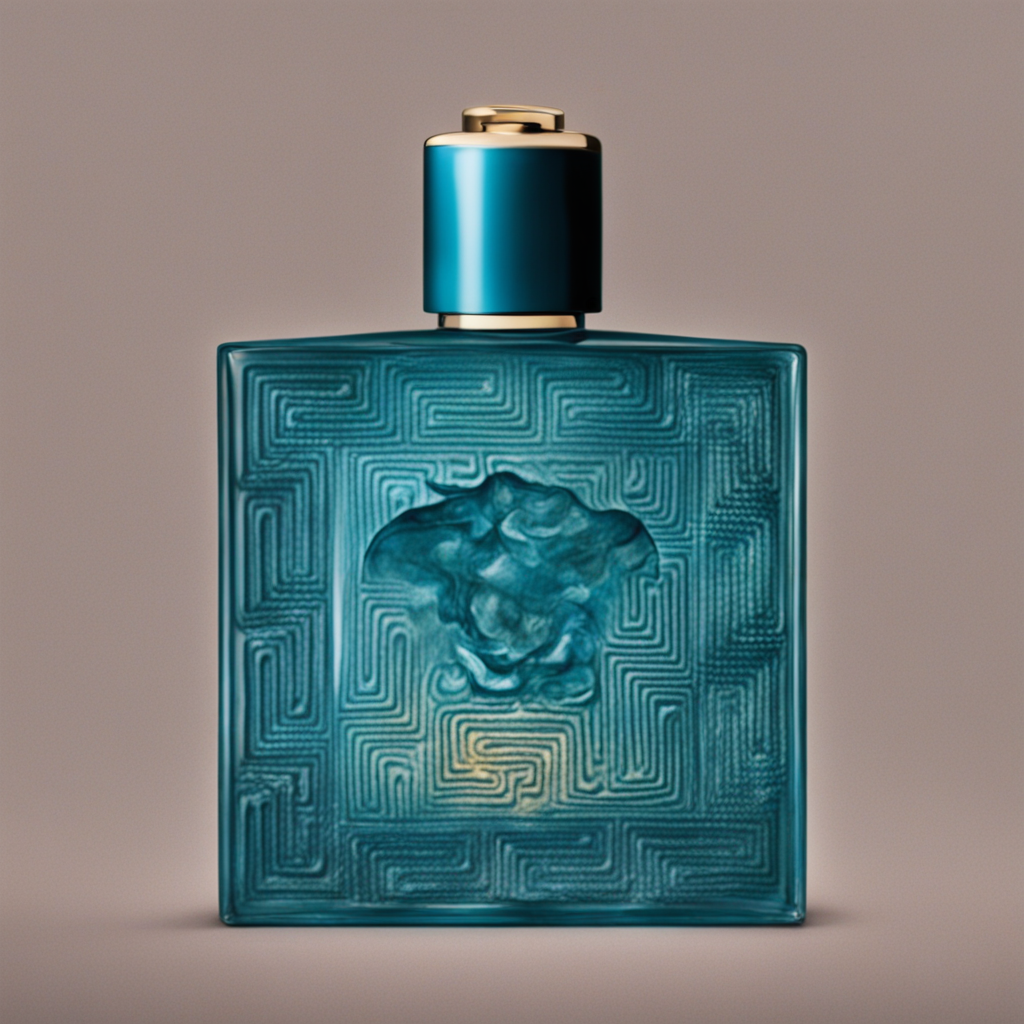
 inference · 17.8s
SDXL Ad Inpaint
Product advertising image generator using SDXL
- Runtime (p50)
- 20s
- Estimated price
- $0.00108 per processing second
Overview
sdxl-ad-inpaint — Image-to-Image AI Model
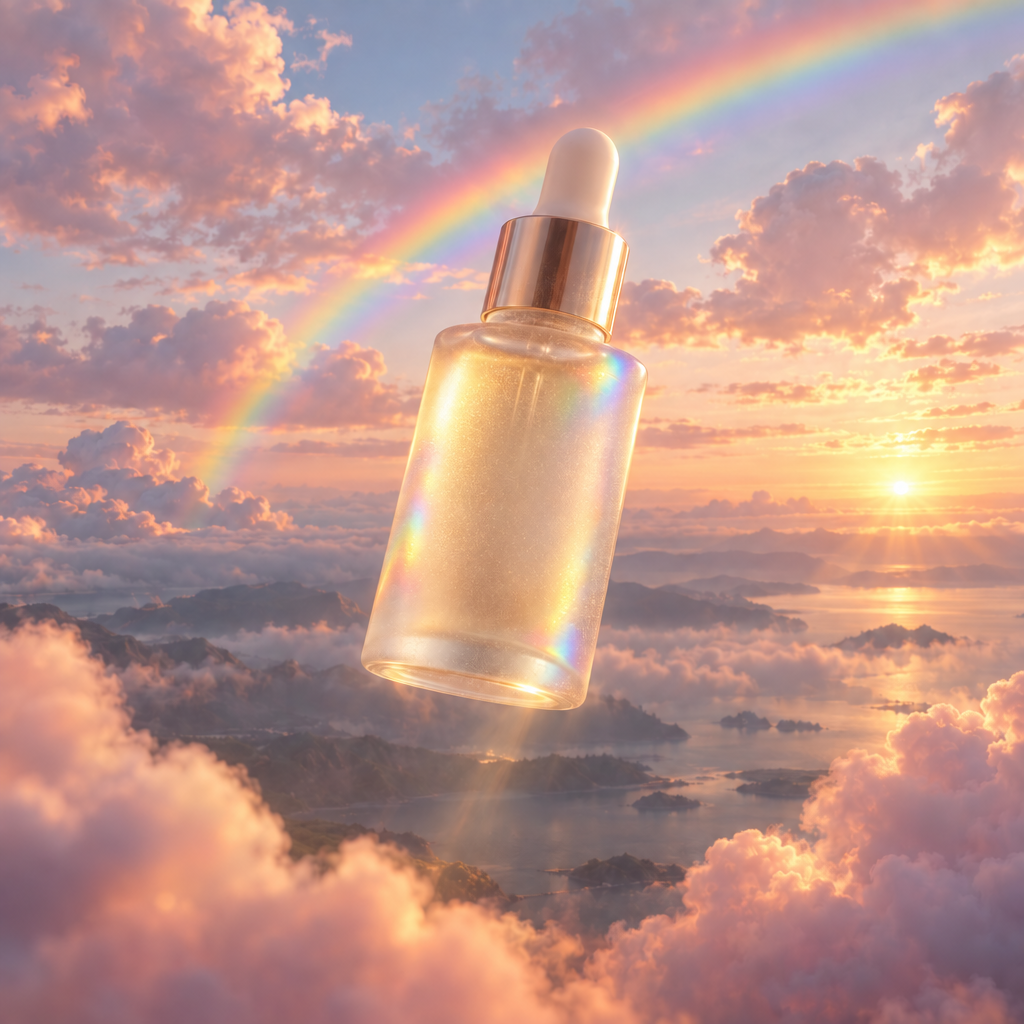
sdxl-ad-inpaint, a specialized variant in Stability's SDXL family, excels as a product advertising image generator using image-to-image techniques, transforming existing product photos into compelling ad visuals with precise inpainting.
Developed by Stability, this image-to-image AI model leverages SDXL's advanced latent diffusion architecture to edit and enhance images for marketing, enabling e-commerce teams to quickly generate professional-grade advertising composites without costly photoshoots.
Ideal for AI photo editing for e-commerce, sdxl-ad-inpaint takes an input image and text prompt to inpaint or modify specific areas, producing high-detail outputs optimized for promotional use.
Capabilities
Restoration: Repair damaged or incomplete images effectively.
Enhancement: Add details, improve textures, or refine existing visuals.
Creative Edits: Generate artistic interpretations or stylized outputs from base images.
Use cases
Use Cases for sdxl-ad-inpaint
E-commerce marketers use sdxl-ad-inpaint for AI photo editing for e-commerce, uploading a plain product image and prompting changes to scenes. For instance, input a watch photo with the prompt "place this luxury watch on a velvet cushion under golden hour lighting with subtle reflections," yielding ad-ready visuals that boost conversion rates without studio costs.
Developers building apps integrate the sdxl-ad-inpaint API into platforms for automated image editing API features, feeding user-uploaded images plus prompts to generate personalized product mockups. This supports scalable backends handling thousands of edits daily with SDXL's efficient latent space processing.
Graphic designers leverage its inpainting for edit images with AI in advertising prototypes, modifying client photos to test layouts like swapping backgrounds or adding elements. The model's strong prompt adherence ensures outputs align with brand guidelines, accelerating iteration in design workflows.
Content creators apply sdxl-ad-inpaint in Stability image-to-image pipelines to refresh stock visuals for social media ads, using outpainting to extend frames while preserving product details. This creates engaging variants tailored to platforms like Instagram or Pinterest.
Tips & tricks
How to Use sdxl-ad-inpaint on Eachlabs
Access sdxl-ad-inpaint seamlessly on Eachlabs via the Playground for instant testing—upload an input image, add a descriptive prompt like "add festive lights and snow around this product," adjust strength (0.5-0.9) and steps (20-50), and generate high-res ad images. For production, use the sdxl-ad-inpaint API or SDK with parameters for image input, prompt, mask (for inpainting), resolution, and seed; outputs deliver photorealistic PNGs optimized for advertising in seconds.
---Technical spec
What Sets sdxl-ad-inpaint Apart
Built on Stable Diffusion XL (SDXL), sdxl-ad-inpaint stands out in the image-to-image AI models landscape with its focus on advertising-grade inpainting, delivering superior realism and detail for product visuals compared to base SDXL models.
This model supports high-resolution outputs up to 1024x1024 pixels natively, with efficient processing on consumer GPUs requiring 10GB+ VRAM, making it accessible for Stability image-to-image workflows in professional settings.
- Advertising-optimized inpainting: Specifically tuned for product ads, it seamlessly integrates text prompts to modify image regions like backgrounds or lighting. This enables marketers to create variant ads from a single product shot in seconds, streamlining automated image editing API pipelines.
- SDXL-level detail and style control: Inherits SDXL's enhanced text understanding and realism, outperforming earlier Stable Diffusion versions in prompt fidelity for commercial imagery. Users gain precise control over composition, ideal for AI image editor API integrations needing photorealistic edits.
- Flexible image-to-image transformations: Handles inpainting, outpainting, and guided synthesis on existing images with adjustable guidance scale and steps (10-50 typically). This allows developers to build custom edit images with AI tools that maintain brand consistency across campaigns.
Average processing time is seconds per image on optimized hardware, with support for float16 precision to reduce VRAM needs.
Things to be aware of
Adjust Prompt Styles: Experiment with creative prompts like “A futuristic cityscape at dusk” to explore the model's artistic potential.
Explore Schedulers: Test different schedulers like PNDM or HeunDiscrete for unique results.
Combine Features: Use apply_img with specific condition_scale values for controlled blending of original and generated content.
Key considerations
Prompt Dependent Results:
Model output is highly dependent on the clarity and detail of the prompt provided.
Resource Consumption:
Higher values for parameters such as num_inference_steps can increase processing time.
Avoid Oversaturation:
Using extreme values for guidance_scale or condition_scale can result in oversaturated or unnatural output.
Seed Variability:
Setting a consistent seed ensures repeatable results, while leaving it random allows for creative exploration.
Limitations
Complex Scenes
Rendering complex or highly detailed scenes may require additional optimization.Prompt Sensitivity
SDXL Ad Inpaint's performance can vary significantly depending on the prompt provided.Processing Time
Large images or high parameter values can lead to longer processing times.Edge Cases
Some specific styles or transformations may not align perfectly with the model’s design.Output Format: PNG