PixVerse C1 Image to Video
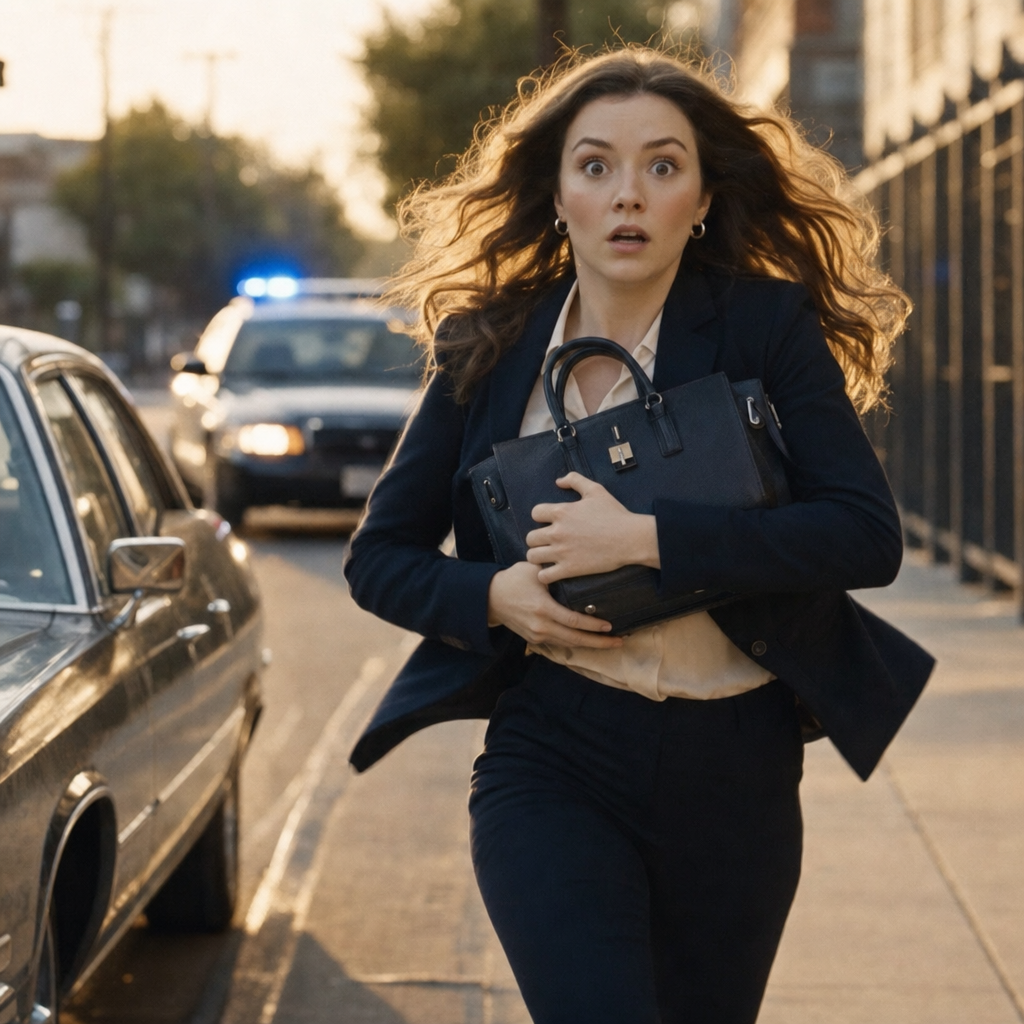
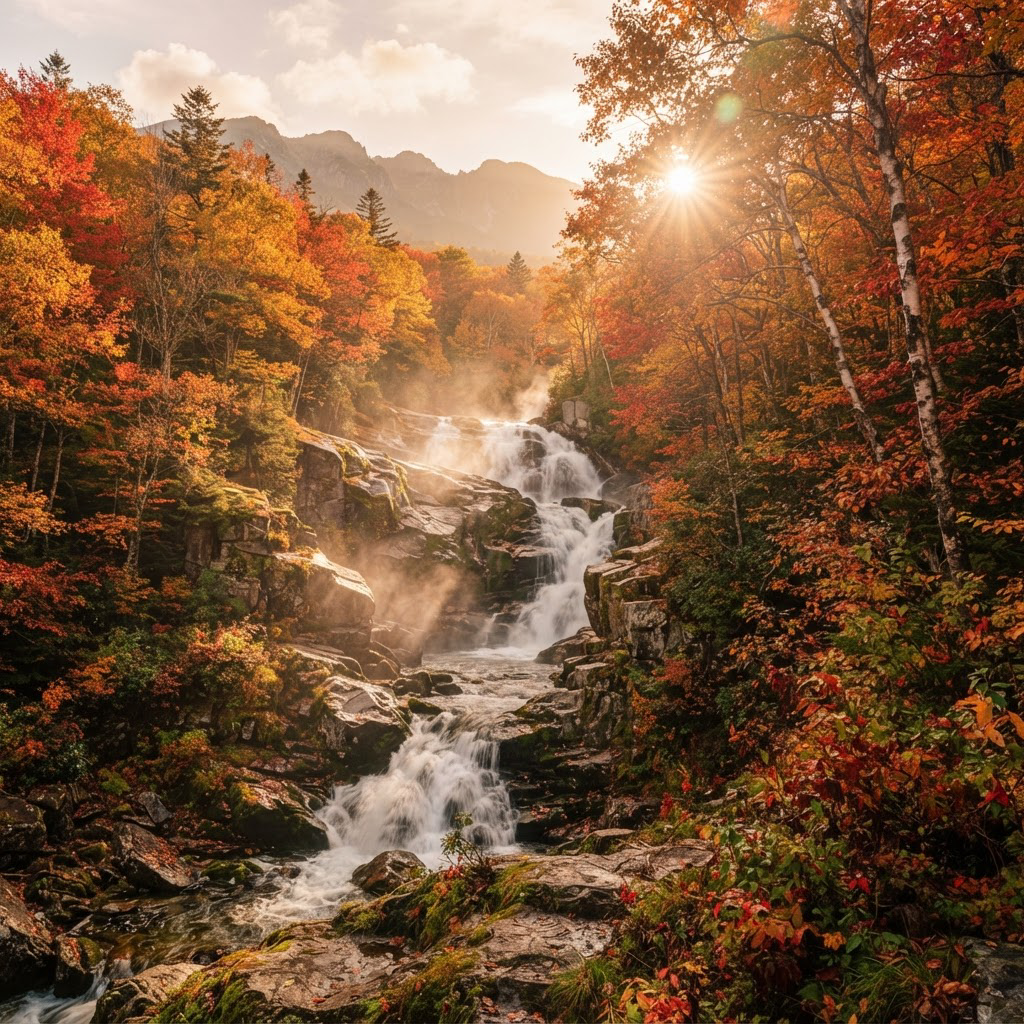
PixVerse C1 animates still images into cinema-quality videos with synchronized audio, delivering strong consistency across multi-character scenes, complex environments, and dynamic action.
- Runtime (p50)
- 2m
- Estimated price
- $0.03–$0.12 per second, depending on quality and audio
Overview
PixVerse | C1 | Cinematic Image to Video Overview
PixVerse | C1 | Cinematic Image to Video transforms static images into high-quality cinematic videos, ideal for creators needing professional motion from stills. Developed by PixVerse, this model stands out with its focus on film production features like action effects, storyboard-to-video workflows, and reference-guided consistency, delivering up to 1080p resolution and 15-second clips. Unlike general image-to-video tools, PixVerse | C1 | Cinematic Image to Video excels in complex scenes with dynamic action and multi-character consistency, making it a go-to for cinematic storytelling on each::labs. Access it via the PixVerse | C1 | Cinematic Image to Video API for seamless integration into production pipelines. Whether animating characters or environments, it solves the challenge of bringing static visuals to life with synchronized motion and audio potential.
Capabilities
Capabilities
- Animates still images into cinema-quality videos up to 1080p with 1-15 second durations
- Handles dynamic action, fight scenes, and VFX with storyboard-to-video support
- Maintains reference-guided consistency for characters and environments in multi-shot sequences
- Supports multiple aspect ratios for platform-optimized outputs like social media or widescreen
- Generates complex motions in environments, including physics-like interactions
- Enables single-pass high-res generation without stitching artifacts
- Optimizes for character animation with potential lip-sync in short clips
- Integrates via API for scalable Pixverse image-to-video production on each::labs
Use cases
Use Cases for PixVerse | C1 | Cinematic Image to Video
Content Creators: Animate concept art into short films using storyboard-to-video; e.g., "Fantasy knight battles dragon, multi-angle action, 10s 16:9." Leverages reference consistency for polished narratives.
Marketers: Turn product photos into dynamic ads with camera pans; e.g., "Luxury watch on wrist rotates smoothly, spotlight reveal, 5s vertical 9:16." Ensures brand consistency across frames.
Designers: Prototype UI animations from mockups; e.g., "App interface morphs with user gestures, smooth transitions, 8s 1:1." Excels in controlled motion environments.
Developers: Build interactive demos via PixVerse | C1 | Cinematic Image to Video API; integrate image inputs for real-time video prototypes in apps.
These scenarios highlight its strength in cinematic image-to-video on each::labs, diversifying from static visuals to engaging motion.
Tips & tricks
Tips and Tricks
For best results with PixVerse | C1 | Cinematic Image to Video, craft prompts emphasizing camera movements like "dolly zoom" or "tracking shot" to leverage its precise controls. Use reference images for multi-character scenes to maintain consistency across frames. Optimize parameters by starting at 5-8 seconds duration for testing, scaling to 15 seconds once refined. Include negative prompts to avoid artifacts in complex actions.
Example prompts:
- "A warrior in ancient armor charges through a misty forest, dynamic sword swing, cinematic tracking shot, high detail, 1080p"
- "Close-up portrait of a singer, lip-sync to emotional ballad, subtle head turns, soft lighting, 16:9 aspect"
- "Storyboard sequence: hero jumps off cliff, slow-motion fall with wind effects, reference image consistency"
Combine with each::labs workflows for iterative refinement via the PixVerse | C1 | Cinematic Image to Video API.
Technical spec
Technical Specifications
- Resolution: Up to 1080p, with support from 360p for faster drafts
- Max Duration: 1 to 15 seconds, suitable for short cinematic clips
- Aspect Ratios: 16:9 (widescreen), 9:16 (vertical), 1:1 (square), 4:3 (classic), 21:9 (ultrawide), and others like 3:4
- Input: Static image with prompt; supports reference-guided inputs for consistency
- Output: Video formats optimized for cinematic quality, potentially with audio sync
- Processing Time: Varies by resolution; efficient for 1080p single-pass generation
These specs position PixVerse | C1 | Cinematic Image to Video as a robust option for high-fidelity image-to-video on each::labs, leveraging Pixverse image-to-video advancements.
Things to be aware of
Things to Be Aware Of
PixVerse | C1 | Cinematic Image to Video may struggle with overly crowded scenes lacking clear references, leading to motion inconsistencies. Users often overlook prompt specificity for camera work, causing unintended pans—always specify "steady cam" if needed. High-duration 15-second clips at 1080p demand more processing power and time, so test at lower res first. Common mistakes include vague action descriptions, resulting in static outputs; prioritize dynamic verbs. Resource needs rise with complexity, but each::labs handles scaling efficiently.
Key considerations
Key Considerations
Before using PixVerse | C1 | Cinematic Image to Video, ensure your input image is high-quality for optimal motion fidelity, as it relies on reference-guided consistency. It's best for scenarios demanding cinematic action and effects over simple animations, outperforming in dynamic environments versus basic text-to-video tools. Processing times scale with duration and resolution—opt for shorter clips at 1080p for quicker results. On each::labs, consider API credits for high-volume use; balance cost with output polish for commercial projects. Single-person images yield stronger lip-sync and character animation.
Limitations
Limitations
PixVerse | C1 | Cinematic Image to Video is optimized for 1-15 second clips, unsuitable for longer narratives without extension tools. Complex multi-character interactions may lose fidelity without strong references. Audio sync is emerging but not as native as in V6; primarily motion-focused. Lower resolutions like 360p speed up drafts but sacrifice detail. Not ideal for real-time generation—best for batch cinematic outputs via API.