Kling v2.5 | Turbo | Standard | Image to Video
Kling 2.5 Turbo Standard turns static visuals into cinematic motion masterpieces. Experience elite grade image to video generation with unmatched motion realism, camera dynamics, and prompt accuracy for professional storytelling.
- Runtime (p50)
- 1m
- Estimated price
- Usage-based
Overview
kling-v2.5-turbo-standard-image-to-video — Image-to-Video AI Model
Transform static images into dynamic, cinematic videos with kling-v2.5-turbo-standard-image-to-video, the balanced image-to-video AI model from Kling's kling-v2.5 family that delivers 2× faster generation and superior motion realism. Developed by Kuaishou Technology, this Kling image-to-video solution excels in fluid character actions, precise camera dynamics, and prompt adherence, making it ideal for creators seeking professional-grade outputs without extended wait times. As part of the Turbo lineup, kling-v2.5-turbo-standard-image-to-video supports efficient image-to-video AI workflows, turning photos into short clips with unmatched realism for marketing visuals or storytelling.
Capabilities
- Generates smooth, cinematic video clips from a single image and prompt.
- Preserves original image style, lighting, and emotion throughout the video.
- Delivers stable, realistic motion with minimal jitter or deformation.
- Supports multiple visual styles, including realism, illustration, and cartoon.
- Handles complex scene compositions, camera angles, and transitions with temporal consistency.
- Strong semantic understanding for narrative-driven video generation.
- Fast inference suitable for rapid prototyping and high-volume workflows.
- Cost-effective for professional and enterprise-scale applications.
Use cases
Use Cases for kling-v2.5-turbo-standard-image-to-video
For content creators, upload a character sketch and prompt "animate this warrior drawing a sword with dynamic camera zoom, epic slow-motion swing in a misty forest" to generate fluid 10-second cinematic sequences with lifelike physics and consistent styling—perfect for game trailers or YouTube shorts.
Marketers can animate product images for e-commerce, feeding a static shoe photo with instructions for rotation and lighting shifts, producing engaging image-to-video AI model clips that boost conversion rates without studio shoots.
Developers integrating the kling-v2.5-turbo-standard-image-to-video API build apps for social media tools, where users upload selfies for instant talking-head videos, leveraging the model's speed and facial consistency for scalable personalization.
Filmmakers use it for storyboarding extensions, conditioning on keyframe images to test motion and camera paths, accelerating pre-production with realistic previews at 720p.
Tips & tricks
How to Use kling-v2.5-turbo-standard-image-to-video on Eachlabs
Access kling-v2.5-turbo-standard-image-to-video seamlessly on Eachlabs via the Playground for instant testing, API for production apps, or SDK for custom integrations. Upload a reference image, add a motion prompt, set duration (5-10s), aspect ratio, and CFG scale, then generate 720p MP4 videos with realistic dynamics in minutes.
---Technical spec
What Sets kling-v2.5-turbo-standard-image-to-video Apart
kling-v2.5-turbo-standard-image-to-video stands out in the image-to-video AI model landscape with its optimized balance of speed and quality, generating 720p videos up to 10 seconds long at roughly 30% lower cost than prior versions. This enables rapid iteration for bulk production, such as animating product photos for e-commerce campaigns, where traditional tools demand hours.
Unlike many competitors, it leverages first-frame conditioning from a single input image, ensuring precise control over initial visuals and consistent motion throughout. Users gain predictable animations from concept art or portraits, maintaining character identity and scene stability without distortion.
Enhanced physics simulation delivers hyper-realistic movements, like natural human gestures or object interactions, surpassing standard models in temporal coherence. This empowers professionals to create production-ready Kling image-to-video content with studio-grade lighting and textures in minutes.
- 720p resolution at 5-10 second durations for crisp, HD outputs optimized for social media.
- 2× faster processing via Turbo engine, ideal for high-volume kling-v2.5-turbo-standard-image-to-video API tasks.
- First-frame image conditioning for exact starting frames, with strong prompt adherence via CFG scale adjustments.
Things to be aware of
- Some experimental features, such as advanced camera controls or multi-character interactions, may yield inconsistent results based on user feedback.
- Users have noted occasional minor artifacts during rapid scene transitions or with highly abstract prompts.
- Performance is generally stable, but resource requirements (GPU/CPU) can be significant for longer or higher-quality outputs.
- Consistency in lighting and style is a strong point, but maintaining character identity across frames can be challenging in complex scenes.
- Positive feedback highlights the model’s speed, cost-effectiveness, and cinematic quality, especially for short-form content.
- Common concerns include limited resolution in the standard version and occasional motion artifacts in edge cases.
- Users recommend iterative prompt refinement and careful input selection for best results.
Key considerations
- The model excels at generating short, cinematic video clips from a single image and prompt, but longer or highly complex scenes may require iterative refinement.
- For best results, use high-quality, well-lit input images and concise, descriptive prompts.
- Avoid overly abstract or ambiguous prompts, as these can reduce narrative coherence.
- There is a trade-off between speed and output quality; higher quality may require more processing time.
- Prompt engineering is crucial: clear, stepwise instructions yield more accurate and semantically aligned motion.
- Consistency in style and lighting is maintained, but rapid scene changes or extreme camera movements may introduce minor artifacts.
- The model is optimized for B2B and professional creative workflows, with early access for enterprise users.
Limitations
- Output resolution is limited to 720p in the standard version; higher resolutions require advanced variants.
- May struggle with highly complex, multi-step scenes or prompts requiring intricate narrative logic.
- Not optimal for generating long-form videos or scenarios demanding frame-perfect character consistency.
Related models
4 models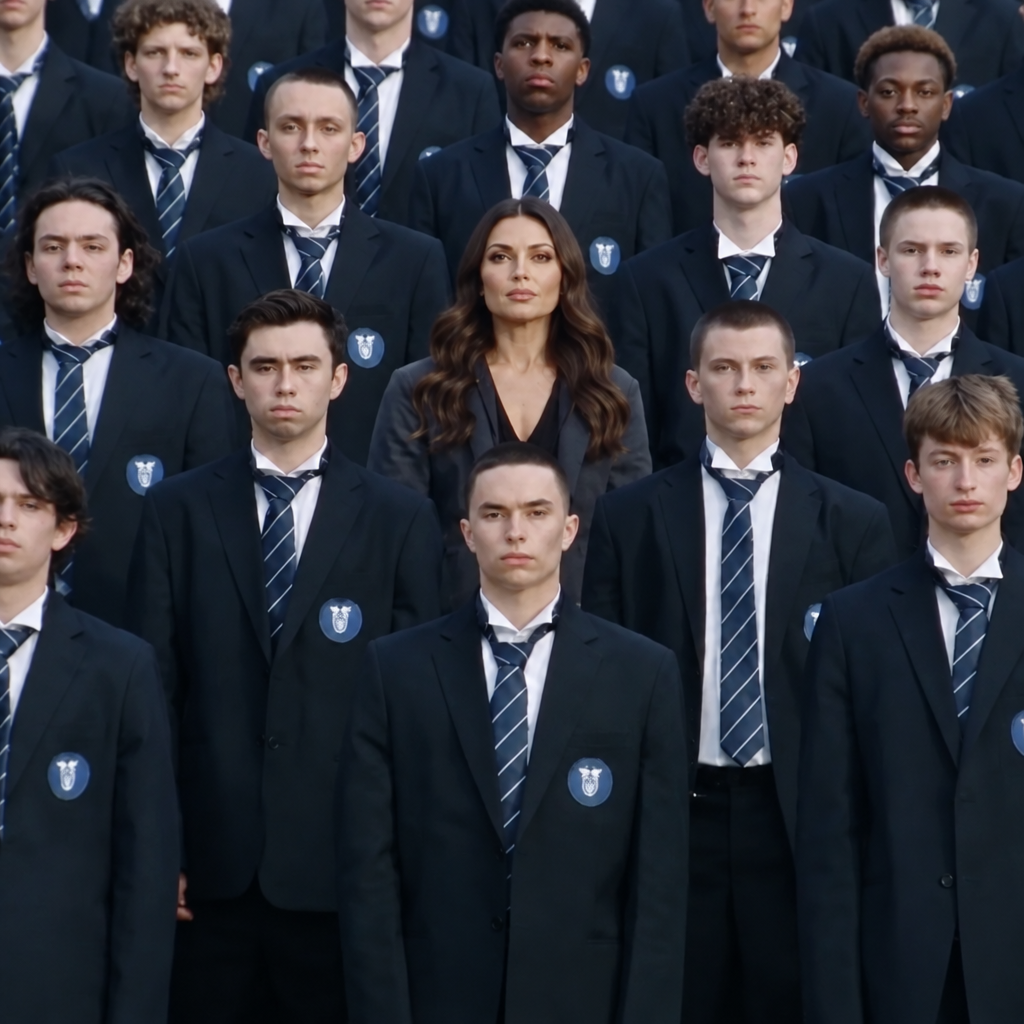
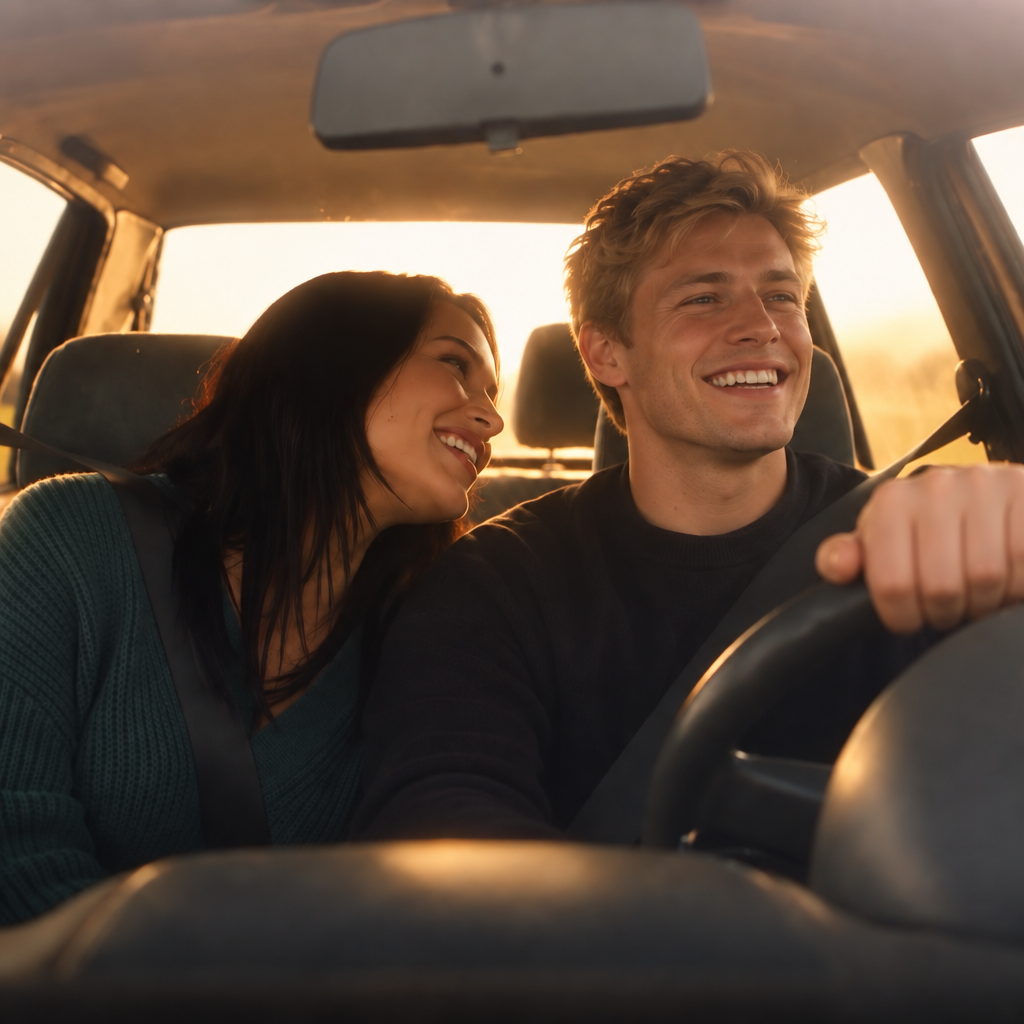


About Kling v2.5 | Turbo | Standard | Image to Video
What is Kling V2.5 Turbo Standard Image-to-Video on eachlabs?
Kling V2.5 Turbo Standard Image-to-Video is a speed-optimized AI model on eachlabs that animates images into videos at faster generation speeds than standard models. Part of the Turbo tier, it prioritizes rapid output delivery while maintaining acceptable quality, making it ideal for real-time applications and high-volume image animation pipelines.