Kling v2.1 | Master | Image to Video
Kling 2.1 Master: The premium version of Kling 2.1, built for high-quality image-to-video generation with ultra-smooth motion, cinematic visuals, and precise prompt control.
- Runtime (p50)
- 5m
- Estimated price
- $0.14 / unit
Overview
kling-v2-1-master-image-to-video — Image-to-Video AI Model
Transform static images into cinematic 1080p videos with ultra-realistic motion using kling-v2-1-master-image-to-video, the premium Kling 2.1 Master model from Kuaishou Technology. This image-to-video AI model excels at animating photos with lifelike physics simulations, natural facial expressions, and synchronized sound effects, solving the challenge of creating professional-grade short videos without complex editing tools.
Developed as part of the kling-v2.1 family, kling-v2-1-master-image-to-video leverages a sophisticated physics engine for hyper-realistic object interactions and movements, delivering Kling image-to-video outputs that stand out in content creation and marketing workflows. Users upload a single JPG or PNG image, add a detailed text prompt describing motion or camera angles, and generate smooth 5-10 second clips at 30fps—ideal for developers seeking a reliable image to video AI model API.
Capabilities
Converts a still image into coherent motion based on a guiding prompt.
Produces short, animated sequences up to 10 seconds.
Supports custom framing with multiple aspect ratios.
Maintains high semantic alignment between image content and prompt guidance.
Supports creative experimentation through negative prompt suppression and cfg scale tuning.
Use cases
Use Cases for kling-v2-1-master-image-to-video
Content creators can animate product photos for social media reels by uploading a still image of a watch and prompting "the watch hands tick smoothly while rotating 360 degrees on a velvet surface with soft spotlight reflections," yielding a 10-second 1080p clip with realistic ticking sounds via the kling-v2-1-master-image-to-video physics engine—streamlining demo video production without filming.
Marketers building Kling image-to-video campaigns for e-commerce use it to bring lifestyle shots to life, like turning a static apparel image into a video of fabric flowing in wind, complete with ambient audio, to boost engagement on platforms needing vertical formats.
Developers integrating the kling-v2-1-master-image-to-video API into apps for personalized storytelling input user portraits with prompts specifying subtle expressions and head turns, generating natural facial animations that preserve identity for avatar tools or virtual try-ons.
Filmmakers and designers prototype scenes by animating concept art with complex dynamics, such as "a medieval knight's armor clinking as he draws his sword in slow motion," leveraging sound effects and motion realism for quick pre-visualization in image-to-video AI model workflows.
Tips & tricks
How to Use kling-v2-1-master-image-to-video on Eachlabs
Access kling-v2-1-master-image-to-video seamlessly on Eachlabs via the Playground for instant testing, API for production-scale image-to-video generation, or SDK for custom integrations. Upload a JPG/PNG image, craft a motion-specific prompt, select 5-10s duration and matching aspect ratio, then generate 1080p 30fps MP4 videos with physics-accurate motion and optional sound—delivering cinematic quality in minutes.
---Technical spec
What Sets kling-v2-1-master-image-to-video Apart
The kling-v2-1-master-image-to-video model distinguishes itself in the image-to-video category through its advanced physics simulation engine, which accurately models real-world interactions like object weight, texture, and environmental forces. This enables creators to produce videos where elements move with genuine realism, such as fabric rippling or liquids pouring naturally, outperforming standard models in dynamic scene fidelity.
Unlike many competitors limited to silent clips, it generates synchronized sound effects, adding immersive audio that matches the visuals for more engaging Kling image-to-video results. Developers integrating the kling-v2-1-master-image-to-video API benefit from flexible durations of 5-10 seconds, 1080p resolution at 30fps, and aspect ratios matching the input image, with processing times of several minutes depending on load.
- Superior motion realism: Proprietary 3D spatiotemporal attention captures fast movements and scene changes with frame interpolation for fluid animations, perfect for action-oriented image-to-video AI model applications.
- High-fidelity preservation: Maintains input image details in high-resolution MP4 outputs, supporting portrait for vertical videos or landscape for widescreen without distortion.
- Premium control features: Advanced prompt adherence for precise camera pans, zooms, and physics-based dynamics, setting it above basic animators in professional pipelines.
Things to be aware of
Animate historical or archival photos with modern camera effects.
Add prompt-driven weather motion, like “light wind blowing through hair”.
Experiment with surreal or artistic prompts on abstract illustrations.
Key considerations
Image resolution does not need to exceed 1024×1024; high-resolution images may be auto-scaled.
Low cfg_scale values produce more diverse motion but less prompt fidelity.
Longer durations may lead to less visual consistency unless prompts are clear and minimal.
Negative prompts can help suppress undesired motion or visual styles (e.g., “blurry”, “distorted”).
Motion is generated synthetically and does not preserve fine details from the original image pixel-by-pixel.
Legal Information for Kling v1 Pro Image to Video
By using this Kling v1 Pro Image to Video, you agree to:
- Kling Privacy
- Kling SERVICE AGREEMENT
Limitations
Does not support audio or interactive motion control.
May occasionally introduce visual inconsistencies, especially with long durations.
Outputs are limited to short clips; continuous or multi-scene animations are not supported.
Image content dominates the motion context — complex prompts alone won’t define action.
Negative prompts help reduce noise but cannot fully remove structural artifacts in low-quality images
Output Format: MP4
Related models
4 models


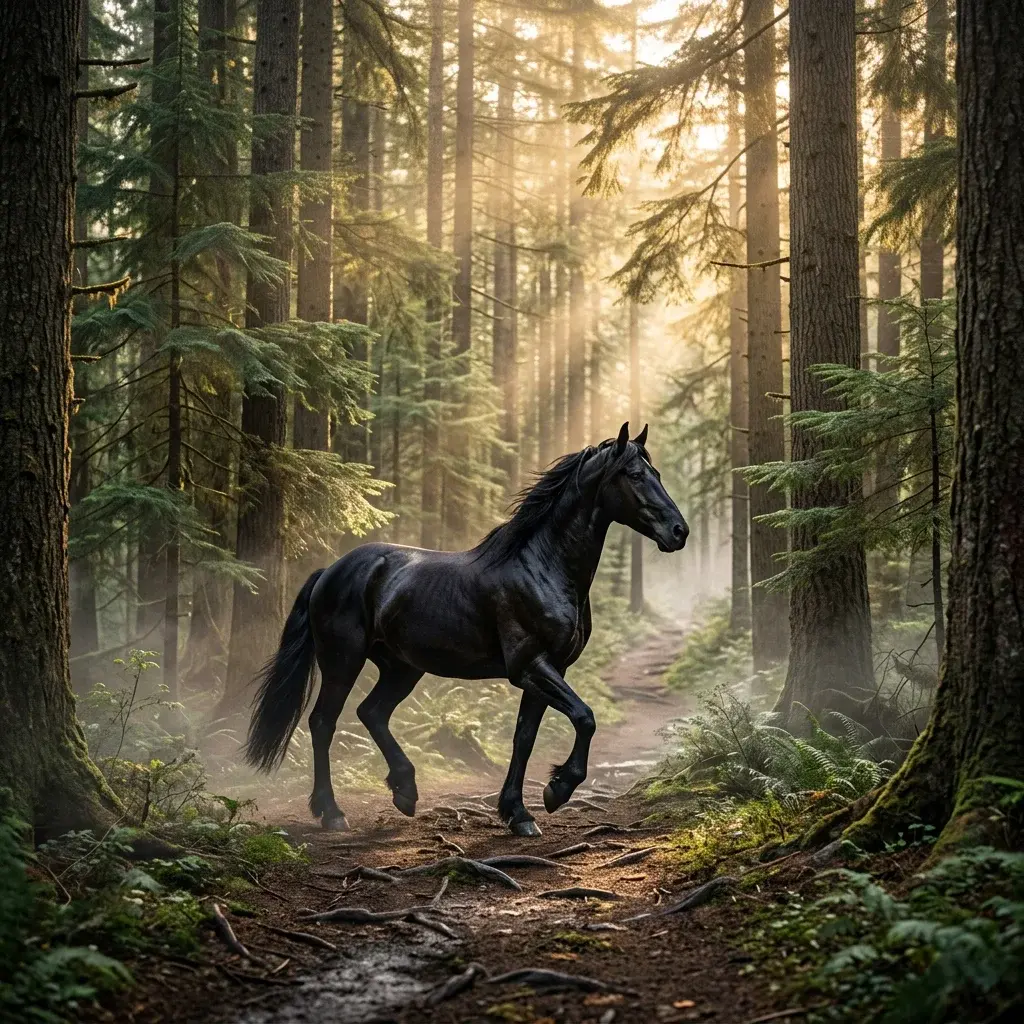
About Kling v2.1 | Master | Image to Video
What is Kling V2.1 Master Image-to-Video on eachlabs?
Kling V2.1 Master Image-to-Video is the top-quality tier for image animation within Kling's V2.1 generation on eachlabs. It converts static images into cinematic video clips with the highest motion fidelity and detail preservation in the V2.1 series, suitable for professional creative projects requiring premium animated video output.