Higgsfield AI Visual Effects
Higgsfield AI is an advanced visual effects model designed to create professional-grade cinematic content and stunning visuals. Built for filmmakers, content creators, and digital artists, it delivers high-quality realistic imagery with dramatic lighting, atmospheric effects, and precise detail rendering. Perfect for YouTube thumbnails, film production, advertising visuals, and creative projects that demand cinema-level quality with fast processing speeds.
- Runtime (p50)
- 1m
- Estimated price
- $0.125–$0.563 per execution, depending on model
Overview
higgsfield-ai-visual-effects — Image-to-Video AI Model
Transform static images into professional cinematic videos with higgsfield-ai-visual-effects, the Higgsfield image-to-video model that excels in AI-crafted camera controls for dynamic motion. Developed by Higgsfield as part of the higgsfield family, this image-to-video AI model solves the challenge of adding realistic, filmmaker-grade movements like crash zooms, crane shots, and 360 orbits to any input image, delivering stunning visuals without complex editing software. Ideal for content creators seeking fast, high-quality video generation from images, it supports searches like "Higgsfield image-to-video" by providing precise control over cinematic effects that elevate YouTube thumbnails, ads, and film prototypes to cinema-level production.
Capabilities
- Generates high-quality, cinematic images and short video clips with realistic lighting and atmospheric effects
- Supports multi-modal input: text-to-image, text-to-video, and image-to-video workflows
- Offers hundreds of creative presets for rapid prototyping and inspiration
- Enables advanced camera controls, including 3D rotation, bullet time, and FPV drone-style shots
- Maintains character and style consistency across outputs using reference and “soul” features
- Provides inpainting and editing tools for fine-tuning generated content
- Delivers fast turnaround for first drafts, supporting rapid creative iteration
Use cases
Use Cases for higgsfield-ai-visual-effects
Filmmakers and video editors can input a storyboard image and apply "Crash Zoom In on a futuristic cityscape with dramatic lighting" to generate a gripping intro sequence, leveraging precise camera controls for pre-production prototypes that save hours of shooting time.
Content creators for YouTube thumbnails upload a static hero shot and select Aerial Pullback or 360 Orbit via the higgsfield-ai-visual-effects model, instantly creating animated teasers with cinematic flair that boost click-through rates on platforms demanding dynamic visuals.
Marketers building ad campaigns feed product images into this Higgsfield image-to-video tool with prompts like "Pan Right across a luxury watch on a rainy window sill, adding subtle reflections," producing atmospheric commercials ready for social media without hiring VFX teams.
Developers integrating AI video generation use the higgsfield-ai-visual-effects API for apps needing automated cinematic effects, such as e-commerce previews where static photos transform into engaging 360 views with custom motions like Dolly In.
Tips & tricks
How to Use higgsfield-ai-visual-effects on Eachlabs
Access higgsfield-ai-visual-effects seamlessly on Eachlabs via the Playground for instant testing, API for production-scale integration, or SDK for custom apps. Upload an input image, add a text prompt specifying camera controls like "Crane Up with soft lighting," select aspect ratio and duration, and generate high-resolution video outputs in minutes with cinematic consistency.
---Technical spec
What Sets higgsfield-ai-visual-effects Apart
higgsfield-ai-visual-effects stands out in the image-to-video AI model landscape through its extensive library of controllable camera motions, orchestrating third-party AI models with added cinematic planning and consistency. Unlike generic tools, it offers over 50 specific camera controls such as Crash Zoom In, Aerial Pullback, and 360 Orbit, enabling users to dictate exact movements for professional results.
- AI-crafted camera controls: Select from presets like Dolly Zoom In or Whip Pan to apply realistic motion paths; this allows creators to produce Hollywood-style sequences from a single image in seconds, maintaining frame consistency across effects.
- Cinematic orchestration layer: Builds on base AI models with planning for dramatic lighting and atmospheric depth; filmmakers gain precise visual effects without manual keyframing, ideal for "image-to-video AI model" workflows demanding speed and quality.
- Dynamic motion variety: Supports moves like Bullet Time, FPV Drone, and Hyperlapse for versatile outputs; users targeting "Higgsfield image-to-video" achieve short-form videos with high-fidelity detail and fast processing, perfect for advertising visuals.
Technical specs include support for high-resolution outputs, multiple aspect ratios, and rapid generation times, making higgsfield-ai-visual-effects API a top choice for scalable cinematic content.
Things to be aware of
- Some features, such as audio and dialogue generation, are less advanced compared to specialized platforms; audio sync may lag behind visual quality
- Fine details (e.g., small text, intricate patterns) may not render sharply in motion; users report occasional blurring or artifacts
- Color consistency can vary by preset; minor post-processing may be needed for strict brand guidelines
- Rendering queues for video generation can be 10–15 minutes during peak times, though image generation is typically faster
- Resource requirements are moderate; cloud-based processing handles most heavy lifting, but large batch jobs may slow down
- Users praise the model’s creative presets, lighting realism, and ease of use, especially for rapid prototyping and inspiration
- Some users note that technical or math-heavy visualizations are less effective, with the model excelling more in cinematic and artistic domains
- Community feedback highlights the value of character consistency tools and the ability to iterate quickly on creative ideas
Key considerations
- Preset selection is crucial for achieving desired cinematic effects; presets are optimized for various moods and scenarios
- For best results, use high-quality source images and clear, concise prompts; avoid overly busy or low-resolution inputs to minimize artifacts
- Fine text and intricate patterns may blur or wobble in motion; prioritize bold, simple elements for clarity
- Color grading may vary by preset; plan for light post-processing if exact brand colors are required
- Rendering speed is generally fast for images, but video generation may involve queue times, especially during peak usage
- Prompt engineering: Use descriptive, cinematic language and specify lighting, mood, and camera angles for optimal results
- Consistency tools (e.g., character reference, Nano Banana integration) help maintain visual continuity across scenes
Limitations
- Video outputs are typically short (3–5 seconds) and capped at 720p; not ideal for long-form or ultra-high-resolution video projects
- Fine text, intricate patterns, and technical diagrams may not render accurately, especially in animated outputs
- Audio and dialogue generation features are less mature compared to dedicated audio AI tools, limiting use for fully synchronized multimedia projects
Related models
4 models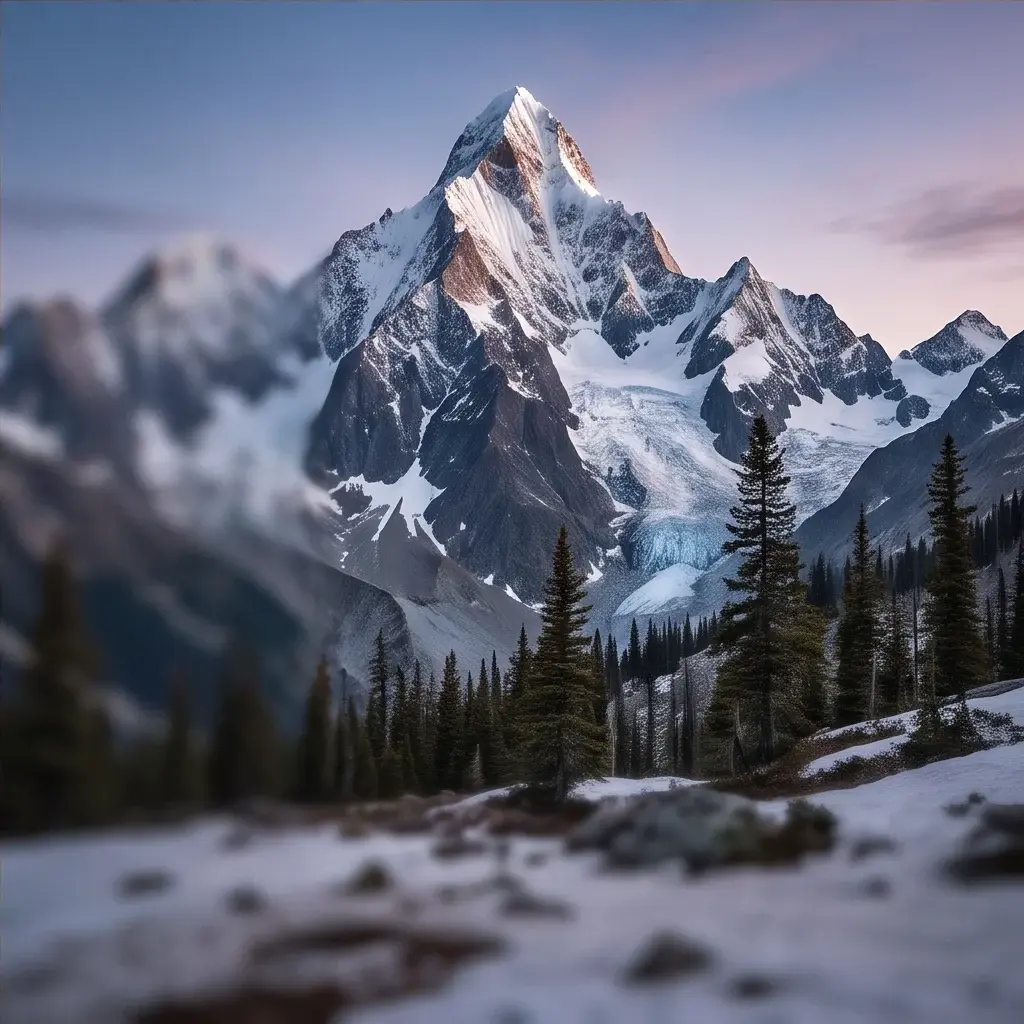
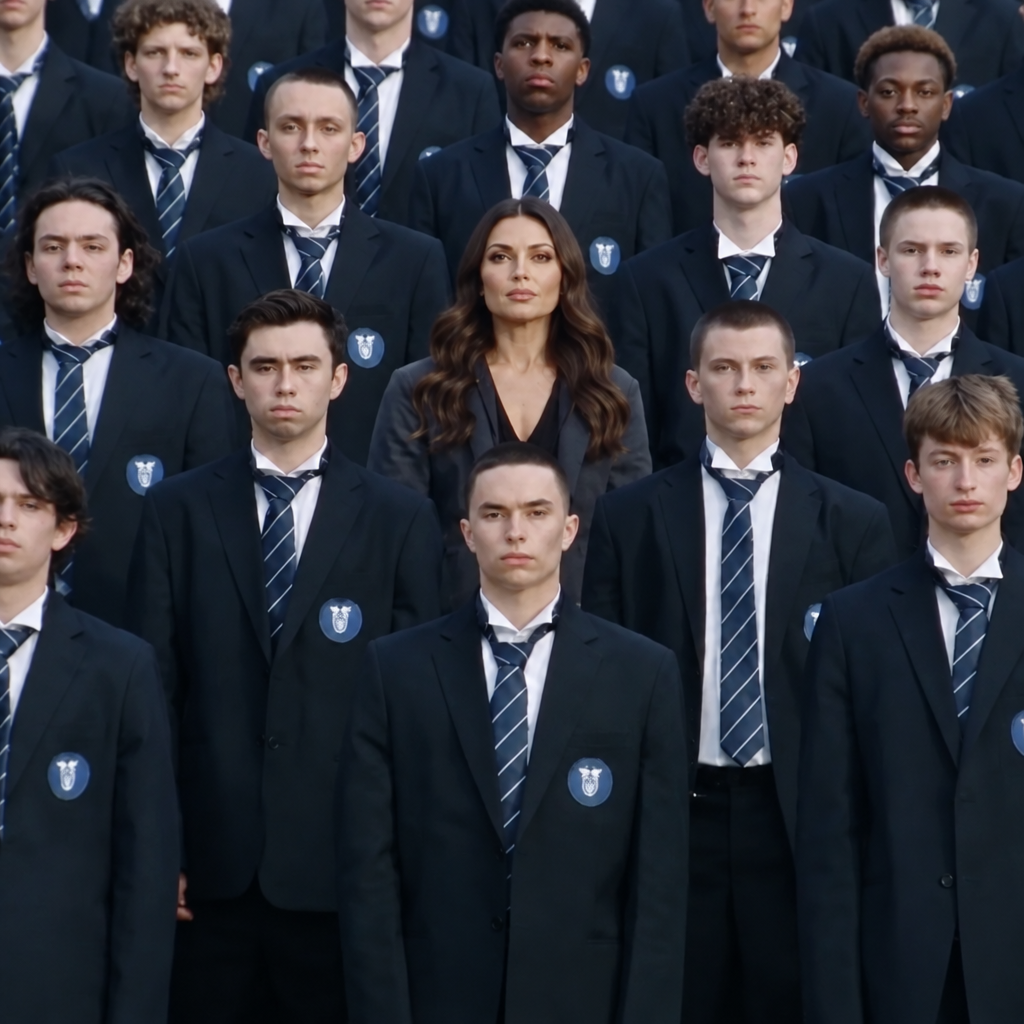
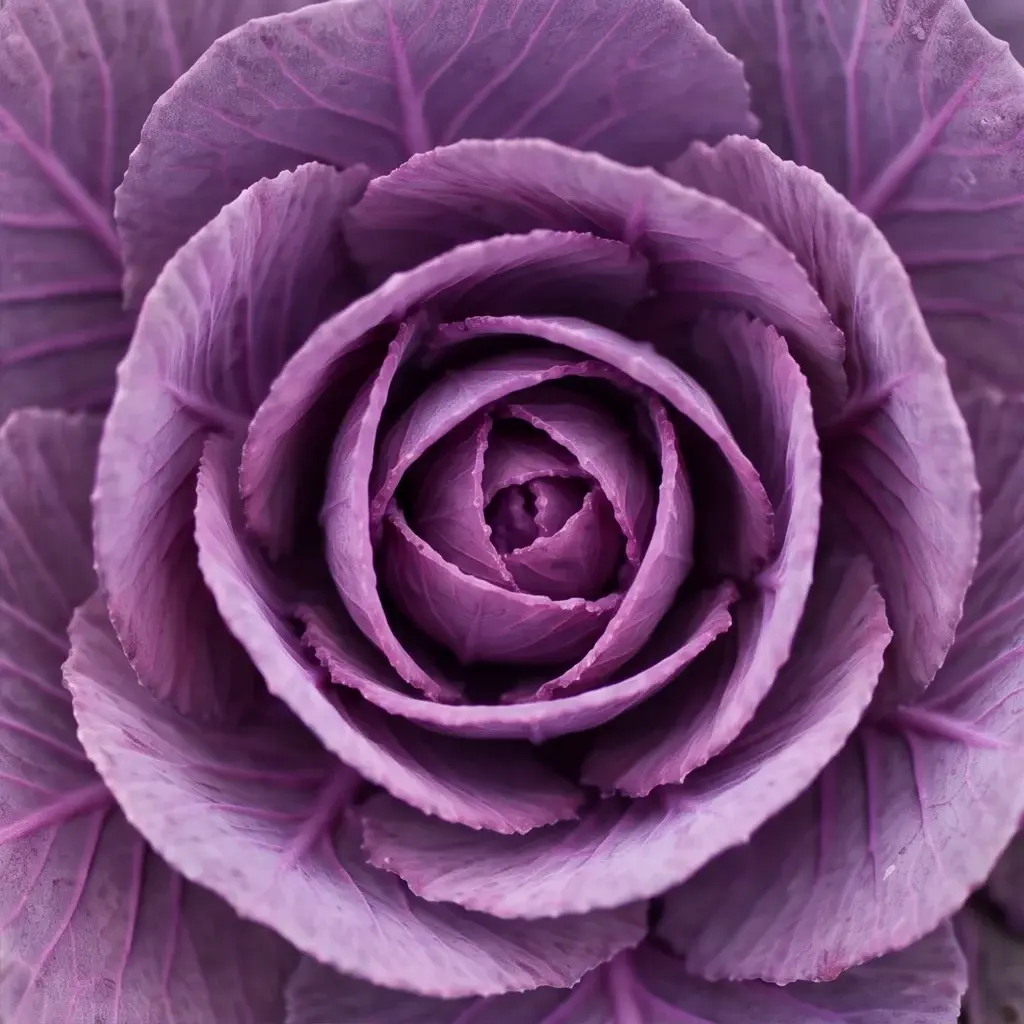
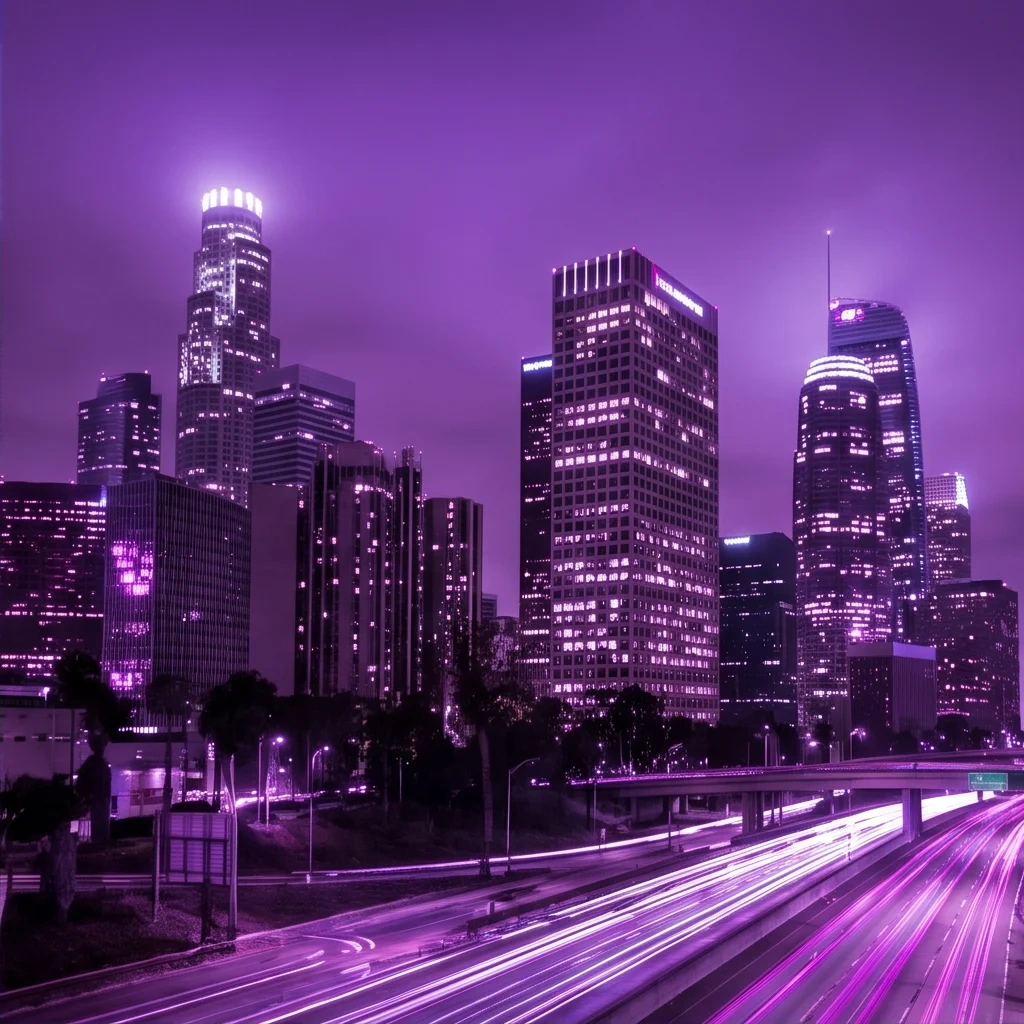
About Higgsfield AI Visual Effects
What is Higgsfield AI Visual Effects and what kind of effects does it produce?
Higgsfield AI Visual Effects is Higgsfield's image-to-video model specialized in generating cinematic visual effects on static input images. It applies dramatic, film-grade effects such as explosions, weather events, lighting transformations, and motion-based visual effects to source images, producing short video clips that simulate high-production-value cinematic moments.