How Text-to-Video AI Turns Prompts into Cinematic Clips
Text-to-video AI has fundamentally changed how video content is created. What once required cameras, actors, lighting setups, editing software, and long production timelines can now begin with a single written prompt. As this technology matures, the goal is no longer just to generate motion, but to create cinematic clips that feel intentional, immersive, and emotionally engaging. Modern text-to-video AI models are capable of producing scenes with camera movement, lighting logic, spatial depth,
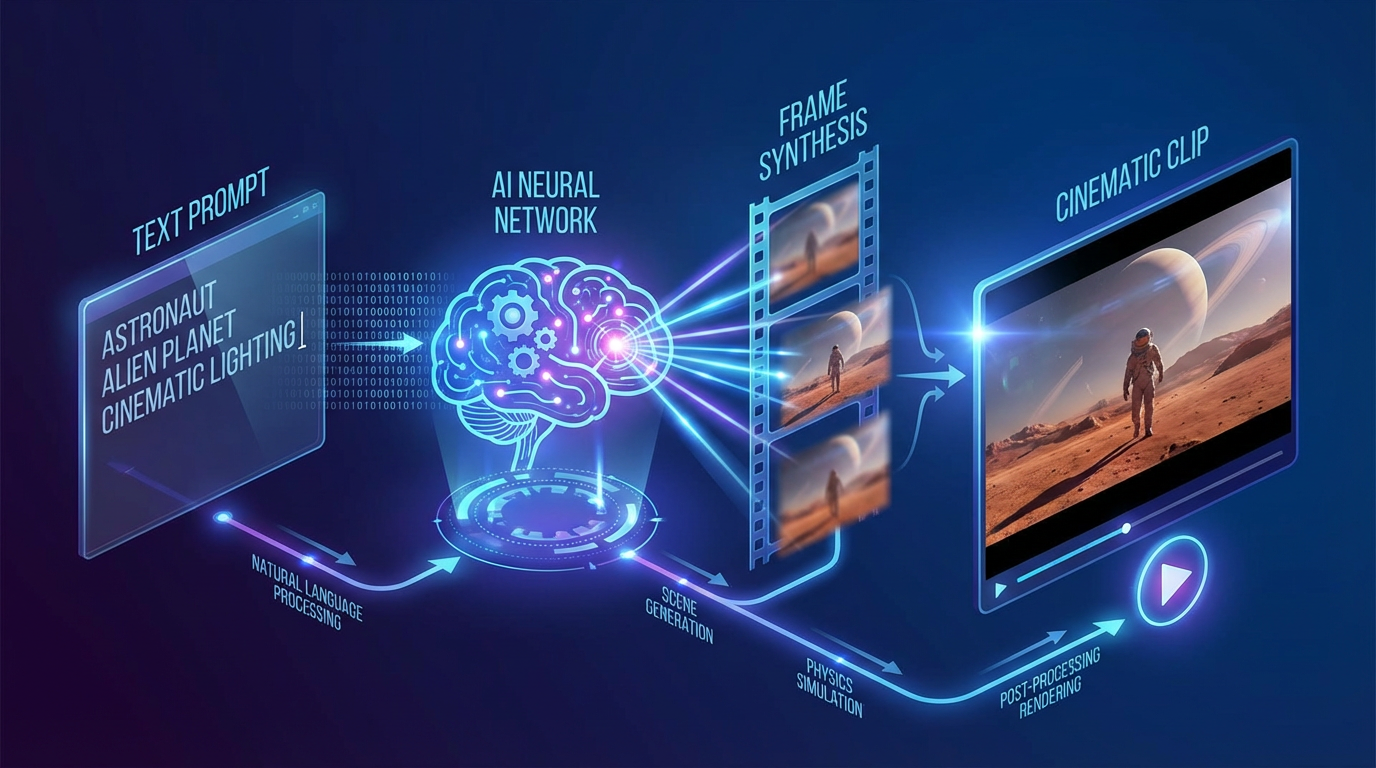
Text-to-video AI has fundamentally changed how video content is created. What once required cameras, actors, lighting setups, editing software, and long production timelines can now begin with a single written prompt. As this technology matures, the goal is no longer just to generate motion, but to create cinematic clips that feel intentional, immersive, and emotionally engaging.
Modern text-to-video AI models are capable of producing scenes with camera movement, lighting logic, spatial depth, and temporal consistency. Understanding how these systems interpret prompts is essential for creators who want results that resemble filmmaking rather than random animation.
This guide explores how text-to-video AI transforms prompts into cinematic clips, what happens behind the scenes during generation, and how creators can write better prompts to achieve professional-quality video output.
What Is Text-to-Video AI
Text-to-video AI refers to generative models that create video content directly from written prompts. Instead of assembling pre-existing footage, these systems synthesize visuals frame by frame, generating motion, environments, characters, and camera behavior from scratch.
Early versions of text-to-video AI were limited in scope. Outputs were often short, abstract, and visually unstable. Today’s models approach video generation as a structured, cinematic process rather than a sequence of disconnected frames.
The shift from “moving images” to “visual storytelling” is what defines the current generation of text-to-video AI.
From Text to Visual Logic
A common misconception is that text-to-video AI reads prompts like a human reader. In reality, prompts are parsed into visual instructions that guide different parts of the generation process.
When a prompt is submitted, the model breaks it down into multiple layers of meaning, such as:
- Scene context (location, environment, atmosphere)
- Subject identity and behavior
- Camera position and movement
- Lighting style and mood
- Motion timing and pacing
Each of these elements informs how the video is constructed over time. Clear prompts reduce ambiguity and allow the model to allocate visual logic more effectively.
Why Cinematic Structure Matters
Cinematic clips are not defined solely by resolution or realism. They are defined by structure. This includes how a scene begins, how it progresses, and how the viewer’s attention is guided.
Text-to-video AI models trained with cinematic data learn patterns such as:
- Establishing shots
- Camera push-ins for emotional emphasis
- Tracking shots for movement and immersion
- Controlled pacing rather than abrupt transitions
When prompts align with these patterns, the resulting videos feel deliberate instead of accidental.
Camera Movements as Core Instructions
One of the most important elements in cinematic text-to-video AI is camera movement. Camera instructions tell the model how the viewer should experience the scene.
Common camera movements used in text-to-video AI include:
- Slow pan for environmental reveals
- Dolly in or dolly out for emotional focus
- Tracking shots to follow motion
- Crane movements for scale and depth
Camera movement is not decorative. It defines perspective. Without it, videos often appear static or visually flat.
Placing camera movement instructions early in the prompt helps establish the structural foundation of the clip before subject motion is generated.
Temporal Consistency and Motion Flow
Cinematic video requires consistency across time. This is one of the most challenging aspects of text-to-video AI.
Modern models aim to maintain:
- Stable character appearance
- Logical motion paths
- Smooth transitions between frames
- Consistent lighting behavior
Instead of generating each frame independently, advanced systems model video as a continuous sequence. This approach significantly reduces flickering, distortion, and identity drift.
Clear prompts support temporal consistency by reducing conflicting instructions that could disrupt motion flow.
Lighting as a Cinematic Signal
Lighting is one of the strongest indicators of cinematic quality. Text-to-video AI responds best to lighting descriptions that follow real-world logic.
Effective lighting cues include:
- Soft natural light
- Directional studio lighting
- High-contrast dramatic setups
- Golden hour or low-light environments
When lighting is clearly defined, the model can maintain consistent shadows and highlights across frames, which dramatically improves realism.
Lighting should always match the emotional tone of the scene. Calm moments benefit from soft light, while tension and drama benefit from contrast and directional shadows.
Depth, Focus, and Visual Hierarchy
Cinematic clips rely on depth to guide attention. Text-to-video AI uses depth cues to separate foreground, subject, and background.
Key depth-related instructions include:
- Shallow depth of field
- Background blur
- Foreground emphasis
- Wide-angle versus close-up framing
These cues help the model prioritize what matters visually. Without depth, scenes can feel flat and synthetic.
Prompt Structure for Cinematic Results
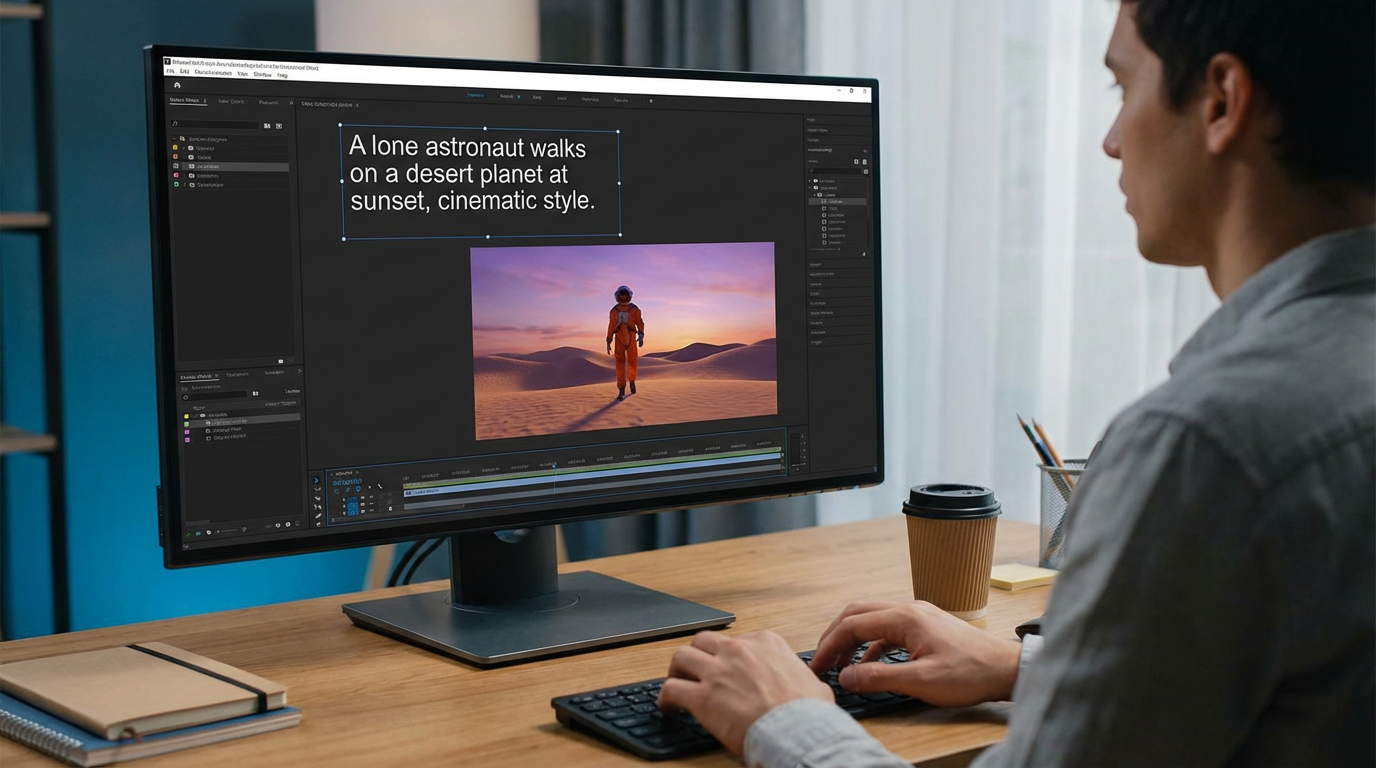
Prompt structure is often more important than prompt length. Overly complex prompts can confuse the model and reduce output quality.
Effective cinematic prompts tend to:
- Focus on one main camera movement
- Clearly define lighting and mood
- Describe subject behavior simply
- Avoid stacking multiple conflicting instructions
For example, “slow dolly in, cinematic lighting, shallow depth of field” gives the model a clear roadmap. Adding multiple camera movements or vague terms like “dynamic camera” often produces unstable results.
Scene Continuity and Narrative Flow
Text-to-video AI excels when scenes have a clear narrative direction. Even short clips benefit from implied progression rather than static description.
Describing how a scene unfolds over time helps the model generate motion with purpose. This is especially important for cinematic storytelling, where pacing and rhythm matter as much as visuals.
Narrative clarity reduces randomness and improves emotional coherence.
Practical Applications of Text-to-Video AI
Text-to-video AI is used across a wide range of creative and commercial contexts, including:
- Short cinematic films
- Brand storytelling
- Product reveal visuals
- Concept trailers
- Atmospheric social media content
Eachlabs allows creators to experiment with text-to-video AI models in a structured workflow, making it easier to refine prompts and iterate toward cinematic results.
Common Mistakes That Reduce Cinematic Quality
Even advanced text-to-video AI models can produce weak results if prompts are poorly structured.
Common mistakes include:
- Overloading prompts with multiple camera movements
- Using vague or abstract language
- Ignoring lighting descriptions
- Mismatching camera movement with scene emotion
- Treating prompts as prose instead of visual instructions
Simplicity and clarity almost always outperform complexity.
Why Text-to-Video AI Feels More Cinematic Today
The reason modern text-to-video AI produces more cinematic clips is not just better visuals. It’s better structure.
Models now understand:
- How cameras move
- How light behaves
- How motion flows across time
- How scenes maintain continuity
This shift allows creators to think like directors rather than animators. The AI handles execution, while the creator focuses on intent.
Wrapping Up
Text-to-video AI turns prompts into cinematic clips by interpreting them as structured visual instructions rather than simple descriptions. Camera movement, lighting, depth, and temporal consistency all play a critical role in shaping the final result.
As the technology continues to evolve, the difference between basic AI-generated video and cinematic clips will increasingly depend on how well creators understand prompt design and visual logic.
Those who learn to guide text-to-video AI with clarity and intention will be able to produce videos that feel polished, immersive, and aligned with traditional filmmaking principles.
Frequently Asked Questions
1. What is text-to-video AI used for?
Text-to-video AI is used to generate video content from written prompts, including cinematic scenes, animations, brand visuals, and narrative clips.
2. How does text-to-video AI create cinematic camera movement?
Camera movement is generated based on prompt instructions. Clear camera direction allows the model to simulate cinematic perspective and motion over time.
3. How can I improve cinematic quality in text-to-video AI outputs?
Use structured prompts, define one main camera movement per scene, include lighting and depth cues, and avoid conflicting instructions.