Best Veo Prompt Examples for Cinematic AI Videos
So, you're looking to make some cool videos with AI, huh? It's pretty wild what these tools can do now, turning simple text into actual video clips. But getting those clips to look good, like something you'd actually want to watch, really comes down to what you tell the AI to do. That's where good Veo prompts come in. Think of it like giving directions – the clearer you are, the better the result. We'll go over some examples to get you started. Key Takeaways * To get the best results from AI
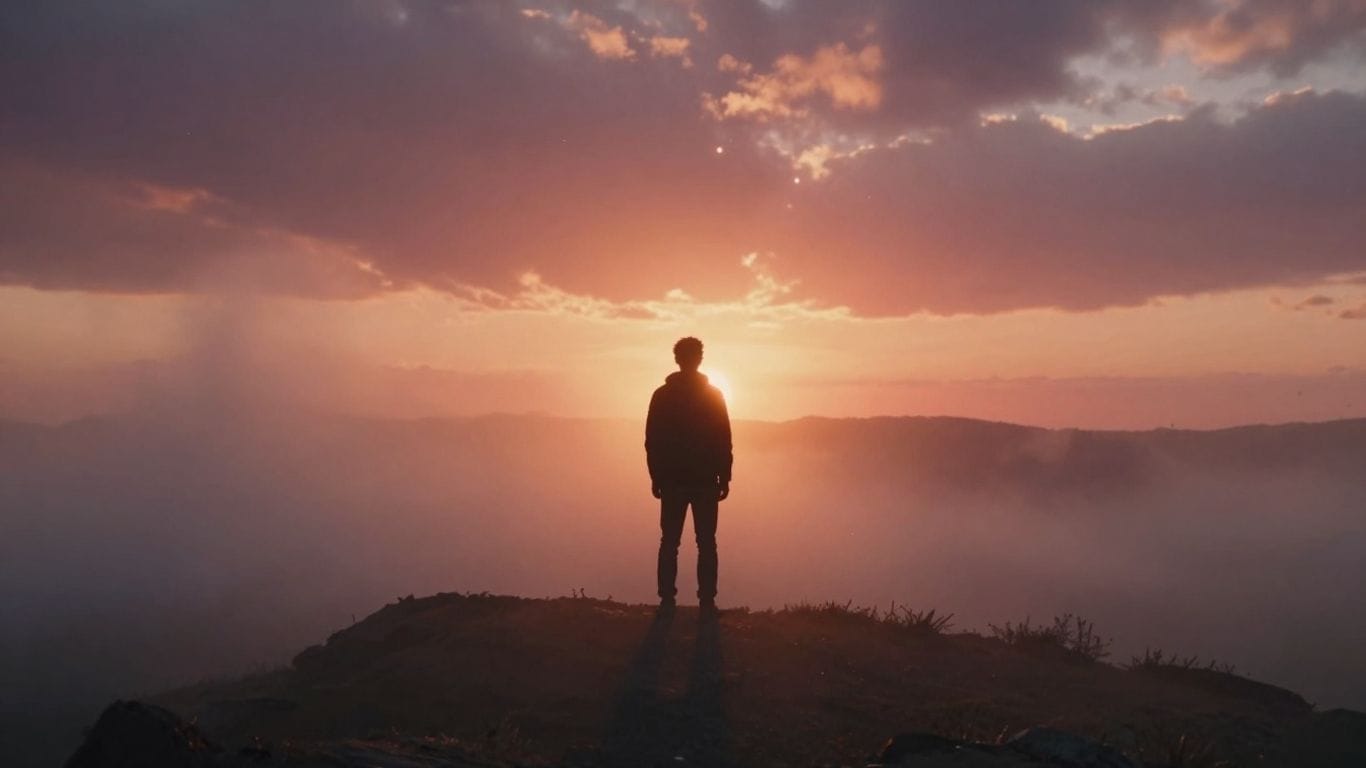
So, you're looking to make some cool videos with AI, huh? It's pretty wild what these tools can do now, turning simple text into actual video clips. But getting those clips to look good, like something you'd actually want to watch, really comes down to what you tell the AI to do. That's where good Veo prompts come in. Think of it like giving directions – the clearer you are, the better the result. We'll go over some examples to get you started.
Key Takeaways
- To get the best results from AI video models like Veo, focus on clear and specific prompts. Describe the subject, what's happening, the setting, and the visual style you want. It's like telling a story, not just describing a picture.
- Think about camera movement and lighting in your prompts. Telling the AI to do a 'slow pan' or use 'golden hour lighting' makes a big difference in how cinematic the final video looks.
- While AI video tools are getting better, they work best with shorter clips and clear actions. Trying to make super long or complicated scenes might not give you the output you expect. Keep it simple and focused.
1. Cinematic Narrative Story
Crafting a compelling narrative with AI video tools is all about setting a scene and telling a story, even in a short clip. Think of it like writing a mini-movie script. You want to establish a mood, introduce a character or situation, and hint at a larger plot. The key is to make the viewer feel something.
For instance, you could prompt for a scene where a lone figure walks down a deserted, rain-slicked street. The lighting is dramatic, maybe just a single flickering streetlamp casting long shadows. The camera could be a slow tracking shot, following them from behind, building a sense of mystery or unease. What are they looking for? Where are they going? The AI can bring this to life.
Here are some elements to consider when building your narrative:
- Character: Who is the focus? Give them a brief description – are they weary, determined, lost?
- Setting: Where are they? Describe the environment – a bustling market, a quiet forest, a futuristic city.
- Action: What are they doing? Even a simple action like looking at a map or picking up an object can tell a story.
- Mood/Atmosphere: What feeling should the video evoke? Use terms like 'melancholy,' 'hopeful,' 'tense,' or 'serene.'
- Camera Work: Specify how you want the scene shot – a close-up on a face, a wide shot of the landscape, a slow pan.
A good narrative prompt doesn't need a full plot. It just needs enough detail to suggest a story is unfolding. Think about a single moment that implies a beginning, middle, or end.
For example, a prompt like: "A young woman stands at a crossroads in a misty forest, holding an old compass. Soft, diffused light filters through the trees. She looks determined. Cinematic, mysterious atmosphere, 10-second slow zoom out." This gives the AI enough to work with to create a visually interesting and story-driven clip.
2. Wildlife Close-Up Journey
This section is all about getting up close and personal with the animal kingdom. Think of those nature documentaries where you feel like you're right there with the creature, seeing every whisker twitch and every feather ruffle. The goal here is to create footage that feels intimate and real, showing the natural behaviors of animals in their environment.
The key is to focus on subtle movements and textures. You want the AI to capture the way light hits an animal's fur or scales, the gentle sway of grass around it, or the slow blink of its eyes. It's not about grand action sequences, but rather the quiet moments that reveal the essence of the animal.
Here are some ideas for prompts to get you started:
- A slow pan across the face of a sleeping fox, capturing the rise and fall of its chest with each breath.
- A close-up of a hummingbird hovering near a flower, its wings a blur, showing the iridescent colors of its feathers.
- A gentle tracking shot following a beetle as it crawls across a dew-covered leaf, highlighting the intricate details of its exoskeleton.
When crafting your prompts, consider the ambient sounds you'd want to include, like the rustling of leaves or distant bird calls, to add another layer of immersion. Also, think about the lighting – soft, natural light often works best for this kind of intimate wildlife footage.
Capturing wildlife up close means paying attention to the small details. It's about making the viewer feel a connection to the animal by showing its world from its perspective, focusing on its natural rhythms and the environment it inhabits.
Note: Some Veo versions (e.g. Veo 3) support native audio generation. If audio is not available, ambient sounds can be added in post-production for the same effect.
3. Sci-Fi Space Teaser
Want to create a quick, attention-grabbing clip that hints at a bigger story? Sci-fi space teasers are perfect for that. Think about what makes space look so amazing – the vastness, the strange lights, the sheer scale of everything. You want to capture that feeling of awe and mystery.
The key is to focus on motion and visual spectacle. A prompt like "A sleek starship gliding through a vibrant, swirling nebula, distant stars streaking past, 10-second cinematic fly-through, 4K" can really set the mood. It gives you a sense of travel and wonder without giving too much away. You can play with different celestial bodies, like asteroid fields or alien planets, to add variety.
Here are some elements to consider for your sci-fi space teaser prompts:
- Environment: Nebulae, asteroid fields, alien atmospheres, deep space.
- Objects: Starships (sleek, industrial, alien), space stations, celestial phenomena.
- Motion: Gliding, warping, accelerating, slow pans, dramatic reveals.
- Lighting: Starlight, nebular glow, engine trails, planetary illumination.
When you're building these scenes, remember that sound plays a big part too. Even a simple prompt can benefit from specifying ambient noise, like "Ambient noise: the low hum of a warp drive" or "SFX: distant cosmic radiation crackle." This adds another layer to the atmosphere you're trying to build.
Remember, the goal of a teaser is to make people want to see more. Keep it short, visually striking, and leave them with a question.
4. Urban Night Scene
When you want to capture that moody, atmospheric vibe of a city after dark, especially when it's raining, this is the prompt category to explore. Think slick streets reflecting neon signs, people hurrying under umbrellas, and that general feeling of a city alive but also a bit mysterious. The key is to emphasize the interplay of light and water.
Here’s a prompt that really nails that feeling:
"Neon-lit rainy street, people walking with umbrellas, reflections on wet pavement, 8-second tracking shot, 4K"
This prompt is pretty straightforward, but it hits all the right notes. The "neon-lit" sets the color palette, "rainy street" and "reflections on wet pavement" give you the visual texture, and "people walking with umbrellas" adds life and scale. The "8-second tracking shot" suggests a smooth, deliberate camera movement that lets you soak it all in. It’s a great way to get that cinematic feel without overcomplicating things.
To really make these scenes pop, consider these elements:
- Lighting: Focus on how artificial lights (neons, streetlamps, car headlights) interact with the wet surfaces. This is where the magic happens.
- Reflections: Wet pavement, puddles, and even shop windows become mirrors. Make sure the prompt encourages these details.
- Atmosphere: Think about adding subtle elements like steam rising from manholes or distant sirens to build a richer environment.
- Camera Movement: A slow pan or a steady tracking shot often works best, allowing the viewer to appreciate the details without feeling rushed.
Creating a compelling urban night scene often comes down to the details. It's not just about the rain; it's about how the city lights bend and shimmer on the wet ground, the silhouettes of people moving through the downpour, and the overall mood that these elements combine to create. Getting this right can make your AI video feel incredibly immersive.
For more advanced AI video generation, you might want to look into tools that offer a suite of AI models, like those from Eachlabs.
5. Product Showcase Loop
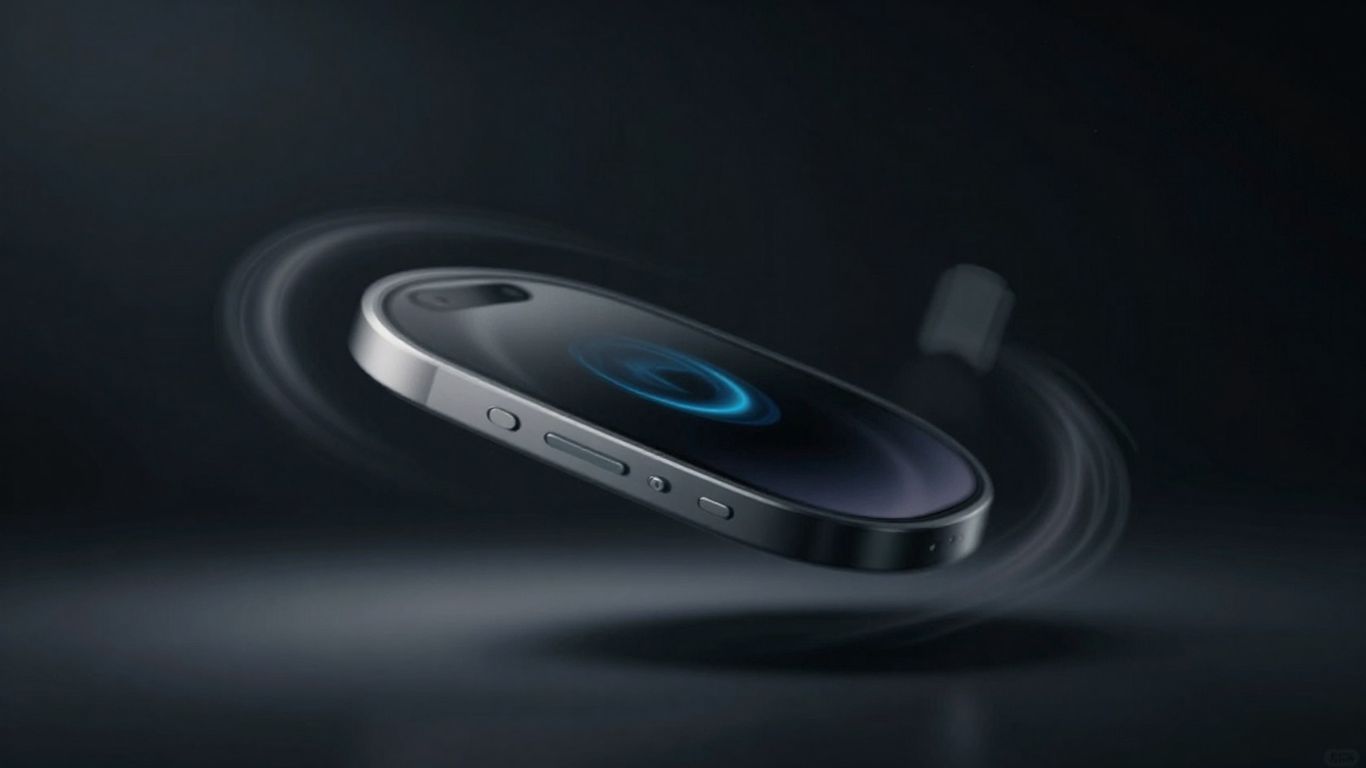
When you need to show off a product, especially for online stores or tech reviews, a good loop is key. It lets people see the item from all angles without being too long. The goal is to make the product look its best, highlighting its design and any cool features. Think about what makes your product stand out. Is it the sleek finish? The way light hits it? A smooth rotation can really make these details pop.
Here are some things to consider when crafting your prompt:
- Camera Movement: A slow, steady rotation is usually best. A 360-degree spin or a 180-degree turn works well. Avoid jerky movements.
- Lighting: Studio lighting is your friend here. Think about soft boxes or rim lights to create highlights and define the product's shape.
- Background: Keep it simple. A plain color, a reflective surface, or a minimalist studio set helps the product be the main focus.
- Looping: Make sure the start and end frames match up so the loop is smooth and doesn't have a jarring jump.
A good product showcase prompt focuses on clean visuals and steady motion. It's all about letting the product shine without distractions. The AI needs clear instructions on how the product should move and how it should be lit to achieve that professional look.
For example, you might try something like: "A matte black wireless earbud slowly rotating 180 degrees on a glossy black surface, lit by a single rim light and a soft box highlight, minimal studio set, 10-second loop, 4K, cinematic style."
6. Sports Action Highlight
When you want to capture the raw energy of sports, a good prompt is key. Think about what makes a sports moment exciting – it's usually the speed, the power, and that split-second decision.
The goal is to make the viewer feel like they're right there, courtside or on the field. You want to highlight the athlete's skill and the intensity of the game. Using techniques like slow-motion and close-ups can really make those key actions pop.
Here are some elements to consider for your sports action prompts:
- Athlete Focus: Specify the sport and the action (e.g., "basketball player driving to the hoop," "soccer striker taking a penalty kick").
- Camera Work: Think about the shot. A "dynamic tracking shot" follows the action, while a "low-angle shot" can make an athlete look more imposing.
- Environment: Include details like "cheering crowd," "stadium lights," or "rainy field" to add context and atmosphere.
- Visual Effects: "Slow-motion" is great for dramatic moments, and "motion blur" can emphasize speed.
A prompt like "Cinematic close-up of a tennis player hitting a powerful serve, slow-motion, sweat flying, stadium lights, 8-second clip, 4K" aims to capture that peak athletic moment. It focuses on the action, uses slow-motion to draw attention, and adds environmental details for realism.
7. Dramatic Monologue
Monologues can be incredibly powerful for AI video generation, especially when you want to convey deep emotion or a significant turning point. The key here is to focus on the character's internal state and deliver a compelling message. A well-crafted monologue prompt can make your AI video feel deeply personal and impactful.
Think about the setting and lighting. A close-up shot with moody lighting, like rain outside a window, really sets the tone. It helps the AI focus on the character's expression and the weight of their words. The dialogue itself needs to be meaningful, perhaps a bit philosophical or reflective. Something like, "I've seen empires rise and fall, but the true test is always in the choices we make when no one is watching." It’s these kinds of lines that make viewers pause and think.
Here are some elements to consider when building your monologue prompt:
- Character: Who is speaking? What's their background? (e.g., weathered man, young artist, weary detective)
- Setting: Where are they? (e.g., rain-streaked window, dimly lit library, quiet kitchen)
- Lighting: How does the light affect the mood? (e.g., soft window light, dramatic shadows, warm desk lamp)
- Dialogue: What is the core message? Keep it concise and impactful.
- Audio: What background sounds support the mood? (e.g., gentle rain, ticking clock, natural room tone)
8. Epic Reveal
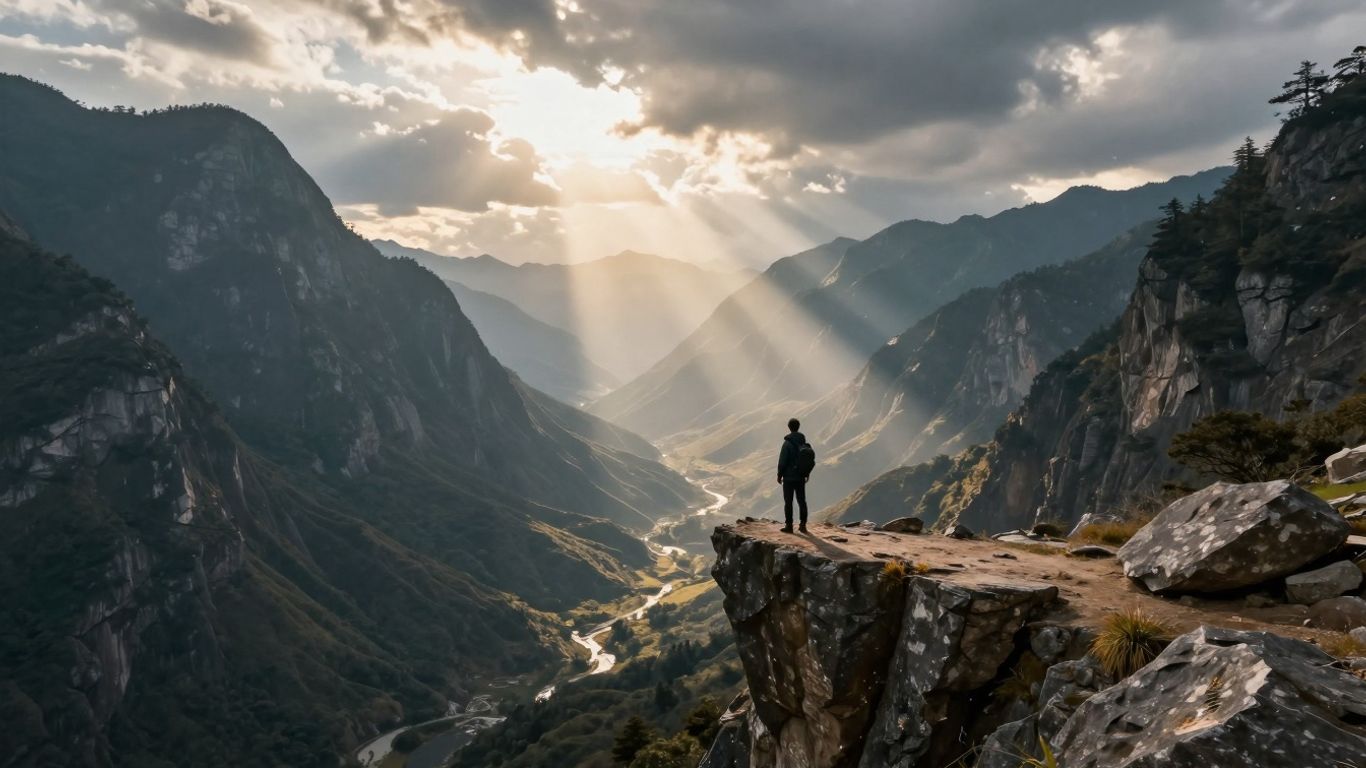
This prompt type is all about building anticipation and then delivering a satisfying payoff. Think of it as the cinematic equivalent of a mic drop. The goal is to create a moment that makes the viewer lean in, hold their breath, and then feel a sense of awe or accomplishment.
The key is the journey the camera takes, leading the audience to a significant discovery. It often starts with a wide shot, establishing a grand scene, and then uses smooth camera movements like dollying or tracking to draw the viewer closer. This slow approach builds suspense.
Here’s a breakdown of elements that make an epic reveal work:
- Setting the Stage: Begin with a broad view. This could be a sprawling cityscape, a vast natural landscape, or an imposing structure. The environment itself should hint at something important.
- The Approach: Use deliberate camera work. A slow dolly-in, a crane shot moving upwards, or a tracking shot that follows a path all guide the viewer's eye.
- The Discovery: The camera eventually penetrates the scene, perhaps moving through a window, parting a curtain of trees, or zooming into a specific point of interest.
- The Subject: What's revealed should be impactful. This could be a person, a product, a hidden location, or a significant achievement.
- The Statement: Often, the revealed subject delivers a concise, powerful line that summarizes the achievement or the significance of the moment. This line should be memorable and tie back to the build-up.
The magic happens when the visual journey perfectly complements the narrative payoff. It’s about creating a moment of 'wow' that sticks with the audience long after the video ends.
For instance, imagine a wide shot of a futuristic city at dawn. The camera slowly glides between skyscrapers, eventually focusing on a single, illuminated window. As it pushes through, we see a lone figure silhouetted against the light, who then turns and delivers a confident statement about a groundbreaking innovation. The visuals and the dialogue work together to create that epic feeling.
9. Mysterious Expert
This prompt is all about creating a sense of deep, almost hidden knowledge. Think of an older character, maybe a professor or a seasoned artisan, surrounded by elements that suggest a long life of study or practice. The setting is key here – a dimly lit library filled with old books, or perhaps a workshop cluttered with tools and unfinished projects. The lighting should be focused, like a single desk lamp casting warm light on their hands as they examine something significant, like an ancient journal or a complex mechanism.
The dialogue is where the real magic happens. It shouldn't be a direct instruction, but rather a cryptic piece of wisdom. Something like, "The secret isn't in what you learn. It's in what you unlearn." This kind of statement makes people pause and think, which is exactly what you want for engagement. The background sounds should be subtle – the rustling of pages, a soft ticking clock, or the gentle hum of machinery. The overall mood is academic and mysterious, with a shallow depth of field to keep the focus squarely on the expert and their profound statement.
Here’s a breakdown of elements to consider:
- Setting: Dimly lit library, dusty workshop, ancient archive.
- Subject: Elderly professor, seasoned craftsman, reclusive scholar.
- Action: Examining an old book, tinkering with a device, observing a natural phenomenon.
- Dialogue: Cryptic, philosophical, hinting at hidden truths.
- Sound: Pages turning, clock ticking, ambient, subtle noises.
- Visuals: Warm, focused lighting; shallow depth of field; rich textures.
This kind of prompt works because it taps into our natural curiosity. We're drawn to people who seem to know more than they're letting on. It’s a great way to build intrigue around a topic or a brand, making viewers want to discover the secrets for themselves. It’s a format that works for almost any kind of expertise-based content, really.
10. Golden-Hour City Dolly
Imagine a camera smoothly gliding down a busy city street just as the sun begins to set. That's the essence of a golden-hour city dolly shot. This kind of prompt aims to capture that magical, warm light that makes urban landscapes look so inviting. We're talking about a slow, deliberate camera movement, often a dolly-in or a gentle track, that pulls the viewer into the scene. The goal is to create a feeling of warmth and energy, using the natural light to its full advantage.
This prompt is all about capturing the mood of a city transitioning from day to night.
Here’s a breakdown of what makes a good prompt for this kind of shot:
- Time of Day: Specify "golden hour" or "sunset light." This is non-negotiable for the desired aesthetic.
- Camera Movement: Use terms like "dolly-in," "tracking shot," or "slow glide." Avoid anything too fast or jerky.
- Atmosphere: Include details like "soft flares," "warm orange-teal grade," "gentle crowd motion," and "subtle wind." These add depth and realism.
- Lens Choice (Implied): Mentioning a "35mm lens look" can help guide the AI towards a specific cinematic feel, often with a slightly wider perspective and natural depth of field.
The key is to blend the technical aspects of camera movement and lighting with the sensory details of the environment. Think about what you'd see, hear, and feel if you were actually there.
For example, a prompt might look something like this:
"A cinematic dolly-in down a bustling city street during golden hour. Soft lens flares catch the warm light. The camera moves slowly, focusing on the ambient motion of pedestrians and the glow of streetlights beginning to turn on. Use a 35mm lens aesthetic with a warm orange and teal color grade. Subtle wind rustles hanging café signs. Natural ambient audio of traffic and footsteps." This kind of detailed prompt helps the AI understand the exact visual and auditory experience you're aiming for, creating a truly immersive piece.
Want to see what you can create? Visit our website today to explore more and start building your next masterpiece!
Wrapping Up Your AI Video Journey
So, we've gone over how to get Veo to make some pretty cool videos. It's all about telling the AI exactly what you want, like you're describing a scene to a friend. Think about the subject, what it's doing, where it is, and how you want the camera to move. Don't be afraid to add details about the lighting or the general vibe. While Veo can do some neat tricks, remember it's not perfect. Sometimes it might get a bit confused with really complicated stuff or long videos.
Frequently Asked Questions
How can I write a good prompt for AI video tools like Veo?
To make a great prompt, be clear about what you want to see. Describe the main thing (like a person or animal), what it's doing, where it is, and what the video should look and feel like. Think about camera movements, like zooming in or panning across a scene. Shorter, well-organized prompts usually work best for the AI.
What's the best approach for creating AI videos?
Instead of thinking about a single picture, imagine a short movie scene. Describe how things change over time, including the lighting, the mood, and how the camera moves. This helps the AI create videos that flow smoothly and look more like they were made for a movie.