Wan 2.7 Is Here: Everything the New Model Can Do
When Alibaba dropped Wan 2.6, it got real attention from teams actually building with AI. The image-to-video quality was solid, multi-reference support worked, and it fit into production pipelines without too much friction. For a lot of creators and developers, it became a go-to. Wan 2.7 raises the bar again but the interesting part isn't the headline features. It's the specific production problems this release actually solves. This guide covers what's genuinely new, what's confirmed, and how t
When Alibaba dropped Wan 2.6, it got real attention from teams actually building with AI. The image-to-video quality was solid, multi-reference support worked, and it fit into production pipelines without too much friction. For a lot of creators and developers, it became a go-to.
Wan 2.7 raises the bar again but the interesting part isn't the headline features. It's the specific production problems this release actually solves. This guide covers what's genuinely new, what's confirmed, and how to figure out whether it's worth shifting your workflow around.
What Is Wan 2.7?
Wan 2.7 is Alibaba's latest AI image and video generation model. Feed it a text prompt, a reference image, or existing footage. It handles all of it. The model family covers the full range of creative input: Text to Video, Image to Video, Reference to Video, Text to Image, Image Edit, Video Edit, Pro Text to Image, and Pro Image Edit.
The core improvement over 2.6 is how the model holds visual context across a sequence. Characters used to drift. Environments would shift in ways that felt arbitrary. Wan 2.7 is considerably tighter on both, and for production work that consistency matters more than almost anything else.
What's Actually New in Wan 2.7
First and Last Frame Control
First and last frame control isn't a brand new concept but Wan 2.7 brings it in natively, without needing separate tools or extra steps. You give it a starting image and a closing image, and it generates everything in between.
For production work, this is more useful than it sounds. When a scene has a defined start and a defined end, having the model connect those two points cleanly removes a real friction point. Outputs feel intentional rather than generated, and the results are noticeably more coherent because the model has a destination rather than just a direction.
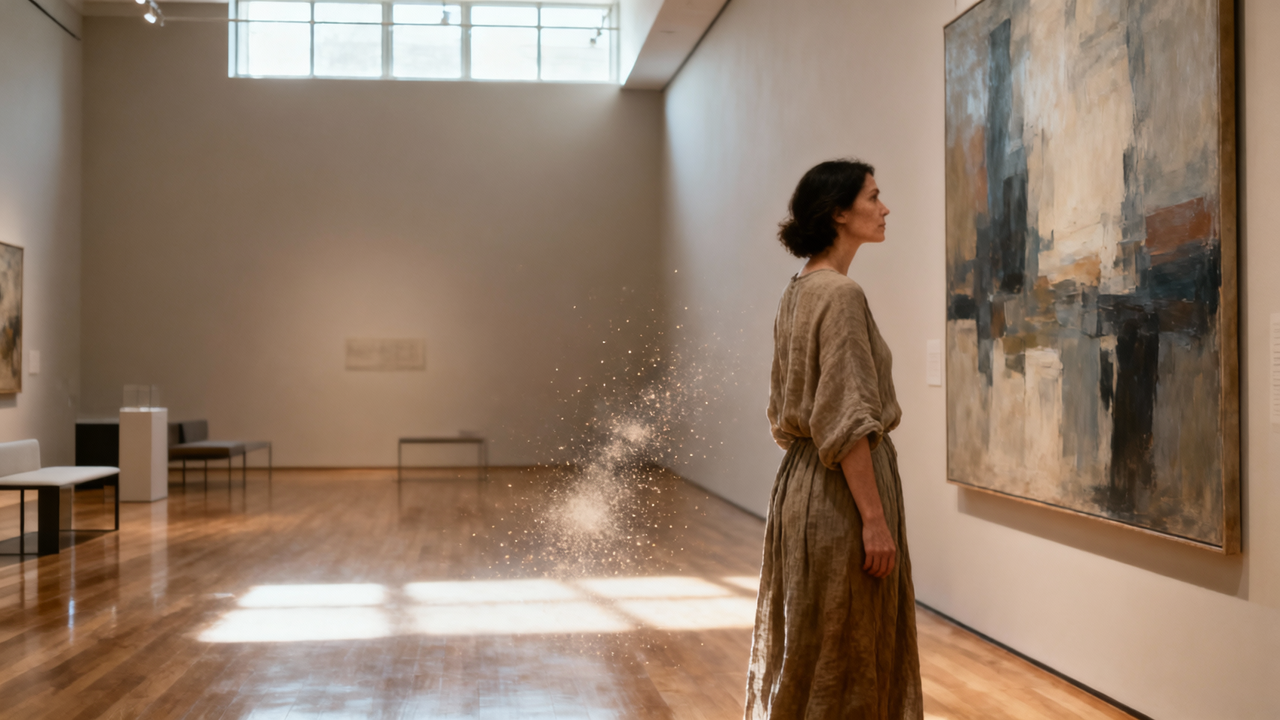
Wan 2.7 Image to Video on Eachlabs generating a cinematic coastal drive video using first frame and last frame control with a text prompt.
9-Grid Multi-Reference Input
Wan 2.7 now accepts up to nine reference images in a structured 3x3 grid for a single generation. Previously, you'd anchor a generation to one image and work around its limitations. Nine structured references change that entirely you can show a character from multiple angles, define an environment across different lighting conditions, and lock in object details at a level of precision that single-image input simply didn't allow.
For teams doing character-driven content, advertising, or branded video production, this is probably the most practically valuable new capability in the release.
Voice and Visual Reference Combined
Wan 2.7 now takes a visual subject reference and a voice input simultaneously, generating video with both locked in from the start. Same appearance, same voice, one workflow.
Getting character appearance and voice to stay consistent across clips has meant passing outputs between multiple separate tools for a long time. That process adds friction, introduces inconsistencies, and stretches timelines in ways that are hard to predict. Handling both inside a single model cuts pipeline complexity in a way that's immediately noticeable in production.
Instruction-Based Video Editing
With Wan 2.7 Video Edit, you describe a change in plain language and the model applies it without regenerating the whole clip. Swap the background. Adjust the lighting. Change the wardrobe. Write it, get it.
It works most reliably on localized changes. Background swaps and lighting adjustments are solid. Complex edits involving motion or major subject repositioning are less predictable at this stage worth testing before you build a critical workflow around it.
Should You Upgrade to Wan 2.7?
Not every release is worth restructuring a pipeline for. Here's an honest read on who should move now and who can wait.
Upgrade now if you're running character-consistent multi-shot productions. The 9-grid reference system and voice plus visual integration address the two hardest consistency problems in AI video production. If you've been working around these with external tools, Wan 2.7 is a cleaner path and teams doing character animation workflows will feel the difference immediately.
It's also the right move if you have reference-heavy workflows. Teams producing large volumes of brand content, advertising assets, or narrative video with recurring visual elements will see real gains from the expanded multi-input capabilities. And if you've been using first/last frame control as a workaround with separate tools, native integration means cleaner results with fewer moving parts.
Wait and monitor if instruction-based editing is central to what you do. The feature works, but temporal consistency on complex edits needs more real-world validation. Test it before you depend on it. Similarly, if you're on a tight migration timeline, let early adopters surface any rough edges before you absorb the switching costs.
Wan 2.7 Reference to Video on Eachlabs generating a cinematic video of a girl flying over the ocean from a single reference image using a text prompt.
Wan 2.7 in a Broader AI Stack
Worth being clear about: Wan 2.7 is an image-forward model that also does video well. It's not a video-native model that also handles images. That distinction matters for how you use it.
If your primary output is video especially longer-form clips you'll want a video-native model handling that layer. Where Wan 2.7 excels is upstream: reference generation, storyboarding, character consistency, visual planning. The most effective production pipelines use it to build the visual language, then pass those references to video-native models for the motion layer.
How to Use Wan 2.7 on Eachlabs
The full Wan 2.7 family is live on Eachlabs. Text to Video is the starting point if you're working from a prompt. Image to Video is where first/last frame control lives. Reference to Video is where the 9-grid multi-reference system comes in. Video Edit is where you bring existing footage and describe what you want changed. On the image side, Text to Image, Image Edit, Pro Text to Image, and Pro Image Edit cover the full range.
Each one fits a different stage of production, so where you start depends on where your workflow currently sits.
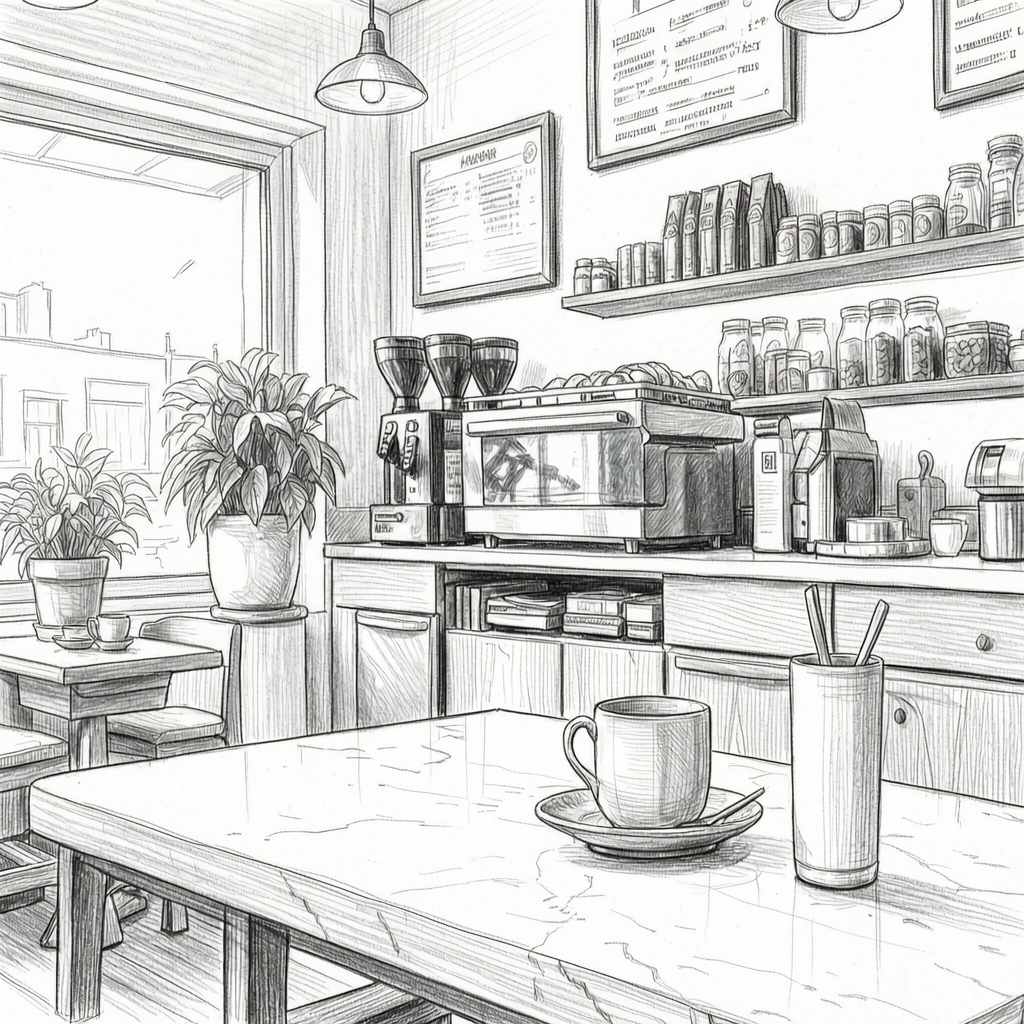
Wan 2.7 Video Edit tool on Eachlabs transforming a surf video into a black-and-white pencil sketch using a text prompt.
Tips for Getting the Best Results
Load Up the Reference Grid
The 9-grid system exists for a reason. More structured visual inputs produce more stable outputs. Don't default to a single reference image when you have the option to provide more the difference in character consistency across multiple generations is significant.
Be Specific With First and Last Frames
For Image to Video, make sure your opening and closing images share enough visual logic. A major compositional leap between the two pushes the model into territory where results get harder to predict. The more coherent the relationship between start and end, the better the transition.
Start Simple With Video Edit
When using Wan 2.7 Video Edit, start with localized changes before pushing into more complex territory. Background swaps and lighting adjustments are reliable ground. Build from there once you understand how the model responds to your specific content.
Combine Voice and Visual References Intentionally
When using voice and visual reference together, make sure both inputs are high quality and clearly representative of what you want locked in. The model performs best when there's no ambiguity about the character's appearance or the voice's tone and style.
Wrapping Up
Wan 2.7 is a meaningful step forward not because of one headline feature, but because of how several practical improvements add up. Native first/last frame control, 9-grid multi-reference input, voice and visual integration in a single workflow, and instruction-based editing all address real production problems that creators and teams have been working around for a while. If that sounds like your workflow, the full Wan 2.7 model family is live on Eachlabs - Text to Video, Image to Video, Reference to Video, Video Edit, and more.
Frequently Asked Questions
How is Wan 2.7 different from Wan 2.6?
The major additions are native first/last frame control, the 9-grid multi-reference input for image-to-video, voice plus visual reference integration in a single workflow, and instruction-based video editing. Each one addresses a specific consistency or iteration problem that teams have been working around with separate tools. Together they add up to a noticeably cleaner production experience than 2.6 offered.
Who is Wan 2.7 actually built for?
The capabilities in this release 9-grid reference, voice and visual consistency, instruction-based editing are direct responses to real production problems. That signals who Alibaba is building for: professional content teams producing at scale, not just researchers testing demos. Hobbyists will still get value from it, but the improvements are most visible in production contexts.
Where's the best place to start with Wan 2.7?
Depends on your workflow. If you're starting from a text description, Text to Video is the entry point. If you have reference images you want to animate, Image to Video or Reference to Video is where the new multi-reference capabilities live. If you need to modify existing footage, start with Video Edit.