MINIMAX
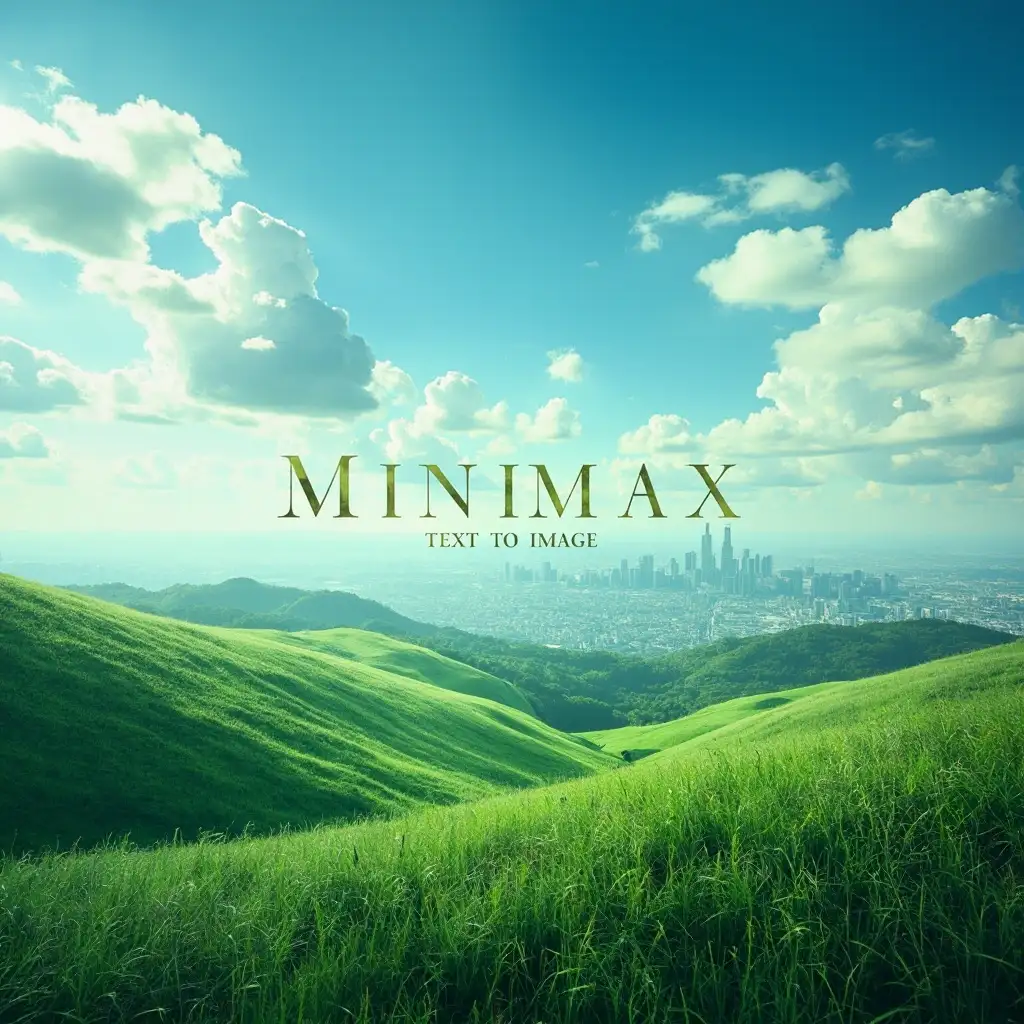
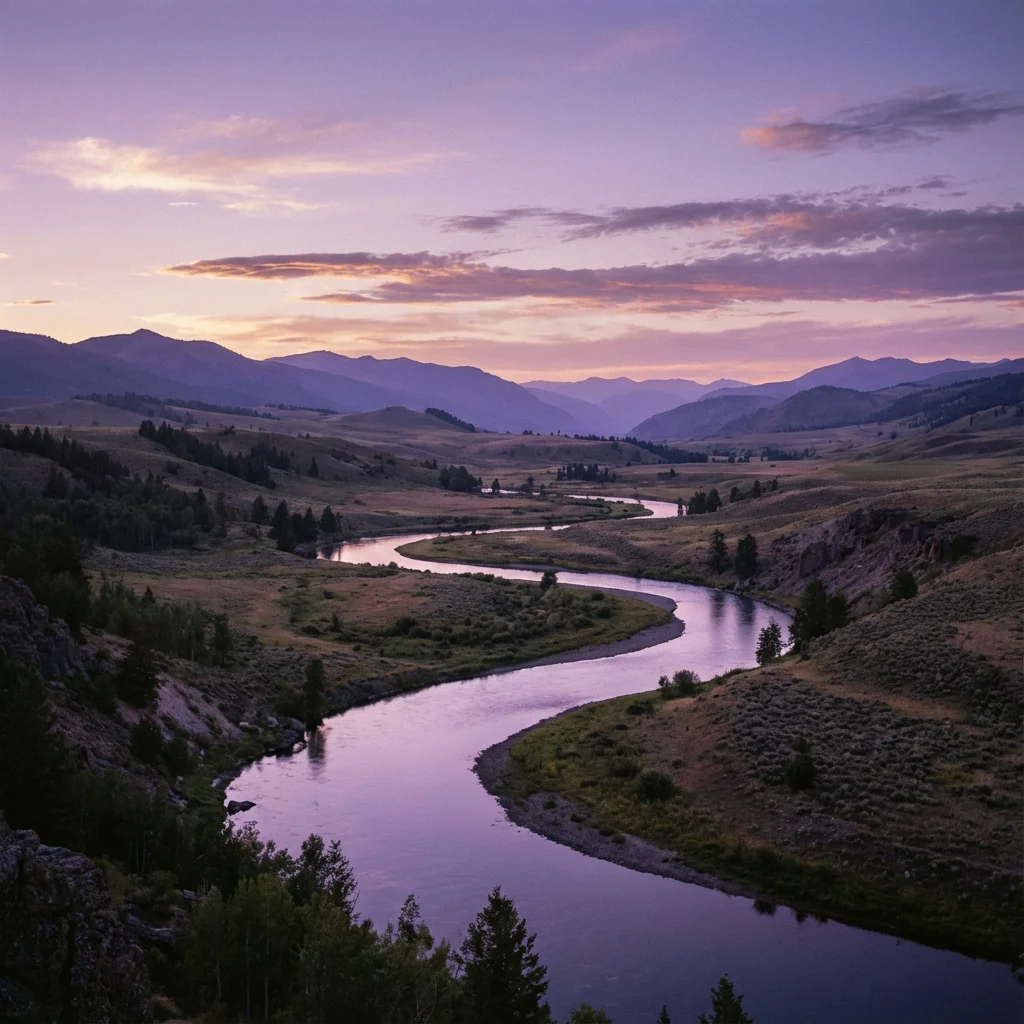
Minimax Text to Image is an advanced generative model that transforms written prompts into highly realistic images. It focuses on clarity, vivid details, and natural lighting to create visually appealing results.
Official Partner
Avg Run Time: 30.000s
Model Slug: minimax-text-to-image
Playground
Input
Output
Example Result
Preview and download your result.

API & SDK
EACHLABS_API_KEY environment variable. Copy your real API key from /api-keys and set it locally before running.Create a Prediction
Send a POST request to create a new prediction. This will return a prediction ID that you'll use to check the result. The request should include your model inputs and API key.
Get Prediction Result
Poll the prediction endpoint with the prediction ID until the result is ready. The API uses long-polling, so you'll need to repeatedly check until you receive a success status.
Readme
Overview
minimax-text-to-image — Text to Image AI Model
Developed by Minimax as part of the minimax family, minimax-text-to-image is a high-quality text-to-image AI model that generates fine-grained, detailed visuals from text prompts or reference images, solving the challenge of creating precise, realistic imagery for designers and developers without extensive manual editing. Known as the image-01 model in Minimax's official documentation, it excels in both text-to-image and image-to-image workflows with subject reference capabilities for consistent human representations. This makes it ideal for users seeking a reliable text-to-image AI model that delivers clarity and natural details in applications like product visualization or creative prototyping.
Technical Specifications
What Sets minimax-text-to-image Apart
minimax-text-to-image, powered by Minimax's image-01 architecture, stands out in the competitive text-to-image landscape with its support for custom aspect ratios and resolutions, enabling tailored outputs for diverse formats like social media banners or e-commerce thumbnails. This flexibility allows developers integrating the minimax-text-to-image API to match exact project specs without cropping or resizing post-generation.
- High-quality fine-grained details in text-to-image and image-to-image generation, including subject reference for people; this ensures photorealistic consistency when basing new images on uploaded photos, perfect for character design or personalized avatars.
- Customizable aspect ratios and resolutions via API parameters; users gain precise control over output dimensions, supporting everything from square portraits to wide landscapes without quality loss.
- Hybrid workflow support for text prompts combined with reference images; this enables seamless blending of descriptive text with visual inputs, ideal for iterative refinements in AI image generator API pipelines.
Processing delivers images in standard formats like JPG or PNG, with prompt lengths optimized for detailed instructions, making it efficient for high-volume Minimax text-to-image tasks.
Key Considerations
- Prompt Length: Too short prompts may produce vague images, while overly complex ones may lead to inconsistencies.
- Aspect Ratio Impact: The model adjusts framing and composition based on the selected ratio.
- Generation Time: Higher resolution images or may take longer to process.
- Variability: The same prompt may yield slightly different results in each generation.
- Limitations: Extremely abstract or highly detailed requests may not always be perfectly rendered.
Tips & Tricks
How to Use minimax-text-to-image on Eachlabs
Access minimax-text-to-image seamlessly through Eachlabs Playground for instant testing, API for production integrations, or SDK for custom apps. Provide a text prompt (detailed descriptions work best), optional reference images in JPG/PNG format, and specify aspect ratios or resolutions; it outputs high-quality images with fine details and natural rendering in seconds.
---Capabilities
- Generates images in different aspect ratios
- Supports varied artistic styles based on input prompts
- Produces single or multiple image outputs per request
- Optionally enhances prompts for improved results
What Can I Use It For?
Use Cases for minimax-text-to-image
For designers building AI image generator tools for e-commerce, minimax-text-to-image lets you input a product photo as a reference alongside a prompt like "place this sneaker on a urban street at dusk with neon reflections," generating lifestyle composites that boost conversion rates without photography sessions.
Marketers creating campaign visuals can leverage its subject reference for consistent branding; upload a logo or model image and prompt "integrate this athlete into a stadium crowd cheering under stadium lights," producing dynamic ads with preserved facial details and realistic crowd integration.
Developers seeking a text-to-image API for apps use it to prototype interfaces; combine text descriptions with wireframe screenshots to output polished mockups, accelerating UI/UX workflows with fine-grained details like accurate shadows and textures.
Content creators experimenting with personalized art input reference images of styles or faces with prompts for hybrid scenes, ensuring identity consistency across generations for custom illustrations or social media graphics.
Things to Be Aware Of
- Experiment with different aspect ratios to see how compositions change.
- Use short and direct prompts for minimalistic images, and detailed descriptions for intricate results.
- Enable and disable the prompt optimizer to compare how refinement affects outputs.
- Generate multiple images with slight prompt variations to explore different styles.
Limitations
- Complexity Constraints: Highly intricate or ultra-realistic scenes may not be accurately depicted.
- Text Rendering: The model struggles with generating readable text within images.
- Fine Detail Accuracy: Small elements like facial features or objects in the background may sometimes appear distorted.
- Prompt Sensitivity: Minor wording changes can result in significantly different outputs.
- Subject Consistency: Generating the same character or object across multiple images can be inconsistent.
Output Format: JPEG
Pricing
Pricing Type: Dynamic
Charge $0.01 per image generation
Pricing Rules
| Parameter | Rule Type | Base Price |
|---|---|---|
| num_images | Per Unit Example: num_images: 1 × $0.01 = $0.01 | $0.01 |
Related AI Models
You can seamlessly integrate advanced AI capabilities into your applications without the hassle of managing complex infrastructure.
FLUX.2 [dev] from Black Forest Labs delivers turbo-speed text-to-image generation with enhanced realism, sharper text rendering, and built-in native editing tools.
Nano Banana 2 delivers next-generation text-to-image generation, producing ultra high quality visuals with enhanced detail, realism, and prompt accuracy.
P-image is a text-to-image model that generates high-quality visuals from text prompts with ultra-fast performance and consistent results, built for production use cases.
Recraft V4 generates design-grade text-to-image visuals with refined composition, accurate typography, and brand color control for marketing on eachlabs.