
eachlabs/eachlabs
Models









Readme
eachlabs by Unknown — AI Model Family
The eachlabs model family is a comprehensive suite of AI tools hosted on each::labs, designed to streamline creative workflows across image, video, audio, text, and document processing. With over 40 specialized models, it solves key challenges in content creation, editing, and analysis by providing accessible, high-performance AI for e-commerce, media production, social content, and custom training—empowering users from hobbyists to professionals without needing complex setups.
This family spans diverse categories like Image to Image (e.g., Product Shoot, Eachlabs Garden Design v1, Custom Image Generation v2), Image to Video (e.g., Pico Motion, Eachlabs Product Zoom In v1), Text to Video/Image (e.g., Video Crafter, Fooocus), Video to Video/Text (e.g., Faceswap | Video, Youtube Transcriptor), Voice to Voice (e.g., Open Voice, Voice Changer), Image to Text (e.g., Face Analyzer by Eachlabs, NSFW Image Detection), E-Commerce (e.g., Food Photos, Product Background Remover), Training (e.g., Train Rvc), and specialized Post Processing tools (e.g., Color Tint, Chromatic Aberration, Grain, Solarize, Dodge Burn, Desaturate, Color Correction, Sharpen, Vignette, Blur, Parabolize, Combine).
eachlabs Capabilities and Use Cases
The eachlabs family excels in modular AI tasks, grouped into intuitive categories for seamless integration.
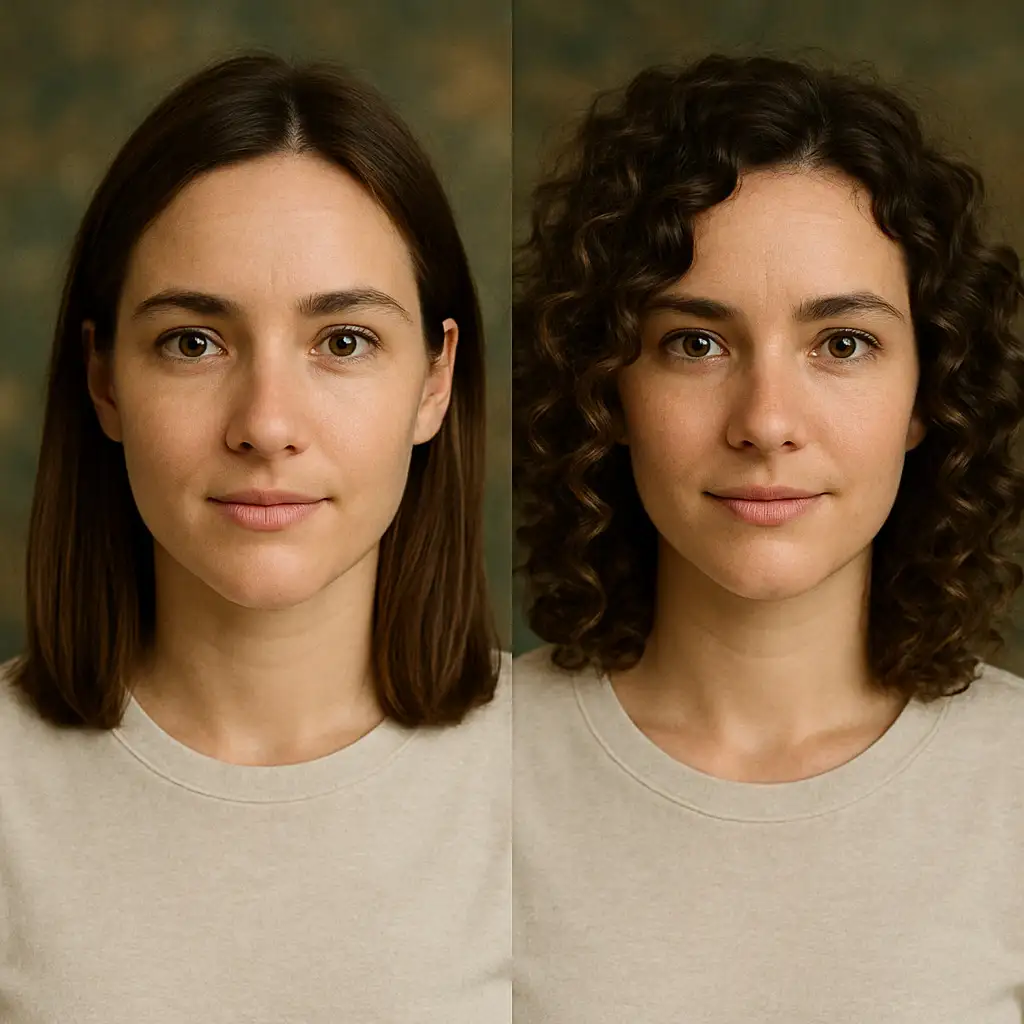
Image to Image models dominate with tools like Product Shoot, Eachlabs Garden Design v1, Custom Image Generation v2, Eachlabs Image Generation, Face Swap, Cartoonify Cartoon Generator, Image Upscaler by Each AI, Post Processing variants (Color Tint, Chromatic Aberration, Grain, Solarize, Dodge Burn, Combine, Desaturate, Color Correction, Sharpen, Vignette, Blur, Parabolize), Face to Sticker, Photomaker, Image to Become, Editing Image Background, Image Merger, Rembg - Remove Background, Hairstyle Changer, Salih Girgin Fog Effect, Eachlabs Image Upscaler | Pro | v1, and Image Generation. Use cases include e-commerce product enhancement—"Transform a plain watch photo into a studio-lit product shot with reflections: 'professional jewelry photography, high gloss, white background'"—or creative edits like adding fog effects for atmospheric portraits.
Image to Video options such as Pico Motion, Eachlabs Product Zoom In v1, Magic Animate, and Character 3 animate static images into dynamic clips, ideal for social media reels or product demos, supporting smooth motion transitions.
Text to Video/Image covers Fooocus (Text to Image) and Cartoonify V2 (Text to Video), generating visuals from descriptions like "cartoon cat dancing in a cityscape."
Video processing includes Merge Videos, Faceswap | Video, Auto Subtitle, and Video Analyzer (Video to Text), perfect for editing montages or extracting insights from footage.
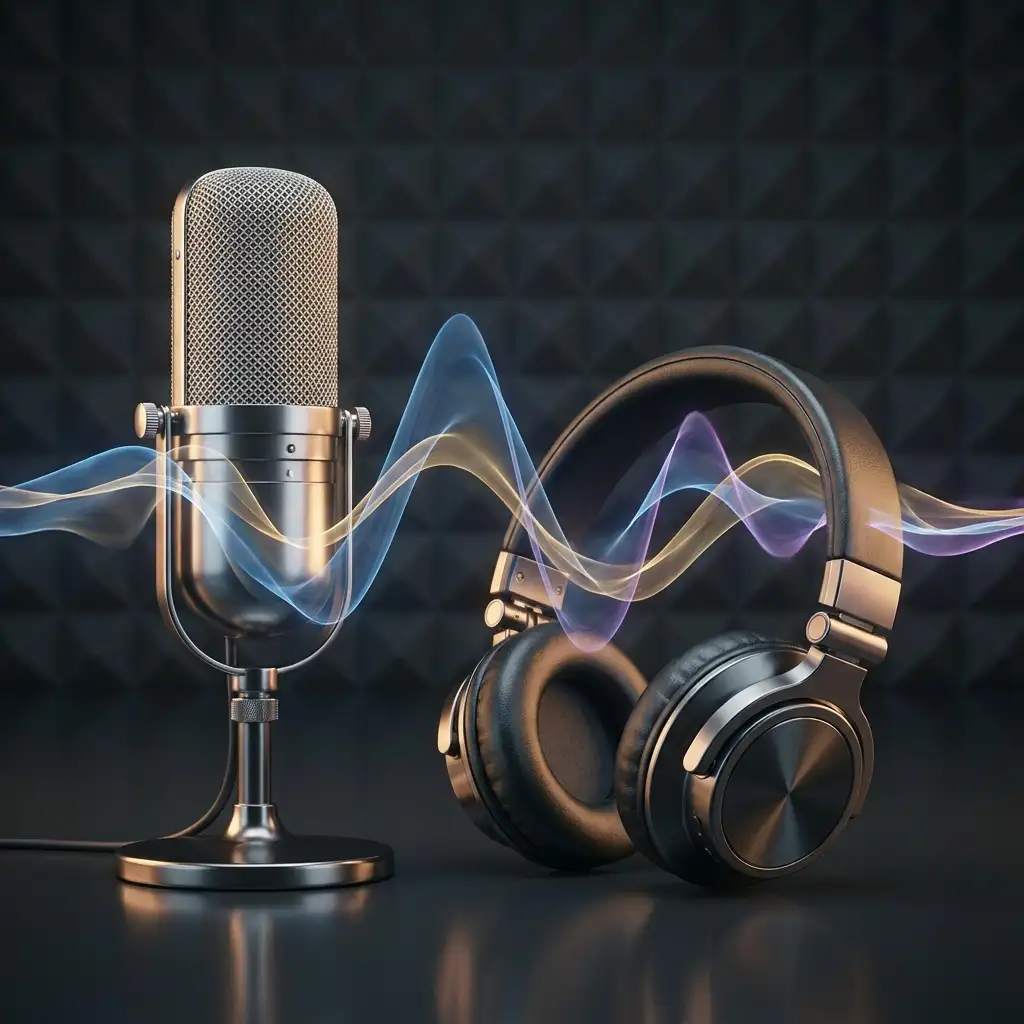
Audio and Voice tools like Open Voice, Voice Changer, Train Rvc, and Audio Trimmer enable custom voiceovers and effects.
Analysis and Utility models—Face Analyzer by Eachlabs, NSFW Image Detection (Image to Text), Youtube Transcriptor (Video to Text), PDF to Text Generator, Video Analyzer—handle detection and extraction.
E-Commerce specialists such as Food Photos and Product Background Remover optimize visuals for online stores.
Users chain models into pipelines: Start with Rembg - Remove Background on a product image, apply Post Processing | Color Correction, then Pico Motion for a zoom video, and Auto Subtitle for final polish. These support standard formats like PNG/JPG for images, MP4 for video, and WAV for audio, with resolutions up to professional standards where applicable.
What Makes eachlabs Stand Out
eachlabs distinguishes itself through its breadth and modularity, offering one-stop solutions for end-to-end creative pipelines without switching platforms—ideal for e-commerce sellers needing quick product visuals, content creators animating ideas, or developers building AI apps. Strengths include pinpoint control via post-processing tools (e.g., precise Grain or Vignette for cinematic looks), consistency in face swaps and upscaling, and specialized e-commerce focus like Product Shoot for hyper-realistic renders.
Speed and accessibility shine: Models like Image Upscaler deliver crisp enlargements without artifacts, while Train Rvc allows custom voice models. Creative features such as Hairstyle Changer or Magic Animate provide intuitive personalization, ensuring high-fidelity outputs. This family suits solopreneurs, marketing teams, and AI enthusiasts seeking reliable, versatile tools with strong consistency across generations—standing out for its all-in-one ecosystem that minimizes workflow friction.
Access eachlabs Models via each::labs API
each::labs is the premier platform for unlocking the full eachlabs family through a unified API, Playground for instant testing, and SDK for seamless integration into apps. Every model—from Fooocus text-to-image to Faceswap | Video—is accessible in one place, enabling scalable deployments.
Sign up to explore the full eachlabs model family on each::labs.