

NANO-BANANA-2
Nano Banana 2 Edit enables advanced image-to-image transformations, delivering ultra high quality refinements, seamless edits, and precise control guided by your prompt.
Avg Run Time: 50.000s
Model Slug: nano-banana-2-edit
Release Date: February 26, 2026
Playground
Input
Output
Example Result
Preview and download your result.
API & SDK
Create a Prediction
Send a POST request to create a new prediction. This will return a prediction ID that you'll use to check the result. The request should include your model inputs and API key.
Get Prediction Result
Poll the prediction endpoint with the prediction ID until the result is ready. The API uses long-polling, so you'll need to repeatedly check until you receive a success status.
Readme
Overview
Nano Banana 2 | Edit, powered by Google as part of the Nano Banana family (Gemini 3.1 Flash Image), revolutionizes image-to-image transformations with Pro-level quality at lightning-fast Flash speeds. This model excels in advanced editing, enabling seamless refinements, precise control, and ultra-high-quality outputs guided by user prompts. Its primary differentiator is combining advanced world knowledge, subject consistency for up to five characters and 14 objects, and production-ready specs from 512px to 4K—all while delivering rapid iterations impossible with slower Pro models. Ideal for creators needing quick, accurate edits without sacrificing fidelity, Nano Banana 2 | Edit supports vibrant lighting, richer textures, and precise instruction following. Available via Google AI Studio, Gemini API, and each::labs, it powers efficient workflows for marketing mockups, storyboards, and more.
Technical Specifications
- Resolution Support: 1K, 2K, and 4K output resolutions
- Aspect Ratios: Native support for 1:1,3:2,2:3,3:4,4:3,4:5,5:4,9:16,16:9,21:9
- Input/Output Formats: Image-to-image editing; accepts prompts with images for generation/editing; outputs high-fidelity PNG/JPG-compatible images.
- Processing Time: Lightning-fast Flash speed optimized for rapid iterations and scale, with configurable thinking levels (Minimal default, High/Dynamic).
- Architecture: Built on Gemini 3.1 Flash Image, integrating real-time web search for world knowledge and enhanced reasoning.
These specs make Nano Banana 2 | Edit suitable for production pipelines via the Nano Banana 2 | Edit API.
Key Considerations
Before using Nano Banana 2 | Edit, ensure access via a paid API key in Google AI Studio or Gemini API for full capabilities. It shines in rapid editing scenarios like storyboarding or mockups, outperforming slower high-fidelity models for iterative work. Consider cost-performance tradeoffs: Flash speed reduces latency for heavy pipelines, but Pro subscribers retain Nano Banana Pro access for maximum accuracy via regeneration. Best for Google image-to-image tasks needing subject consistency; pair with each::labs for seamless integration. Resource needs are low due to efficient 512px option, but complex prompts benefit from High thinking levels.
Tips & Tricks
Optimize prompts for Nano Banana 2 | Edit by being specific with nuances, leveraging its precise instruction following. Use descriptive language for subjects, styles, and edits: "Edit this photo of a farm scene to add five joyful characters building a treehouse, maintain exact character resemblances, vibrant lighting, 16:9 aspect ratio." Enable High/Dynamic thinking levels for complex multi-layered requests to boost adherence and quality. For text rendering, specify languages explicitly: "Refine this image by translating poster text to Spanish, crisp legible font, photorealistic style." Workflow tip: Start with 512px for quick tests, upscale to 4K for finals. Incorporate web-grounded details like "misty panoramic aerial shot of verdant valley per recent images" for accuracy. Example: "Transform input image to pop-art fashion portrait, preserve five objects, sharper details, 1:1 ratio." These techniques maximize its advanced editing control on each::labs.
Capabilities
- Advanced image-to-image editing with seamless refinements and ultra-high-quality outputs.
- Subject consistency: Retains resemblance of up to five characters and fidelity of 14 objects across workflows.
- Precise text rendering and in-image translation/localization for marketing mockups or global assets.
- Production-ready resolutions (512px-4K) and native aspect ratios including extremes like 8:1.
- Enhanced visual fidelity: Vibrant lighting, richer textures, sharper details at Flash speeds.
- Advanced world knowledge via real-time web search for accurate subject rendering and data visualizations.
- Configurable reasoning: Minimal to High thinking levels for complex prompt adherence.
- Infographic/diagram generation from notes, with precise instruction following.
What Can I Use It For?
Content Creators: Storyboard narratives by editing input images while preserving up to five characters' resemblance: "Edit scene to show characters at farm building treehouse, consistent faces, 16:9."
Marketers: Generate localized ad mockups with precise text translation: "Refine product image with Spanish slogan, photorealistic, vibrant lighting, 9:16 for social."
Designers: Create custom infographics from sketches using world knowledge: "Transform note diagram to professional chart of verdant valley data viz, sharp details, 4:1 panorama."
Things to Be Aware Of
Nano Banana 2 | Edit may underperform on extremely abstract or non-photorealistic edits without detailed prompts, as it prioritizes fidelity. Common mistakes include vague instructions—always specify aspect ratios and thinking levels for best results. Edge cases like heavy object occlusion can challenge subject consistency beyond 14 items. Resource constraints are minimal, but API rate limits apply in production; test with Minimal thinking first. In Gemini app, Pro users access Nano Banana Pro via menu for edge accuracy needs. Monitor for prompt complexity overwhelming Flash speed in ultra-detailed scenarios.
Limitations
Nano Banana 2 | Edit focuses on speed over maximum factual accuracy—use Nano Banana Pro for critical high-fidelity tasks. It cannot handle video inputs or outputs, limiting to static images. Input restrictions include no direct video editing; complex scenes exceeding five characters may lose some consistency. Quality dips in highly stylized non-photorealistic outputs without optimized prompts. Availability in preview for some APIs like Vertex AI.
Related AI Models
You can seamlessly integrate advanced AI capabilities into your applications without the hassle of managing complex infrastructure.
Generates the same scene from different perspectives by adjusting azimuth and elevation, leveraging Qwen Image Edit 2511 with LoRA Multiple Angles for consistent and detailed results.

ByteDance Seedream v5 Lite Edit transforms existing images through plain-language instructions — applying style transfers, creative effects, and targeted edits while preserving the subject's original identity. Built on the Seedream 5.0 Lite architecture, it supports multi-image references and is optimized for fast, iterative creative workflows.
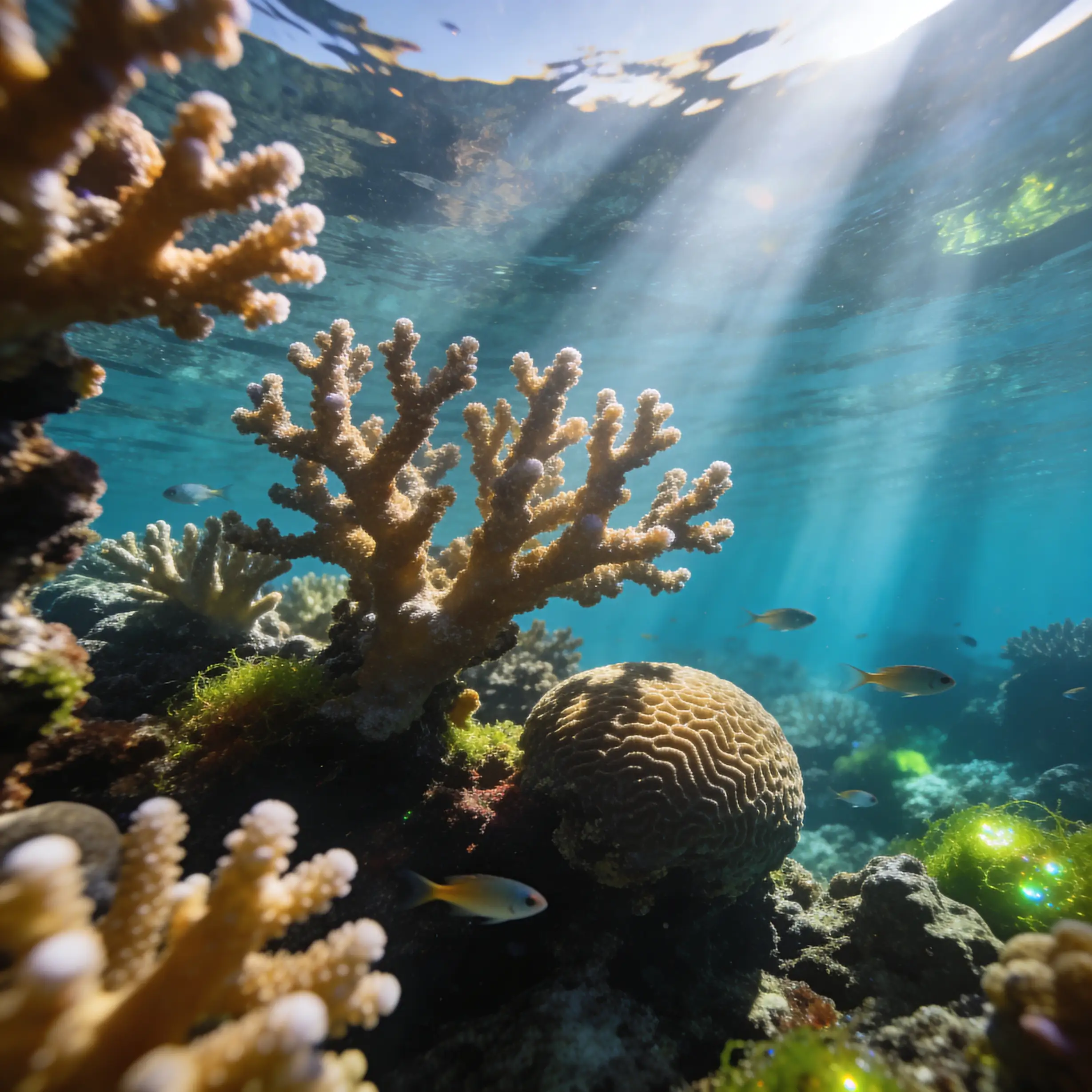
Flux 2 [klein] 4B Base from Black Forest Labs provides image-to-image editing with precise natural-language controls and hex color–based adjustments.

GPT Image 1.5 creates highly detailed images with accurate prompt interpretation, maintaining consistent composition, realistic lighting, and refined visual detail.


Dev questions, real answers.
Nano Banana 2 Edit is Google's second-generation lightweight image editing model that applies instruction-based modifications to existing images. It accepts a source image and a text prompt describing the desired change, such as altering backgrounds, swapping objects, or adjusting colors, while preserving unmodified regions of the original.
Nano Banana 2 Edit supports instruction-based edits including object replacement, background swapping, style adjustments, color corrections, and localized texture changes. As the second iteration in the Nano Banana series, it delivers improved instruction-following accuracy and better structural preservation compared to its predecessor.
Nano Banana 2 Edit is available on the eachlabs platform under the model ID nano-banana-2-edit. Submit a source image with a text editing instruction and receive the modified result. eachlabs provides pay-as-you-go access to this Google model without requiring a separate Google Cloud account or API key.