
Reve · Edit
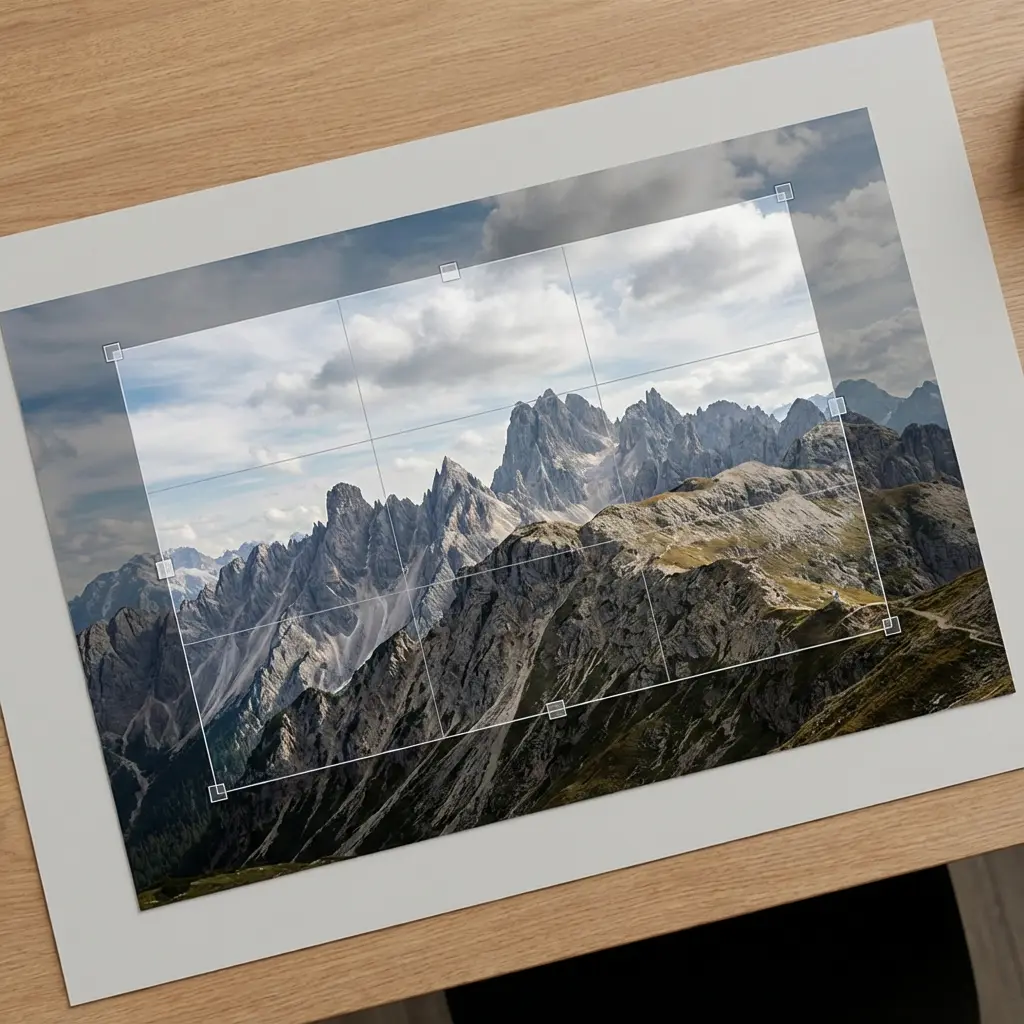
Reve’s edit model allows you to refine or completely reimagine an existing image through natural language prompts, keeping full control over style and composition.
- Runtime (p50)
- 25s
- Estimated price
- $0.04
Overview
reve-edit — Image Editing AI Model
Developed by Reve as part of the reve family, reve-edit is an advanced image-to-image AI model that lets you refine or completely reimagine existing images using natural language prompts, solving the challenge of precise photo editing without complex tools. This Reve image-to-image powerhouse excels in conversational editing, where you describe changes like "adjust colors, modify text, or shift perspectives," and it applies them while preserving context and scene coherence. With exceptional prompt adherence and 98% text rendering accuracy, reve-edit delivers professional results for branding and marketing visuals, making it ideal for users seeking an "AI image editor API" with seamless control over style and composition.
Capabilities
- Generates photorealistic, anime, cinematic, and illustrative images with high fidelity
- Edits images using natural language, enabling intuitive modifications without technical expertise
- Fuses multiple images into cohesive composites, blending styles and elements seamlessly
- Maintains spatial and visual consistency across complex scenes, including multi-panel layouts and product designs
- Embeds text accurately within images, preserving perspective and alignment
- Offers batch generation and high-resolution outputs for professional use
Use cases
Use Cases for reve-edit
For designers building "automated image editing API" solutions, reve-edit enables precise style transfers on product photos—upload an e-commerce image and prompt "replace the background with a marble kitchen counter under morning light while keeping product details sharp"—yielding photorealistic composites that eliminate studio reshoots.
Marketers using Reve image-to-image capabilities can refine campaign visuals by describing "enhance text on this poster to bold sans-serif font in gold, add subtle glow, and adjust perspective for billboard view," leveraging 98% text accuracy for flawless branding materials.
Developers creating AI photo editing tools for apps feed reference images into reve-edit for multi-image batch edits, such as "remove shadows from all four product shots and unify lighting," streamlining workflows with consistent, high-res outputs up to 4K.
Content creators editing social media graphics appreciate its contextual memory, iteratively prompting "shift the subject's pose slightly right, warm the skin tones, and insert cyberpunk neon accents" to evolve concepts without restarting.
Tips & tricks
How to Use reve-edit on Eachlabs
Access reve-edit seamlessly through Eachlabs' Playground for instant testing—upload your image, enter a natural language prompt like "change background to sunset beach," select aspect ratio or style, and generate high-res PNG/JPEG outputs up to 4K. Integrate via the reve-edit API or SDK for production apps, specifying inputs like image references, text prompts, and batch settings, with average processing in seconds for efficient scaling.
---Technical spec
What Sets reve-edit Apart
Unlike generic image editors, reve-edit stands out with its conversational workflow that maintains full context across multiple edits, enabling iterative refinements without losing character consistency or composition. This allows designers to evolve images through natural language commands, such as tweaking lighting or repositioning elements, in a single intuitive session.
It achieves industry-leading 98% text accuracy in generated edits, far surpassing competitors in legible typography for logos, posters, and product labels. Marketers benefit by creating distortion-free text overlays directly in images, perfect for "edit images with AI" tasks in advertising.
Supporting native resolutions up to 2048x2048 pixels with optional 4K upscaling to 4096x4096—retaining 92% detail fidelity—reve-edit handles high-quality outputs for web, print, and professional use. Developers integrating the reve-edit API can batch process up to four images with drag-and-drop precision for multi-image contextual editing.
- Multi-round conversational edits preserve scene coherence and character features across iterations.
- Seamless drag-and-drop for targeted changes like shadow removal or element movement.
- Multi-model integration via Reve AI for style comparisons during editing workflows.
Things to be aware of
- Some features, such as the drag-and-drop editor, are in beta and may exhibit experimental behaviors
- Users report occasional quirks with prompt interpretation, especially for highly abstract or ambiguous instructions
- High-resolution and batch generation require significant computational resources; performance may vary based on complexity
- Consistency across multi-image generations is a noted strength, but edge cases can arise with unusual compositions
- Positive feedback highlights ease of use, realism, and prompt adherence; users appreciate the intuitive editing workflow
- Common concerns include occasional slowdowns during peak usage and limitations in extremely niche artistic styles
- The free tier offers daily image generations, but exact limits are not fully disclosed
Key considerations
- Reve-edit excels with detailed, context-rich prompts; leveraging its semantic understanding improves output fidelity
- For optimal results, use multiple reference images to guide composition, lighting, and style
- The drag-and-drop editor enables direct manipulation of image elements, reducing reliance on prompt engineering
- Quality and speed are balanced; high-resolution outputs may require longer processing times
- Avoid overly vague prompts, as specificity enhances both realism and adherence to instructions
- Iterative refinement is recommended for complex edits or multi-stage compositions
Limitations
- Proprietary architecture details and parameter counts are not publicly available, limiting transparency for technical benchmarking
- May not be optimal for highly specialized artistic styles or scientific imaging requiring domain-specific accuracy
- Processing times can increase with high-resolution outputs or complex multi-image fusions
Related models
4 models

About Reve · Edit
What is Reve Edit?
Reve Edit is an AI image editing model by Reve that applies text-guided modifications to existing images. It interprets natural language instructions to perform targeted edits such as changing object attributes, background elements, or lighting, while maintaining the visual coherence of the original image.