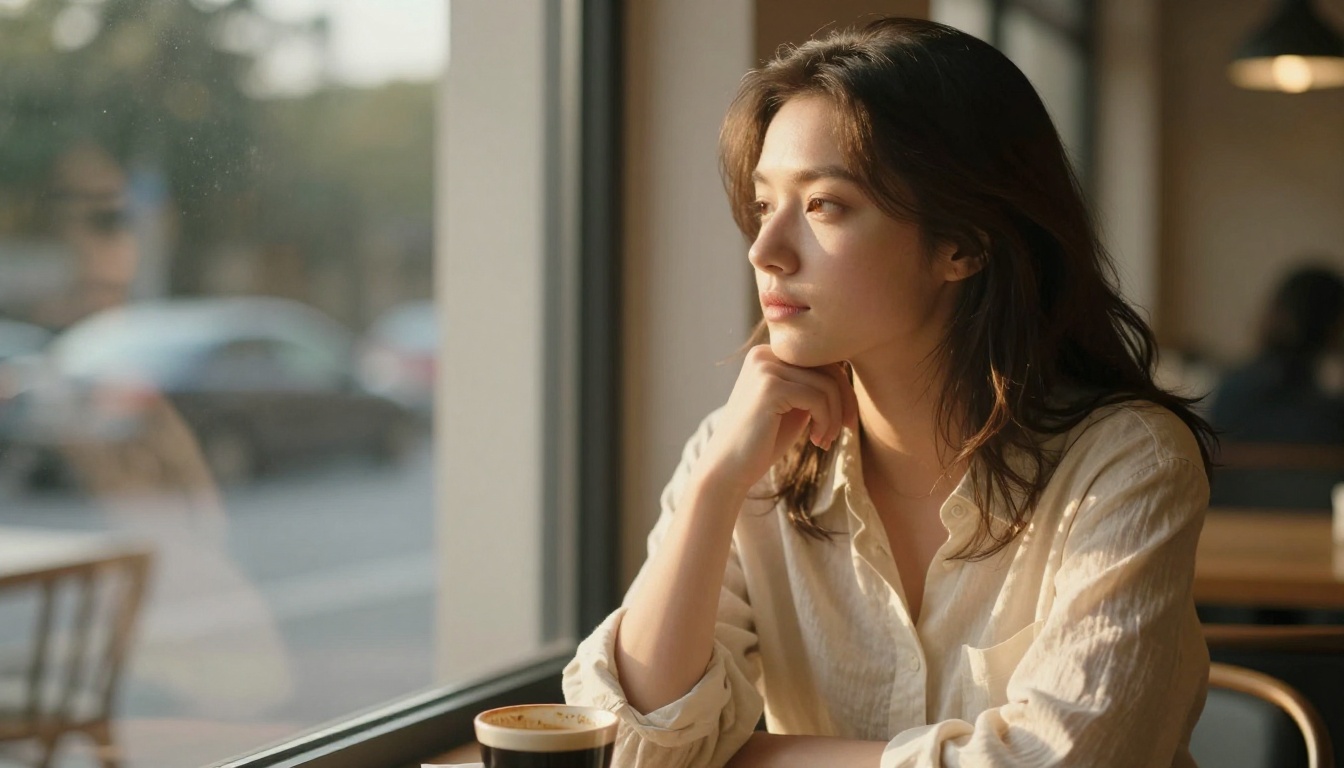
Pruna | P-Image LoRA | Text to Image
Pruna P-Image LoRA is a text-to-image model that generates high-quality visuals from text prompts with custom LoRA weight support.
- Runtime (p50)
- 1s
- Estimated price
- $0.005 per execution
Overview
Pruna | P-Image LoRA | Text to Image Overview
The Pruna | P-Image LoRA | Text to Image model from Pruna transforms text prompts into high-quality visuals using advanced LoRA technology, solving the challenge of efficient customization in text-to-image generation. Part of the P-Image family, this model leverages Low-Rank Adaptation for parameter-efficient fine-tuning, allowing users to adapt base model capabilities without extensive retraining. Its primary differentiator is the cost-effective training process that maintains high fidelity while supporting custom LoRA weights, making it ideal for developers and creators seeking flexible, API-driven image synthesis on platforms like each::labs.
Available via the Pruna | P-Image LoRA | Text to Image API, it excels in generating detailed images from natural language descriptions, outperforming traditional fine-tuning in resource efficiency. Whether for prototyping concepts or producing stylized art, Pruna text-to-image delivers consistent results with minimal overhead, positioning it as a go-to for scalable workflows.
Capabilities
Capabilities
- Generates high-quality images from text prompts using LoRA for custom style adaptation
- Supports efficient parameter-efficient fine-tuning without altering base model core
- Maintains full capabilities of underlying text-to-image architectures like Stable Diffusion variants
- Enables cost-effective training for domain-specific visuals, such as art or product mockups
- Provides API-ready text-to-image generation with custom LoRA weight integration
- Handles diverse styles from photorealistic to abstract through prompt and weight tuning
- Scales for batch processing in production workflows on each::labs
Use cases
Use Cases for Pruna | P-Image LoRA | Text to Image
For creators: Generate custom concept art with LoRA stylization. Example: "Ethereal fantasy elf in enchanted forest, watercolor style, LoRA weight 0.8"—ideal for game devs prototyping assets efficiently.
For marketers: Produce tailored product visuals using parameter-efficient fine-tuning. Prompt: "Sleek smartphone on marble surface, promotional lighting, brand-specific LoRA"—cost-effective for campaigns without full retraining.
For designers: Adapt styles for UI mockups maintaining base model fidelity. Example: "Minimalist app interface elements, flat design, LoRA weight 0.7"—supports rapid iteration.
For developers: Integrate via Pruna | P-Image LoRA | Text to Image API for app features. Use Pruna text-to-image in tools for dynamic thumbnails, leveraging lightweight LoRA for personalization.
Tips & tricks
Tips and Tricks
Optimize prompts for Pruna | P-Image LoRA | Text to Image by starting with descriptive subjects, styles, and LoRA-specific weights: "A futuristic cityscape at dusk, cyberpunk style, high detail, LoRA weight 0.8". Use natural language for best fidelity, incorporating keywords like "photorealistic" or "anime" to guide the base model.
Experiment with LoRA weights between 0.6-1.0 for balance—lower for subtle adaptations, higher for strong stylization. Combine with negative prompts like "blurry, low quality" to refine outputs. For API users on each::labs, batch prompts and iterate via conversational refinement if integrated.
Example prompts:
- "Serene mountain landscape with mist, oil painting style, LoRA weight 0.7"
- "Portrait of a warrior in armor, dramatic lighting, realistic, LoRA weight 0.9"
- "Abstract geometric patterns in blue tones, modern art, high contrast, LoRA weight 0.6"
These tips leverage LoRA's efficiency for precise control.
Technical spec
Technical Specifications
- Architecture: Low-Rank Adaptation (LoRA) technology for efficient parameter-efficient fine-tuning on base text-to-image models
- Input Format: Text prompts with optional custom LoRA weights
- Output Format: High-quality generated images (standard PNG/JPEG via API)
- Resolution Support: Up to 1024x1024 pixels, compatible with common aspect ratios like 1:1, 16:9
- Processing Time: Typically 5-20 seconds per image, depending on complexity and API load
- Key Features: Maintains base model capabilities; supports API integration for batch processing
These specs make Pruna | P-Image LoRA | Text to Image suitable for real-time applications on each::labs, with LoRA enabling lightweight adaptations.
Things to be aware of
Things to Be Aware Of
Edge cases in Pruna | P-Image LoRA | Text to Image include complex scenes with many elements, where prompt fidelity may vary without optimal LoRA weights. Users often overlook weight calibration, leading to over-stylized or washed-out results—test incrementally.
API rate limits apply on each::labs; high-volume use needs queuing. Resource constraints mirror Stable Diffusion: consumer GPUs suffice locally, but cloud is recommended for consistency. Common mistake: ignoring base model compatibility, causing adaptation failures.
Key considerations
Key Considerations
Before using Pruna | P-Image LoRA | Text to Image, ensure access to the Pruna API via platforms like each::labs, as it requires API keys for invocation. It's best for scenarios needing custom styles without full model retraining, offering superior cost/performance over heavy fine-tuning methods. Users should have basic prompt engineering knowledge, as LoRA weights enhance specificity but demand compatible base models.
Tradeoffs include faster processing than full diffusion models but potential need for iterative tuning. Ideal for cloud-based workflows; local runs may require GPU resources equivalent to Stable Diffusion setups. Prioritize it over general models when efficiency in adaptation is key.
Limitations
Limitations
Pruna | P-Image LoRA | Text to Image relies on base models, so inherits issues like occasional anatomical inaccuracies in humans or text rendering flaws. Cannot generate videos or audio—strictly text-to-image. Input restricted to text prompts and LoRA weights; no native image/video inputs.
Quality dips in highly abstract or occluded scenes without fine-tuned LoRAs. Processing scales with complexity, potentially exceeding 20s for intricate prompts.
Related models
4 models

About Pruna | P-Image LoRA | Text to Image
What is Pruna AI LoRA Image Edit best suited for?
This model is best suited for product photography retouching, style transfer workflows, and batch image editing pipelines where speed and efficiency matter. The LoRA architecture reduces inference time while maintaining edit accuracy, making it suitable for high-throughput commercial applications.