PixVerse v5 | Transition
Create a smooth transition animation between two static images. Generate a surprising morph from the starting frame to the ending frame.
- Runtime (p50)
- 55s
- Estimated price
- $0.2822–$1.5048 per generation, depending on quality and duration and sound effect and lip sync
Overview
pixverse-v5-transition — Image-to-Video AI Model
Developed by Pixverse as part of the pixverse-v5 family, pixverse-v5-transition creates smooth transition animations between two static images, generating surprising morphs from starting frame to ending frame for dynamic image-to-video AI model outputs. This specialized mode excels in fluid transformations, maintaining subject fidelity and temporal consistency during complex scene changes, ideal for creators seeking cinematic motion without distortion.
Users provide two images plus a descriptive prompt to guide the evolution, producing high-quality videos that bridge visuals seamlessly—perfect for Pixverse image-to-video applications like storytelling clips or product demos. With roots in Pixverse's advanced v5 architecture, it delivers professional-grade transitions that rival manual editing.
Capabilities
- Generates smooth, expressive transition animations between two static images
- Maintains stable style and color throughout the sequence for professional-grade results
- Produces sharp, cinematic visuals with detailed motion and natural camera movements
- Adheres closely to creative prompts, allowing for precise control over style, tone, and subject
- Fast rendering enables rapid iteration and experimentation
- Versatile for both creative exploration and production use cases
Use cases
Use Cases for pixverse-v5-transition
Content creators building TikTok transitions can upload a portrait photo as the start image and a stylized avatar as the end, prompting "morph from realistic face to cyberpunk neon portrait with glowing eyes and slow head turn," yielding a seamless 1080p video with preserved facial details for viral Reels.
Marketers crafting e-commerce visuals feed a static product shot transitioning to an in-use scene, like "coffee mug on table morphs to hand pouring steam into it under warm lights," generating smooth Pixverse image-to-video demos that boost engagement without studio shoots.
Developers integrating pixverse-v5-transition API into apps for personalized avatars start with user selfies evolving to animated expressions, maintaining identity across morphs for AR filters or profile videos, with seed control for reproducible results.
Designers prototyping storyboards use paired concept arts, such as "landscape sketch to vibrant sunset scene with clouds drifting," to visualize evolutions quickly in 720p, accelerating client approvals with artifact-free transitions.
Tips & tricks
How to Use pixverse-v5-transition on Eachlabs
Access pixverse-v5-transition through Eachlabs Playground by uploading two images, adding a prompt describing the desired morph (e.g., actions, style, motion), and selecting resolution (360p-1080p) or aspect ratio. API and SDK users pass image URLs, prompt, duration (up to 10s), and optional audio for high-fidelity MP4 outputs with smooth transitions—deploy in minutes for scalable image-to-video workflows.
---Technical spec
What Sets pixverse-v5-transition Apart
pixverse-v5-transition stands out in the image-to-video AI model landscape by focusing on precise two-image morphing with exceptional temporal consistency, preserving fine details like facial features and textures across frames—unlike many competitors that introduce jitter or drift.
This enables creators to craft intentional narrative shifts, such as a character aging or an object transforming, with natural physics and lighting continuity in seconds. It supports resolutions from 360p to 1080p, aspect ratios like 16:9 and 9:16, and durations up to 8-10 seconds, balancing speed and quality for production-ready results.
- Anchor-based subject fidelity: Uses input images as fixed references to lock identities and details, preventing morphing artifacts common in general text-to-video tools, allowing reliable multi-frame consistency for professional edits.
- Smooth cinematic morphs: Generates fluid transitions with dynamic camera-like movements (push-in, zoom), turning static pairs into engaging sequences for social media or ads via pixverse-v5-transition API.
- Multi-resolution flexibility: Outputs from quick 360p previews to 1080p HD, with optional audio sync for complete clips, streamlining workflows for developers integrating Pixverse image-to-video capabilities.
Things to be aware of
- Some users report that transitions between highly dissimilar images can result in unexpected or surreal intermediate frames
- The model performs best with clear, high-quality input images; low-quality or ambiguous inputs may produce less coherent results
- Rendering times are generally fast, but complex transitions or high-resolution outputs may take longer
- Resource requirements are moderate; standard hardware is sufficient for most use cases, but batch processing or high-res outputs may benefit from more powerful GPUs
- Users consistently praise the model's cinematic quality, smooth motion, and reliable style consistency
- Occasional feedback notes that extremely creative or abstract prompts may yield unpredictable results, requiring iterative refinement
- Some users desire more granular control over transition timing and intermediate frame content
Key considerations
- Use high-resolution, well-lit images with clear subjects for best results
- Avoid heavily compressed or cluttered input images, as these can reduce motion quality and introduce artifacts
- Detailed prompts or clear image pairs improve the accuracy and creativity of the transition
- Standard mode provides higher quality and detail, while fast mode offers quicker generation with some trade-off in fidelity
- Consistency in style and color is a strength, but extreme style changes between input images may challenge the model
- Iterative refinement (adjusting prompts or input images) often yields better transitions
- Prompt engineering (specifying desired motion, style, or mood) can significantly influence output quality
Limitations
- The model may struggle with transitions between images with vastly different subjects, styles, or color palettes, leading to less natural morphs
- Fine-grained control over specific transition paths or intermediate states is limited compared to manual animation techniques
- Not optimal for scenarios requiring frame-perfect synchronization with external audio or highly customized motion paths
Related models
4 models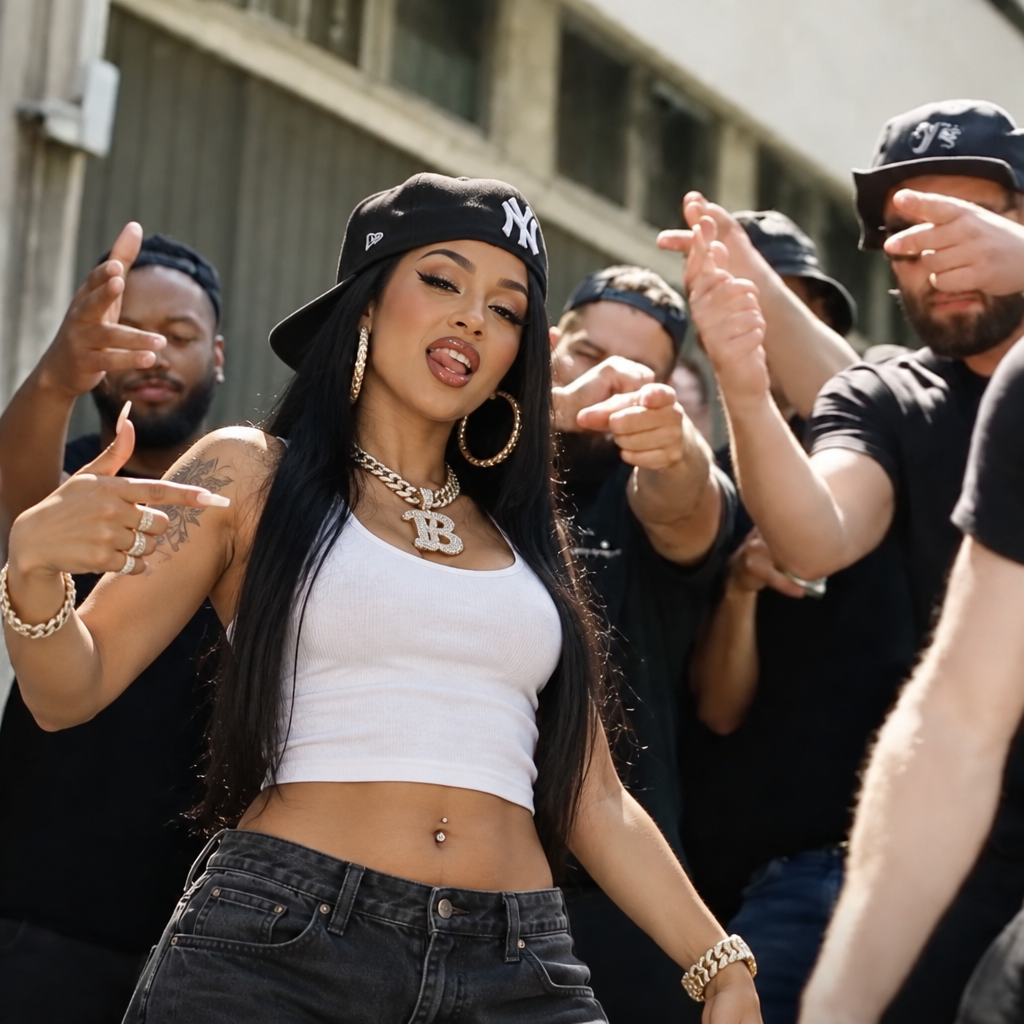

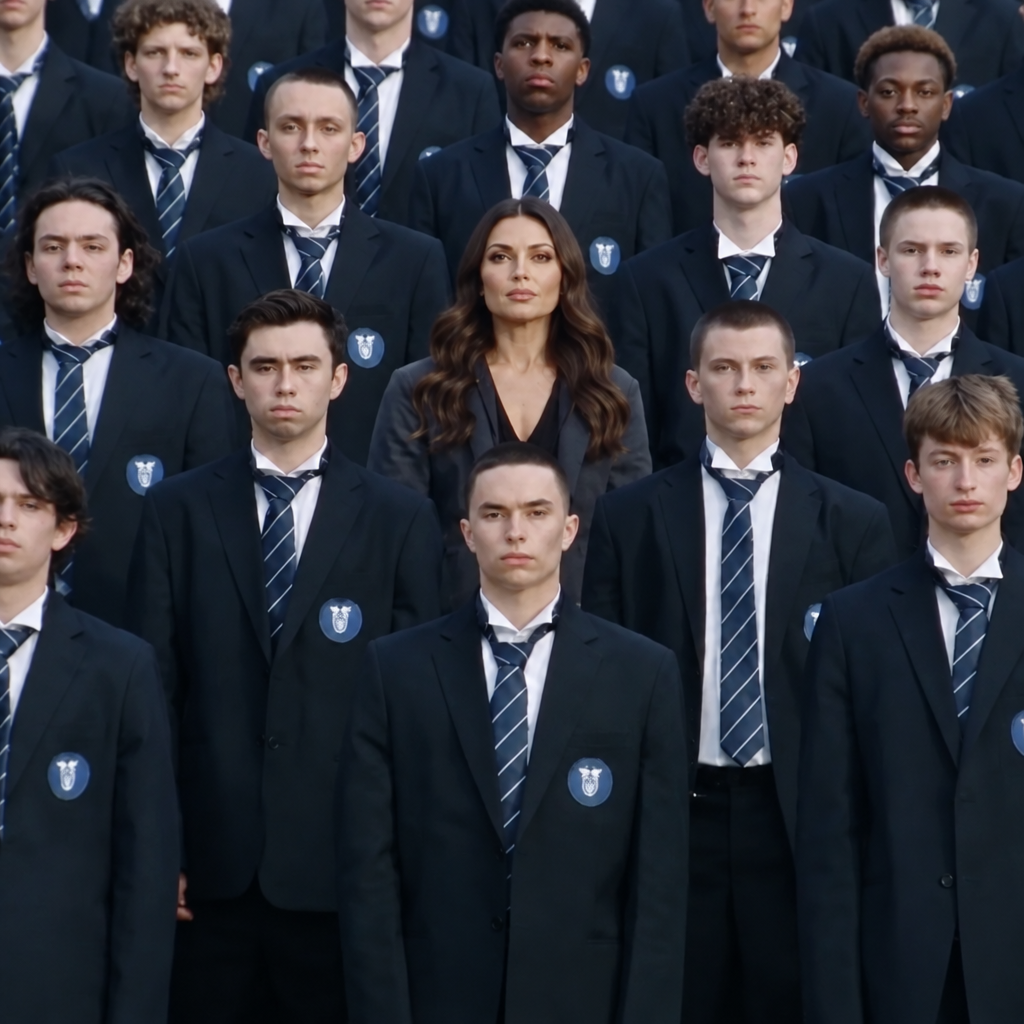
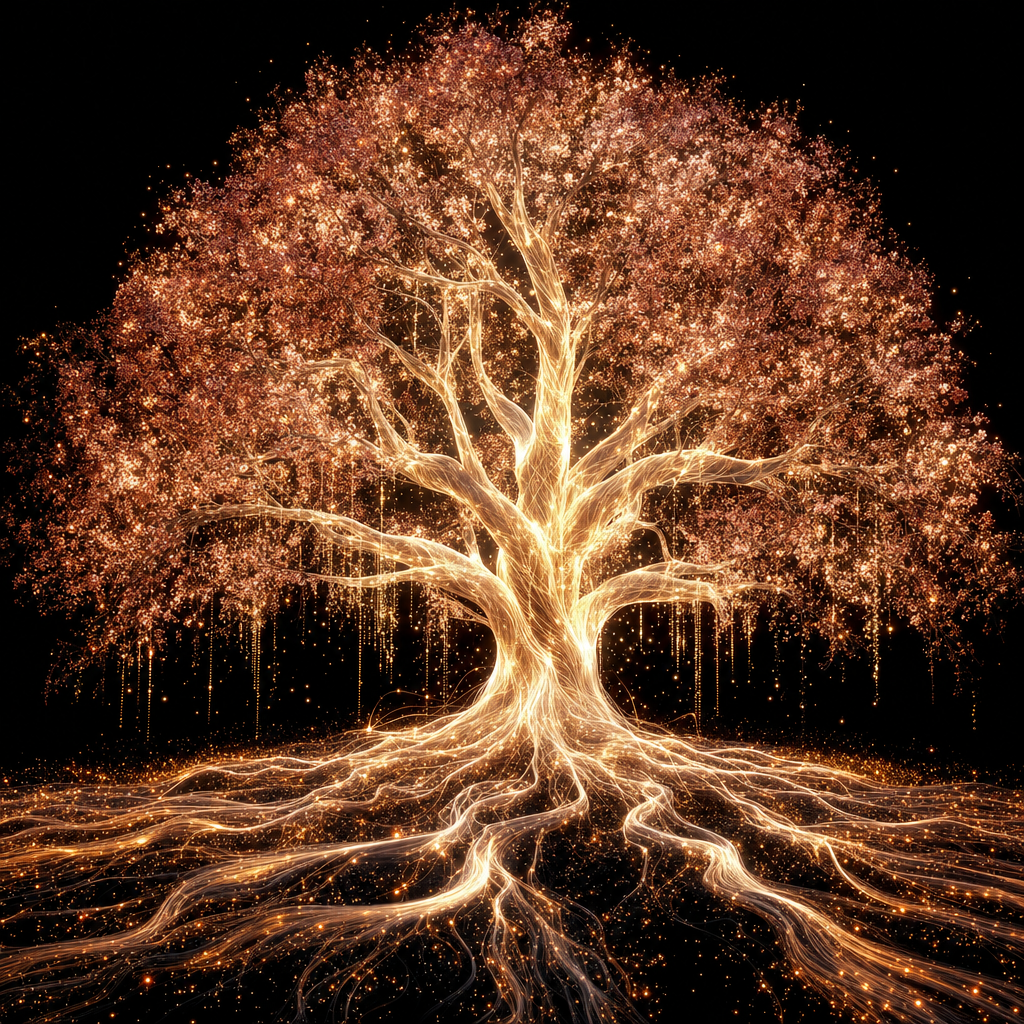
About PixVerse v5 | Transition
What is PixVerse v5 Transition and what type of video does it produce?
PixVerse v5 Transition is PixVerse's fifth-generation model specialized in generating smooth video transitions between two input images. It creates visually coherent interpolated video clips connecting the first and second image, making it suitable for before-and-after reveals, scene transitions in video editing, and product transformation animations.