

BRIA
Place any product into any scene with a prompt or reference image, keeping product details intact. Built on licensed data for safe, risk-free commercial use and optimized for eCommerce.
Avg Run Time: 20.000s
Model Slug: bria-product-shot
Playground
Input
Output
Example Result
Preview and download your result.

API & SDK
Create a Prediction
Send a POST request to create a new prediction. This will return a prediction ID that you'll use to check the result. The request should include your model inputs and API key.
Get Prediction Result
Poll the prediction endpoint with the prediction ID until the result is ready. The API uses long-polling, so you'll need to repeatedly check until you receive a success status.
Readme
Overview
bria-product-shot — Image-to-Image AI Model
Transform product photos into stunning lifestyle scenes effortlessly with bria-product-shot, Bria's specialized image-to-image AI model designed for eCommerce visualization. Place any product into custom environments using a simple prompt or reference image, while preserving intricate details like textures, logos, and branding for risk-free commercial use. Built on licensed data, this model from the Bria family eliminates legal risks and delivers production-ready composites optimized for high-volume product catalogs and marketing assets.
As part of Bria's Visual AI Editing ecosystem, bria-product-shot excels in product shot editing, integrating seamlessly with background removal and generative fill tools to automate workflows for AI photo editing for e-commerce. Developers and marketers access it via the bria-product-shot API for scalable, precise results without studio shoots.
Technical Specifications
What Sets bria-product-shot Apart
bria-product-shot stands out in the image-to-image AI model landscape through its focus on product fidelity and enterprise controls, trained exclusively on licensed data for safe deployment. Unlike generic editors, it maintains original pixel integrity for products, ensuring consistent lighting, shadows, and brand elements across outputs.
- Precise product placement with context-aware compositing: Analyzes input product images and prompts to seamlessly integrate items into new scenes, replicating realistic lighting and textures. This enables eCommerce teams to generate lifestyle shots like "sneakers on a city street at dusk" without artifacts, ideal for automated image editing API pipelines.
- Full-resolution preservation up to 8192x8192 pixels: Supports high-res inputs and outputs with aspect ratios like 1:1, 16:9, and 4:5, retaining color depth and details. Users achieve print-ready visuals for ads and catalogs, surpassing typical models limited to 4K.
- Structured prompt control for repeatable results: Uses JSON-like structured prompts for object positioning, backgrounds, and lighting (e.g., {"subject":"red shoes","background":"beach sunset","key_light":"golden hour"}), combined with seeds for reproducibility. This provides Bria image-to-image precision for brand-locked eCommerce visuals.
Processing delivers professional-grade speed and consistency, with integration into Bria's editing suite for chained workflows like background removal before product insertion.
Key Considerations
- Ensure input images are high-resolution and well-lit for optimal product detail retention
- Use clear, descriptive prompts or high-quality reference images to guide scene composition
- Test multiple product types and backgrounds to understand model strengths and edge cases
- Balance quality and speed: higher resolution and complex scenes may increase processing time
- Avoid overly abstract or ambiguous prompts, which can reduce output accuracy
- For best results, iterate on prompt wording and reference selection to refine outputs
Tips & Tricks
How to Use bria-product-shot on Eachlabs
Access bria-product-shot directly on Eachlabs via the Playground for instant testing—upload a product image, add a text prompt or structured JSON for scenes, select aspect ratios like 16:9, and generate high-res outputs in seconds. Integrate through the API or SDK with parameters like prompt, image input, negative_prompt, and seed for production apps, delivering PNG/JPG composites optimized for eCommerce with preserved details and full-resolution fidelity.
---Capabilities
- Places products into diverse scenes while preserving product details and realism
- Supports both prompt-driven and reference-based image generation
- Excels at background replacement and contextual product placement for eCommerce
- Maintains consistency in product appearance across multiple images
- Handles a wide range of product categories and visual styles
- Enables automated, scalable image generation for catalogs and marketing assets
- Integrates with existing image editing workflows via API endpoints
What Can I Use It For?
Use Cases for bria-product-shot
ECommerce marketers streamline catalog creation by uploading product images and prompting "place this wireless earbuds on a wooden desk with coffee mug and natural window light," generating diverse lifestyle variants while keeping brand logos sharp and undistorted. This cuts photoshoot costs and accelerates launches for AI photo editing for e-commerce.
Developers building automated image editing API tools integrate bria-product-shot to power apps that swap product backgrounds at scale, using structured JSON for consistent outputs across thousands of SKUs. It preserves fine details like fabric weaves, enabling seamless DAM workflows without manual retouching.
Digital designers for fashion brands use reference scenes plus product shots to visualize collections, such as "insert this dress on a model in a urban rooftop setting with dramatic sunset," leveraging high-res support for mockups ready for client approval. The model's licensed training ensures commercial safety.
Advertising agencies prototype campaigns by compositing products into custom environments via the bria-product-shot API, maintaining temporal consistency for video extensions and supporting rapid iterations with negative prompts to avoid distortions.
Things to Be Aware Of
- Some experimental features may behave unpredictably in highly complex or abstract scenes
- Users report best results with clear product images and well-defined backgrounds
- Processing time may increase with higher resolution outputs or intricate scene compositions
- Resource requirements scale with batch size and image complexity; asynchronous processing recommended for large workloads
- Consistency in product appearance is a noted strength, especially for catalog applications
- Positive feedback centers on photorealism, detail preservation, and ease of integration
- Occasional concerns include limitations in handling unusual product shapes or ambiguous prompts
- Community discussions highlight the importance of prompt engineering and reference selection for optimal results
Limitations
- May struggle with highly abstract prompts or scenes lacking clear context
- Not optimal for non-product-centric image generation or artistic styles outside eCommerce
- Limited public information on model architecture and parameter count restricts deep technical analysis
Pricing
Pricing Type: Dynamic
Fixed pricing: $0.04 per request
Related AI Models
You can seamlessly integrate advanced AI capabilities into your applications without the hassle of managing complex infrastructure.
Alibaba Wan 2.7 Image Edit is the latest Wan-series image editing model by Alibaba, offering improved instruction comprehension and edit precision for a wide range of modifications including style changes, object edits, and scene alterations. Built on the Wan 2.7 architecture, it handles complex natural language edit instructions with greater semantic accuracy than earlier versions. Best suited for product photo editing, creative retouching, and high-volume commercial image transformation pipelines.
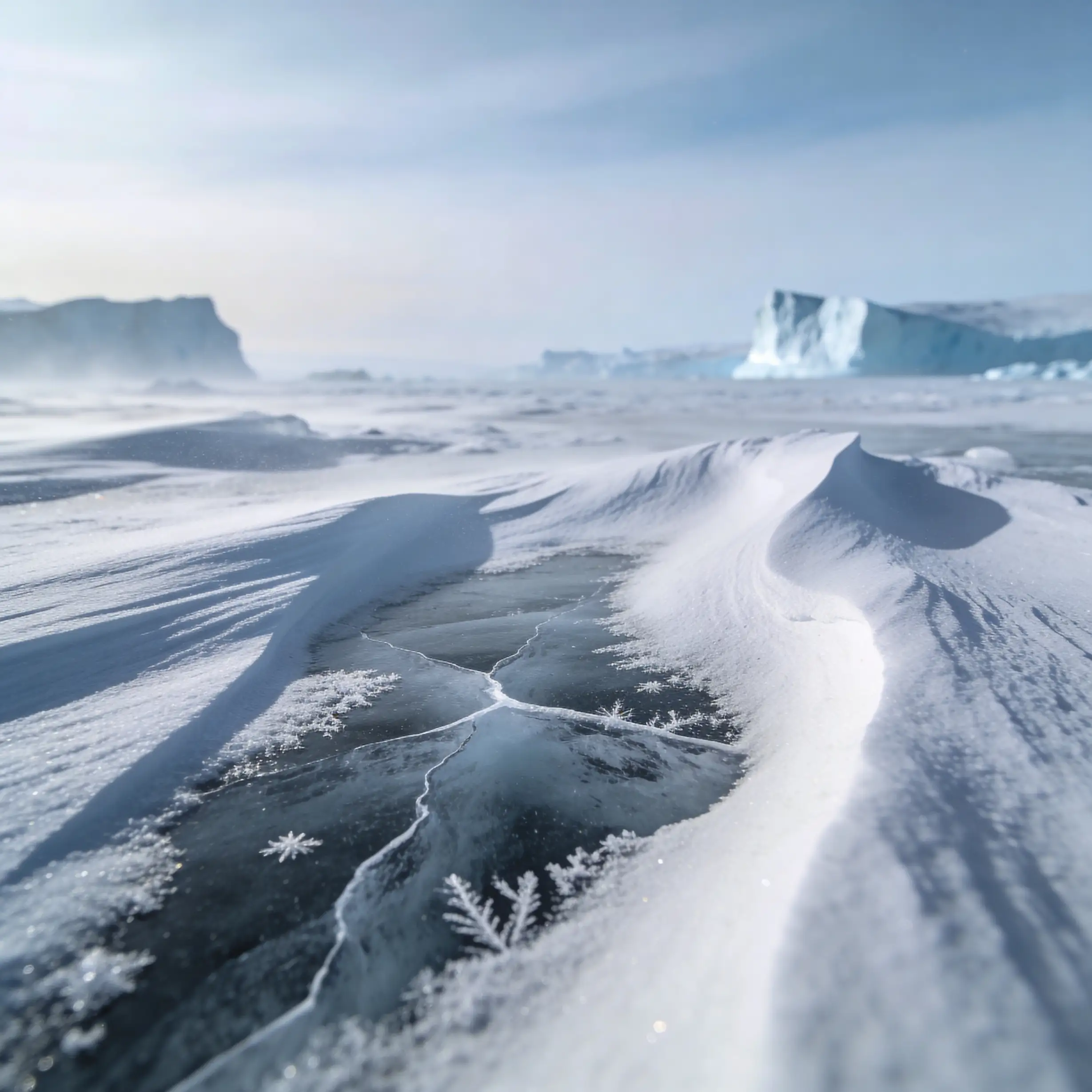
FLUX.2 [dev] from Black Forest Labs enables fast image-to-image editing with precise, natural-language modifications and hex color control.

Flux 2 [klein] 9B Base from Black Forest Labs supports precise image-to-image editing with natural-language instructions and hex color–based control.
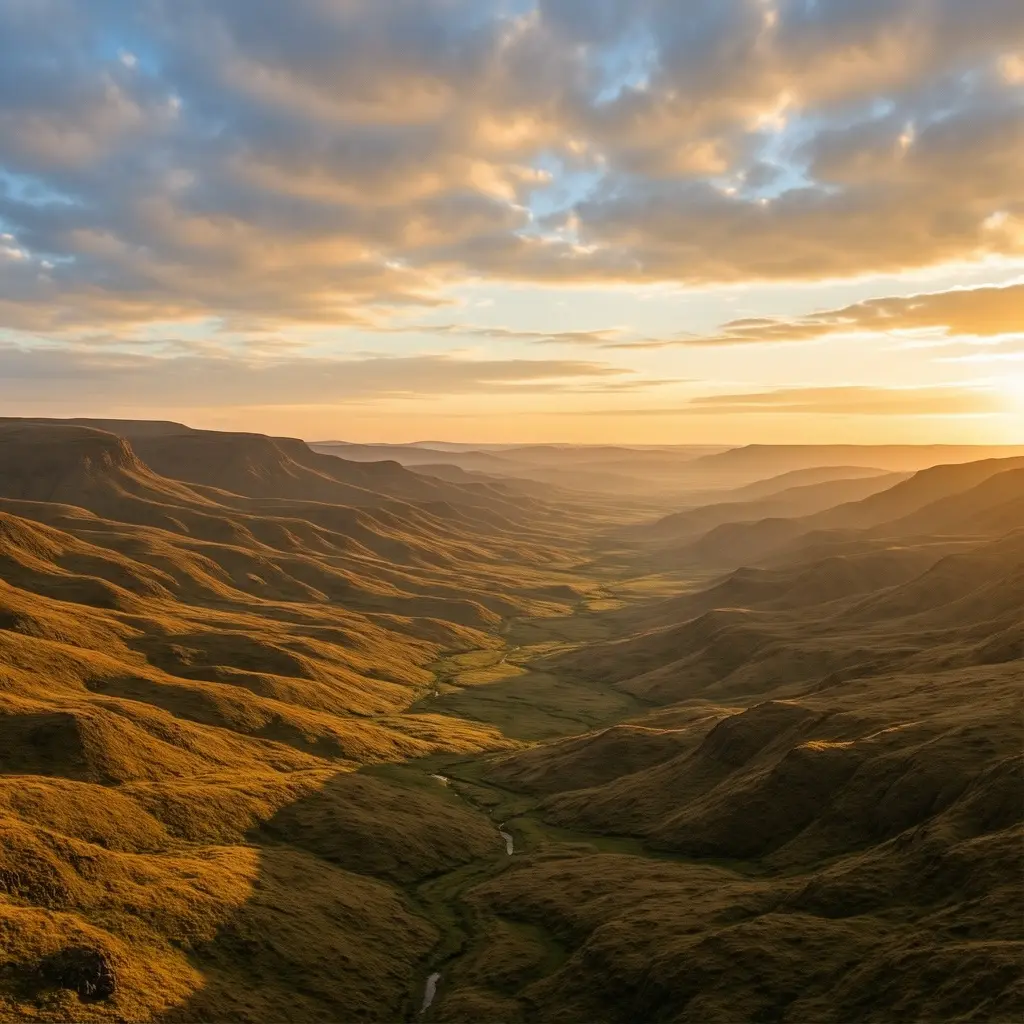
Kling Image V3 is the latest image generation model from Kling, delivering improved quality, consistency, and visual detail.
Dev questions, real answers.
Bria Product Shot is an AI image editing model by Bria AI that automatically places a product image into a professionally generated background or scene. It produces e-commerce-ready, commercially licensed product photography without requiring physical studio setups or manual compositing.
Bria Product Shot is accessible via the eachlabs unified API. Submit a product image with optional background description or style parameters; the model returns a product photo composited into a generated scene. Billing is pay-as-you-go through eachlabs.
Bria Product Shot is best suited for e-commerce product photography automation, catalog production, and marketing visual generation. Its commercially licensed output makes it particularly valuable for brands and retailers needing high-volume, legally safe product imagery without traditional studio photography.