Kling AI and Advanced Motion Control
So, you've probably seen those cool videos where a character from a picture suddenly starts moving, right? Well, there's some pretty neat AI behind that, and it's called Kling. Specifically, the Kling 2.6 Motion Control feature is making waves. It's like giving your still images a director and a choreographer, letting them perform actions from a video. This tech is changing how we make animated stuff, making it way more accessible for all sorts of projects. Key Takeaways * Kling 2.6 Motion C
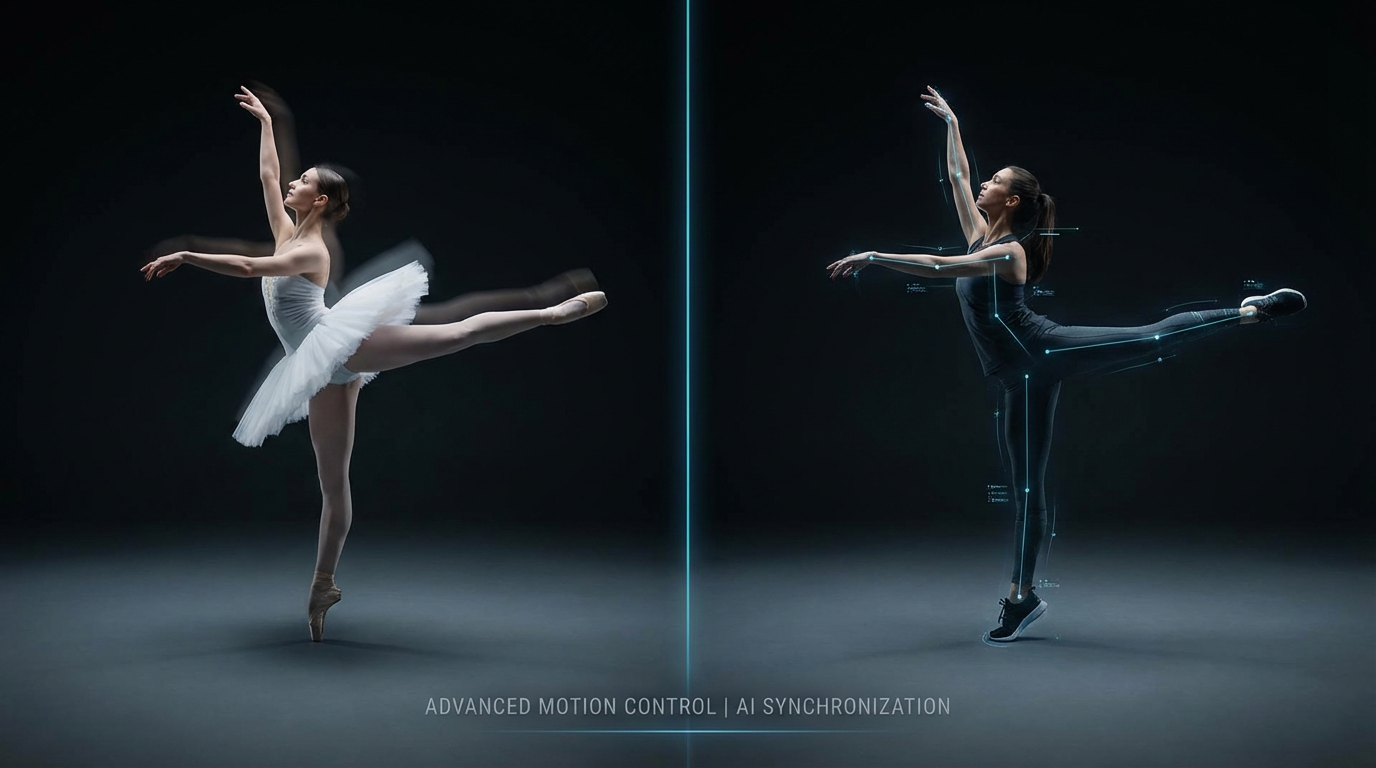
So, you've probably seen those cool videos where a character from a picture suddenly starts moving, right? Well, there's some pretty neat AI behind that, and it's called Kling. Specifically, the Kling 2.6 Motion Control feature is making waves. It's like giving your still images a director and a choreographer, letting them perform actions from a video. This tech is changing how we make animated stuff, making it way more accessible for all sorts of projects.
Key Takeaways
- Kling 2.6 Motion Control lets you take a static image and make it move like a character in a video, keeping the original look intact.
- The Kling model understands body physics, so actions like dancing or martial arts look realistic, including weight and momentum.
- You can use Kling model for marketing, social media, or even film projects to create animated content without needing complex equipment.
Understanding Kling AI Motion Control
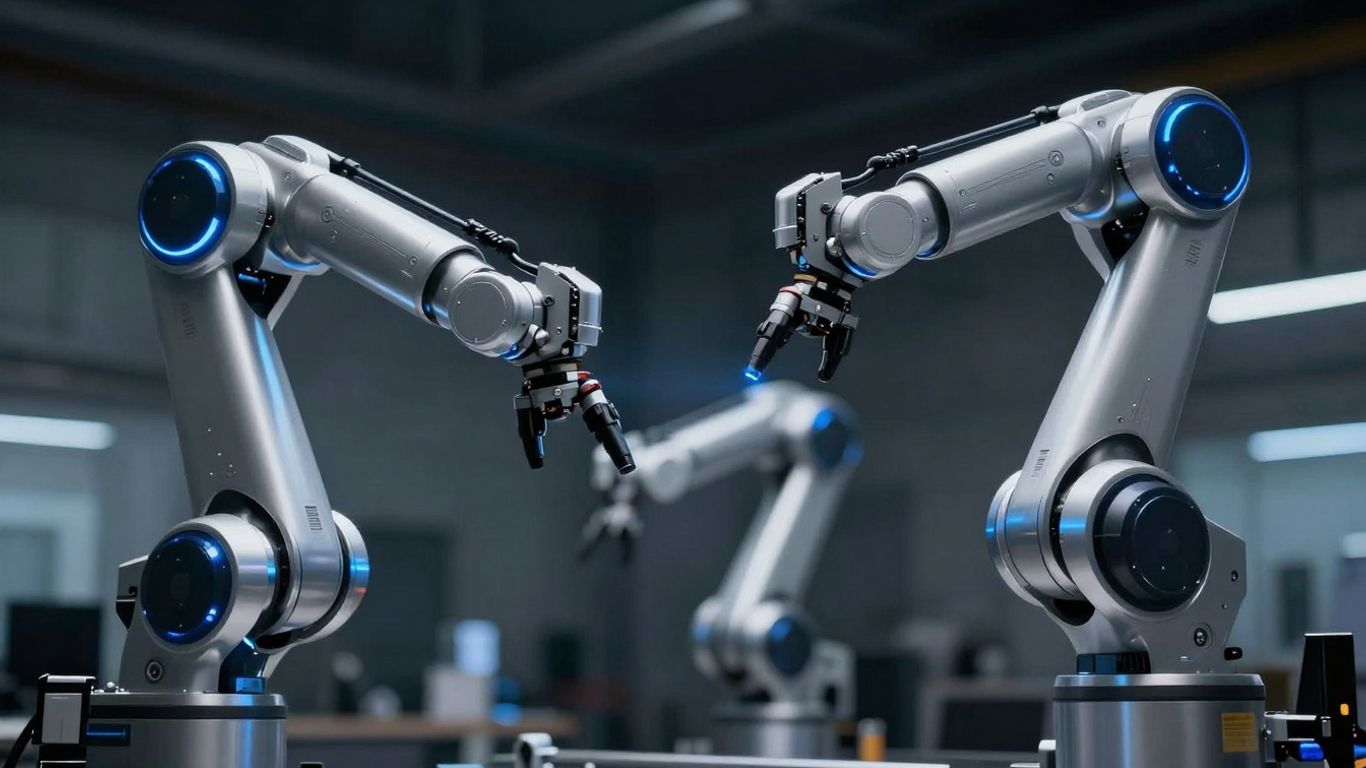
So, what exactly is this Kling Motion Control everyone's talking about? Think of it as a super smart way to make still images move, but with a lot more control than you might expect. It's not just about making a picture wiggle; it's about applying real-world physics and cinematic flair to your digital characters.
The Core Functionality of Kling 2.6 Motion Control
At its heart, Kling 2.6 takes two things: a picture of your character and a video showing the movement you want. The AI then figures out how to transfer that movement onto your character, making them perform the actions from the video. It's like having a digital puppeteer that understands how bodies move. This process allows for incredibly consistent and high-quality animations that used to take a whole film crew and tons of editing. It's a big step up from older methods that often just guessed how things should move.
Key Features for Realistic Animation
Kling 2.6 isn't just a one-trick pony. It's built with some pretty neat features to make the animations look believable:
- Precise Motion Mapping: It can copy complex actions, like dance moves or athletic feats, really accurately. The AI gets that things have weight and momentum, so if your reference video shows a character jumping, the animated character will look like they actually pushed off the ground.
- Identity Preservation: Your character stays looking like your character. Facial features, clothes, all of it stays consistent, even when they're doing something wild.
- Better Hands and Faces: AI has had a tough time with hands and faces before, but Kling 2.6 has improved how it handles finger movements and facial expressions, making them look more natural and in sync.
- Orientation Control: You can tell the AI if your character should be facing forward, sideways, or backward. This helps make sure the motion looks right when applied to your character's pose.
This technology bridges the gap between static art and dynamic animation. It's designed to be accessible, meaning you don't need to be a seasoned animator to get professional-looking results. The goal is to make character animation more straightforward and less time-consuming for everyone.
Leveraging Kling AI for Creative Projects

So, you've got Kling AI's motion control figured out, and now you're probably wondering, "What can I actually do with this thing?" Well, the possibilities are pretty wide open, honestly. It's not just for making your pet photo do a little jig, though that's fun too. Think bigger. This technology is changing how all sorts of people make stuff.
Practical Applications Across Industries
This isn't just a toy for hobbyists; businesses are finding real uses for it. Imagine needing to create a quick social media clip featuring your brand's mascot doing a popular dance. Instead of hiring animators or spending hours filming someone, you can grab a reference video of the dance and apply it directly to your mascot image. It's that straightforward.
Here's a quick look at where it's making waves:
- Social Media Content: Need to make a character wave hello or perform a simple gesture? Kling 2.6 makes it easy to create engaging, short videos that grab attention. You can even animate illustrations or AI-generated portraits for a unique online presence.
- Marketing and Advertising: Companies can create localized ad campaigns by applying the same motion to different character models. This means one well-shot reference video can be used to generate content featuring diverse characters, saving a ton of time and money on filming.
- Animation and Game Development: While not a full replacement for complex animation pipelines, it's fantastic for prototyping character movements or generating background animations. Think about creating realistic NPC idle animations or quick character reactions.
- Education and Training: Imagine creating animated explainers where a character demonstrates a process or performs a specific action. This can make learning materials much more dynamic and easier to follow.
The ability to transfer motion from a video to a still image with such precision is a game-changer for anyone needing dynamic visuals without the heavy lifting of traditional animation.
Optimizing Your Workflow with Kling 2.6
Getting Kling 2.6 integrated into your creative process doesn't have to be complicated. The key is understanding how to combine your reference video and character image effectively. For instance, if your reference video shows full-body movement, using a full-body character image will yield the best results. It's about matching the inputs to get the output you want.
Here are a few tips to make things smoother:
- Clear Reference Videos: Make sure the movement in your reference video is clear, well-lit, and easy for the AI to interpret. Shaky or blurry footage will lead to less accurate motion transfer.
- High-Quality Character Images: Use clear, well-defined images of your character. A full-body shot is ideal for full-body movements, while a close-up might work better for facial expressions.
- Experiment with Prompts: While the motion comes from the video, text prompts can help define the scene's style, lighting, or background. Don't be afraid to play around with these to get the exact look you're going for.
Want to make your creative projects shine using AI? Kling can help you bring your ideas to life faster and better than ever before. Discover how Kling models can boost your creativity and see amazing results. Visit our website today to learn more and get started!
Wrapping It Up
So, what does all this mean for folks like us? Basically, Kling's advanced motion control is making it way easier to get characters moving realistically. It’s like having a digital puppet master that understands how people actually move, whether it's a simple wave or a complex dance. This tech lets you take a still picture and make it do pretty much anything from a video, keeping the character looking like itself the whole time. It’s pretty neat for anyone trying to make videos for social media, marketing, or just for fun, without needing a whole film crew. It really lowers the bar for creating animated content that looks good and moves naturally.
Frequently Asked Questions
What exactly is Kling AI Motion Control?
Think of Kling AI Motion Control as a super smart tool that lets you take a still picture of a character and make it move just like in a video. You give it a picture of your character and a video of someone doing an action, and the AI copies that action onto your character. It's like having a digital puppet master that makes your character perform any move you want, from a simple wave to a complex dance, while still looking like your original character.
Can Kling AI make my character do realistic movements, like sports or dancing?
Yes, absolutely! the Kling model is really good at understanding how bodies move. It knows about things like weight and speed, so if your reference video shows someone doing a powerful jump or a quick dance step, your character will move in a way that looks natural and believable. It can handle tricky moves without your character looking stiff or unnatural.