Flux AI Image Generator Use Cases for High-Quality Visual Content
As AI image generation becomes a standard part of creative workflows, the focus has shifted from whether AI can generate images to how and where it should be used. Different models excel at different tasks, and understanding those strengths is key to producing high-quality results. The Flux AI image generator is known for its ability to produce visually rich, atmospheric, and compositionally strong images. Rather than chasing exaggerated stylization or hyper-fast output, Flux emphasizes realism
As AI image generation becomes a standard part of creative workflows, the focus has shifted from whether AI can generate images to how and where it should be used. Different models excel at different tasks, and understanding those strengths is key to producing high-quality results.
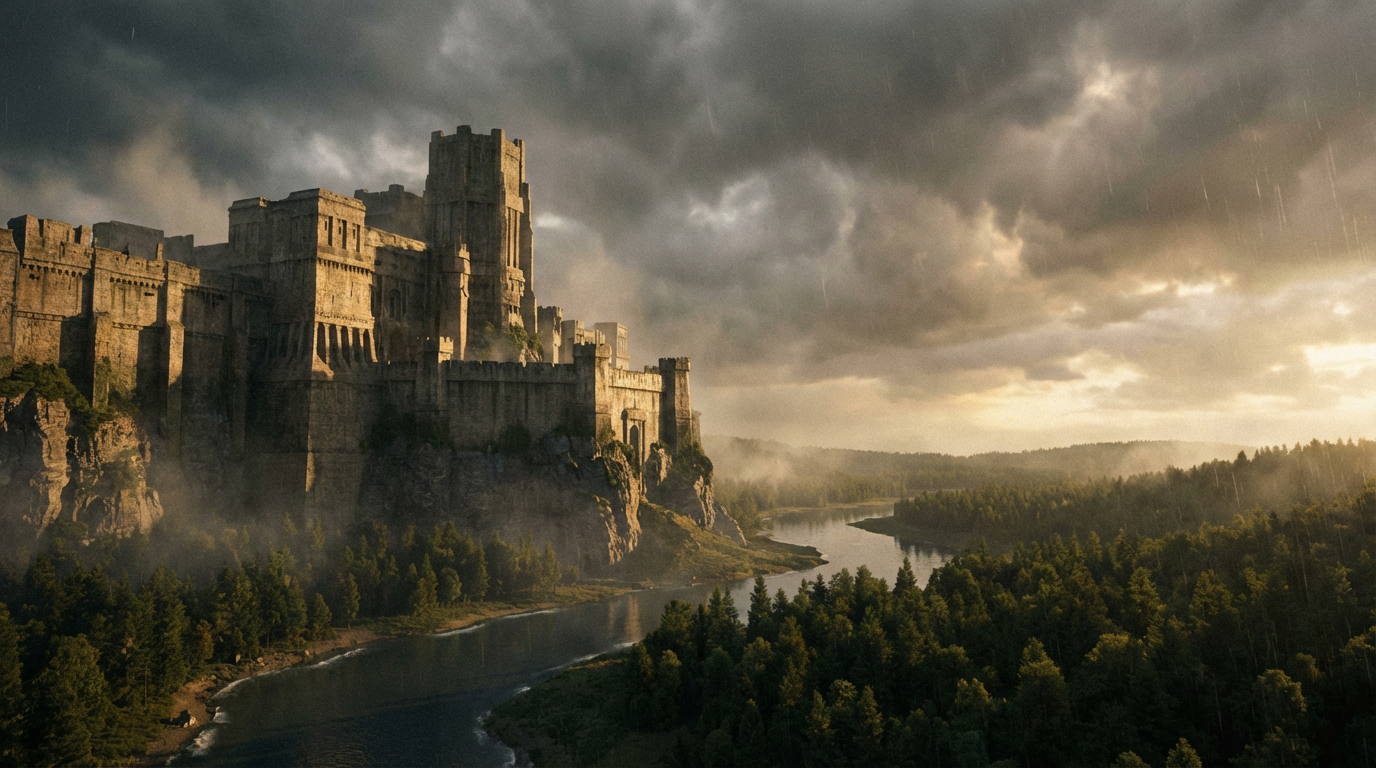
The Flux AI image generator is known for its ability to produce visually rich, atmospheric, and compositionally strong images. Rather than chasing exaggerated stylization or hyper-fast output, Flux emphasizes realism, depth, and cinematic structure. This makes it particularly valuable for creators and teams who care about visual storytelling and aesthetic consistency.
In this guide, we explore the most practical and impactful use cases for Flux AI image generator, showing where it performs best and how it fits into modern creative pipelines.
What Makes Flux AI Image Generator Unique
Before diving into use cases, it’s important to understand Flux’s core strengths. Flux is designed to handle:
- Realistic lighting and shadow behavior
- Strong depth and spatial awareness
- Cinematic composition
- Atmospheric color grading
- Controlled realism rather than exaggerated effects
Because of this, Flux is often chosen for projects where images need to feel intentional, polished, and visually grounded.
Use Case 1: Cinematic Concept Art and Visual Storytelling
One of the strongest use cases for the Flux AI image generator is cinematic concept art. Flux excels at creating scenes that feel like still frames from a film rather than standalone illustrations.
Common applications include:
- Film and series concept visuals
- Game environment exploration
- Narrative-driven visual development
- Mood boards for creative projects
Flux’s ability to handle lighting direction, depth of field, and environmental atmosphere makes it ideal for storytelling-focused visuals where emotion and mood matter as much as detail.
Use Case 2: Editorial and High-End Visual Content
Flux is well-suited for editorial-style imagery that requires balance, composition, and subtle visual language. Unlike models that push heavy stylization, Flux maintains a refined aesthetic that works well for professional publishing contexts.
Typical editorial use cases include:
- Magazine-style visuals
- Website hero images
- Campaign mood visuals
- Brand storytelling assets
The images produced tend to feel calm, cinematic, and premium rather than loud or over-processed.
Use Case 3: Brand and Campaign Visual Development
For brands that want strong visuals without losing control, Flux offers a reliable balance between creativity and structure.
Flux can be used to:
- Develop campaign concepts
- Test visual directions before production
- Create consistent brand imagery
- Explore seasonal or thematic variations
Because Flux maintains visual coherence across generations, it’s easier to build a recognizable visual language across multiple assets.
Use Case 4: Architectural and Environmental Visualization
Another area where Flux performs particularly well is environmental and spatial imagery. Its understanding of perspective, lighting, and scale makes it suitable for architectural concepts and location-based visuals.
Common scenarios include:
- Architectural mood visuals
- Interior and exterior concepts
- Landscape visualization
- Spatial design exploration
The model’s ability to render depth and realistic light behavior helps environments feel believable rather than flat.
Use Case 5: Concept Exploration and Early-Stage Ideation
Flux is often used during the early ideation phase of creative projects. Instead of final production assets, it helps teams explore directions, tones, and compositions quickly.
This includes:
- Exploring multiple visual styles
- Testing lighting and atmosphere
- Comparing compositional approaches
- Aligning teams around a shared visual direction
Flux’s outputs are detailed enough to inspire confidence, while still flexible enough to iterate on.
Use Case 6: Digital Art and Artistic Visuals
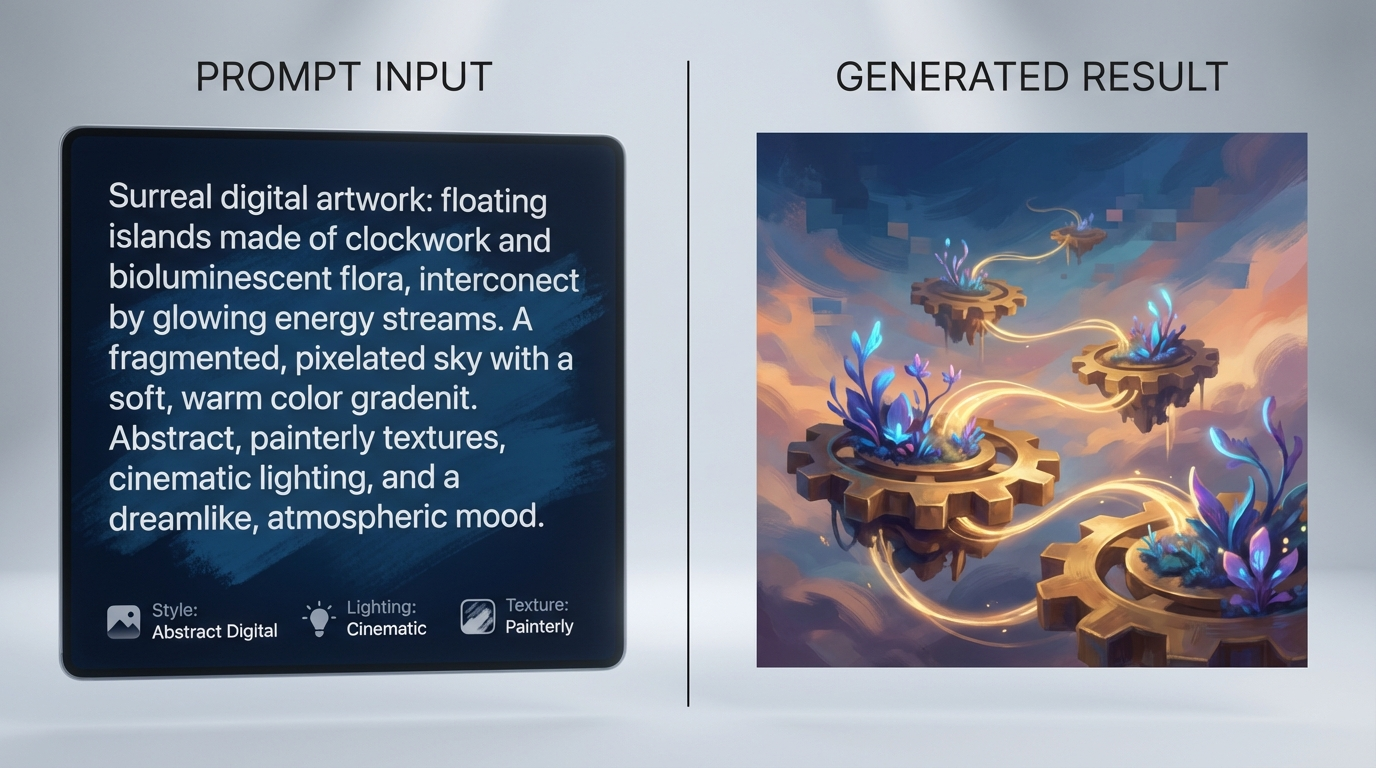
While Flux is grounded in realism, it still supports artistic expression—especially when the goal is cinematic art rather than abstract stylization.
Artists often use Flux for:
- Digital paintings with realistic lighting
- Atmospheric artworks
- Emotion-driven visuals
- Film-inspired art pieces
The results tend to feel immersive and cohesive rather than experimental or chaotic.
Integrating Flux AI into Creative Workflows
Flux works best when treated as a specialized visual tool, not a general-purpose generator. Many creators pair it with other models, using Flux specifically for:
- High-impact visuals
- Final look development
- Mood and atmosphere refinement
If you want to explore Flux AI image generator use cases further and experiment with structured workflows, you can explore it through Eachlabs, where different image models can be tested, compared, and refined within a unified creative environment.
Common Mistakes When Using Flux AI
To get the best results from Flux, it’s important to avoid a few common pitfalls:
- Overloading prompts with conflicting styles
- Expecting fast, casual outputs instead of cinematic ones
- Using Flux for highly technical diagrams or flat graphics
Flux shines when prompts are clear, visually grounded, and aligned with cinematic language.
Wrapping Up
The Flux AI image generator is not designed to do everything—and that’s precisely why it’s powerful. Its strength lies in producing visually rich, atmospheric, and compositionally strong images that feel intentional and cinematic.
From concept art and editorial visuals to brand campaigns and environmental design, Flux supports use cases where visual quality and depth matter most. By understanding where Flux excels, creators can use it more effectively and integrate it seamlessly into professional creative workflows.
Frequently Asked Questions
1. What is Flux AI image generator best used for?
Flux is best used for cinematic visuals, concept art, editorial imagery, and projects that require strong lighting, depth, and visual atmosphere.
2. Is Flux suitable for fast, high-volume content?
Flux is more focused on quality than speed. For high-volume or simple visuals, other models may be more efficient, while Flux is ideal for high-impact assets.
3. Can Flux be combined with other AI image models?
Yes. Many workflows use Flux for final visuals or mood development while relying on other models for rapid iteration or experimentation.