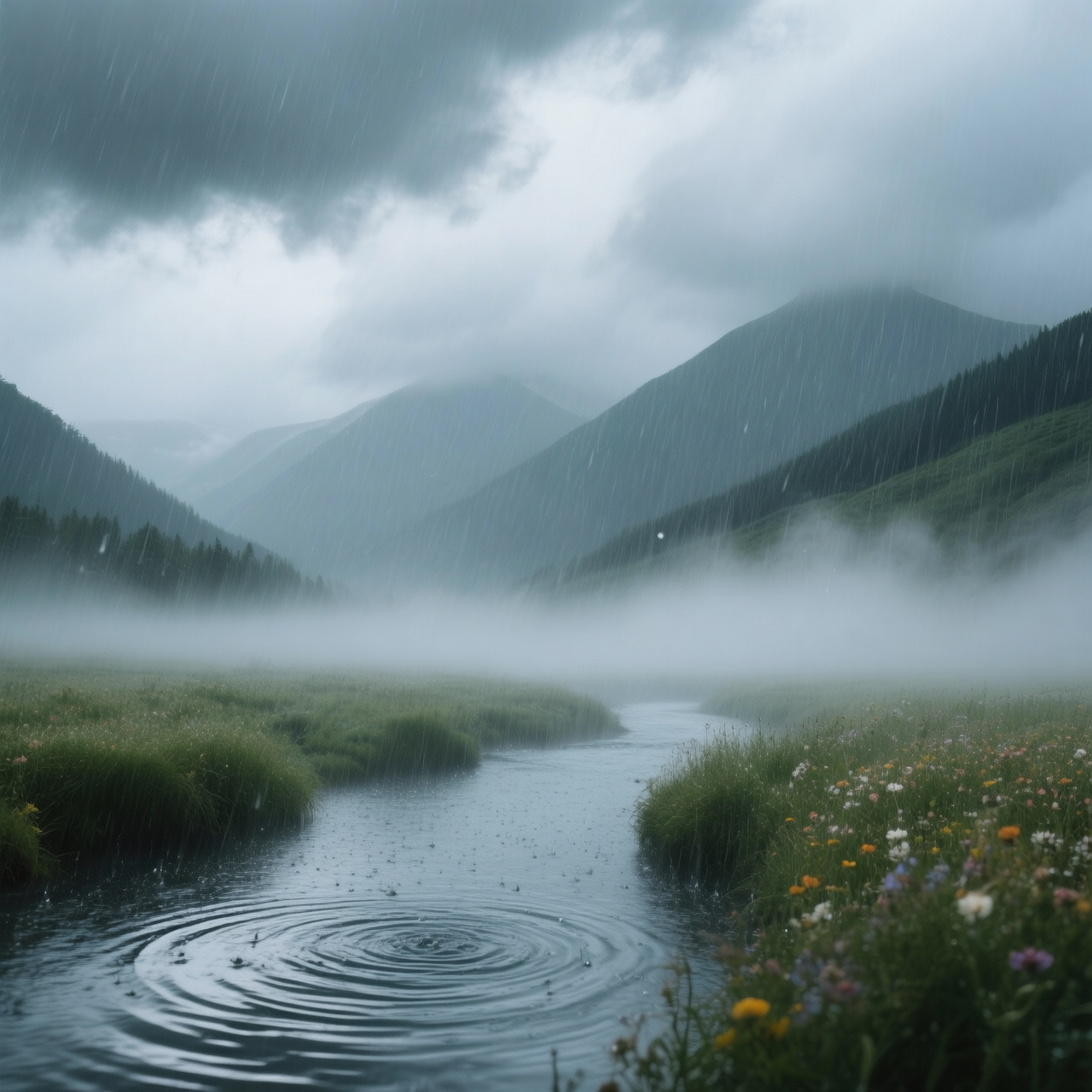
Wan | 2.5 | Preview | Image to Image
Wan 2.5 Preview Image to Image transforms an input photo into a new, high-quality image while preserving the main structure and enhancing details with realistic style.
- Runtime (p50)
- 1m
- Estimated price
- $0.05 per image
Overview
wan-2-5-preview-image-to-image — Image-to-Image AI Model
Developed by Alibaba as part of the wan-2.5 family, wan-2-5-preview-image-to-image transforms input photos into enhanced, high-quality images while preserving core structure and adding realistic details. This image-to-image AI model excels in single-image editing and multi-image fusion, making it ideal for developers seeking an Alibaba image-to-image solution for precise visual refinements. Unlike generic editors, it maintains subject fidelity and layout integrity, delivering outputs in PNG format at resolutions up to 1080P for professional-grade results.
Capabilities
- Transforms input photos into high-quality, realistic images while preserving core structure
- Enhances fine details and textures for photorealistic results
- Supports nuanced style transfer based on prompt instructions
- Handles a wide range of input formats and resolutions
- Optimized for efficient GPU usage and large-scale workflows
- Capable of batch processing for multiple images
- Robust against common image generation artifacts when negative prompts are used
Use cases
Use Cases for wan-2-5-preview-image-to-image
E-commerce developers can use wan-2-5-preview-image-to-image to automate product photo enhancements, feeding an original item image plus references for "replace background with luxury studio lighting, add realistic shadows." This image to image AI model fuses elements to produce polished listings ready for online stores, saving hours on manual edits.
Graphic designers leverage its multi-image fusion for concept art, combining character sketches with environment photos to generate "integrate this figure into a cyberpunk cityscape at dusk, enhance metallic textures." The result maintains pose and proportions, streamlining iterative design workflows.
Marketers building AI photo editing for e-commerce campaigns transform lifestyle shots by inputting user-generated content and prompts like "enhance clothing details, apply golden hour lighting while preserving fabric folds." This ensures brand-consistent visuals without expensive reshoots.
Content creators experiment with style transfers, uploading portraits and specifying scene changes to create artistic variations that honor original facial structures for social media assets.
Tips & tricks
How to Use wan-2-5-preview-image-to-image on Eachlabs
Access wan-2-5-preview-image-to-image through Eachlabs' Playground for instant testing with image uploads and text prompts, or integrate via the wan-2-5-preview-image-to-image API and SDKs for production apps. Provide an input image (JPG, PNG), optional multi-images for fusion, and a descriptive prompt specifying enhancements; receive high-quality PNG outputs up to 1080P in seconds.
---Technical spec
What Sets wan-2-5-preview-image-to-image Apart
The wan-2-5-preview-image-to-image model stands out in the competitive landscape of image-to-image AI models with its support for multi-image fusion, allowing seamless blending of multiple references into a cohesive output. This enables users to combine elements from several photos while preserving overall composition, a feature refined in Alibaba's Wan 2.5 architecture for superior detail enhancement.
It supports high-resolution outputs at 480P, 720P, or 1080P in PNG format, optimized for fast inference in API workflows. Developers benefit from quick processing times, ideal for scalable AI image editor API integrations without compromising quality.
- Multi-image fusion capability: Merges inputs like product shots with background references, creating composites that retain structural accuracy for e-commerce visuals.
- Structure-preserving edits: Enhances details realistically while keeping the main subject and layout intact, reducing artifacts common in other models.
- High-resolution PNG outputs: Delivers up to 1080P images, supporting aspect ratios suitable for web and print without post-processing.
Things to be aware of
- Some experimental features, such as prompt expansion, may yield unexpected results and should be reviewed for consistency
- Users report that memory usage can be significant for high-resolution or batch workflows; optimized VRAM management is recommended
- Occasional edge cases include minor artifacts or loss of detail in complex scenes, especially with ambiguous prompts
- Consistency across outputs is generally high, but random seed variation can affect reproducibility
- Positive feedback highlights the model’s photorealism, structure preservation, and versatility
- Common concerns include processing time for very large images and the need for careful prompt engineering to avoid unwanted artifacts
Key considerations
- Ensure input images are within recommended resolution and format specifications to avoid processing errors
- For best results, use detailed and well-structured prompts that clearly describe desired enhancements or style changes
- Negative prompts can be used to exclude unwanted features or artifacts
- Quality and speed may vary depending on image complexity and hardware resources; higher resolutions may require more processing time
- Iterative refinement with prompt adjustments can significantly improve output quality
- Avoid using images with transparency (alpha channels), as these are not supported
Limitations
- Requires substantial GPU resources for high-resolution or batch processing
- May struggle with highly abstract or ambiguous prompts, leading to less predictable results
- Not optimal for images with transparency or non-standard formats
Related models
4 models

About Wan | 2.5 | Preview | Image to Image
What is Wan 2.5 Preview Image to Image?
Wan 2.5 Preview Image to Image is an early-access image transformation model by Alibaba featuring the improvements of the Wan 2.5 architecture. It applies style transfers, structural modifications, and visual enhancements to existing images with stronger prompt adherence than earlier Wan versions.