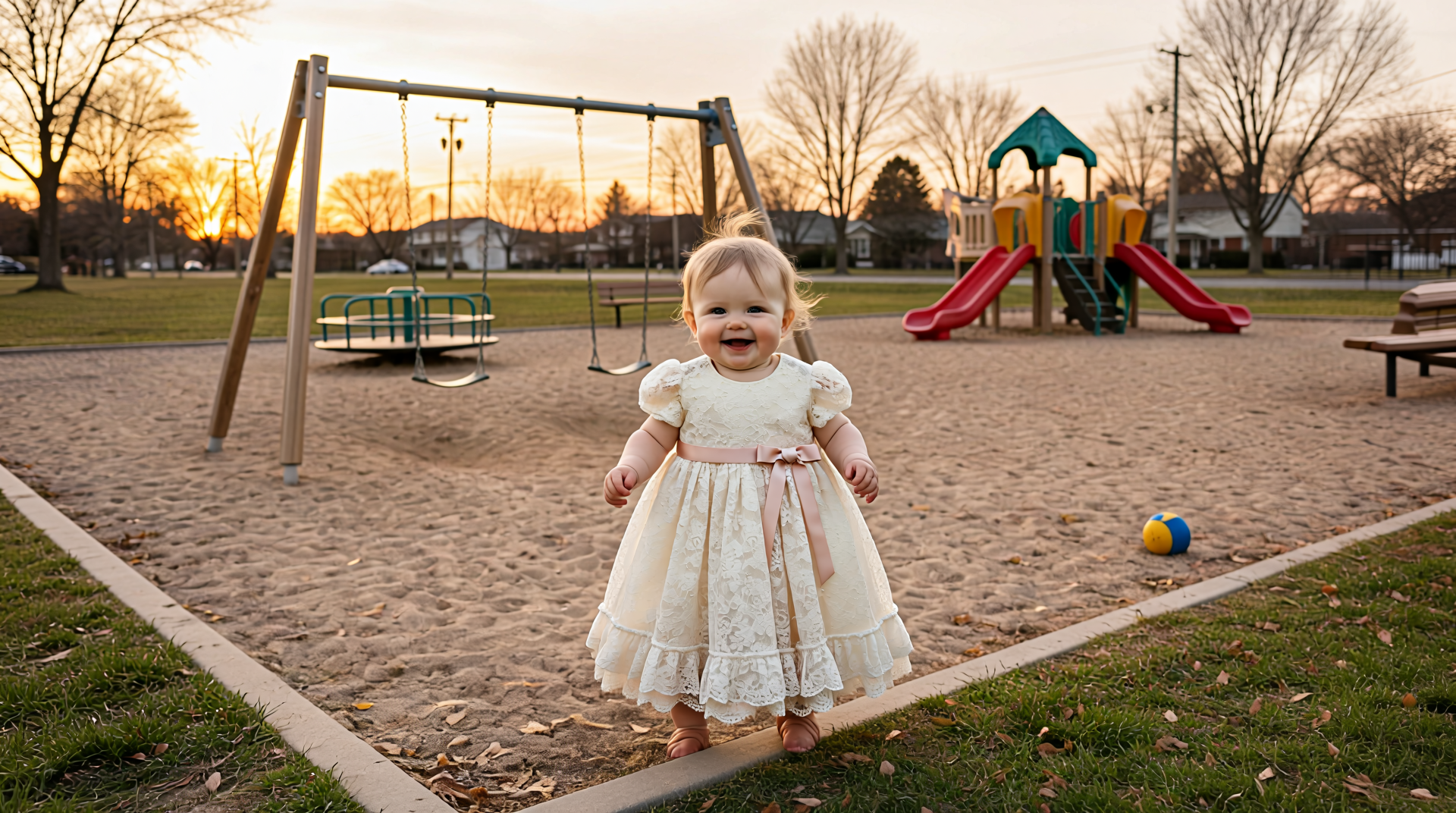
Vidu Q2 | Reference to Image
Vidu Reference-to-Image creates new images by combining a reference image with a prompt, preserving core identity while generating fresh, high-quality visual results.
- Runtime (p50)
- -
- Estimated price
- $0.10 per execution
Overview
vidu-q2-reference-to-image — Reference-to-Video AI Model
Vidu Q2 Reference Pro, officially launched globally on January 27, 2026, is a reference-to-video AI model that transforms how creators control video generation. Rather than relying on random outputs, this model lets you anchor video creation to reference images and videos, preserving identity and style while generating fresh, high-quality cinematic content. It solves the core pain point of traditional AI video generation: poor consistency and uncontrollable details. By combining reference images with text prompts, vidu-q2-reference-to-image enables pixel-level control over character appearance, scene composition, and visual effects—eliminating the need for manual post-production adjustments or multiple generation attempts.
The model represents a fundamental shift from "inspiration demonstration" to production-grade video creation, designed specifically for anime studios, short-form drama production, and film professionals who demand consistency across shot sequences.
Capabilities
- Generates high-quality images by combining a reference image with a text prompt
- Preserves core identity, pose, and structure from the reference while allowing creative variation
- Supports detailed style transfer and aesthetic changes while maintaining subject consistency
- Produces outputs suitable for professional visual content creation, including character design, product visualization, and concept art
- Handles complex prompts involving multiple objects, environments, and lighting conditions when aligned with the reference
- Delivers strong performance in preserving facial features, clothing, and object details from the reference
- Works effectively for both realistic and stylized outputs, including anime, illustration, and photorealistic styles
- Enables rapid iteration of visual concepts by reusing references with different prompts
Use cases
Use Cases for vidu-q2-reference-to-image
Anime and Short-Form Drama Production: Studios can feed character reference images plus a prompt like "character walks through a neon-lit cyberpunk street, nervous expression, rain falling" to generate consistent character shots across multiple scenes. The expression reference dimension ensures emotional continuity, while the action reference locks movement quality—reducing the need for manual frame-by-frame correction.
E-Commerce Product Video Generation: Marketing teams building an AI video generator for product showcases can use scene and texture references to place products in photorealistic environments. A prompt like "luxury watch on marble countertop, morning sunlight, shallow depth of field" combined with product and lighting references produces studio-quality output without expensive location shoots or professional photography.
Film and Commercial Production: Directors can establish visual consistency across shots by setting a main reference video (establishing the tone and lighting), then extracting independent references for special effects, character actions, and scene composition. This "reference-first" workflow minimizes visual drift between shots and ensures that multi-reference video generation maintains narrative coherence when multiple subjects appear together.
Digital Avatar and Talking Head Creation: Content creators can lock character identity using character references while feeding expression and action references to drive natural facial movements and gestures. This enables consistent, expressive digital avatars for streaming, education, or customer service applications without the stiffness typical of AI-generated performances.
Tips & tricks
How to Use vidu-q2-reference-to-image on Eachlabs
Access vidu-q2-reference-to-image through Eachlabs' Playground or API. Provide your reference images (up to 7), optional reference videos, and a text prompt describing your desired output. The model processes multimodal inputs and returns high-fidelity video with strong subject identity preservation and temporal coherence. Use Eachlabs' SDK for programmatic integration into production workflows, or the Playground for interactive experimentation with reference weights and composition adjustments.
Technical spec
What Sets vidu-q2-reference-to-image Apart
Multi-Reference Fusion Architecture: Unlike standard reference-to-video models, vidu-q2-reference-to-image supports simultaneous input of 2 reference videos and 4 reference images (up to 7 total references in ComfyUI workflows), with deep multimodal fusion that maintains consistency across all inputs. This enables complex multi-subject and multi-element video generation without requiring manual composition or separate generation passes.
Six Controllable Reference Dimensions: The model operates across six distinct reference categories—special effects, expressions, textures, actions, characters, and scenes—allowing creators to replicate and transfer styles at pixel-level precision. This eliminates the need for complex post-production tools like Cinema 4D or After Effects, making professional-grade video editing accessible through simple reference anchoring.
Production-Grade Control System: Designed for high-frequency creative workflows, vidu-q2-reference-to-image implements "controllable addition, deletion, and modification" engineering—meaning you actively intervene in creative work using reference materials as anchors, rather than passively waiting for generated results. This positions it as a true production engine rather than a generation toy.
Technical Specifications:
- Supports up to 7 reference images in single workflow
- Accepts multimodal input: reference videos, reference images, and text prompts
- Delivers high-fidelity dynamic rendering with smoother large motions and believable physical feedback
- Enables fine facial expressions, eye movement, and subtle gestures for expressive characters
- Supports camera language control: push, pull, orbit, follow, and close-up strategies
Things to be aware of
- The model is still evolving, and some behaviors (especially around extreme pose changes or complex interactions) may be experimental
- Users report that very dramatic changes in pose or perspective relative to the reference can lead to distortions or loss of identity
- Fine details like small text, intricate patterns, or subtle facial expressions may not always be perfectly preserved
- Performance can vary depending on reference quality; low-resolution, blurry, or heavily compressed references reduce output fidelity
- Some users note that the model performs best when the prompt does not contradict the reference (e.g., asking for a “cat” when the reference shows a person)
- Consistency across multiple generations is generally strong for the same reference and similar prompts, but minor variations in facial features or proportions can occur
- Recent user feedback highlights strong satisfaction with identity preservation and prompt adherence, especially for character and product use cases
- Common concerns include occasional over-smoothing of textures and challenges with highly detailed or cluttered reference images
- Resource requirements are moderate to high for high-resolution outputs, and generation speed depends on available compute
Key considerations
- The reference image plays a critical role in determining composition, style, and identity; choose references that clearly represent the desired subject and pose
- Prompt quality significantly affects results; use clear, descriptive language that complements rather than contradicts the reference
- Overly complex or conflicting prompts can lead to artifacts or reduced fidelity; keep prompts focused on the desired changes rather than redefining the entire scene
- For best identity preservation, use high-quality, well-lit reference images with clear subject separation
- There is a trade-off between creative freedom and consistency; more detailed prompts can increase variation but may reduce reference fidelity
- The model works best when the prompt and reference are semantically aligned (e.g., a prompt about a character in a specific outfit used with a reference of that character)
- Iterative refinement—generating multiple variations and selecting the best—often yields better results than expecting perfection in a single run
Limitations
- Struggles with extreme pose or viewpoint changes that are very different from the reference image
- May not perfectly preserve very fine details (e.g., small text, intricate logos) when the prompt introduces significant style or environment changes
Related models
4 models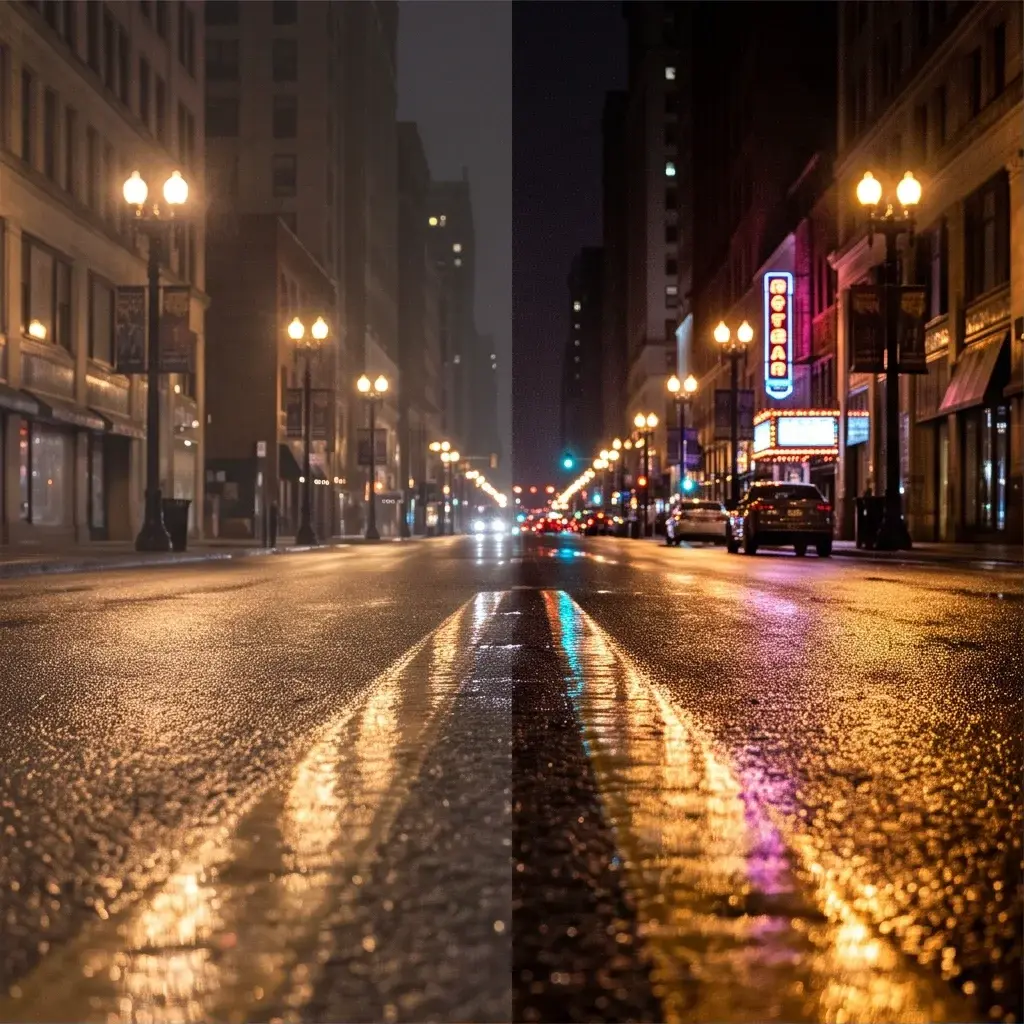



About Vidu Q2 | Reference to Image
What is Vidu Q2 Reference to Image?
Vidu Q2 Reference to Image is an AI image generation model by ShengShu that generates new images using one or more reference images as visual guidance. It preserves stylistic, compositional, or subject-related elements from the reference while producing a new, distinct output image.