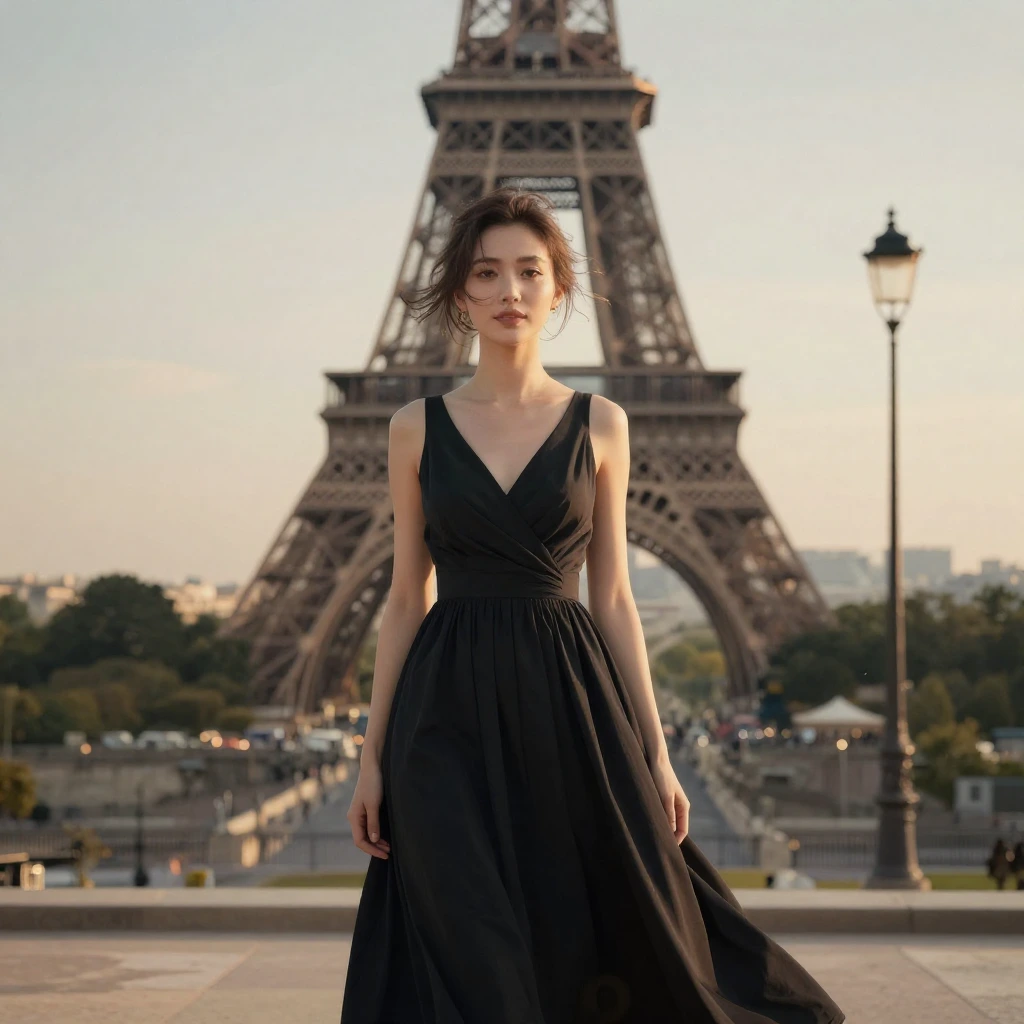
Z Image | Turbo | Image to Image
Generates images from text and reference images using Tongyi-MAI’s ultra-fast 6B Z-Image Turbo model for fast, high-quality visual results.
- Runtime (p50)
- 10s
- Estimated price
- $0.005 per megapixel per image
Overview
z-image-turbo-image-to-image — Image-to-Image AI Model
z-image-turbo-image-to-image, developed by Zhipu AI as part of the z-image family and powered by Alibaba’s Tongyi Lab, delivers ultra-fast image transformations using its 6 billion parameter Z-Image Turbo model. This image-to-image AI model excels in sub-second inference on enterprise hardware, enabling seamless enhancements from subtle upscaling to dramatic artistic reimaginings controlled by a single strength parameter. Developers and creators seeking a Zhipu AI image-to-image solution appreciate its bilingual text rendering and precise control, generating high-quality visuals at resolutions up to 2048x2048 pixels without switching tools.
Unlike traditional editors, z-image-turbo-image-to-image operates on a flexible spectrum: low strength values sharpen and detail reference images like advanced upscaling, while high values use the input as loose inspiration for new compositions. Integrated prompt enhancement ensures optimal results from simple inputs, making it ideal for AI image editor API integrations in workflows demanding speed and quality.
Capabilities
- Generates high-quality photorealistic images with excellent detail preservation at ultra-low latency
- Accurate bilingual text rendering in posters, graphics, and small fonts with proper alignment and typography
- Strong semantic reasoning and world knowledge for logical, culturally grounded outputs
- Versatile across styles, from realistic scenes to creative compositions, matching larger models in fidelity
- Efficient local inference on 16-24GB GPUs, enabling real-time generation
- Superior speed in benchmarks, nearly twice as fast as next competitors for batch processing
Use cases
Use Cases for z-image-turbo-image-to-image
E-commerce developers building automated image editing API tools can upload product photos with prompts like "enhance this shoe image with studio lighting and add 'Summer Sale 50% Off' text in elegant font," using low strength (0.3) for quick upscaling and bilingual text overlays that maintain photorealism without manual Photoshop work.
Graphic designers handling style transfers feed reference art plus "transform this landscape photo into cyberpunk neon cityscape, strength 0.7," preserving composition while dramatically altering aesthetics in sub-seconds—perfect for rapid iterations on posters or thumbnails where text legibility in English or Chinese is crucial.
Marketing teams for global campaigns use z-image-turbo-image-to-image to reimagine brand visuals: input a hero banner image and prompt "restyle as minimalist Scandinavian interior with product placement," leveraging high strength (0.9) and custom sizing for diverse social media formats, cutting production time from hours to moments.
Content creators experimenting with artistic edits apply the model's prompt enhancer on inputs like "turn this portrait into watercolor painting with Chinese poetry overlay," ensuring robust instruction adherence and reproducible seeds for series consistency in blogs or videos.
Tips & tricks
How to Use z-image-turbo-image-to-image on Eachlabs
Access z-image-turbo-image-to-image through Eachlabs Playground for instant testing, API for scalable integrations, or SDK for custom apps—simply provide a prompt, reference image (URL or upload), strength (0-1, default 0.6), optional width/height (up to 2048x2048), and seed. Receive high-quality PNG outputs in sub-seconds with photorealistic detail, bilingual text, and precise transformations optimized for production workflows.
---Technical spec
What Sets z-image-turbo-image-to-image Apart
The z-image-turbo-image-to-image model stands out in the competitive landscape of image-to-image AI models through its Scalable Single-Stream DiT (S3-DiT) architecture and optimized 8-step generation process, achieving sub-second latency on H800 GPUs or 16GB consumer devices. This enables real-time transformations unattainable by heavier competitors, with custom output sizing independent of input dimensions and bilingual English-Chinese text rendering for global applications.
- Strength parameter control (0.0-1.0): Fine-tunes transformation intensity from quality enhancement (0.0-0.3) to creative reimagination (0.8-1.0), allowing one model to handle upscaling, style transfer, and composition changes. Users gain precise outputs without multiple tools, streamlining edit images with AI pipelines.
- Sub-second inference with 6B parameters: Processes images in under 1 second via 8 NFEs, fitting 16GB VRAM. This supports high-volume z-image-turbo-image-to-image API calls for production apps needing instant feedback.
- Built-in prompt enhancer and flexible resolutions: Automatically refines prompts and supports outputs from 512x512 to 2048x2048 pixels in PNG format. It empowers consistent, photorealistic results tailored to e-commerce or design needs.
These specs—total pixels 512512 to 20482048, default 1024x1024—position z-image-turbo-image-to-image as a leader for fast, versatile image editing.
Things to be aware of
- Runs efficiently on 24GB GPUs like mobile 5090, with usage closer to 24GB unoptimized; quantized versions reduce to 16GB
- Outputs closely resemble leading models like Flux.2 Dev in quality but with extreme speed trade-off
- Common MacOS issues include KSampler float8 conversion errors, resolvable with GGUF custom nodes
- Consistent high aesthetic quality in benchmarks, especially photorealism, but may lack ultra-fine details of massive models
- Positive feedback on speed and local runnability: "one of the fastest offline models I've seen" and "fantastic overall"
- Variability in generation time (e.g., 9 seconds to slightly longer for complex prompts) based on hardware and optimizations
Key considerations
- Use minimal sampling steps (e.g., 9) for maximum speed, but increase to 20+ for higher detail in complex scenes
- Optimize VRAM usage with quantized versions like FP8 or GGUF to fit on 16-24GB consumer GPUs
- Balance quality and speed: lower steps prioritize rapidity but may reduce fine details compared to larger models
- Prompt with clear, descriptive language emphasizing style, lighting, and composition for best photorealism
- Avoid overly abstract or highly intricate prompts initially, as the model's distillation favors straightforward semantic understanding
- Test on local hardware to account for variability in inference time based on GPU and optimizations
Limitations
- Distilled design prioritizes speed over maximum detail, potentially underperforming larger models in hyper-intricate or artistic nano-level quality
- Higher VRAM usage than expected without quantization (up to 24GB); may require optimizations for lower-end hardware
- Experimental quantized variants (FP8, GGUF) can encounter platform-specific errors like float8 issues on MacOS
Related models
4 models



About Z Image | Turbo | Image to Image
What is Zhipu AI Z-Image Turbo Image to Image?
Zhipu AI Z-Image Turbo Image to Image is an AI model by Zhipu AI that transforms or stylizes existing images based on text prompts. It applies modifications including style changes, subject alterations, and visual enhancements while preserving the overall composition.