Image-to-Video Workflows for Social and Marketing Content
Making videos from pictures is getting easier. You can use AI to turn a still image into something that moves. This is super handy for social media posts or ads you might want to run. It's a new way to get your message out there without needing a whole film crew. Key Takeaways * To make videos from images, use AI tools. You give the AI a text description, and sometimes a picture to guide it. This whole image-to-video process is changing how we make content. * When you write your request for
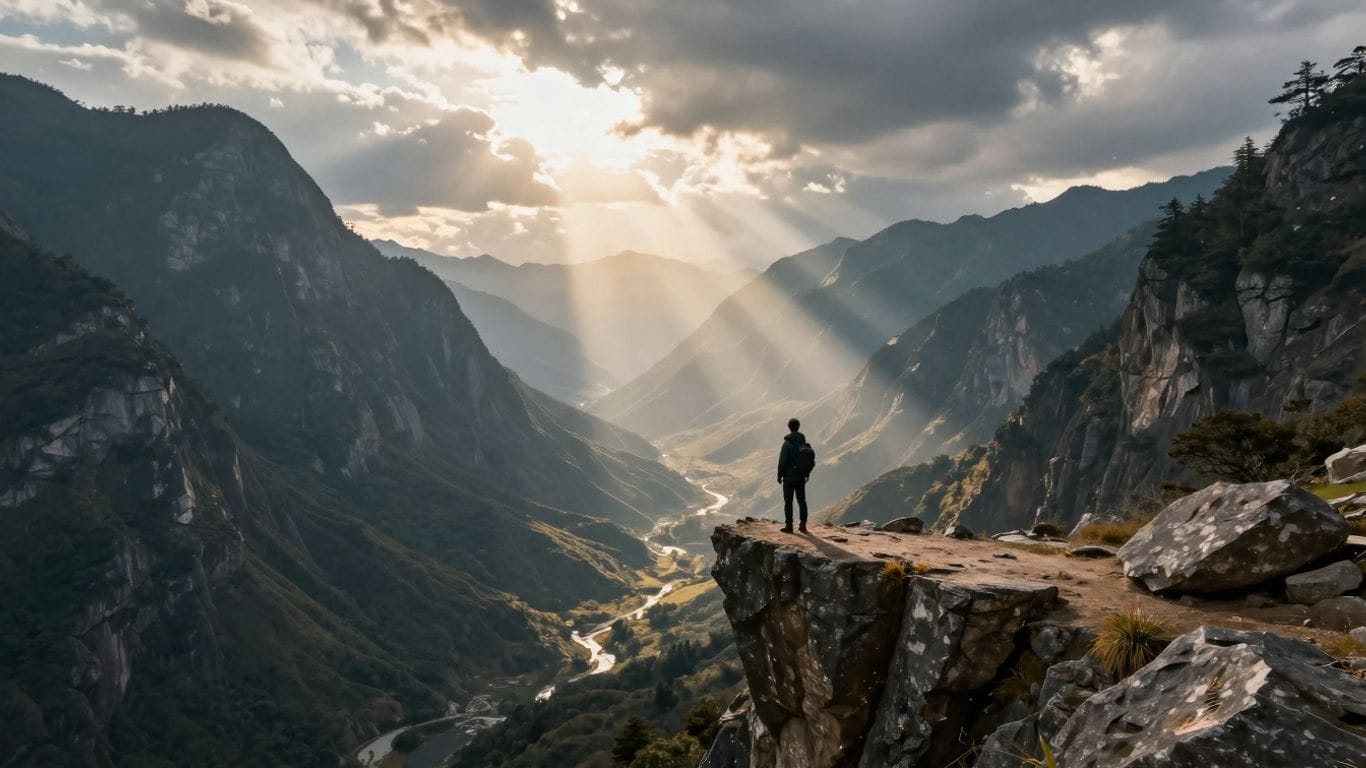
Making videos from pictures is getting easier. You can use AI to turn a still image into something that moves. This is super handy for social media posts or ads you might want to run. It's a new way to get your message out there without needing a whole film crew.
Key Takeaways
- To make videos from images, use AI tools. You give the AI a text description, and sometimes a picture to guide it. This whole image-to-video process is changing how we make content.
- When you write your request for the AI, be clear about what you want. Mention things like the style, action, and even the mood. Also, remember there are rules about what kind of images and text you can use, like no real people or famous names.
- This image-to-video tech is great for social media, making ads more interesting, and just creating cool stuff. It helps get more eyes on your posts and makes marketing campaigns pop.
Mastering Image-to-Video Generation
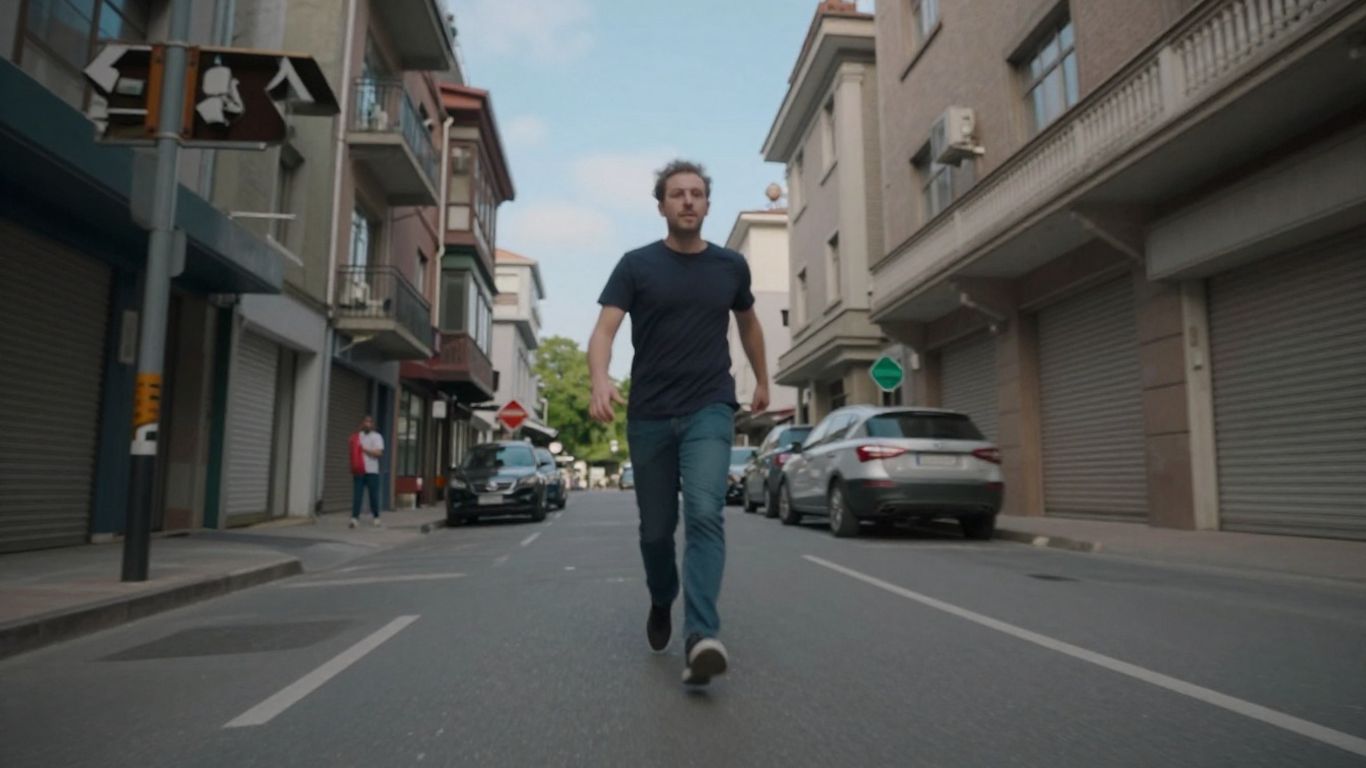
Crafting Effective Prompts for AI Video
Making AI create the video you want starts with telling it what to do. Think of it like giving directions to someone who's never been to your house before. You can't just say "go to my place." You need to be specific. For AI video, this means writing clear, detailed prompts. What's happening in the scene? Who or what is involved? What's the mood? The more information you give, the better the AI can picture it.
The key is to be descriptive without being overly complicated. For instance, instead of "a dog," try "a fluffy golden retriever puppy chasing a red ball in a sunny park." Adding details like "fluffy," "puppy," "red ball," and "sunny park" gives the AI a lot more to work with. You can even specify things like camera angles or music style. Want a dramatic feel? Mention "cinematic lighting" or "epic orchestral music." Need something upbeat? Try "fast-paced editing" and "upbeat electronic music."
Here are some things to think about when writing your prompts:
- Subject: What is the main focus of the video?
- Action: What is the subject doing?
- Setting: Where is this happening?
- Atmosphere/Mood: What feeling should the video convey?
- Style: Should it look like a cartoon, a movie, or something else?
Remember, AI models are still learning. Sometimes, even with a great prompt, the result might not be exactly what you imagined. Don't get discouraged. Try tweaking your prompt, simplifying it, or adding different details. It's often a process of trial and error to find what works best.
Leveraging Image References in Video Creation
Sometimes, words alone aren't enough. That's where using an image as a reference comes in handy. You can upload a picture, and the AI will use it as a starting point or inspiration for the video it creates. This is super useful if you have a specific look or style in mind that's hard to describe.
For example, maybe you have a cool illustration you want to bring to life, or a product photo you want to see in a dynamic setting. Uploading that image along with your prompt gives the AI a visual guide. It can help the AI match colors, composition, or even the general vibe of the image.
However, there are some rules. You generally can't use photos of real people, especially recognizable faces. This is to avoid issues with privacy and likeness. Stick to illustrations, graphics, or objects. Also, avoid using images with copyrighted material or famous logos if you're aiming for broad use.
When you submit an image, it usually gets converted into a special format (like base64) so the AI can process it. The AI then tries to generate a video that either looks similar to the image or incorporates elements from it into the scene you described in your prompt. It's like giving the AI a mood board to work from. This can really help in creating content that has a consistent visual style, which is great for branding or maintaining a specific aesthetic across your social media posts.
Optimizing Image-to-Video Workflows
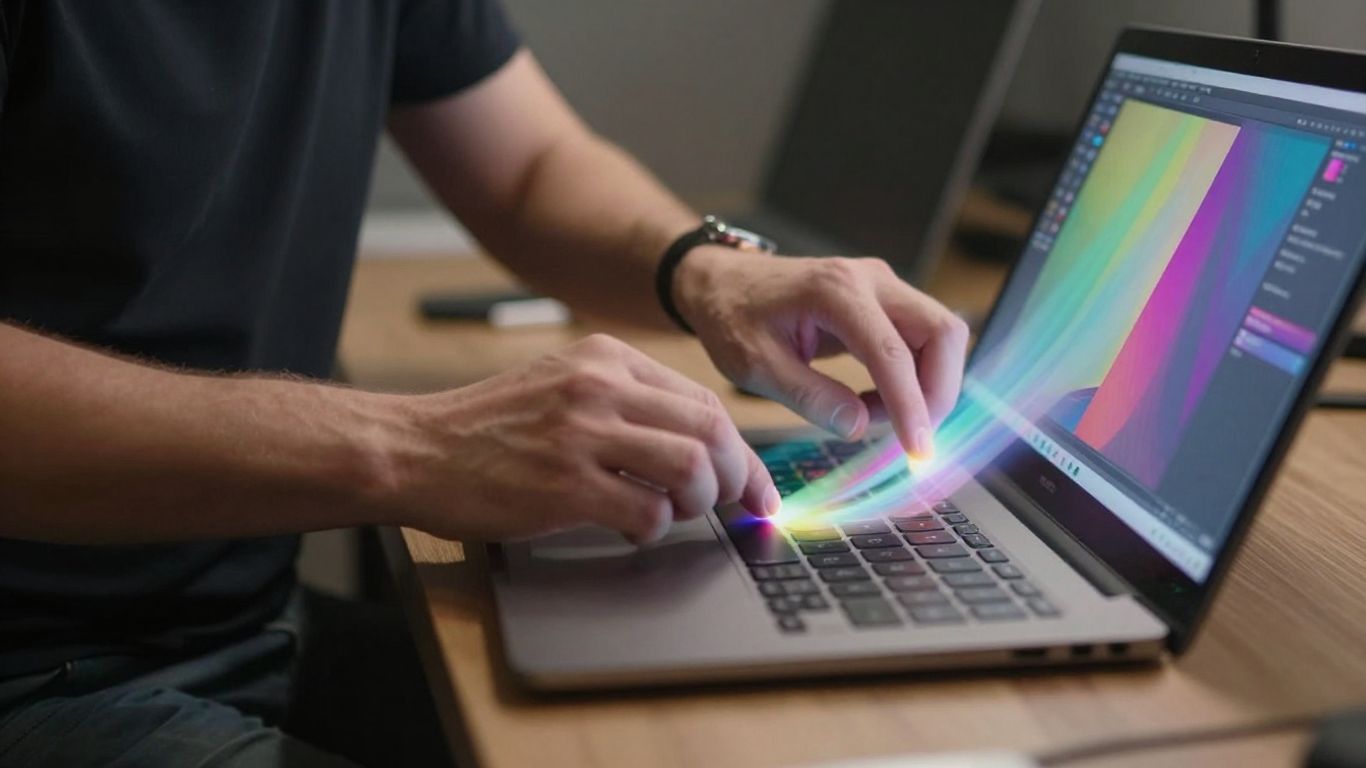
Getting your AI-generated videos just right involves a bit more than just typing in a prompt. It's about setting things up so the whole process runs smoothly, from start to finish. Think of it like prepping your ingredients before you start cooking – it makes a big difference.
Ensuring Content Compliance and Best Practices
When you're creating content, especially for public platforms, you've got to play by the rules. AI video generation tools have built-in checks to keep things appropriate. These systems usually look at a few things:
- Image Review: If you upload an image, the AI will check it. It often flags images with real people or faces that look too real. It's safer to stick with illustrations or cartoon-style images.
- Prompt Filtering: The text you write is scanned for anything problematic. This includes violence, adult themes, copyrighted material, and likenesses of famous people who are still alive. Keep it clean and original.
- Output Review: Even after the video is made, there's a final check. Sometimes, videos fail at this last stage, even if they looked good earlier. If this happens, it usually means something in the prompt or the generated content tripped a wire.
To avoid common pitfalls, keep your prompts general and steer clear of specific brand names or celebrity mentions. If you're having trouble, simplifying your prompt is often the best first step.
Remember that AI models are trained on vast datasets. While they're powerful, they can sometimes misinterpret nuances or generate content that inadvertently crosses a line. A proactive approach to content guidelines saves time and prevents rejections.
Applications of Image-to-Video Content
So, you've got these cool images, right? What do you do with them? Well, turning them into short videos is becoming a pretty big deal, especially for stuff you want to share online. It's not just about making things move; it's about grabbing attention.
Driving Engagement on Social Media Platforms
Think about scrolling through your feed. What stops you? Usually, it's something that moves. Taking a great photo and giving it a little life can make a huge difference. Instead of a static picture of your new product, imagine a short clip showing it from different angles or in action. That's way more likely to get people to pause and look.
- Short-form video is king: Platforms like TikTok, Instagram Reels, and YouTube Shorts thrive on quick, engaging video content. Image-to-video tools let you jump on this trend without needing complex editing software or filming crews.
- Tell a mini-story: Even a few seconds of animation can convey more than a still image. You can show a product being used, a scene unfolding, or a concept coming to life.
- Stand out from the crowd: In a sea of static posts, a dynamic video generated from an image can really catch the eye and encourage likes, shares, and comments.
Enhancing Marketing Campaigns with Dynamic Visuals
For businesses, this tech is a game-changer. You can create promotional material that feels fresh and modern. Imagine a designer uploads a sketch of a new shoe, and the AI turns it into a 15-second clip showing the shoe walking. That's pretty neat, and it's a lot faster than a traditional photoshoot and video shoot.
Here’s a quick look at how it helps:
- Product Showcases: Turn product photos into short, rotating videos that highlight features from all sides. This is great for e-commerce sites.
- Ad Creatives: Generate eye-catching video ads quickly. You can test different visual concepts without a huge upfront investment.
- Brand Storytelling: Create short, animated sequences that communicate your brand's message or values in a more memorable way.
The key here is speed and accessibility. You don't need to be a Hollywood director to make videos that look good. If you have a strong visual concept, you can bring it to life with these tools, making your marketing efforts more impactful and efficient. It's about making your content work harder for you.
The ability to transform a single image into a compelling video clip is rapidly becoming a standard tool for anyone looking to make their online presence more dynamic and engaging. It's a way to get more mileage out of your existing visual assets and create content that truly captures attention in a busy digital world.
Turning pictures into videos opens up a world of cool possibilities! Imagine making your photos come alive or creating short, engaging clips from still images. This technology is changing how we share stories and ideas. Want to see how it works? Visit our website to explore the amazing applications of image-to-video content.
Wrapping It Up
So, that's the lowdown on using images to make videos for your social media and marketing stuff. It’s pretty neat how you can take a still picture and turn it into something moving and engaging, all without needing a whole film crew. We talked about how to get started, what kind of prompts work best, and some things to watch out for, like avoiding real people in your images. It’s a good way to make content that grabs attention, whether it’s for a quick TikTok or a marketing campaign. Give it a try and see what cool videos you can come up with!
Frequently Asked Questions
How do I make sure my videos follow the rules?
To keep your videos safe and approved, avoid using pictures of real people or famous folks. Also, don't ask for anything violent, adult-themed, or that uses copyrighted stuff. Think more cartoons and made-up scenes!
Can I use my own picture to help make the video?
Yes, you can! If you have a picture you like, you can upload it to give the AI an idea of what you're going for. Just remember, no real people in the pictures you upload either.
What's the best way to ask the AI to make a cool video?
Be super descriptive! Tell the AI exactly what you want to see, like the setting, what's happening, and even the mood or music style. The more details you give, the better the video will turn out.