How to Create Realistic AI Portraits
Creating realistic AI portraits has become one of the most popular use cases of modern generative models. From social media profile images and digital avatars to concept art and branding visuals, high-quality AI portraits can now rival traditional photography and illustration. The key is not just choosing the right model, but also understanding lighting, facial structure, expression, style, and prompt design. In this guide, we’ll explore how to generate highly realistic AI portraits, what makes
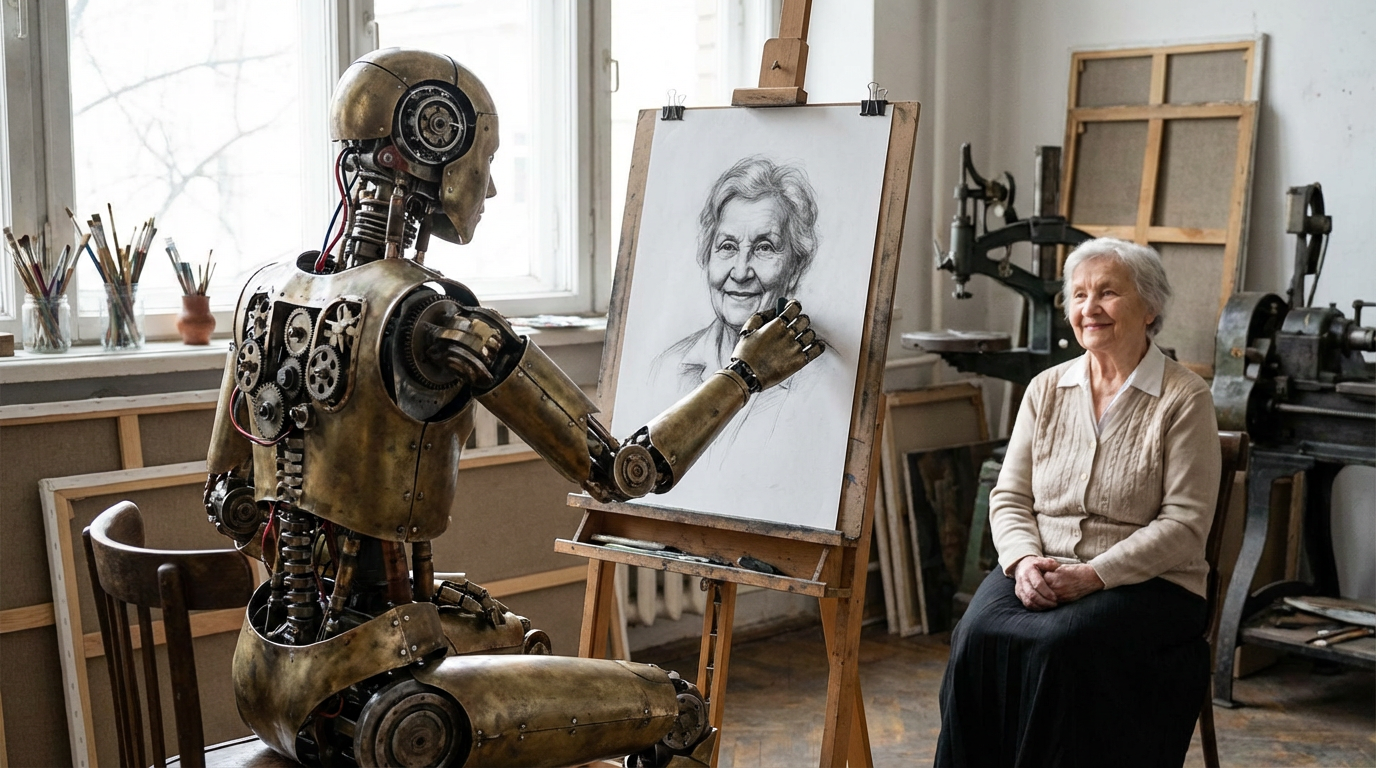
Creating realistic AI portraits has become one of the most popular use cases of modern generative models. From social media profile images and digital avatars to concept art and branding visuals, high-quality AI portraits can now rival traditional photography and illustration. The key is not just choosing the right model, but also understanding lighting, facial structure, expression, style, and prompt design.
In this guide, we’ll explore how to generate highly realistic AI portraits, what makes them look natural, and how advanced image editing models such as Nano Banana Pro can be used to refine and control the final result. We’ll also look at complementary portrait models and techniques without referencing external competitors, focusing purely on practical, platform-agnostic workflows.
What Makes an AI Portrait Look Realistic
A realistic AI portrait is not defined only by sharp resolution. True realism comes from a combination of subtle factors:
- Accurate facial proportions
- Natural skin texture and micro-details
- Consistent lighting and shadow behavior
- Emotionally believable expressions
- Realistic depth of field and lens simulation
- Cohesive color grading
Many AI images fail because they look “too perfect.” Real faces have asymmetry, pores, slight imperfections, and soft transitions between light and shadow. The more your prompts and tools account for these elements, the more photographic your results will feel.
Step 1: Start with a Strong Portrait Prompt
Your prompt is the foundation of everything. Instead of vague descriptions, use camera-like language:
- Lighting: soft window light, studio softbox, golden hour, rim light
- Lens: 50mm, 85mm, shallow depth of field, portrait lens
- Skin detail: natural skin texture, subtle freckles, soft imperfections
- Mood: calm, confident, introspective, joyful
- Composition: close-up, head and shoulders, three-quarter view
Example structure:
“Ultra-realistic portrait of a young adult, soft natural window light, 85mm lens look, shallow depth of field, detailed skin texture, cinematic color grading, neutral background, professional photography style.”
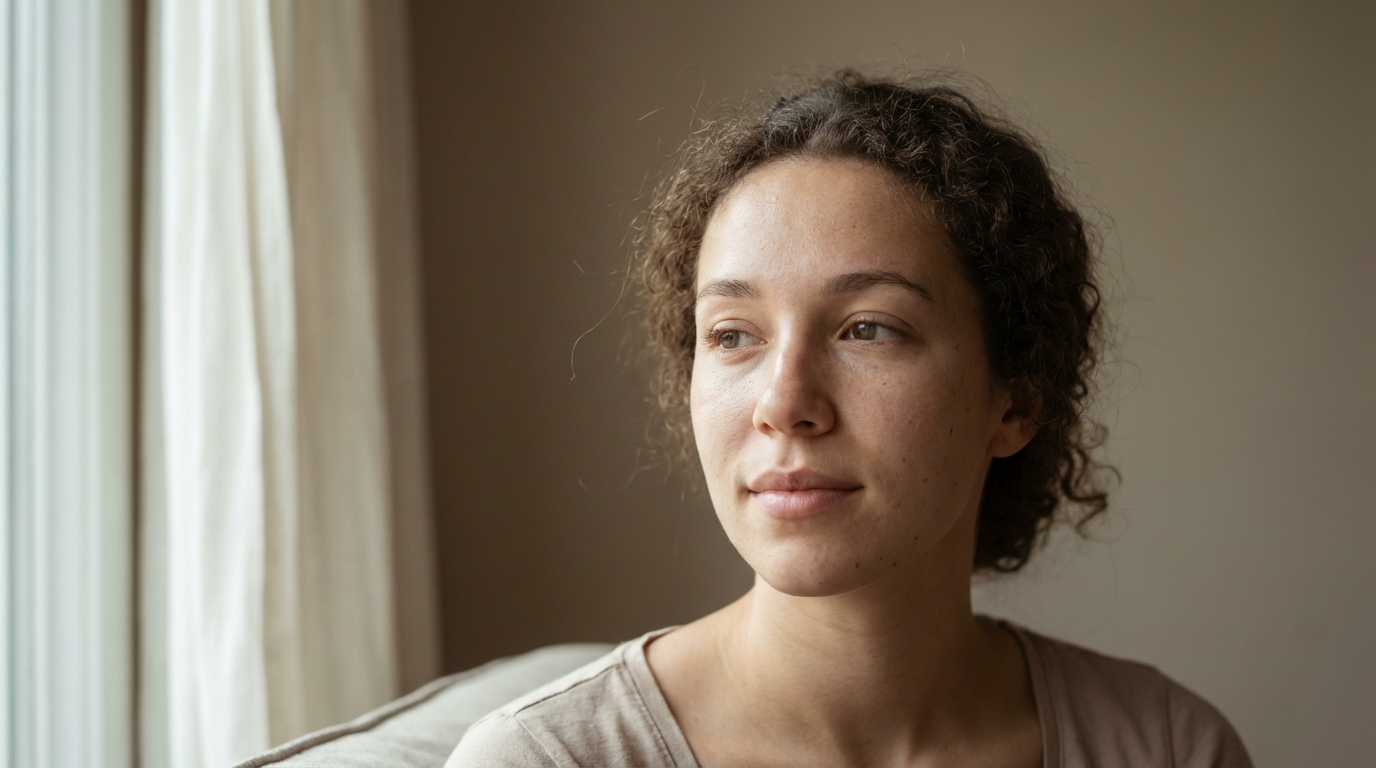
This type of phrasing guides the model toward realism instead of illustration.
Step 2: Generating the Base Image
Text-to-image portrait models are excellent for producing the initial composition. They can generate:
- Facial structure and symmetry
- Hair shape and volume
- Eye direction and expression
- Lighting setup
- Overall photographic mood
At this stage, the goal is not perfection but a strong base. Once you have a solid portrait, refinement becomes much easier.
Step 3: Enhancing Realism with Nano Banana Pro
This is where Nano Banana Pro becomes extremely valuable. Unlike basic generation models, it excels at image editing and visual refinement, which is crucial for portrait realism.
Key capabilities for portrait work:
1. Facial Detail Enhancement
You can subtly improve:
- Skin texture
- Eye sharpness
- Lip definition
- Natural shadow transitions
Instead of over-smoothing, Nano Banana Pro can preserve micro-details that make a face look human rather than plastic.
2. Lighting and Mood Adjustment
Change:
- Daylight to studio lighting
- Soft beauty light to dramatic Rembrandt lighting
- Cool cinematic tones to warm portrait tones
Lighting consistency is one of the strongest indicators of realism, and controlled relighting makes portraits feel like professional photography.
3. Pose and Expression Refinement
Small changes in:
- Head angle
- Eye direction
- Facial tension
- Smile intensity
These micro-adjustments dramatically affect emotional believability.
4. Style and Texture Transfer
You can transfer:
- Film grain from real photography
- Editorial color grading
- Skin tone realism from reference portraits
This allows you to match real-world photographic aesthetics instead of purely synthetic styles.
5. High-Resolution Upscaling
Portraits often need:
- Clean 2K or 4K resolution
- Sharp eyelashes and hair strands
- No texture smearing
Nano Banana Pro’s upscaling keeps facial details intact instead of inventing artificial smoothness.
Step 4: Maintaining Identity Consistency
For avatars, influencers, or character series, identity consistency is critical. A realistic portrait must look like the same person across multiple generations.
Techniques include:
- Reusing facial reference images
- Locking key features: eye spacing, jawline, nose shape
- Using descriptive anchors: “same facial structure,” “consistent identity,” “matching proportions”
- Refining with image-to-image editing rather than full regeneration
This is another area where advanced editing models outperform pure text-to-image tools, because they preserve structural information while allowing stylistic variation.
Step 5: Fine-Tuning with Other AI Portrait Models
While Nano Banana Pro handles high-end editing and realism refinement, other portrait-focused models can assist in:
- Generating diverse ethnic facial features
- Creating stylized yet realistic lighting setups
- Exploring different age ranges
- Producing cinematic vs. commercial aesthetics
Combining:
- A strong base portrait generator
- An advanced image editor like Nano Banana Pro
- A high-quality upscaler
creates a professional-level portrait pipeline.
Common Mistakes That Reduce Realism
- Over-smoothing skinPerfect plastic skin immediately signals “AI.”
- Flat lightingLack of shadow depth makes faces look artificial.
- Inconsistent eye reflectionsEyes must reflect the same light source as the face.
- Unnatural symmetryPerfect symmetry looks synthetic. Slight asymmetry feels real.
- Over-sharpeningExcessive clarity creates a digital look instead of optical realism.
Prompt Tips for Photographic Portraits
Use phrases like:
- “natural skin texture with subtle pores”
- “soft falloff lighting”
- “cinematic portrait photography”
- “shallow depth of field”
- “realistic facial proportions”
- “studio photography, professional lighting setup”
Avoid:
- “perfect face”
- “flawless skin”
- “hyper smooth”These push the model toward artificial beauty.
Practical Use Cases for Realistic AI Portraits
- AI influencers and digital personas
- Professional profile photos
- Game and film character concepts
- Marketing visuals
- Editorial illustrations
- Book covers
- Virtual try-on models
- Avatar systems
High realism builds trust and emotional connection, which is why portrait quality matters so much.
Workflow Example
- Generate base portrait using a text-to-image model
- Select the most natural-looking result
- Refine lighting, skin, and expression using Nano Banana Pro
- Apply subtle film-style color grading
- Upscale to high resolution
- Perform final facial consistency pass
This layered approach produces results far superior to single-pass generation.
Wrapping Up
Creating realistic AI portraits is no longer about pressing a single button. It’s about combining strong prompt design, understanding photography principles, and using advanced editing models to refine details that make faces look human.
Nano Banana Pro plays a key role in this process by enabling precise control over lighting, skin texture, facial structure, and stylistic consistency. When used alongside modern portrait generation models, it allows creators to move beyond synthetic-looking faces and achieve results that feel truly photographic.
As AI portrait technology continues to evolve, realism will increasingly depend on subtlety rather than spectacle. The closer your workflow gets to real-world photography logic, the more convincing your AI portraits will become.
Frequently Asked Questions
1. What is the best way to make AI portraits look more realistic?
The most effective approach is combining strong prompt design with post-generation editing. Using realistic lighting descriptions, camera-style language, and refining details like skin texture and shadows with advanced image editing models significantly improves realism.
2. Can Nano Banana Pro be used to edit existing AI portraits?
Yes. Nano Banana Pro is especially useful for refining existing portraits. It allows creators to adjust lighting, enhance facial details, correct expressions, and upscale images while preserving natural skin texture and identity consistency.
3. How do I keep the same face consistent across multiple AI portraits?
To maintain identity consistency, it’s best to use image-to-image editing instead of generating from scratch each time. Reusing reference images, locking key facial features, and making incremental edits helps ensure the portrait continues to represent the same person across different styles or scenes.