Bytedance Seedream V5 Lite Edit Explained
There's a specific kind of frustration that comes from image editing. You know exactly what you want the final photo to look like. The problem is getting from the original to that version without breaking everything that was already working: the face, the lighting logic, the texture of the background. Most tools ask you to choose. Fix the style, but accept some drift in the face. Swap the background, but watch the foreground light go wrong. Bytedance Seedream V5 Lite Edit was built around exactl
There's a specific kind of frustration that comes from image editing. You know exactly what you want the final photo to look like. The problem is getting from the original to that version without breaking everything that was already working: the face, the lighting logic, the texture of the background. Most tools ask you to choose. Fix the style, but accept some drift in the face. Swap the background, but watch the foreground light go wrong. Bytedance Seedream V5 Lite Edit was built around exactly that problem, and its approach is different enough from what most people are used to that it's worth understanding properly before you jump in.
Released in February 2026 as part of ByteDance's Seedream 5.0 family, it's an image-to-image model with a strong emphasis on coherent, constraint-aware editing. Fast turnaround, up to 14 reference images in a single pass, face preservation that holds through aggressive style changes. It's not trying to be everything. What it does, it does with unusual precision.
What Is Bytedance Seedream V5 Lite Edit?
ByteDance's Seedream line didn't get to version 5 in a straight line. Early releases were focused on raw generation quality. The 4.x generation added reference-based editing and sharpened resolution to 2K. Each version was responding to real problems people had with the previous one.
Bytedance Seedream V5 Lite Edit is the lightweight member of the 5.0 family, and the word "lite" needs some unpacking because it's not shorthand for "less capable." The tradeoff ByteDance made was speed over maximum compute. Take the reasoning improvements from Seedream 5.0's multimodal engine, tune them specifically for editing tasks, optimize for throughput. What you get is a model that handles iterative workflows well, which is arguably what most real production editing looks like anyway: generate, review, adjust, run again.
The Seed research team built this with unified multimodal generation in mind, meaning a single architecture that understands your instruction and works out the visual logic required to execute it correctly. That's the structural difference from older approaches where prompt following and spatial reasoning were essentially separate concerns bolted together.
How Bytedance Seedream V5 Lite Edit Works
At a basic level, it's image-to-image. You give it a reference image and a text prompt, and it gives you back a transformed version. That's familiar territory. What's less familiar is the Chain of Thought reasoning running underneath.
Most image editing models map a prompt to pixel changes in a fairly direct way. The instruction goes in, the diffusion process runs, something comes out. Bytedance Seedream V5 Lite Edit works through a multi-step inference process before any of that happens. It reads spatial relationships in the image. It figures out what the subject actually is. It identifies which parts of the scene the instruction is targeting and which parts it isn't. Then it applies the edit with an awareness of how touching one area ripples into everything adjacent to it.
That's why a prompt like "change the jacket to leather, keep the face, add studio lighting" can actually work as written. Three separate constraints, one pass, and the model has to hold all three simultaneously. Earlier models would often honor one or two of those and soften the third.
You can also feed in up to 14 reference images per editing pass. Each one is numbered, and you reference them by Figure number in your prompt. Pull the lighting from Figure 2. Use the costume from Figure 4. The model treats those sources as a unified visual brief rather than a list of separate inputs trying to override each other. For compositing work, this changes what's actually possible in a single session.
Input requirements are simple: image URLs (publicly accessible) and a text prompt. Output dimensions default to the reference image's aspect ratio unless you specify otherwise. There's also a Prompt Enhancer built in, which is useful for those moments when you have a clear visual idea but the words aren't coming together cleanly.
Key Features of Bytedance Seedream V5 Lite Edit
Multi-Reference Image Support
Fourteen reference images in one pass. That number is worth sitting with for a moment, because what it unlocks isn't just convenience.
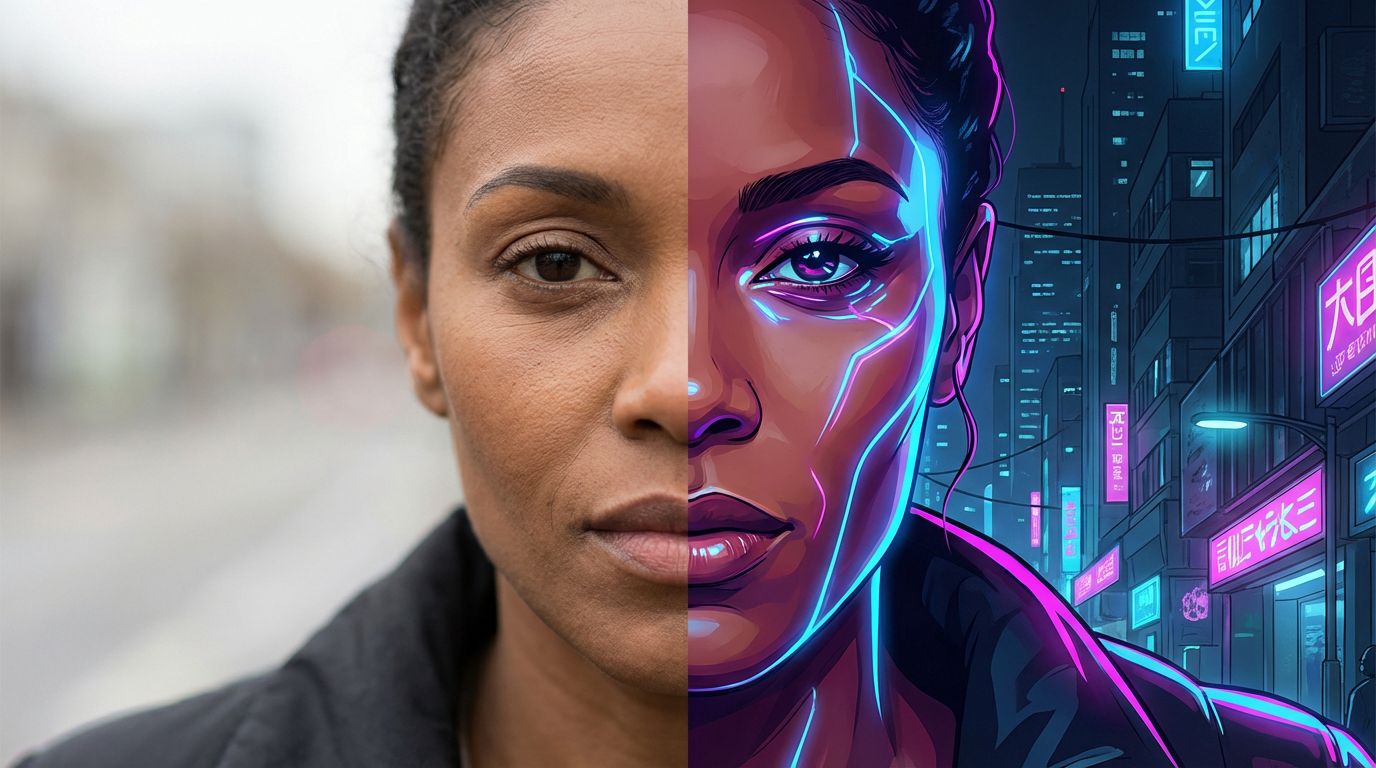
A lot of professional compositing work involves pulling from multiple sources: a product shot from a studio session, a background from a location photo, a lighting reference from a mood board. Normally, you'd run these through separate operations, probably across different tools, and manually reconcile the output. Bytedance Seedream V5 Lite Edit handles the reconciliation internally. You describe the synthesis you want, you reference the sources by Figure number, and the model works out how they should coexist in the output.
For character design work, this means running a character through different costumes, environments, or art styles using visual references for each without losing who that character is across the variations. For product photography, it means combining your product reference with a background reference and a lighting reference in one pass and getting an output where the three actually fit together.
Face and Identity Preservation
Face preservation in AI editing has always been the hard part. Not because the model doesn't understand what a face looks like, but because aesthetic transformations tend to pull facial features in the direction of the style being applied. A cyberpunk rendering wants a cyberpunk face. An anime conversion wants anime proportions. The model has to actively resist that pull to keep the original person recognizable.
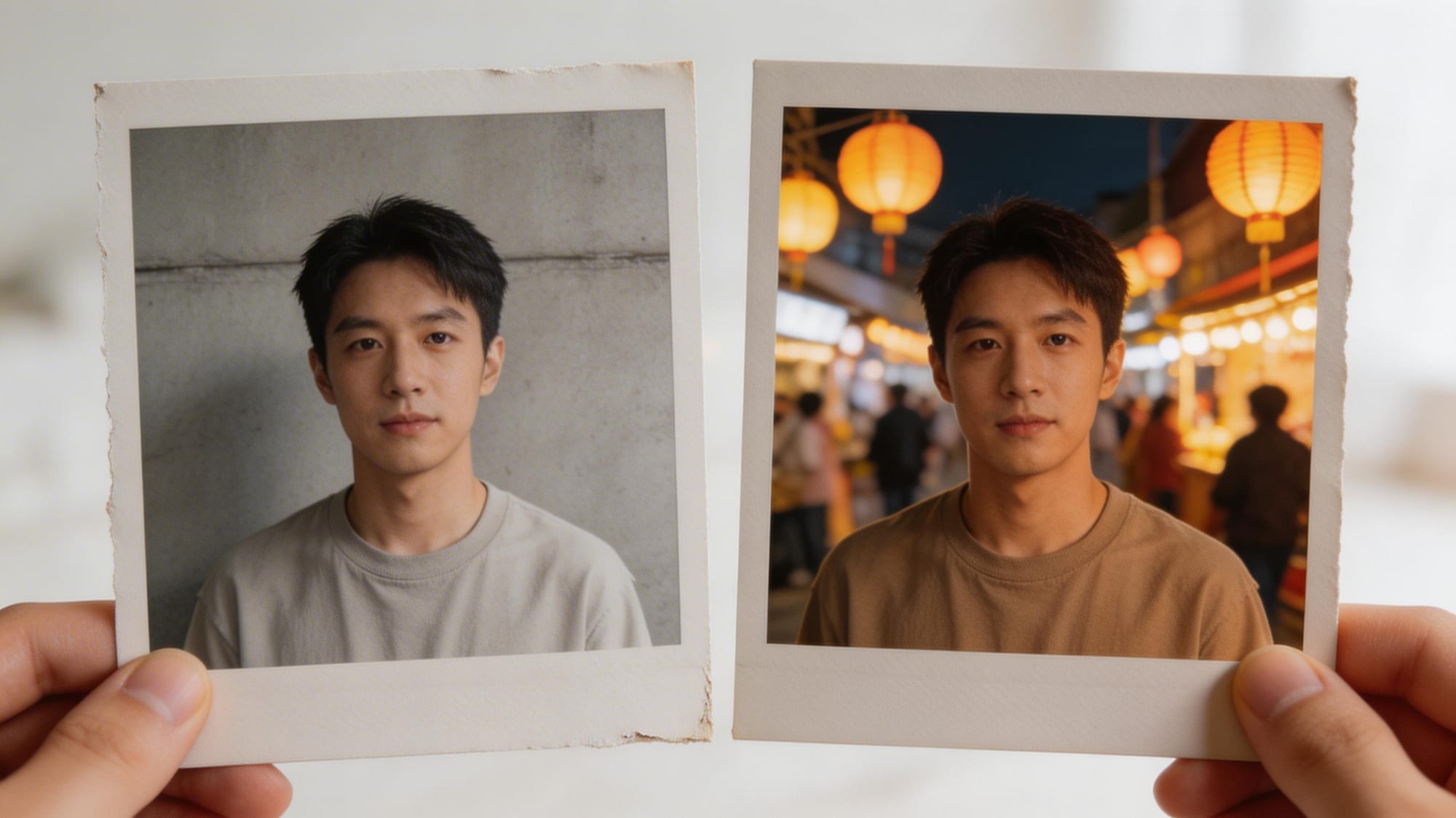
ByteDance made targeted improvements here over Seedream 4.5 Edit. Facial geometry, skin tone, proportions, eye structure: the model maintains these through style changes that would produce visible drift in earlier versions. Small-face rendering got specific attention, which matters for environmental shots where the subject isn't filling the frame. Skin texture restoration is noticeably better. For portrait workflows, especially fashion or creative portrait work, these aren't subtle improvements.
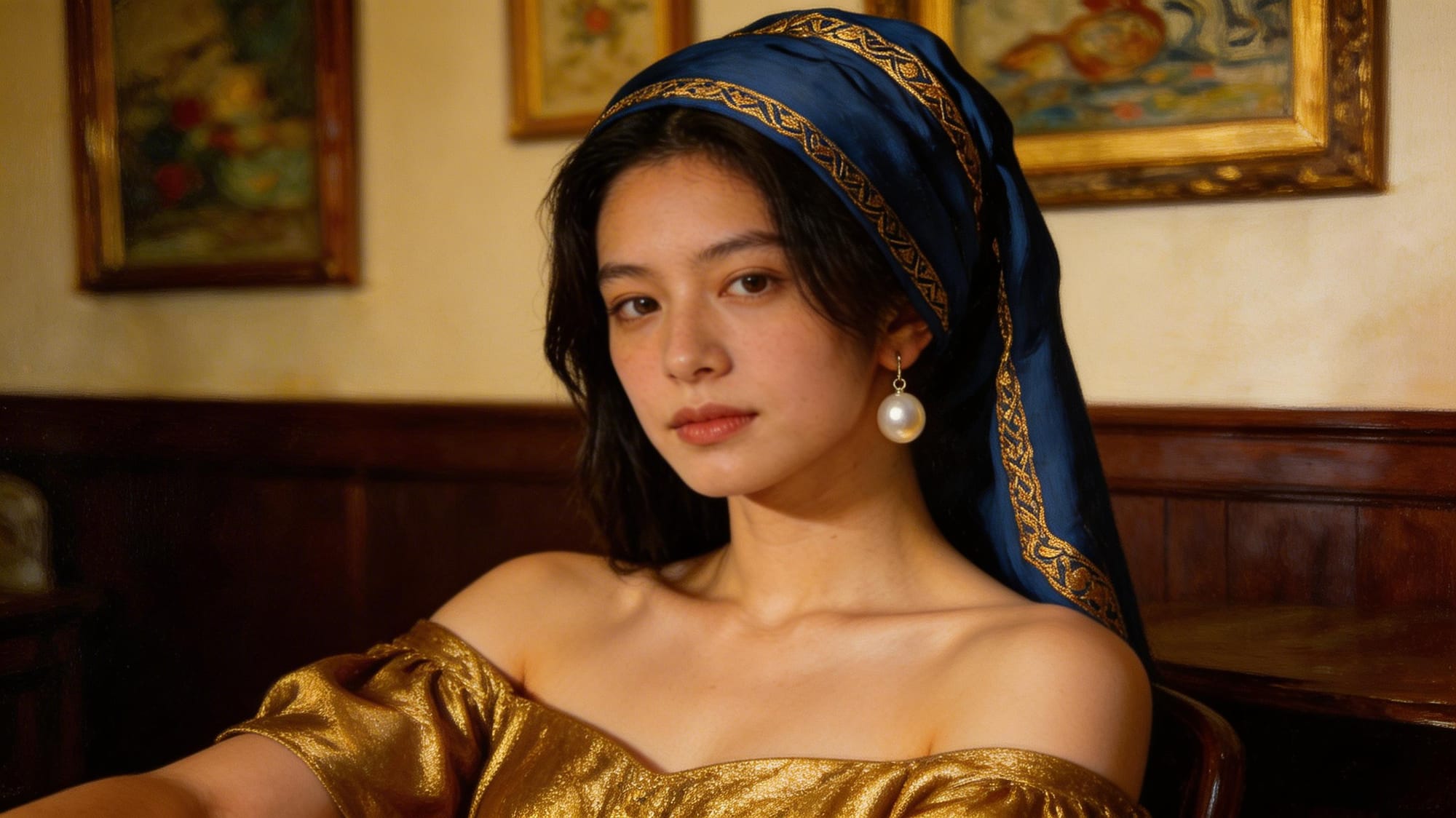
Bytedance Seedream V5 Lite Edit holds identity stable even when the transformation is aggressive. Anime conversion, fantasy illustration, period costume, cyberpunk treatment: the structural features stay, the aesthetic layer changes. It sounds like it should be the default behavior for any editing model, but it genuinely isn't, and the difference in output quality is immediately visible.
Natural Language Editing with Reduced Hallucination
There's a well-documented gap in most AI editing tools between what you write and what the model produces. Instructions get partially executed. One component of a multi-part prompt gets honored while another gets softened or ignored. Elements appear in the output that you didn't ask for and can't account for from the prompt.
The 5.0 Lite version of this model addressed that gap through a more capable instruction-following engine. Multi-step instructions work reliably in a single prompt. Something like "replace the white background with a forest at dusk, shift the subject's lighting to warm golden hour, keep the foreground product sharp" is the kind of instruction Bytedance Seedream V5 Lite Edit is designed to handle without losing track of any of the three parts.
Hallucination, the model inventing visual elements you didn't ask for or misreading parts of the scene, dropped measurably between 4.x and this release. You'll still occasionally see unexpected results with highly abstract prompts, but the frequency is lower, and the Prompt Enhancer compensates for a lot of the cases where ambiguous input was the root cause.
Style Transfer Across Visual Registers
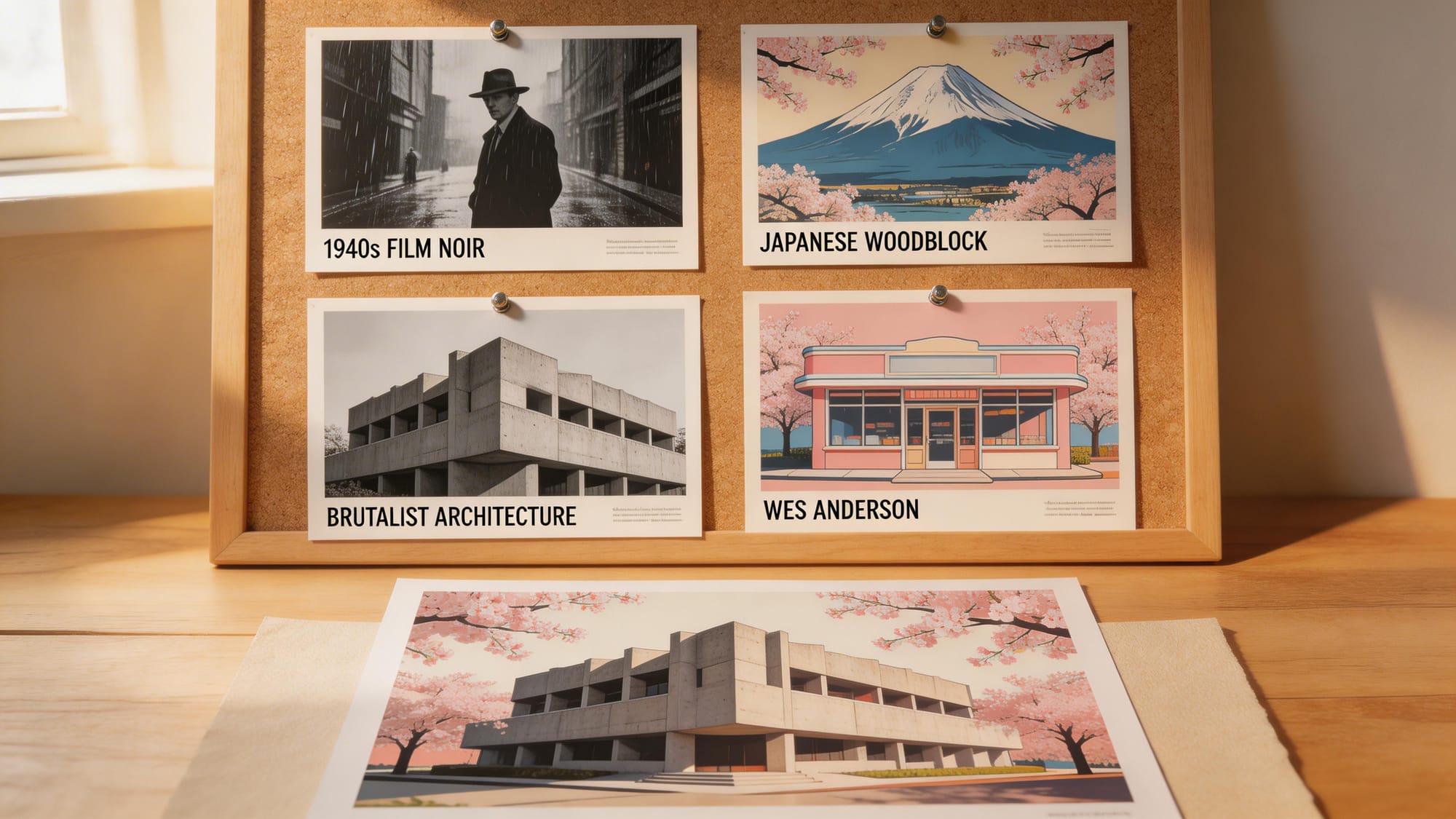
Style transfer works here with more control than you'd expect. The model understands the distinction between changing how something looks and changing what it is. A leather jacket rendered in oil painting style is still a leather jacket. A person in an anime aesthetic is still that specific person. That conceptual boundary is what keeps style transfers from feeling like the model just generated something new that happens to resemble your original.
The Prompt Enhancer pays off particularly in style transfer use cases. If you're working toward something like "early 90s photo grain and color temperature" but struggle to describe the exact visual parameters, the Enhancer translates that into something the model can act on precisely. Vague creative direction becomes specific instruction without you having to become a prompt engineer.
Speed-Optimized for Iteration
The lite designation is real in this specific sense: throughput. Bytedance Seedream V5 Lite Edit runs faster than the full Seedream 5.0 suite. That was a deliberate choice, and it's the right one for how editing actually works in production.
Real creative workflows aren't a single generation. You produce a version, something's slightly off, you adjust the prompt and run again. That cycle being fast matters. If you're producing catalog variations, social media content series, or character design options across multiple art directions, latency compounds across the session. The model is explicitly built for that kind of iterative work, not for one-shot, high-compute generation.
Real-World Use Cases
The honest answer about who uses Bytedance Seedream V5 Lite Edit is: a wider range of people than you'd expect from a model with a fairly technical feature set.
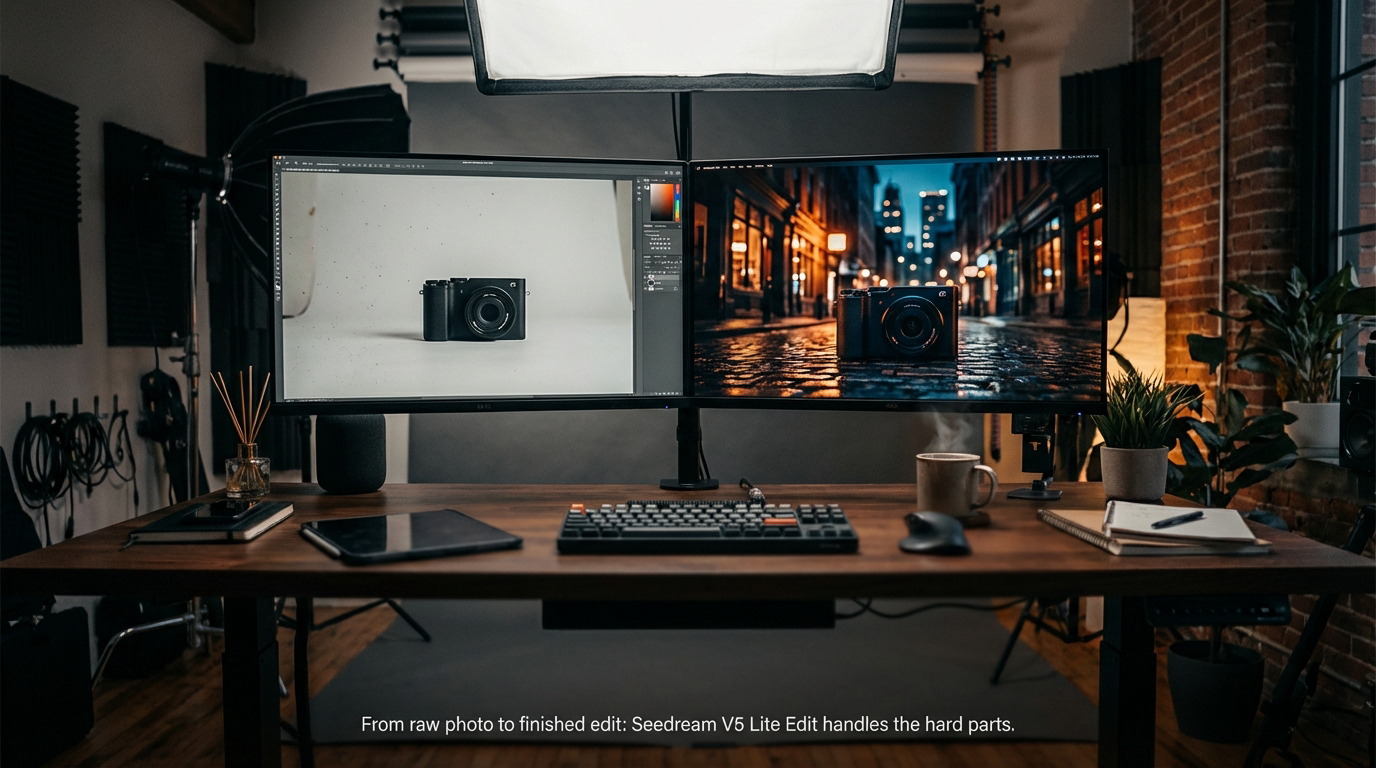
E-commerce teams and product photographers are probably the most straightforward case. Swapping a studio background for a contextual environment. Adjusting lighting to match different regional markets. Changing product colorways for different catalogs. These are high-volume, repetitive tasks. They used to mean booking studio time or hiring a retoucher. With this model, a clean product shot taken in one environment can be placed into a dozen different contexts in a single working session.
Brand designers use it for rapid concept exploration. Rather than committing to a visual direction, you can run the same product through multiple aesthetic treatments using reference images for each, see how it reads in different contexts, and make a more informed decision before moving into production. The multi-reference support makes this particularly practical because you can show the model your mood board references directly instead of describing them.
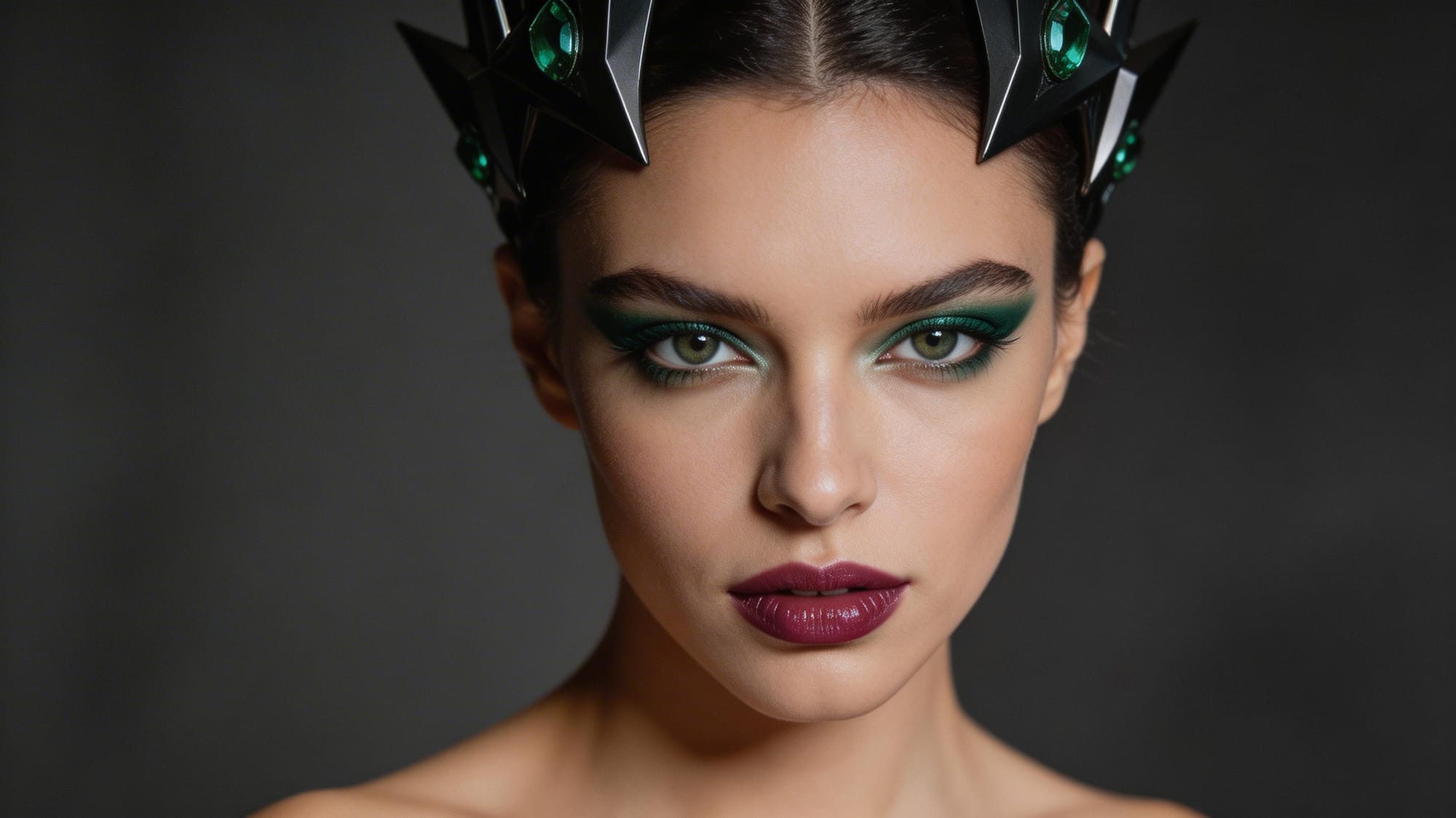
Portrait and fashion photographers use the face preservation capability for creative work that used to require much more manual effort. Changing a garment in post without a re-shoot. Stylizing a portrait into a different aesthetic for a specific creative brief. Converting a location shoot into a studio-lit version. The model handles the lighting logic and identity preservation that make those edits convincing.
Content teams working on social media pipelines, where aesthetic consistency across a series matters as much as individual image quality, find that Bytedance Seedream V5 Lite Edit compresses multi-step editing workflows into single prompted operations. Updating a whole series to match a new creative direction in one session is a realistic outcome.
Concept artists and game developers use it for character design iteration. The same character design passed through multiple visual styles, multiple costume options, multiple environment contexts, without re-drawing from scratch at each step. Early-stage exploration moves faster when each iteration doesn't start from zero.
Bytedance Seedream V5 Lite Edit vs. Seedream 4.5 Edit
The version people most often compare this to is Seedream 4.5 Edit, and there are real differences worth knowing about.
Reference adherence improved. When you give the model a visual reference to guide an edit, it interprets that reference more accurately than 4.5 did. Small details from reference images come through more reliably in the output. Skin texture restoration got specific attention and the improvement is visible in portrait work.
Prompt following is stronger. The 4.5 version handled complex multi-part instructions inconsistently: one component would be executed well, another would be softened or partially applied. Bytedance Seedream V5 Lite Edit handles instruction sets with more even fidelity across the different parts of a prompt.
Hallucination dropped. Abstract prompts still occasionally produce unexpected results, but the frequency is lower. The Prompt Enhancer helps with the ambiguous input cases that were a common source of the problem in earlier versions.
What carried over without major redesign is the model's core strength in subject consistency. That was already what distinguished the Seedream 4.x series from comparable tools, and it's been refined rather than rebuilt. If your workflow was already depending on it, the 5.0 Lite version is a straightforward upgrade rather than a new learning curve.
How to Use Bytedance Seedream V5 Lite Edit on Eachlabs
Getting started on Eachlabs is direct. Navigate to the Bytedance Seedream V5 Lite Edit model page and you'll find the interface ready with two required fields: your reference image and your text prompt.
Your image has to be publicly accessible via URL. If you're working from a local file, host it somewhere first. Resolution matters here: the model has more to work with when the input is higher quality. Anything at 512x512 or above gives it enough information to make good decisions about what to preserve. Below that threshold, fine details become harder to hold across the edit.
Write your prompt with real specificity. You don't need to simplify your request to make it work. The model can handle multi-part instructions, so if you need three things to happen simultaneously, say all three. "Change the background to a night market with ambient yellow lighting, keep the subject's face and jacket unchanged" is a reasonable prompt to start with. If you're not confident your description is landing clearly, switch on the Prompt Enhancer and let it sharpen the instruction before generation.
With multiple reference images, reference each one by its Figure number in the prompt. "Apply the color palette from Figure 2 to the subject from Figure 1" is the kind of cross-reference instruction the model handles natively.
Output size defaults to the reference image's aspect ratio if you leave it blank. Specify a custom dimension if your workflow needs a particular format. After generation, download the result and evaluate. Adjust the prompt where something's off, run again. The model is fast enough that iteration is genuinely practical within a single session.
Tips for Getting the Best Results
Front-Load Your Constraints
Whenever you're writing a prompt for Bytedance Seedream V5 Lite Edit, lead with what you want to keep before you describe what you want to change. "Keep the face, the jacket, and the background lighting" before "shift the overall grade to a cooler color temperature" gives the model a clear hierarchy. Preservation constraints addressed first, transformation instructions second. It consistently produces outputs that respect both sides of the request.
Use the Prompt Enhancer for Creative Direction
Style-based edits are where vague prompts hurt most. "Make it feel more cinematic" is a creative direction, not a technical instruction, and the model needs the technical version to execute well. The Prompt Enhancer takes that kind of loose brief and converts it into something the model can act on precisely. For mood-based transformations or aesthetic shifts, activating it before generation tends to produce significantly better results than guessing at the right technical description yourself.
Build Multi-Reference Compositions Incrementally
If you're compositing from multiple reference images, start with two or three sources rather than pulling in the full range at once. It's much easier to evaluate what the model is doing with a smaller input set and add more sources in subsequent iterations. A 10-image input where something looks wrong is difficult to debug. Two images where something looks wrong is a 30-second fix.
Input Quality Directly Affects Output Quality
Higher resolution inputs give Bytedance Seedream V5 Lite Edit more signal to work with, and the effect is most visible in face preservation and fine detail retention. Low-resolution source images mean less information about the details you want kept intact, and the model can only preserve what it can actually read in the original. Use the best available version of your reference image as the starting point. The output quality scales directly with it.
Wrapping Up
Bytedance Seedream V5 Lite Edit fills a real gap in image editing workflows that demand both creative flexibility and structural consistency. The multi-reference support, the improved face preservation, the stronger prompt understanding: these aren't feature checkboxes, they're responses to specific problems people actually run into when trying to do non-trivial editing work. If you're producing content at volume, iterating on character designs, or trying to get a product shot into 20 different contexts without losing what makes it recognizable, Bytedance Seedream V5 Lite Edit is the tool that makes that realistic. You can try it directly on Eachlabs and see how much of what used to take hours compresses into a single well-constructed prompt.
Frequently Asked Questions
What makes Bytedance Seedream V5 Lite Edit different from a standard image-to-image model?
Chain of Thought reasoning is the technical answer, but what it means practically is that the model works through the spatial logic of your edit before applying it rather than mapping your prompt directly to pixel changes. That's why multi-part instructions actually work as written. Most image-to-image models apply a transformation broadly and struggle to hold constraints on specific parts of the image. Bytedance Seedream V5 Lite Edit can honor different rules for different parts of the scene simultaneously. Add in the support for up to 14 reference images per editing pass, and the compositional capability is genuinely beyond what standard i2i tools offer.
How many reference images can I use at once?
Up to 14 in a single editing pass. You pass them in as an array of image URLs, and they all need to be publicly accessible. In your text prompt, you reference each one by its Figure number, so "use the lighting setup from Figure 3" is a valid instruction the model will actually follow. It's worth starting with fewer sources when you're first testing a composition, just because it's easier to evaluate and adjust. Once you've got the structure working, adding more references into the mix is straightforward.
Is Bytedance Seedream V5 Lite Edit suitable for portrait and face-focused editing?
Portrait work is actually one of the stronger use cases. ByteDance specifically improved small-face rendering and skin texture restoration in this release over Seedream 4.5, and those improvements matter in any workflow where the person's identity has to stay intact through a style change. Whether you're converting a photograph to an illustrated aesthetic, placing a subject into a different environment, or changing garments while keeping the face consistent, Bytedance Seedream V5 Lite Edit holds facial geometry and proportion through those changes in a way that earlier versions didn't reliably do.