Z Image | Turbo | Image to Image | Lora
Creates images from text and reference images with custom LoRA support, powered by Tongyi-MAI’s ultra-fast 6B Z-Image Turbo model for rapid, high-quality generation.
- Runtime (p50)
- 10s
- Estimated price
- $0.0085 per megapixel per image
Overview
z-image-turbo-image-to-image-lora — Image-to-Image AI Model
Developed by Zhipu AI as part of the z-image family, z-image-turbo-image-to-image-lora empowers developers and creators to transform reference images into customized visuals using text prompts and LoRA fine-tuning, all powered by Tongyi-MAI’s ultra-fast 6B Z-Image Turbo architecture for rapid, high-quality image-to-image AI model generation.
This Zhipu AI image-to-image solution stands out by integrating custom LoRA support directly into the turbocharged diffusion pipeline, enabling personalized style transfers and edits that maintain structural fidelity from input images while adapting to specific artistic or photorealistic directions.
Ideal for image to image AI model workflows, it processes inputs like reference photos and descriptive prompts to output refined images in seconds, solving the need for fast, controllable editing without heavy compute demands.
Capabilities
- Excels in ultra-fast text-to-image generation, outperforming Flux.1 Dev in most areas with quicker times
- Handles diverse styles: movie posters, game screenshots (e.g., Runescape), natural language prompts effectively
- Strong batch processing: 100 images in ~4.5 minutes, ideal for large-scale workloads
- Versatile on consumer hardware: Runs locally offline in 16-24GB VRAM, sub-second on enterprise GPUs
- High quality for speed: Matches leading models, validated on independent benchmarks; LoRA compatibility for customization
- Adaptable to real-world data via efficient training infrastructure
Use cases
Use Cases for z-image-turbo-image-to-image-lora
For designers building AI photo editing for e-commerce, upload a product photo as reference and apply a LoRA for "luxury studio lighting on marble surface," generating polished variants in seconds that preserve product details while enhancing appeal—no manual Photoshop needed.
Developers integrating z-image-turbo-image-to-image-lora API can create automated image to image AI model pipelines: feed user-uploaded selfies with prompts like "transform into cyberpunk portrait with neon glow and leather jacket, LoRA: cyber-style-v1," outputting consistent styled avatars for gaming apps.
Marketers using edit images with AI for campaigns take event photos and use text guidance "add festive holiday lights and snow overlay, maintain group poses," leveraging the model's structure retention for quick seasonal adaptations without reshooting.
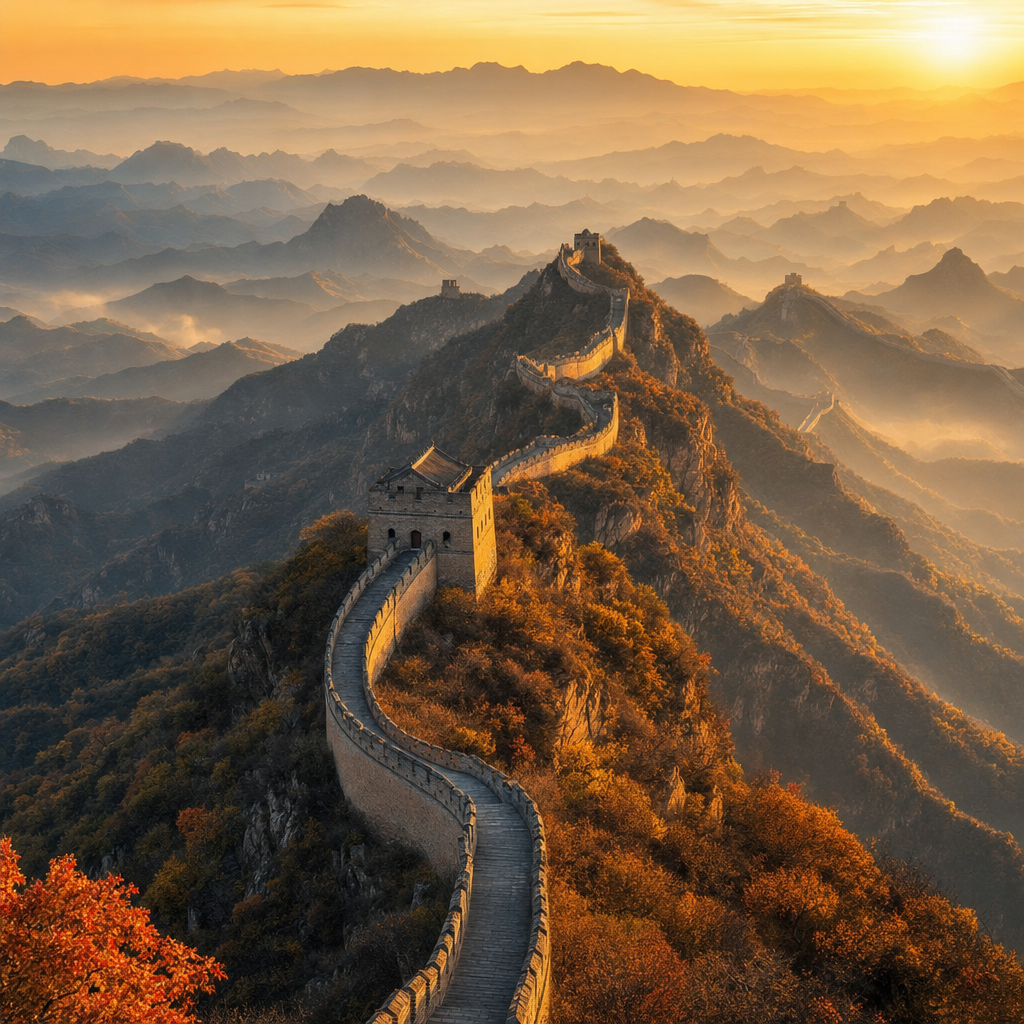
Content creators fine-tune LoRA on personal styles to edit landscapes: "enhance mountain scene with dramatic sunset colors and misty foreground from reference photo," producing high-res 2048×2048 visuals ideal for social media or stock libraries.
Tips & tricks
How to Use z-image-turbo-image-to-image-lora on Eachlabs
Access z-image-turbo-image-to-image-lora seamlessly on Eachlabs via the Playground for instant testing—upload a reference image, add a text prompt, select your LoRA adapter, and set resolution (512×512 to 2048×2048) or steps (8-50). Integrate through the API or SDK for production, delivering RGB outputs in 8-bit channels with photorealistic quality in under 16 seconds at 1024×1024.
---Technical spec
What Sets z-image-turbo-image-to-image-lora Apart
z-image-turbo-image-to-image-lora leverages the 6B-parameter Z-Image Turbo base with LoRA integration for ultra-fast inference, generating 1024×1024 images in as little as 9-16 seconds on RTX hardware, far quicker than traditional diffusion models requiring 50+ steps.
This speed enables real-time AI image editor API iterations, allowing users to experiment with multiple LoRA styles and prompts without waiting minutes per output.
- Custom LoRA support on 6B distilled architecture: Applies user-trained LoRA adapters for style-specific edits like character consistency or artistic renders, inheriting Z-Image Turbo's photorealism in skin, hair, and lighting. This lets developers deploy niche adaptations, such as brand-specific product visuals, directly in production pipelines.
- Flexible resolutions from 512×512 to 2048×2048: Handles any aspect ratio with total pixel control, supporting common inference at 1024×1024 and upscaling to 2K, optimized for low VRAM (from 6GB). Users gain high-res Zhipu AI image-to-image outputs on consumer GPUs, perfect for e-commerce photo editing.
- Low-step inference (8-20 steps): Achieves stable results with guidance scales of 3.0-5.0 and CFG 2-6, balancing creativity and adherence to input images. This delivers natural edits for edit images with AI tasks, avoiding oversaturation common in heavier models.
Unlike generic diffusion tools, its single-stream design with LoRA keeps processing efficient for z-image-turbo-image-to-image-lora API integrations.
Things to be aware of
- Performs best locally on 16GB+ VRAM GPUs like RTX 3080/4070/5090 or Apple M4 Pro; scales to 8GB with quantization
- Outputs decent quality for speed but not always photorealistic like top specialized models; trade-off praised in reviews
- Handles natural prompts well, with enhanced results from detailed inputs; consistent across hardware benchmarks
- Upcoming image-edit variant anticipated for expanded use, building excitement in communities
- Positive feedback on speed (9-second generations), open license, and efficiency; users highlight entertainment value and practicality
- Resource tweaks needed for optimal VRAM (closer to 24GB untuned); GGUF/AIO formats aid low-end setups
Key considerations
- Use optimized samplers beyond basic Euler for better quality, as basic ones underperform
- Factor in VRAM usage, which can approach 24GB even on consumer cards without tuning
- Balance step count (e.g., 9 steps) for speed vs. quality trade-offs, as lower steps prioritize rapidity
- Prompt engineering benefits from natural language but enhances with style, camera, and lens details for precision
- Avoid unoptimized code runs to minimize memory overhead and maximize local efficiency
- Test on target hardware (e.g., 16GB+ VRAM) as performance scales with GPU like RTX 3080 to 5090
Limitations
- Quality trades off against extreme speed, not matching ultra-high-fidelity models like NanoBanana in detail
- Higher VRAM usage than advertised (up to 24GB) without optimization; image-to-image editing not yet released
- Best at standard resolutions; higher like 2048x2048 possible but less tested for quality-speed balance
Related models
4 models
About Z Image | Turbo | Image to Image | Lora
What is Z-Image Turbo Image-to-Image LoRA best suited for?
This model is best suited for brand-consistent image transformation, product styling, and personalized creative workflows. It is particularly effective when you need to apply a custom-trained visual style across a batch of existing images quickly and at scale.