
Vidu Q2 | Text to Image
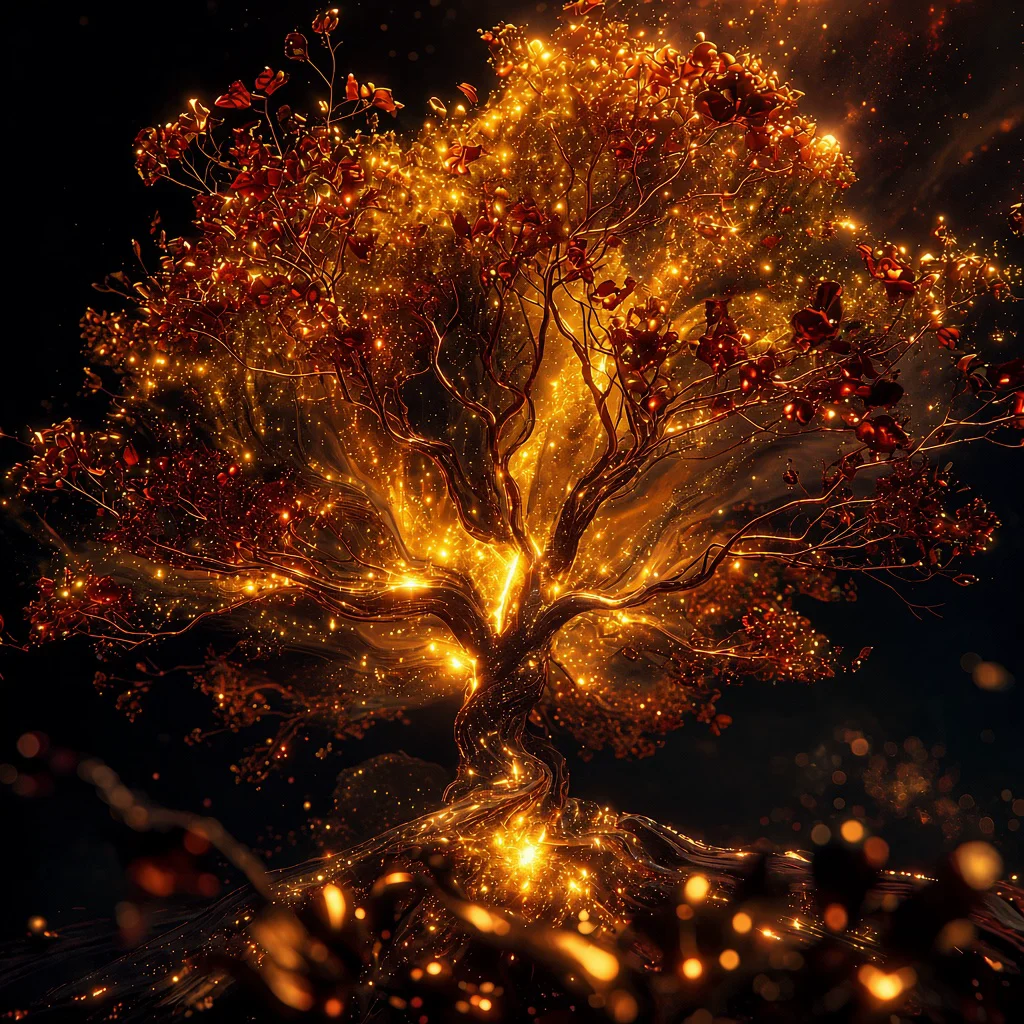
Vidu Text-to-Image transforms your prompts into high-quality, visually rich images with accurate detail, style control, and creative flexibility.
- Runtime (p50)
- -
- Estimated price
- $0.10 per execution
Overview
vidu-q2-text-to-image — Text to Image AI Model
Developed by Vidu as part of the vidu-q2 family, vidu-q2-text-to-image transforms text prompts into high-quality, visually rich images with precise detail adherence and style control. This text-to-image AI model stands out in the competitive landscape by leveraging Vidu's advanced diffusion transformer architecture, delivering superior instruction following and visual quality scores that rival top models in benchmarks. Ideal for creators and developers seeking a Vidu text-to-image solution, it supports flexible aspect ratios and high-resolution outputs, enabling creative flexibility without compromising accuracy.
Whether you're building apps with text-to-image AI model integration or generating custom visuals, vidu-q2-text-to-image processes prompts efficiently, producing images that capture nuanced descriptions with high fidelity.
Capabilities
- High-quality text-to-image generation with detailed, production-ready outputs suitable for marketing, entertainment, and design use cases.
- Robust reference-to-image capabilities that preserve character identity, logos, and spatial layout, even with multiple reference images.
- Support for full image editing workflows, enabling targeted changes to existing images while keeping core elements stable.
- Native generation at 1080p, 2K, and 4K resolutions, enabling direct use in key visuals, posters, digital signage, and other high-impact assets without external upscaling.
- Strong performance on image editing and consistency benchmarks, including ranking ahead of some leading proprietary models on the Artificial Analysis Image Editing Leaderboard.
- Particular strength in anime-style four-panel comic layouts and traditional Chinese/ink-painting aesthetics, with rich textures and atmospheric rendering.
- Unified engine for both still images and video, allowing seamless reuse of generated images as references in video workflows and vice versa.
- Fast generation times (around 5 seconds for many images) that support real-time iteration and high-throughput creative pipelines.
- Versatility across use cases: character design, storyboarding, product visualization, advertising key visuals, social content, and concept art.
- High consistency across sequences of images, making it well-suited for campaigns, series, and narrative content where recurring characters or motifs are required.
Use cases
Use Cases for vidu-q2-text-to-image
For designers crafting marketing visuals, vidu-q2-text-to-image shines in generating product mockups with precise lighting and composition, leveraging its top instruction following to match brand styles effortlessly. Input a prompt like "a sleek wireless earbud on a minimalist white desk with soft window light and subtle reflections," and receive photorealistic renders ready for campaigns.
Developers integrating vidu-q2-text-to-image API into apps benefit from its high visual quality for dynamic content generation, such as personalized avatars or scene illustrations that maintain consistency across user prompts. This supports scalable text-to-image AI model deployments without quality drops.
Content creators use it for rapid concept art in games or films, where the model's benchmark-leading reference consistency ensures elements like characters and environments align perfectly with detailed descriptions. Marketers targeting e-commerce can produce diverse lifestyle images, adapting aspect ratios for platforms like Instagram or product pages.
Researchers exploring AI visuals appreciate the flexible parameters, fine-tuning outputs for experimental workflows in Vidu text-to-image applications.
Tips & tricks
How to Use vidu-q2-text-to-image on Eachlabs
Access vidu-q2-text-to-image seamlessly through Eachlabs Playground for instant testing, API for production integration, or SDK for custom apps. Provide a detailed text prompt, select resolution up to 1024x1024 and aspect ratios, then generate high-fidelity images in standard formats within seconds. Eachlabs delivers reliable, scalable access to this Vidu powerhouse.
---Technical spec
What Sets vidu-q2-text-to-image Apart
vidu-q2-text-to-image excels through its foundation in Vidu's Q2 architecture, which achieves benchmark-leading performance in reference consistency (0.5961), instruction following (27.84), and visual quality (0.7877), outperforming many peers in multimodal generation tasks. This enables users to generate images with exceptional prompt adherence, where complex descriptions translate directly into coherent, detailed visuals.
Unlike generic models, it supports high-resolution image synthesis up to 1024x1024 and beyond, with configurable aspect ratios for diverse formats like social media or print. Processing times remain practical for API workflows, balancing quality and speed in vidu-q2-text-to-image API applications.
- Superior instruction following: Scores 27.84 on benchmarks, allowing precise control over styles, compositions, and details that generic prompts often mishandle. This empowers developers to create reliable text-to-image AI model outputs for production apps.
- High visual fidelity: Delivers 0.7877 visual quality scores, producing sharp, photorealistic results with accurate text rendering and diverse artistic styles. Users gain professional-grade images without post-processing.
- Flexible resolution and ratios: Handles 1024x1024 native outputs with multi-aspect support, ideal for Vidu text-to-image use in e-commerce visuals or concept art.
Things to be aware of
- The model’s image stack is relatively new (Q2 release), so documentation, third-party tooling, and open benchmarks are still evolving compared with longer-established image models.
- Many reported performance claims (speed, benchmark ranking) come from vendor or partner announcements; independent, large-scale benchmarks are still limited in public sources.
- Generation time (around 5 seconds) is generally fast, but users note that complex multi-reference setups and high-resolution outputs can increase latency; planning for batch or asynchronous workflows is advisable in production settings.
- Strong consistency is a major advantage, but it depends heavily on the quality and relevance of reference images; noisy or inconsistent references can degrade identity preservation and layout stability.
- The unified image–video engine is powerful but also means that model updates targeting video may change some image behavior (styles, defaults, or sampling strategies) over time; versioning and reproducibility practices are important for long-running projects.
- Users and analysts emphasize that the model excels when prompts are explicit about style and structure (e.g., “four-panel comic,” “Chinese ink painting,” “product hero shot”), suggesting that under-specified prompts may not fully leverage its style priors.
- Resource requirements for the backend are not publicly detailed, but high-resolution 4K generation and multi-reference workflows imply significant GPU memory and compute; organizations should expect infrastructure similar to other flagship image models for peak throughput.
- Positive feedback themes:
- High consistency across images and between images and video.
- Fast rendering suitable for real-world production.
- Strong performance in stylized domains like anime and ink painting, and in professional key visual scenarios.
- Common concerns or open questions in community-style discussions:
- Limited transparency about architecture details and parameter counts compared with some open-source models.
- Desire for more public benchmarks, side-by-side comparisons, and user-driven evaluations across diverse datasets.
- Curiosity about how well it handles niche or highly specific artistic styles beyond those highlighted (anime, Chinese painting, realistic advertising).
Key considerations
- When using multi-reference workflows (e.g., multiple character or product images), the model is optimized to preserve identity and spatial layout, so invest time in curating clean, representative reference images.
- High resolutions (2K–4K) and complex multi-reference prompts can increase generation time and computational load; plan batch jobs or pipelines accordingly for large campaigns.
- For best results, provide detailed, unambiguous prompts that specify style, composition, lighting, and mood; vague prompts may underutilize the model’s control capabilities.
- Reference-to-image is particularly powerful; use it to lock character faces, logos, or layout before iterating on styling and background variations.
- Quality vs speed trade-off: more complex prompts with multiple references and intricate layouts will typically move generation times closer to the upper end (around or above 5 seconds) compared with simple single-prompt generations.
- For consistent series (comics, campaigns, storyboards), keep a stable reference set and re-use the same prompts and seeds (if exposed) to maximize cross-image coherence.
- The model appears especially strong with anime-style four-panel comics and Chinese/ink-painting aesthetics; leverage explicit style descriptors for these domains.
- Avoid overloading prompts with conflicting style instructions (e.g., mixing too many art movements or camera directives), which can reduce coherence and stylistic clarity.
- When editing images, keep edit instructions localized and explicit (e.g., “change background to…” rather than broad re-descriptions of the entire scene) to preserve core identity and layout.
- For production workflows, design a prompt library and reference library early, then standardize naming and reuse to streamline collaboration between designers, marketers, and engineers.
Limitations
- Architectural and parameter details are not fully disclosed, and independent benchmarks are still relatively sparse, making it harder for researchers to rigorously compare against open-source baselines.
- While consistency and speed are strong, extremely niche artistic styles, unusual compositions, or highly technical diagrams may not match specialized or fine-tuned domain-specific models.
- High-resolution, multi-reference, and heavy batch generation likely require substantial GPU resources; for extremely resource-constrained environments, lighter-weight or locally quantized models may be more practical.
Related models
4 models


About Vidu Q2 | Text to Image
What is Vidu Q2 Text to Image?
Vidu Q2 Text to Image is an AI image generation model by ShengShu that creates detailed visuals from natural language prompts. It delivers high prompt fidelity and strong compositional accuracy, generating photorealistic and artistic images across a range of creative and commercial use cases.