VIDU-1.5
Vidu 1.5 Start End to Video delivers high-quality motion and seamless transitions between two visuals.
Avg Run Time: 50.000s
Model Slug: vidu-1-5-start-end-to-video
Playground
Input
Enter a URL or choose a file from your computer.
Invalid URL.
(Max 50MB)
Enter a URL or choose a file from your computer.
Invalid URL.
(Max 50MB)
Output
Example Result
Preview and download your result.
API & SDK
Create a Prediction
Send a POST request to create a new prediction. This will return a prediction ID that you'll use to check the result. The request should include your model inputs and API key.
Get Prediction Result
Poll the prediction endpoint with the prediction ID until the result is ready. The API uses long-polling, so you'll need to repeatedly check until you receive a success status.
Readme
Overview
vidu-1-5-start-end-to-video — Image-to-Video AI Model
Developed by Vidu as part of the vidu-1.5 family, vidu-1-5-start-end-to-video excels at generating seamless video transitions between start and end visuals, solving the challenge of creating fluid motion from two reference images or clips for dynamic content creation. This image-to-video AI model delivers high-quality motion with natural connectivity, making it ideal for short-form videos that require precise start-end coherence without abrupt jumps. Users searching for "Vidu image-to-video" or "start end image to video AI" will find this model stands out for its ability to interpolate smooth 5-second transitions using start and end conditioning frames.
Powered by advanced latent space mapping and interpolation-based control, vidu-1-5-start-end-to-video supports inputs like single frames or short clips (up to 2 seconds or 48 frames per end), producing outputs up to 1080p resolution with optional text prompts for guided motion.
Technical Specifications
What Sets vidu-1-5-start-end-to-video Apart
The vidu-1-5-start-end-to-video model differentiates itself in the competitive image-to-video AI landscape through its specialized focus on transition smoothness and spatiotemporal coherence, outperforming general models in benchmarks like VC-Bench for start-end consistency.
- Superior transition naturalness via Video Connecting Distance metrics: It aligns generated frames with start/end clips using DTW and SSIM for fluid connections, enabling creators to produce videos without visible seams or flicker—ideal for "AI video transition generator" workflows.
- Flexible conditioning with multi-frame support: Handles 1-48 frames (up to 2 seconds) from start and end visuals, where higher ratios (40-80%) boost quality in subject and background consistency, setting it apart from single-frame I2V models.
- High-resolution short clips up to 1080p: Generates 5-second transitions with clean motion and expressiveness, supporting aspect ratios suitable for social media and ads, with processing times optimized for rapid iteration.
Compared to broader text-to-video tools, this model's physics-aware interpolation ensures optical flow accuracy, making it a top choice for "best start-end video AI model".
Key Considerations
- Important factors to keep in mind: Resolution settings, prompt clarity, and the balance between quality and speed.
- Best practices for optimal results: Use clear and concise prompts, specify camera movements and styles, and save good settings as presets.
- Common pitfalls to avoid: Ignoring resolution settings, not saving regularly, and over-reliance on auto-save.
- Quality vs speed trade-offs: Vidu 1.5 prioritizes speed over high-resolution quality, making it ideal for drafts rather than final productions.
- Prompt engineering tips: Keep prompts short, specify verbs and camera moves, and experiment with AI presets for creative inspiration.
Tips & Tricks
How to Use vidu-1-5-start-end-to-video on Eachlabs
Access vidu-1-5-start-end-to-video seamlessly on Eachlabs via the Playground for instant testing, API for production apps, or SDK for custom integrations. Upload start and end images/clips (1-48 frames each), add an optional text prompt, select 1080p resolution and aspect ratio, then generate smooth 5-second video transitions with high motion fidelity—outputs deliver MP4-ready clips in minutes.
---Capabilities
- What the model can do well: Rapid video generation for ideation and prototyping.
- Special features or abilities: Seamless transitions between start and end images.
- Quality of outputs: Lower resolution but suitable for quick drafts.
- Versatility and adaptability: Can be used across various creative projects for initial concept exploration.
- Technical strengths: Efficient use of resources for fast video generation.
What Can I Use It For?
Use Cases for vidu-1-5-start-end-to-video
Content creators building dynamic social media reels can upload a start image of a static product and an end frame showing it in motion, generating a smooth 5-second clip like "transition a red sports car from parked on a driveway to speeding down a coastal highway at sunset"—preserving details across the sequence for engaging "image-to-video transition" content.
Marketers targeting e-commerce campaigns use vidu-1-5-start-end-to-video to connect before-and-after product visuals, such as a plain fabric swatch morphing into a flowing dress on a model runway, leveraging multi-frame conditioning for realistic fabric physics and consistent lighting without manual editing.
Developers integrating "Vidu image-to-video API" into apps for personalized video ads feed start/end user photos with prompts, creating custom transitions that maintain facial consistency—perfect for avatar animation tools where seamless motion from pose A to pose B enhances user experience.
Filmmakers prototyping scenes provide 1-2 second clips as start/end references, generating interpolated bridges for storyboards, like evolving a character's idle stance into a dramatic leap, with VC-Bench-validated smoothness for professional previews.
Things to Be Aware Of
- Experimental features or behaviors: Users may need to experiment with different prompts to achieve desired results.
- Known quirks or edge cases: Lower resolution outputs may not be suitable for all platforms.
- Performance considerations: Resource efficiency is a key benefit, but may require more iterations for high-quality outputs.
- Resource requirements: Lower compared to other models, making it accessible for a wider range of users.
- Consistency factors: Outputs may vary in consistency depending on prompt quality and model limitations.
- Positive user feedback themes: Fast and cost-effective for initial drafts.
- Common concerns or negative feedback patterns: Limited resolution and quality for final productions.
Limitations
- Primary technical constraints: Lower resolution outputs compared to other models in the series.
- Main scenarios where it may not be optimal: Final video productions requiring high resolution and detailed textures.
- Key limitations in use cases: Not suitable for projects needing high-quality, detailed video outputs.
Pricing
Pricing Type: Dynamic
720p, 4s
Conditions
| Sequence | Resolution | Duration | Price |
|---|---|---|---|
| 1 | "360p" | "4" | $0.2 |
| 2 | "720p" | "4" | $0.5 |
| 3 | "1080p" | "4" | $1 |
| 8 | "720p" | "8" | $1 |
Related AI Models
You can seamlessly integrate advanced AI capabilities into your applications without the hassle of managing complex infrastructure.
Infinitalk generates a talking avatar video using an image and an audio file. The avatar naturally lip-syncs to the audio while displaying realistic facial expressions.
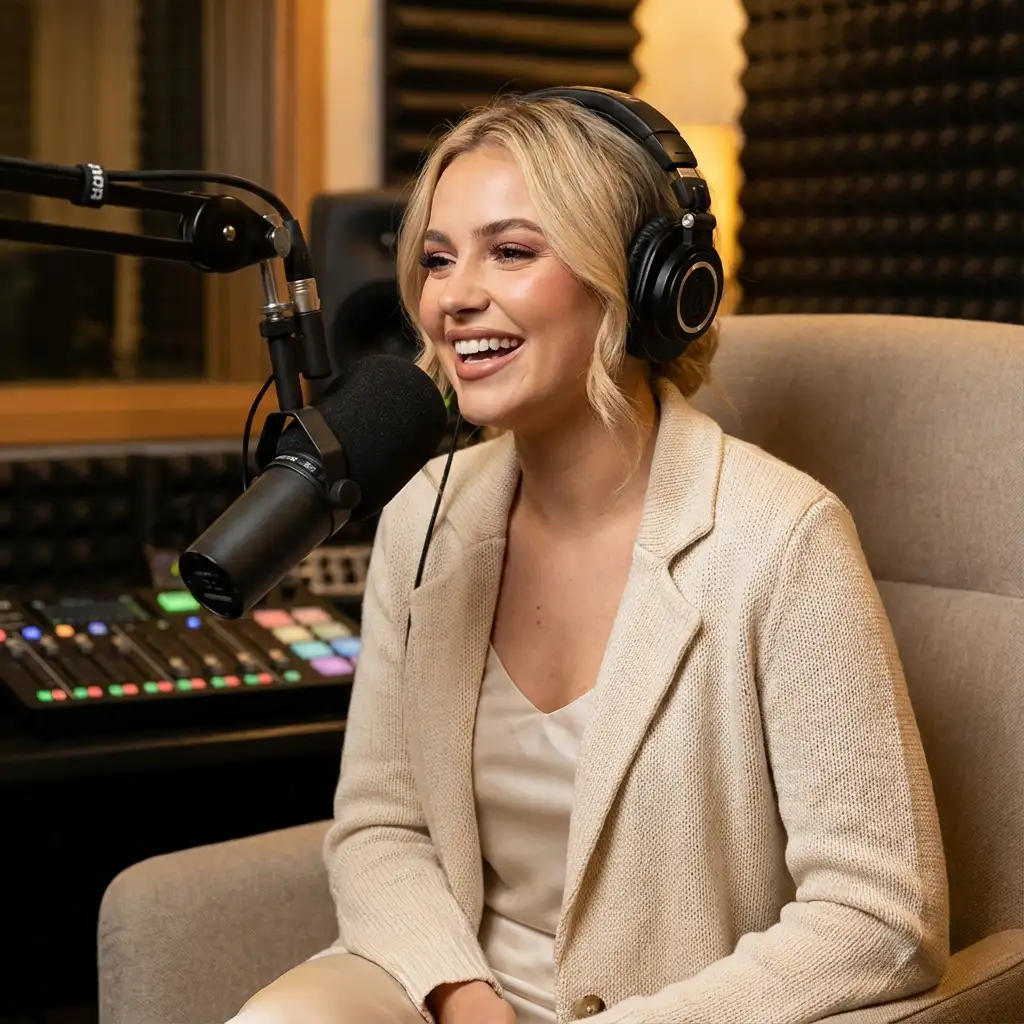
Omnihuman v1.5 is an upgraded generation model that creates videos from a human image and an audio input, producing vivid, high-quality results with expressive movements and emotionally responsive performance.
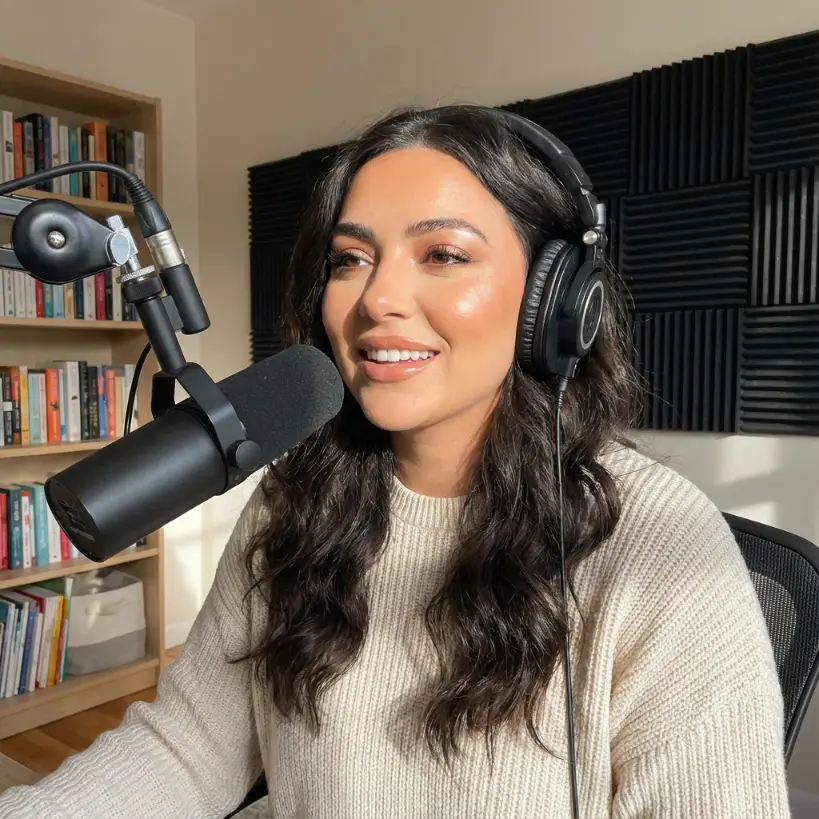
Generates a video by smoothly animating the transition between a start frame and an end frame, guided by text-based style and scene instructions.
Generates high-fidelity, studio-quality videos of your avatar speaking or singing using Aurora by the Creatify team, delivering realistic performance, expressive motion, and professional visual polish.