Using Eachlabs for AI Music and Soundtrack Generation in Media Projects
Stop hunting for a track that almost works. Score the cut instead: royalty-free AI music for video, and adaptive layered soundtracks for games.
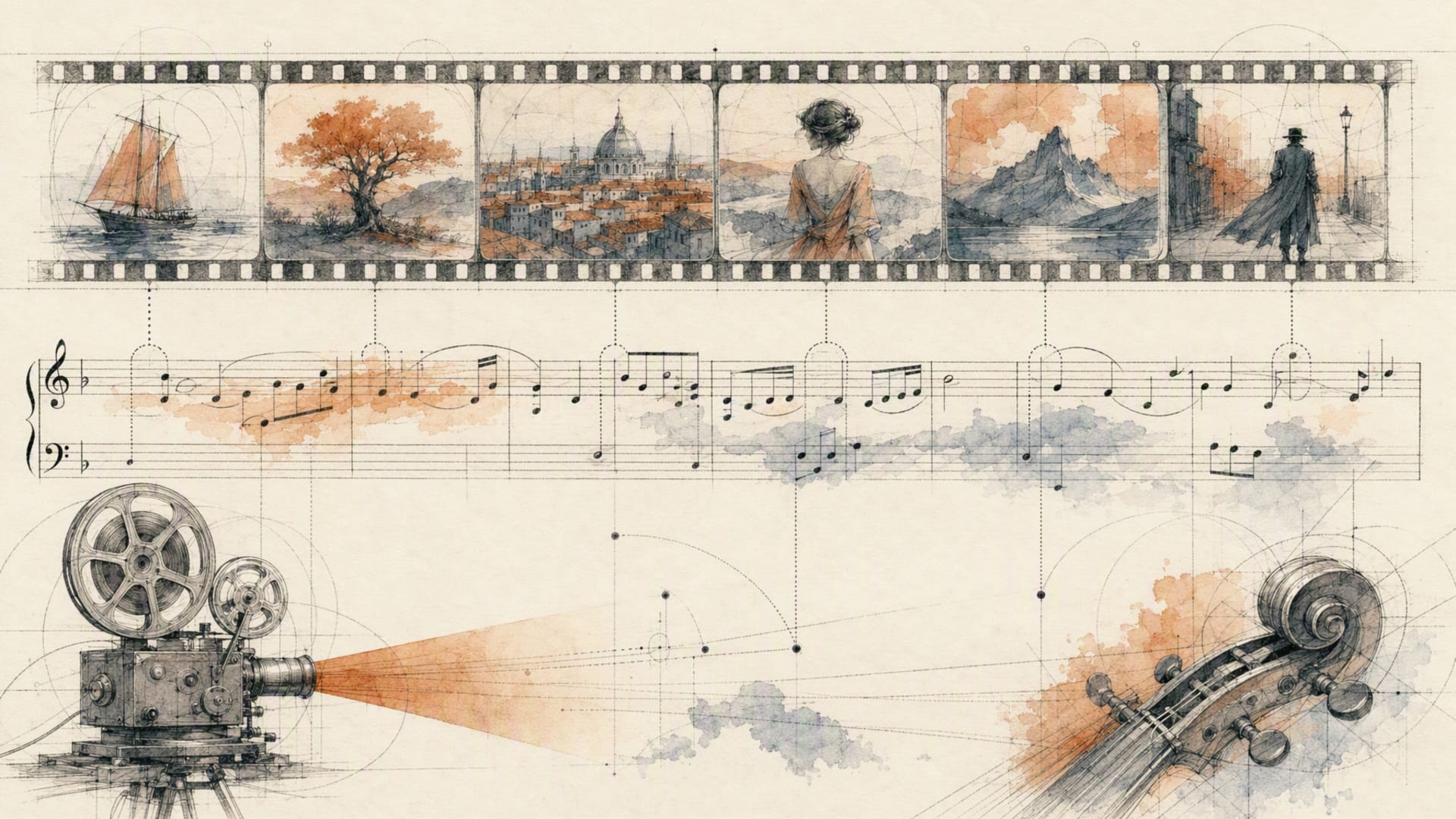
The edit is locked. The pacing works, the cuts land, the colour is signed off. Then someone asks what it sounds like, and you spend the rest of the afternoon in a stock library trying forty tracks against a ninety-second cut, none of which resolve where your cut resolves, all of which someone else has already used.
That's the actual problem with music in media production. Not that good music is hard to find. That music written for nobody in particular never quite fits the thing you made.
A royalty-free AI music API for video content inverts the search. Instead of hunting for a track that almost works, you describe the cue you need and generate it, at the length you need, as many times as it takes. Eachlabs is the developer platform for doing that in a backend: music, instrumentals, soundtracks, stems and audio post all reachable through one API and one request shape, chainable into workflows that run without anyone opening a browser.
Which raises the question worth answering before you build anything: are you scoring your footage, or are you still shopping for something close enough?
Score the cut, not the timeline
Video work needs three different things from music, and treating them as one thing is why most generated audio sounds wrong against picture.
Background music is the easy case. A bed that sits under narration, doesn't fight the voice, and doesn't demand attention. ACE-Step's ace-step-1-5-text-to-music is well suited here because it exposes the parameters that decide whether a bed works: duration in seconds from 10 to 600, defaulting to 30, plus bpm from 30 to 300 and key_scale as a plain string like C Major or F# minor. Being able to ask for 47 seconds at 92 BPM in A minor is the difference between scoring and shopping. guidance_scale runs 1 to 20 and defaults to 7, with higher values following your prompt more literally. It applies to the base models and is ignored on turbo.
Scene-specific cues are where the interesting endpoint lives. Mureka's mureka-generate-soundtrack composes audio from visual context rather than from a text description alone: pass image_url or video_url and it analyses the frame's mood, atmosphere and palette. At least one of those two is required, and the prompt alone is not enough. They're mutually exclusive, and if you send both, image_url wins and video_url is ignored. Its model parameter takes auto, mureka-7.6, mureka-8 or mureka-9, and n returns one to three variants per request, defaulting to two so you have something to A/B against.
Songs with vocals are a separate job. mureka-generate-song requires lyrics, up to 3000 characters across ten languages, and honours square-bracket structure tags like [Verse], [Chorus] and [Bridge], timestamping them in the response. That timestamping is the useful part for editors, because it tells you where the chorus actually starts rather than making you find it by ear. gender selects the vocal, model spans the same tiers plus the reasoning-oriented mureka-o2, and melody_id lets you seed the composition from an uploaded melody, in which case prompt, reference_id and vocal_id are ignored. If you need lyrics and don't have them, mureka-generate-lyrics takes a prompt and writes them.
One more piece that solves a real editing problem: mureka-extend-song takes lyrics and an extend_at position, with extend_type as tail or head. When the edit grows by eleven seconds after the music is approved, you extend rather than regenerate. Regenerating gives you a different track.
Loops are not short tracks
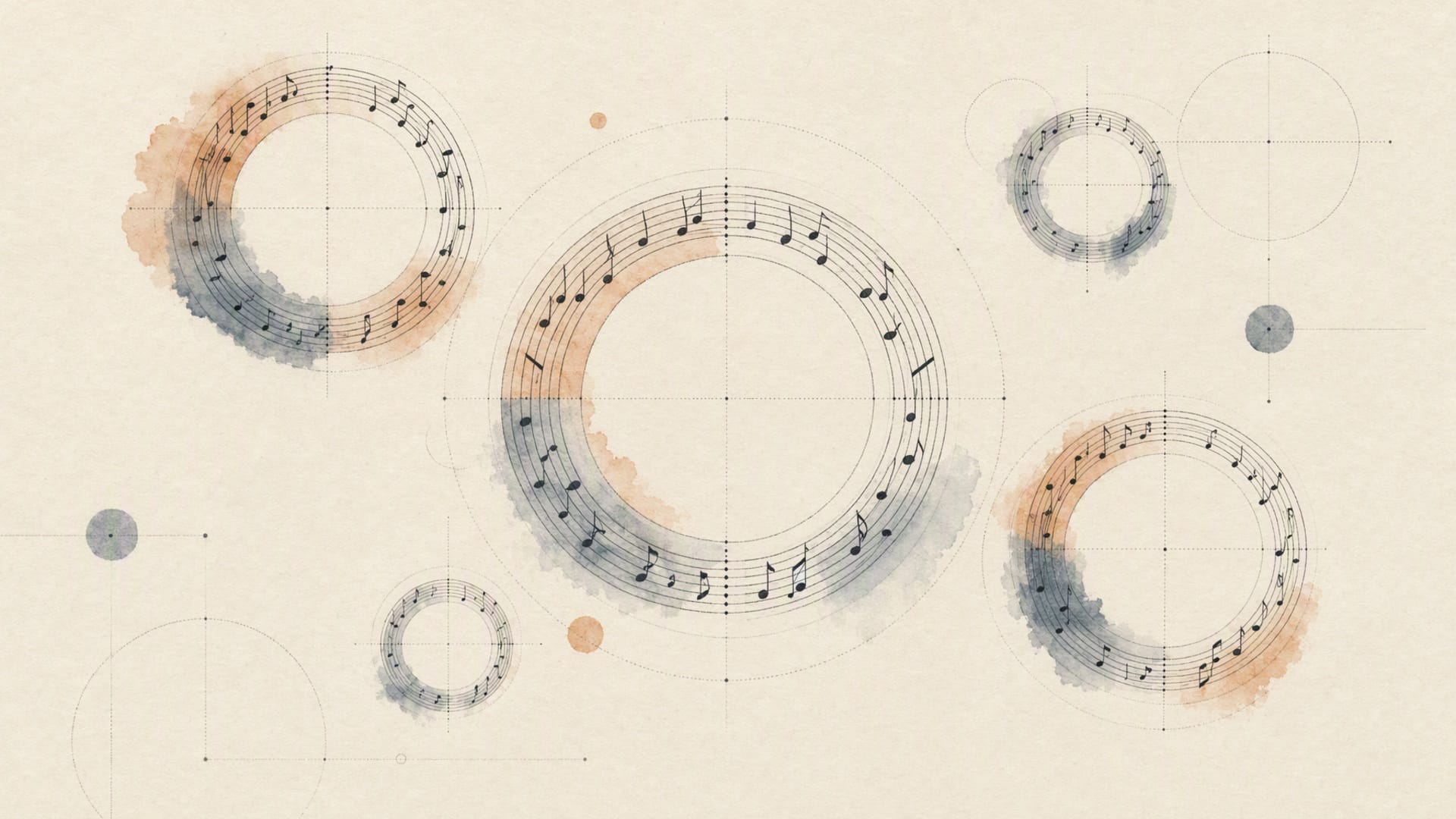
The distinction that catches every team building for games or interactive media: a loop is not a track that happens to be brief.
A track has an intro and an ending. A loop has neither, and its last moment has to hand off cleanly to its first without a seam, forever, while someone stands in a menu for four minutes deciding what to do. Generated audio has a strong tendency to resolve, to land on a tonic, to fade. All of that reads as a bump when it wraps around.
Two practical moves. Generate longer than you need and cut a loop out of the sustained middle rather than using the whole output. And pin your key with key_scale and your tempo with bpm, because a loop that drifts in either dimension cannot be beat-matched to anything else in your project.
For deterministic behaviour, ace-step-1-5-text-to-music exposes infer_method as ode or sde. The ode solver is Euler-based, faster, and deterministic for a given seed. The sde solver is stochastic and gives you more variety run to run at the cost of reproducibility. For loops you want ode and a fixed seed, so the asset you approved is the asset you ship.
Adaptive scores for games are layers, not playlists
Game audio has a requirement film doesn't: the music has to respond to what the player is doing, without a jarring transition when it changes.
The naive approach is a track per state, cross-faded on a trigger. It sounds like what it is.
The approach that works is vertical layering. Generate the same cue as several stems at different intensities, all locked to one tempo and key, then mute and unmute layers as the player's situation changes. Exploration runs the pad and the light percussion. Combat brings in the low brass and the full kit. Nothing transitions, because nothing was ever a separate track.
Two endpoints make this practical. mureka-generate-track-stem-generation produces stems directly. mureka-stem-song takes a url and separates an existing track into its parts, which is how you retrofit layering onto music you already approved. mureka-stem-song-v2-audio-seperation covers the same ground on the newer path.
For level-based variation, generate a family from one seed and one key_scale, varying only the prompt's instrumentation and the bpm. Eight levels that feel like one score rather than eight scores that happen to be in the same game.
Orchestration is what makes this survivable in a backend. A single adaptive cue is a chain: generate the base, separate the stems, master each one, store them under deterministic keys. Write that in application code and you've built a workflow engine with none of the properties of one. Declare it as a workflow instead, with POST /v1/workflows/trigger/{workflowID}/{versionID}, and the version is pinned in the path so an edit can't silently change what your build pipeline runs.
Routing between the audio models, and what comes back
Every model here takes the same envelope: a slug, a version, an input object, POSTed to https://api.eachlabs.ai/v1/prediction/. So the routing decision is a string, not an integration.
curl -X POST https://api.eachlabs.ai/v1/prediction/ \
  -H "Authorization: Bearer $EACHLABS_API_KEY" \
  -H "Content-Type: application/json" \
  -d '{
    "model": "ace-step-1-5-text-to-music",
    "version": "0.0.1",
    "input": {
      "prompt": "Warm analogue synth bed, no drums, slow swell, documentary underscore, leaves room for narration",
      "duration": 47,
      "bpm": 92,
      "key_scale": "A minor",
      "infer_method": "ode",
      "guidance_scale": 7
    },
    "webhook_url": ""
  }'
You get a prediction ID back, not audio. Then poll GET /v1/prediction/{id} until the status settles on success, error or cancelled, at three to five second intervals:
import os, time, requests

BASE = "https://api.eachlabs.ai/v1/prediction/"
H = {"Authorization": f"Bearer {os.environ['EACHLABS_API_KEY']}"}
TERMINAL = {"success", "error", "cancelled"}

def run(model: str, payload: dict, version: str = "0.0.1"):
    r = requests.post(BASE, headers=H, timeout=30, json={
        "model": model, "version": version,
        "input": payload, "webhook_url": "",
    })
    r.raise_for_status()
    pid = r.json()["predictionID"]

    while True:
        d = requests.get(BASE + pid, headers=H, timeout=30).json()
        if d["status"] in TERMINAL:
            break
        time.sleep(4)

    if d["status"] != "success":
        raise RuntimeError(f"{pid} ended {d['status']}: {d.get('output')}")
    return d["output"], d["metrics"]["predict_time"]
The routing rule that matters: send each request to the model whose inputs match what you actually have. Text and nothing else goes to ace-step-1-5-text-to-music or stable-audio-2-5-text-to-audio, the latter from Stability, taking a prompt plus seconds_total and a low num_inference_steps default of 8. A frame or a clip goes to mureka-generate-soundtrack. Lyrics go to mureka-generate-song or MiniMax's minimax-music-2-5, which takes lyrics alongside a style prompt. An instrumental with no vocal goes to mureka-generate-instrumental, where model is the required field. Choosing on input shape rather than on reputation is the single most consequential decision in an audio pipeline.
Two neighbouring endpoints finish the job. mmaudio takes a video and generates audio to match it, with negative_prompt defaulting to music because it's built for diegetic sound rather than score. And audio-mastering takes an audio input plus a required mastering_preset of streaming, podcast or broadcast. That last one is not optional polish. Generated music arrives at inconsistent loudness, and a delivery spec is a delivery spec.
To lay the finished audio against picture, ffmpeg-api-merge-audio-video takes video_url, audio_url and a start_offset, so the whole path from prompt to delivered file stays inside one system.
What this doesn't solve
I don't want this to read like a brochure, so here are the edges.
Generated music is good at texture and mood and weak at structure. It will give you a convincing eight bars and a less convincing three minutes. Long-form pieces tend to meander, which is exactly why mureka-extend-song and stem-based layering exist: build long things out of controlled short things rather than asking for length directly.
Vocals are the least reliable element. Diction wanders, and a lyric that reads perfectly can come back with a word smeared into the next one. Check every vocal output by ear before it ships.
Loop points are not a feature. No parameter here guarantees a clean wrap. You get there by generating long and cutting carefully, which is craft, not configuration.
And there is no seed on every endpoint. Where reproducibility exists, use it, pin it, store it next to the asset with the prediction ID. Where it doesn't, treat a generated track as a one-off artifact you must keep, because you cannot make it again.
On rights: "royalty-free" in the search sense means no per-play fee to a library, which is the thing that makes generated music attractive for commercial video and shipped games. But the actual rights position for any given output comes from that model's own terms, and those differ between models in this catalog. Read them for the specific model you're going to ship, and don't take a blog post as legal advice, including this one.

Wrapping up
The shift worth internalising is small and changes everything: you stop looking for music and start specifying it. Forty-seven seconds, 92 BPM, A minor, no drums, room for narration. That's not a search query. It's a brief, and a brief is something a backend can execute.
Start with the least glamorous piece. Pick one recurring cue in your pipeline, the one you rebuild every time, and generate it with the tempo and key pinned. Then master it, store it with its prediction ID, and see whether anyone notices it wasn't licensed.
You can run these music and audio models on Eachlabs, alongside the stem separation, mastering and merge steps that turn a generated track into a delivered one.
Frequently Asked Questions
Can I use AI-generated music in commercial video and shipped games?
Commercially, this is the question that decides whether any of it is usable, and the honest answer has two halves. The practical half: generated audio removes the per-use library fee and the clearance wait, which is the friction that makes teams reach for it. The half people skip: the rights you actually hold come from the terms of the specific model that produced the output, and those are not uniform across the catalog. Before you ship, read the terms for the exact model slug you called, keep the prediction ID as your record of what generated what, and get your own legal sign-off. Any blanket reassurance you read on a vendor page, this one included, is not a substitute for that.
How long does generation take, and how should I architect around it?
Read metrics.predict_time from your own predictions rather than trusting a published figure, since it scales with requested duration and varies by model. The architecture matters more than the number: audio generation is slow enough that you should never block an HTTP request on it. Submit, hand a job ID to the client, deliver by webhook. Note that webhook payloads use a compact succeeded or failed vocabulary rather than the six polling states, so keep those parsers separate, and make the handler idempotent on the prediction ID because the same webhook can arrive twice.
What integration effort should I expect for a music feature?
The first call is an afternoon: one POST, one poll, one URL back. The real work is everything around it. A queue, because generation is slow. Durable storage for outputs, because most of these are not reproducible and a lost file is a lost asset. A mastering step, because generated audio arrives at inconsistent loudness and your delivery spec won't move. And a listening step, because vocals and structure need a human ear before they reach an audience. Budget for the pipeline rather than the request, and keep it in a workflow with the version pinned so the chain you tested is the chain that runs.
Which model should I start with for scoring video?
Choose on the input you have, not on reputation. If you have the cut, start with mureka-generate-soundtrack and pass video_url, because letting the model see the footage skips the hardest part of prompt-writing, which is describing a mood in words. If you only have a description and need exact control over length, tempo and key, use ace-step-1-5-text-to-music and set duration, bpm and key_scale explicitly. If you need vocals, go to mureka-generate-song with structure tags in the lyrics so the response tells you where the chorus lands. And set n to get variants in one request rather than resubmitting to roll the dice again.