STABLE-DIFFUSION
Stable Diffusion Inpainting is a model that can be used to generate and modify images based on text prompts.
Avg Run Time: 1.000s
Model Slug: stable-diffusion-inpainting
Playground
Input
Enter a URL or choose a file from your computer.
Invalid URL.
image/jpeg, image/png, image/jpg, image/webp (Max 50MB)
Enter a URL or choose a file from your computer.
Invalid URL.
image/jpeg, image/png, image/jpg, image/webp (Max 50MB)
Output
Example Result
Preview and download your result.
API & SDK
Create a Prediction
Send a POST request to create a new prediction. This will return a prediction ID that you'll use to check the result. The request should include your model inputs and API key.
Get Prediction Result
Poll the prediction endpoint with the prediction ID until the result is ready. The API uses long-polling, so you'll need to repeatedly check until you receive a success status.
Readme
Overview
stable-diffusion-inpainting — Image Editing AI Model
Developed by Stability as part of the stable-diffusion family, stable-diffusion-inpainting empowers users to precisely edit images by generating new content in masked areas guided by text prompts, solving the challenge of removing unwanted elements like watermarks or obstacles while seamlessly blending repairs with the original image.
This image-to-image AI model excels in region-selective reconstruction, where a binary mask defines exact modification zones—white for areas to change, black for preservation—making it ideal for targeted AI photo editing without altering the rest of the composition.
Unlike global image-to-image methods, stable-diffusion-inpainting maintains non-target regions intact through dual-path processing and noise control via the denoise intensity parameter (0-1), enabling everything from simple stain removal to creative content replacement in e-commerce product shots or artistic portraits.
Technical Specifications
What Sets stable-diffusion-inpainting Apart
stable-diffusion-inpainting stands out in the image-to-image AI model landscape through its precise mask-based control and text-guided generation, outperforming traditional methods in repair quality and flexibility for edit images with AI tasks.
- Region-selective reconstruction with binary masks: Users draw exact areas for modification using tools like brush sizes for fine details (e.g., eyes or jewelry), ensuring non-masked zones remain unchanged via dual-path processing and weighted fusion. This enables pixel-level edits in complex shapes like intricate hairstyles, where other models struggle with edge transitions.
- Denoise intensity for controlled regeneration: Adjustable from 0 (no change) to 1 (full reconstruction), calculated as steps like 0.6 × 20 = 12 for balanced noise application in DDIM sampling. Developers gain predictable outputs for AI image editor API integrations, avoiding over-generation in sensitive areas.
- Text-prompt alignment for contextual fills: Generates content highly coordinated with surroundings, such as replacing obstacles with elements matching lighting and style. This supports specialized inpainting models like Realistic Vision Inpainting for natural style retention in realistic edits.
Technical specs include support for img2img workflows with parameters like Mask Edge Blur (0-64 for sharp/soft transitions), Masked Content options (Original, Fill, Latent Noise), and resizing modes (Stretch, Crop, Fill). It handles high-resolution outputs with Soft Repaints for superior blending, though processing varies by steps and hardware.
Key Considerations
- Image Quality: Use high-resolution base images for optimal results.
- Mask Precision: Ensure the mask accurately defines the area to modify.
- Prompt-Output Alignment: Avoid overly complex or conflicting prompts that may confuse the model.
- Inference Steps: Balance between time and detail; excessive steps may not always yield noticeable improvements.
Tips & Tricks
How to Use stable-diffusion-inpainting on Eachlabs
Access stable-diffusion-inpainting seamlessly on Eachlabs via the Playground for instant testing—upload your image, draw a mask, add a text prompt, and adjust denoise intensity or Mask Edge Blur. For production, use the API or SDK with inputs like original image, binary mask, prompt, and steps; receive high-quality edited images in standard formats with natural blends and contextual fills.
---Capabilities
- Realistic Inpainting: Seamlessly integrates new elements into existing images.
- Customizable Outputs: Adjust parameters to meet specific project needs.
What Can I Use It For?
Use Cases for stable-diffusion-inpainting
For e-commerce marketers: Upload a product photo with background distractions, mask the unwanted areas, and prompt for a clean studio setup—resulting in professional composites without reshoots, streamlining automated image editing API for catalogs.
For digital artists and designers: In portrait retouching, select facial imperfections or add accessories via mask, using a dedicated inpainting model for seamless edge blending. This preserves overall composition while enabling creative tweaks like "add golden earrings with diamond accents on a model with wavy hair."
For developers building AI image editors: Integrate stable-diffusion-inpainting API to offer users mask tools and denoise controls for custom apps, such as removing watermarks from user-uploaded images while filling with prompt-driven content like "replace logo with tropical beach scene matching sunset lighting."
For content creators in photography: Fix real-world flaws in event shots by masking stains or crowds, guiding repairs with prompts for environmental harmony. This accelerates post-production for high-volume workflows like social media visuals.
Things to Be Aware Of
- Restoration Projects: Repair old or damaged images by filling in missing parts.
- Creative Variations: Explore different prompts with the same base image to generate unique outputs.
- Custom Masking: Define intricate areas to edit for precise results.
- Size Testing: Compare results at different sizes to determine the best settings for your use case.
SCHEDULER
- DDIM:
- Use for faster results with smooth transitions.
- Works well with fewer inference steps.
- K_EULER:
- Ideal for sharp and detailed outputs.
- Pair with medium to high guidance scale values for clarity.
- DPMSolverMultistep:
- Best for balancing speed and quality.
- Delivers excellent results with fewer steps.
- K_EULER_ANCESTRAL:
- Great for creative and artistic outputs.
- Experiment with lower guidance scales for diverse results.
- PNDM:
- Ensures high accuracy and consistency.
- Use more steps for highly detailed outputs.
- KLMS:
- Perfect for high-resolution, realistic images.
- Higher guidance scales enhance detailed scenes like landscapes.
Limitations
- Output Consistency: Complex prompts or conflicting inputs may lead to unpredictable results.
- Resolution Constraints: Extremely high resolutions may increase processing time significantly.
- Mask Limitations: Poorly defined masks can lead to unintended modifications.
- Safety Checker: Disabling it may result in outputs that do not meet content guidelines.
Output Format: PNG
Pricing
Pricing Detail
This model runs at a cost of $0.001540 per second.
The average execution time is 1 seconds, but this may vary depending on your input data.
The average cost per run is $0.001540
Pricing Type: Execution Time
Cost Per Second means the total cost is calculated based on how long the model runs. Instead of paying a fixed fee per run, you are charged for every second the model is actively processing. This pricing method provides flexibility, especially for models with variable execution times, because you only pay for the actual time used.
Related AI Models
You can seamlessly integrate advanced AI capabilities into your applications without the hassle of managing complex infrastructure.
Wan 2.6 Image-to-Image transforms input images with precise, high-quality edits while maintaining visual consistency.
Kling Image V3 is the latest image generation model from Kling, delivering improved quality, consistency, and visual detail.
A face swap model automatically replaces the face in an image with another face while preserving expressions, lighting, and overall realism
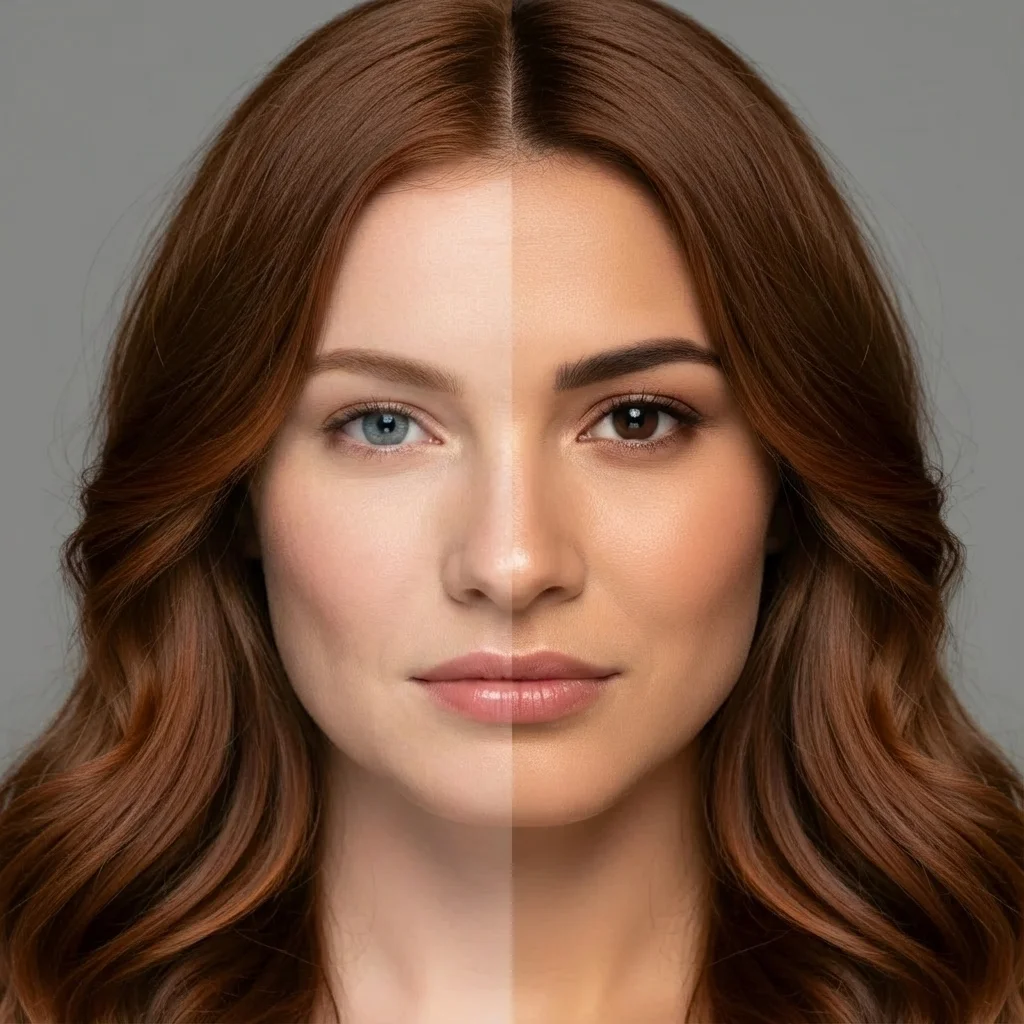
Generates new images by blending styles and visual elements from your prompt and multiple reference images, enabling seamless combinations such as outfits from separate fashion items or portraits merged with scenic backgrounds.