FLUX-KREA
FLUX Krea LoRA Image-to-Image enables quick, precise image modifications and style variations with LoRA support.
Avg Run Time: 12.000s
Model Slug: flux-krea-lora-image-to-image
Playground
Input
Enter a URL or choose a file from your computer.
Invalid URL.
(Max 50MB)
Output
Example Result
Preview and download your result.

API & SDK
Create a Prediction
Send a POST request to create a new prediction. This will return a prediction ID that you'll use to check the result. The request should include your model inputs and API key.
Get Prediction Result
Poll the prediction endpoint with the prediction ID until the result is ready. The API uses long-polling, so you'll need to repeatedly check until you receive a success status.
Readme
Overview
flux-krea-lora-image-to-image — Image-to-Image AI Model
flux-krea-lora-image-to-image, a specialized LoRA adaptation from Black Forest Labs' flux-krea family, transforms input images with precise style variations and modifications using low-rank adaptation for efficient customization. This image-to-image AI model excels in applying unique aesthetics to existing visuals, avoiding the typical "AI look" while delivering photorealistic outputs with natural textures and details. Developed as part of the FLUX.1 Krea Dev collaboration between Black Forest Labs and Krea, it supports quick iterations for production-ready art, making it ideal for developers seeking a Black Forest Labs image-to-image solution with easy LoRA finetuning.
Users provide an input image alongside a descriptive prompt to guide changes in style, lighting, or composition, generating high-quality results compatible with FLUX.1 architecture at resolutions up to 1024x1024.
Technical Specifications
What Sets flux-krea-lora-image-to-image Apart
flux-krea-lora-image-to-image stands out in the competitive landscape of image-to-image AI models through its LoRA-based finetuning on the FLUX.1 Krea Dev base, enabling seamless style transfers without retraining the full model. This allows niche customizations like cinematic grading or product renders with minimal computational overhead.
It delivers exceptional realism and natural details that match or exceed closed-source alternatives in human preference studies, providing open-weights access to state-of-the-art performance.
Key technical specs include support for 1024x1024 resolutions, FP8 scaled weights for low-VRAM setups (under 12GB), and generation times as low as 17-20 seconds on subsequent runs with a 24GB GPU.
- Easy LoRA finetuning: Train custom styles for specific domains like concept art using minimal data, unlocking tailored flux-krea-lora-image-to-image API applications without proprietary restrictions.
- Unique aesthetic engine: Produces balanced tones and photorealism free of oversaturation, ideal for workflows needing realistic image edits.
- FLUX.1 family compatibility: Integrates with core Flux engines for consistent quality across text-to-image and image-to-image pipelines.
Key Considerations
- LoRA weights significantly impact the final output style and quality, requiring careful selection and tuning
- Higher resolutions benefit from deeper compression ratios but may require more computational resources
- The model performs best with clear, well-structured input images that have defined subjects
- Prompt engineering plays a crucial role in achieving desired modifications while preserving image coherence
- Balance between modification strength and original image preservation is critical for optimal results
- Processing time scales with resolution, with 4K generation requiring substantially more resources than 1K
- The model's flow matching approach requires fewer denoising steps compared to traditional diffusion models
Tips & Tricks
How to Use flux-krea-lora-image-to-image on Eachlabs
Access flux-krea-lora-image-to-image through Eachlabs Playground by uploading an input image, entering a descriptive prompt for style or modification guidance, and adjusting LoRA weight (0.5-1.0), image strength, and guidance scale. Generate high-resolution outputs up to 1024x1024 in seconds via the API or SDK, with support for .safetensors LoRA files and FLUX-compatible formats for seamless integration.
---Capabilities
- High-quality image-to-image transformations with preserved structural integrity
- Superior realism and photographic quality output generation
- Excellent text rendering and typography integration within images
- Multi-resolution support from standard to ultra-high 4K generation
- Efficient LoRA-based style adaptation without full model retraining
- Fast processing with optimized throughput compared to traditional diffusion models
- Strong preservation of original image composition while enabling targeted modifications
- Robust handling of various input image types and styles
- Advanced latent space compression for memory-efficient processing
What Can I Use It For?
Use Cases for flux-krea-lora-image-to-image
For designers refining product visuals, flux-krea-lora-image-to-image enables uploading a base photo and applying a custom LoRA for e-commerce mockups, such as transforming a plain shoe image into a lifestyle scene on urban streets with natural lighting—streamlining AI photo editing for e-commerce without studio reshoots.
Developers building AI image editor API tools can leverage its LoRA stacking to create layered style effects, like combining watercolor and analog film presets on user-uploaded portraits for app-based creative filters, maintaining high fidelity at 1024x1024.
Marketers targeting visual campaigns input reference images with prompts like "apply 90s indie movie style with gritty nostalgia and warm film grain to this product shot," generating variant assets that preserve composition while adding distinctive aesthetics for social media. Example prompt: "Take this portrait and restyle it as a surreal boreal forest scene with cinematic fog and ethereal lighting, LoRA weight 0.8."
Content creators experimenting with art pipelines use its photorealistic edits to iterate on sketches, finetuning LoRAs for personalized styles like oil painting overlays, accelerating production from concept to final render.
Things to Be Aware Of
- Model performance varies significantly based on LoRA weight selection and combination
- High-resolution generation requires substantial GPU memory and processing time
- Some users report occasional inconsistencies in style application across different image types
- The model may struggle with very abstract or heavily stylized input images
- Processing costs scale exponentially with resolution increases beyond 2K
- Community feedback indicates strong performance on photorealistic content but mixed results on artistic styles
- Users consistently praise the model's text rendering capabilities and overall output quality
- Some experimental features may produce unexpected results requiring iterative refinement
- Resource requirements can be prohibitive for users with limited computational access
- Positive feedback emphasizes the model's efficiency improvements and maintained quality standards
Limitations
- Computational requirements increase dramatically for ultra-high resolution generation, potentially limiting accessibility for users with standard hardware configurations
- LoRA adaptation effectiveness varies significantly depending on the specific style or modification being applied, with some artistic styles producing less consistent results than photorealistic transformations
- The model may struggle with complex multi-object scenes where precise control over individual elements is required, particularly when conflicting style directions are applied simultaneously
Pricing
Pricing Type: Dynamic
Charge $0.035 per image generation
Pricing Rules
| Parameter | Rule Type | Base Price |
|---|---|---|
| num_images | Per Unit Example: num_images: 1 × $0.035 = $0.035 | $0.035 |
Related AI Models
You can seamlessly integrate advanced AI capabilities into your applications without the hassle of managing complex infrastructure.
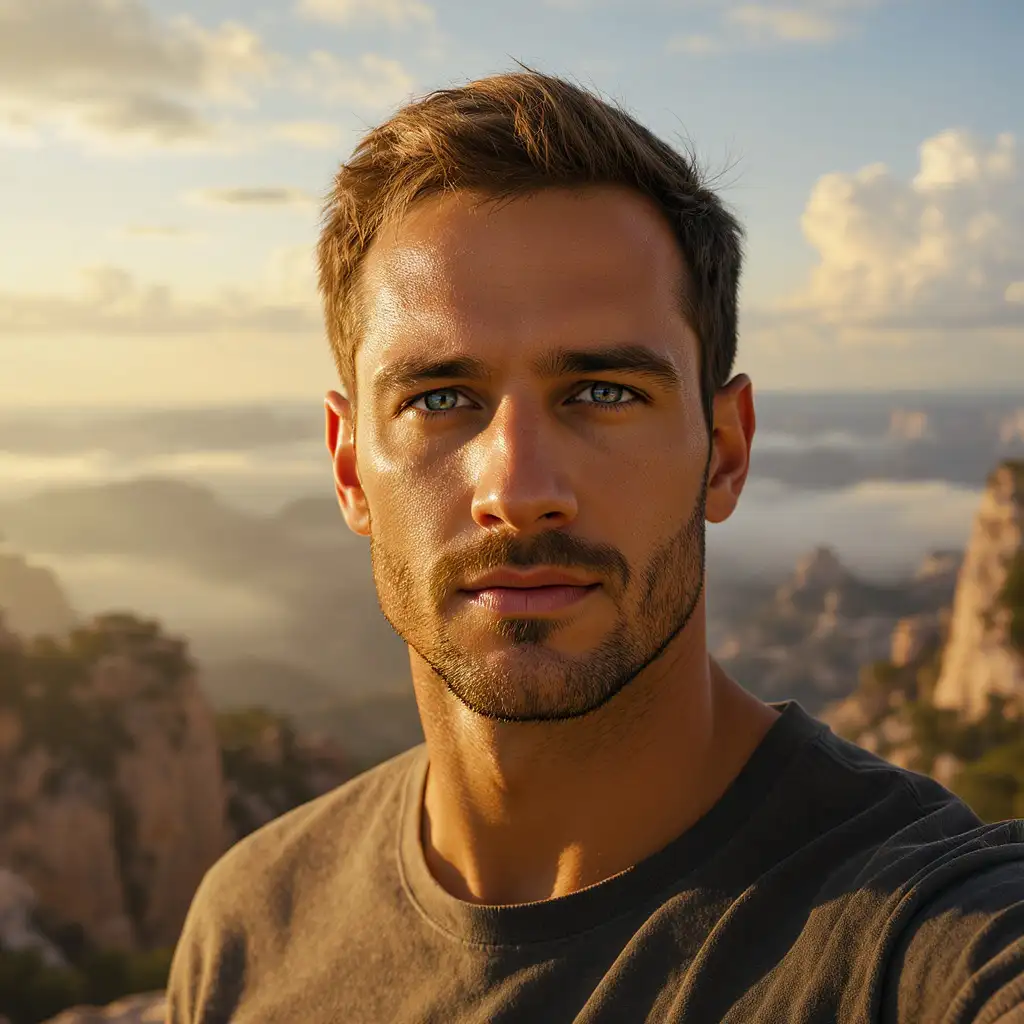
FLUX.2 [max] provides state-of-the-art image generation and advanced editing with outstanding realism, precision, and visual consistency.
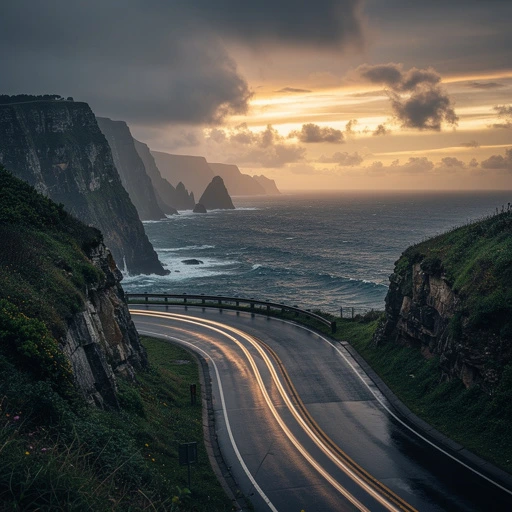
Generates the same scene from different perspectives by adjusting azimuth and elevation, leveraging Qwen Image Edit 2511 with LoRA Multiple Angles for consistent and detailed results.
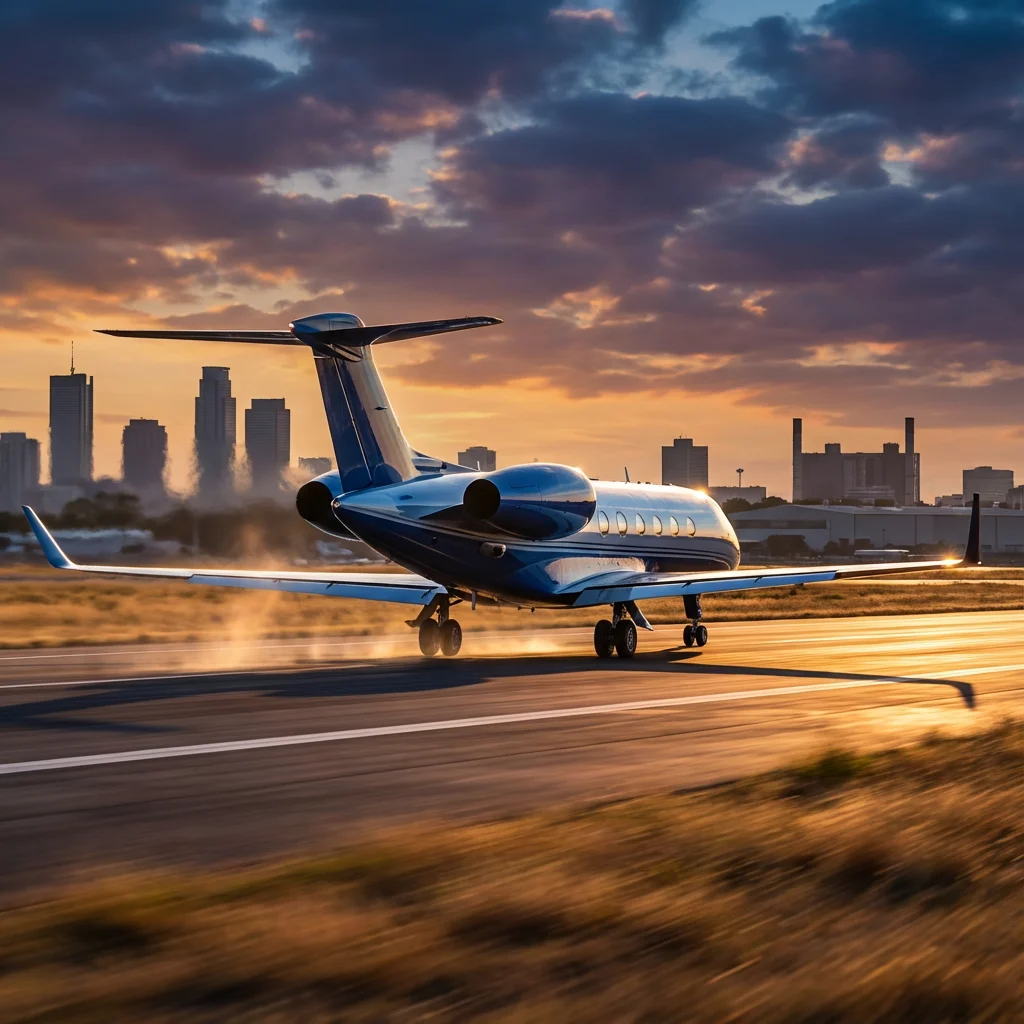
Generates images from text combined with edge, depth, or pose inputs using custom LoRA and Tongyi-MAI’s ultra-fast 6B Z-Image Turbo model for fast, high-quality, and controllable image creation.
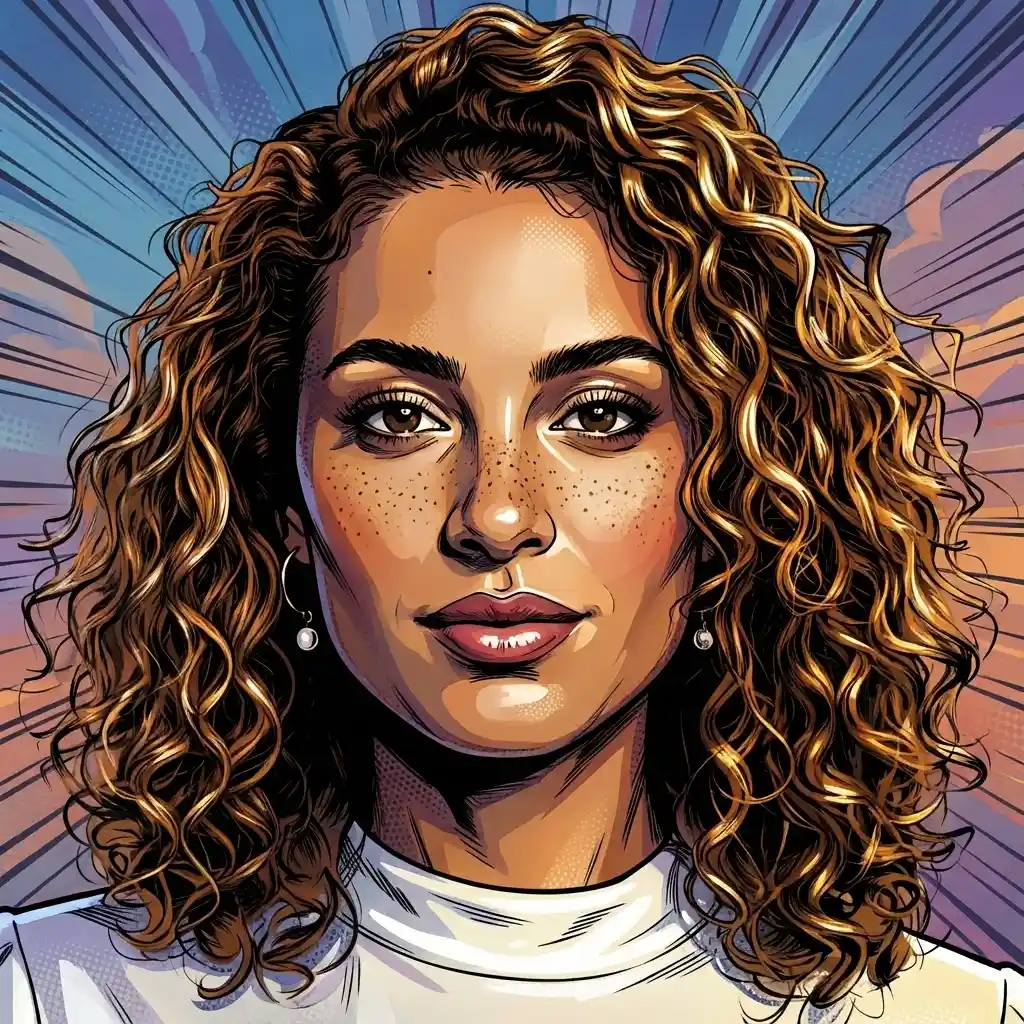
Converts the entire image into bold comic art while keeping the subject’s identity and scene details intact.