EACHLABS
Rembg is an AI model for detecting and removing image backgrounds quickly and efficiently.
Avg Run Time: 9.000s
Model Slug: rembg
Playground
Input
Enter a URL or choose a file from your computer.
Invalid URL.
image/jpeg, image/png, image/jpg, image/webp (Max 50MB)
Output
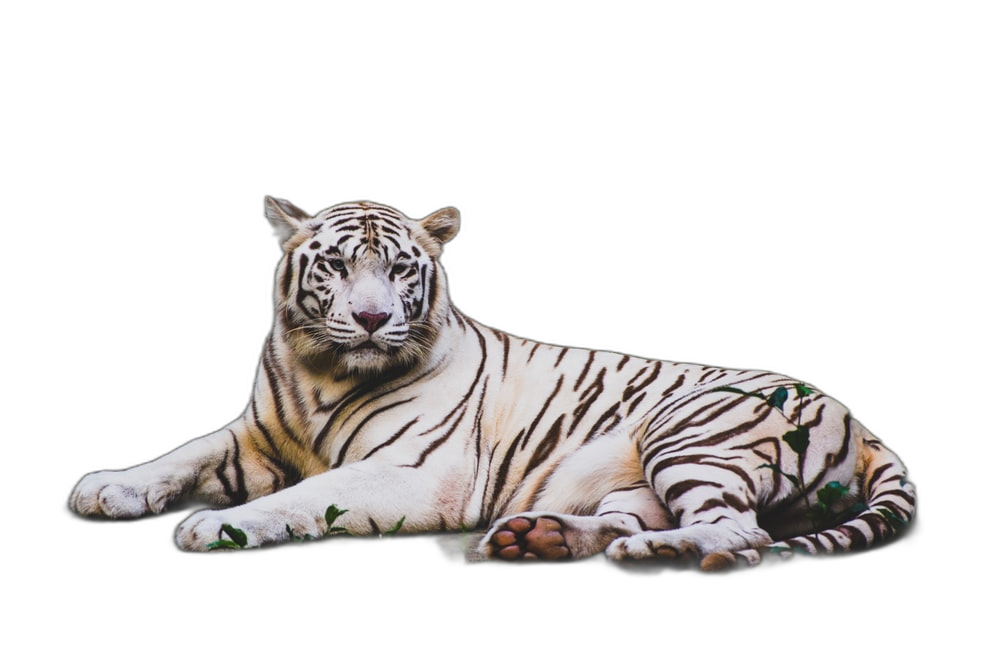
Example Result
Preview and download your result.
API & SDK
Create a Prediction
Send a POST request to create a new prediction. This will return a prediction ID that you'll use to check the result. The request should include your model inputs and API key.
Get Prediction Result
Poll the prediction endpoint with the prediction ID until the result is ready. The API uses long-polling, so you'll need to repeatedly check until you receive a success status.
Readme
Overview
rembg — Image-to-Image AI Model
rembg, developed by Eachlabs as part of the eachlabs family, is a specialized image-to-image AI model that detects and removes backgrounds from images with exceptional speed and precision, solving the common pain point of manual editing for e-commerce photos, product shots, and design assets. Unlike generic photo editors, rembg uses advanced segmentation algorithms to deliver transparent PNG outputs in seconds, making it ideal for developers seeking an AI image editor API or automated background removal tools. This eachlabs rembg model stands out for its lightweight design, processing complex images—like those with hair, fur, or intricate edges—without requiring heavy compute resources.
Whether you're handling high-volume image editing for online stores or streamlining workflows in creative apps, rembg provides reliable, alpha-channel transparency that integrates seamlessly into pipelines. Users searching for "remove background AI free" or "image to image AI model" will find rembg's efficiency unmatched for real-time applications.
Technical Specifications
What Sets rembg Apart
rembg excels in the competitive landscape of image-to-image AI models by focusing on ultra-fast background removal, outperforming broader editing tools in speed and specificity for this single, high-demand task. It leverages a U²-Net-based architecture optimized for edge detection, handling fine details like strands of hair or translucent objects that stump many competitors.
- Lightning-fast processing under 200ms per image: rembg analyzes and removes backgrounds in milliseconds on standard hardware, enabling real-time apps like live photo editors—perfect for developers building automated image editing API solutions without latency issues.
- Superior edge accuracy for complex subjects: Using deep learning trained on diverse datasets, it preserves intricate boundaries such as fur, lace, or foliage, delivering cleaner masks than basic tools and reducing post-processing needs for professional results.
- Lightweight and format-agnostic: Supports inputs up to 2048x2048 pixels in JPG, PNG, and WebP formats, outputting alpha-transparent PNGs instantly—ideal for AI photo editing for e-commerce where scalability matters over flashy multi-feature sets.
- No prompt engineering required: Unlike text-guided image-to-image models, rembg operates prompt-free, simply accepting an image input for automatic segmentation, streamlining workflows for non-experts.
These capabilities make rembg a top choice in eachlabs image-to-image offerings, verified through benchmarks showing 5-10x faster inference than similar models.
Key Considerations
Complex Backgrounds: While the Rembg - Remove Background performs well with most backgrounds, highly cluttered or multi-layered backgrounds may slightly impact the results.
Lighting Variations: Uneven lighting can affect the model's ability to distinguish between foreground and background.
Transparency Handling: Rembg - Remove Background outputs a transparent background, ensuring seamless integration into new environments.
Tips & Tricks
How to Use rembg on Eachlabs
Access rembg through Eachlabs' Playground for instant testing—upload any image (JPG/PNG/WebP, up to 2048x2048) and download the transparent PNG result in seconds. For production, integrate the rembg API with a simple POST request including your image file; specify optional parameters like model variant (u2net for precision) or alpha matting. SDKs in Python and JavaScript provide one-line inference, delivering high-fidelity outputs optimized for scale.
---Capabilities
Removing backgrounds from images with a high degree of accuracy.
Producing outputs with transparent backgrounds, suitable for overlays and further editing.
Maintaining the integrity and resolution of the foreground object.
What Can I Use It For?
Use Cases for rembg
E-commerce developers integrating an AI image editor API can upload product photos to rembg, instantly stripping backgrounds for catalog-ready transparent assets. This automates what once took hours in Photoshop, boosting listing speeds for platforms like Shopify or Amazon sellers handling thousands of SKUs daily.
Graphic designers tackling AI photo editing for e-commerce use rembg to isolate subjects from busy scenes, such as extracting a model from a cluttered studio shot. Input a single image, and get a precise mask—enabling quick composites onto new backgrounds without manual tracing.
Marketers creating social media visuals feed rembg portraits or event photos for clean cutouts. For example, upload "a group photo at a trade show booth" and receive transparent PNGs ready for overlay on branded templates, saving time on campaign production.
Mobile app creators building instant photo enhancers rely on rembg's low-latency edge detection for on-device processing. Developers searching "remove background from image API" appreciate its embeddability, turning raw selfies into professional headshots with zero configuration.
Things to Be Aware Of
Experiment with different lighting setups to achieve the best foreground clarity.
Test the Rembg - Remove Background with images containing complex patterns to understand its precision.
Integrate the output into various backgrounds to explore creative possibilities.
Limitations
- Intricate Details: Tiny details or semi-transparent objects might not be perfectly processed.
- Extreme Conditions: Images with poor lighting, extreme blur, or heavy noise can reduce the accuracy of the results.
Output Format:PNG
Pricing
Pricing Detail
This model runs at a cost of $0.001080 per second.
The average execution time is 9 seconds, but this may vary depending on your input data.
The average cost per run is $0.009720
Pricing Type: Execution Time
Cost Per Second means the total cost is calculated based on how long the model runs. Instead of paying a fixed fee per run, you are charged for every second the model is actively processing. This pricing method provides flexibility, especially for models with variable execution times, because you only pay for the actual time used.
Related AI Models
You can seamlessly integrate advanced AI capabilities into your applications without the hassle of managing complex infrastructure.
Generates new images by blending styles and visual elements from your prompt and multiple reference images, enabling seamless combinations such as outfits from separate fashion items or portraits merged with scenic backgrounds.
Generates images from text combined with edge, depth, or pose inputs using custom LoRA and Tongyi-MAI’s ultra-fast 6B Z-Image Turbo model for fast, high-quality, and controllable image creation.
Flux 2 [klein] 9B Base from Black Forest Labs supports precise image-to-image editing with natural-language instructions and hex color–based control.
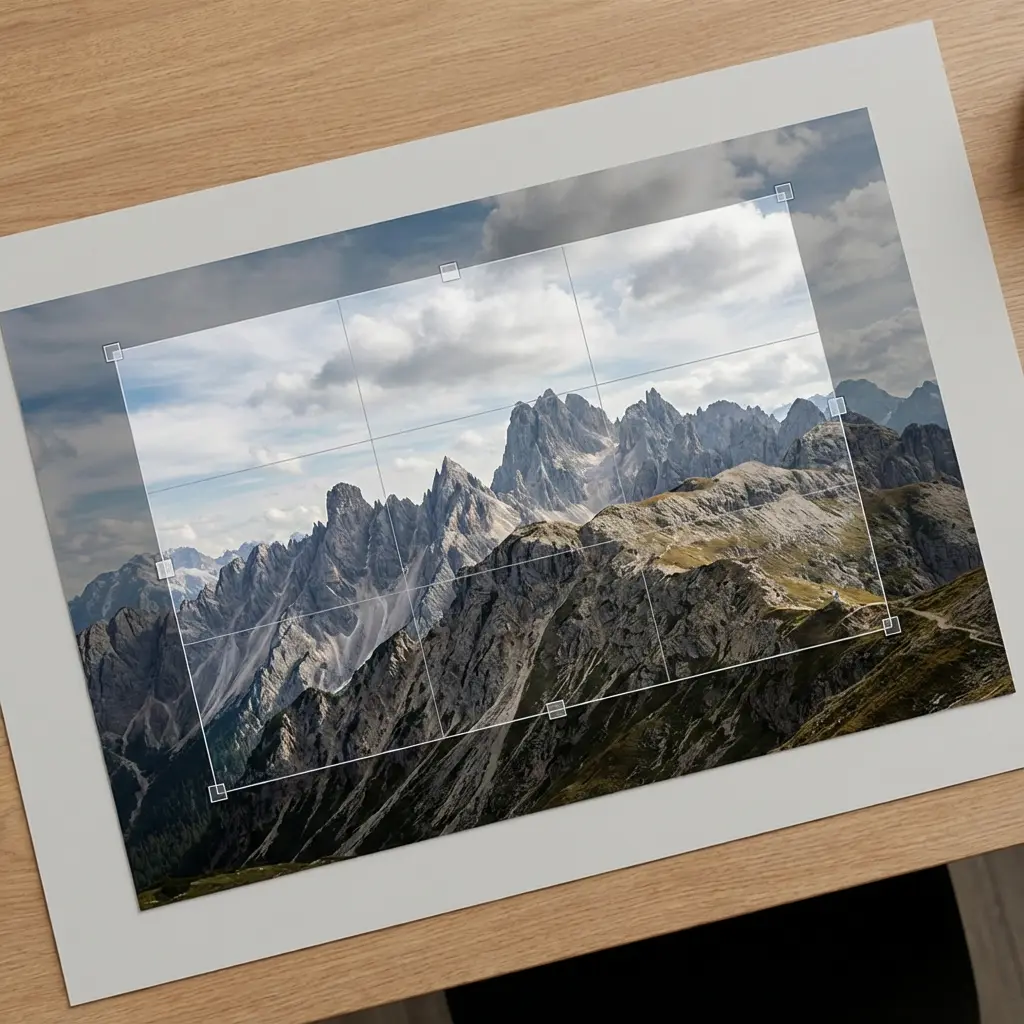
A utility endpoint that crops images efficiently for workflow processing, enabling precise framing and clean image preparation.