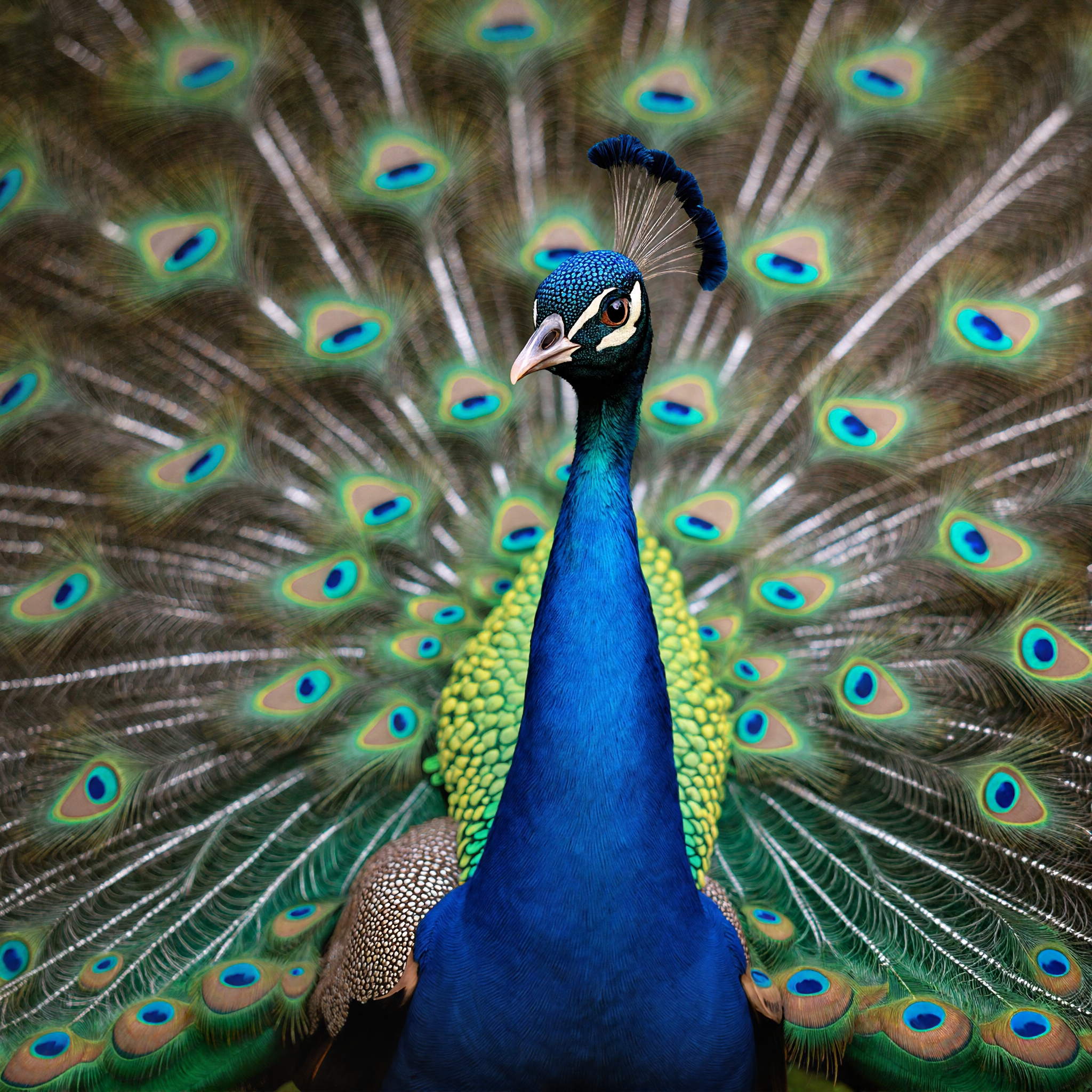
Flux Vision Upscaler
Enhance and upscale your visuals with cinematic clarity using Flux Vision Upscaler.
- Runtime (p50)
- 7m
- Estimated price
- $0.10 per megapixel per image
Overview
Flux Vision Upscaler is an advanced AI-powered image upscaling model designed to enhance and magnify visuals with high fidelity and cinematic clarity. While the original developer is not explicitly named in the available search results, the model is widely recognized in the AI image generation community for its ability to upscale images while preserving or even inventing fine details, textures, and sharp edges. It is part of a broader family of Flux models, which are known for balancing speed, cost, and output quality, and are often used in professional and creative workflows.
The model leverages neural network architectures trained on massive datasets, enabling it to infer and reconstruct missing or degraded image information far beyond the capabilities of traditional interpolation methods. What sets Flux Vision Upscaler apart is its support for high scaling factors (up to 8x or more, depending on the specific variant), optional integration with LoRA (Low-Rank Adaptation) models for style and character consistency, and the ability to use reference style images to guide the upscaling process. This makes it particularly valuable for users who need not just larger images, but images with enhanced, believable detail and artistic control.
Capabilities
- Upscales images by factors of 2x to 8x (or higher in some variants) with minimal loss of quality
- Recovers and invents fine details, textures, and edges, resulting in images with cinematic clarity
- Supports integration with LoRA models for enhanced style and character consistency
- Allows the use of multiple reference images to guide stylistic elements in the output
- Delivers natural color preservation and minimal artifacts in most cases
- Suitable for both photographic and AI-generated images
- Adaptable to a variety of creative and professional workflows
Use cases
- Enhancing low-resolution photographs for professional printing or digital display
- Upscaling AI-generated artwork for high-resolution prints, merchandise, or digital assets
- Restoring old or degraded images in archival and preservation projects
- Preparing images for video production, where higher resolution and detail are critical
- Creating detailed textures and backgrounds for game development and 3D modeling
- Generating high-fidelity visuals for marketing materials, social media, and advertising
- Experimenting with artistic styles by combining upscaling with style transfer techniques
Tips & tricks
- For most use cases, begin with a 2x scale and incrementally increase if more detail is needed
- If you lack a prompt, use the built-in feature to generate a description from your reference image
- When upscaling character or style-specific images, attach the original LoRA model to maintain fidelity
- Experiment with the Style Fidelity slider when using reference images to balance between original content and stylistic elements
- For batch processing, monitor resource usage, as high-resolution outputs can be memory-intensive
- Iteratively refine prompts and settings based on initial outputs to achieve the best results
- Save intermediate results to compare quality at different scaling factors
Technical spec
- Architecture: Neural network-based (exact architecture not specified in public documentation; part of the Flux model family, which includes flow transformers and other advanced designs)
- Parameters: Not publicly disclosed for the specific Flux Vision Upscaler; related Flux models mention 12 billion parameters, but this may not apply directly to the upscaler variant
- Resolution: Supports a wide range of input resolutions; output resolution depends on the chosen scaling factor (commonly 2x to 8x, with some variants supporting up to 16x)
- Input/Output formats: Accepts common image formats such as JPG, JPEG, PNG, WEBP, GIF, AVIF
- Performance metrics: Inference times and resource usage vary with scaling factor and model settings; higher scaling factors increase processing time and computational cost
Things to be aware of
- Higher scaling factors can lead to longer processing times and increased computational costs
- Outputs may sometimes be overly interpretive or creative, especially at maximum scale
- Consistency can vary depending on input quality and prompt specificity
- The model performs best with clear, well-composed source images
- Some advanced features (e.g., style image references) are only available with certain Flux model variants
- Users report that the model excels at preserving sharp edges and natural textures, but may struggle with extremely blurry or noisy inputs
- Positive feedback highlights the model’s ability to deliver noticeably sharper and more detailed images compared to traditional upscalers
- Community discussions note that iterative refinement and prompt tuning are often necessary for optimal results
Key considerations
- Start with a moderate scaling factor (e.g., 2x) to evaluate output quality before attempting higher magnifications, as larger scales can introduce artifacts or overly creative interpretations
- Use clear, specific prompts when available to guide the model toward your desired outcome
- For style or character consistency, consider applying LoRA models used in the original image generation; adjust LoRA influence between 0.50 and 0.75 for optimal results
- Reference style images can be uploaded (up to 10) to influence the upscaling, but this feature is only available with certain Flux model variants
- Be aware of the trade-off between detail enhancement and processing time: higher scaling factors and more complex prompts will slow down generation
- Avoid using the model for images with severe corruption or extremely low resolution, as results may be unpredictable
- Regularly check for updates, as the Flux model family is actively developed and new features or improvements may be released
Limitations
- Performance and output quality can degrade with severely corrupted or very low-resolution source images
- The model may introduce artifacts or unrealistic details when pushed to its maximum scaling factors
- Advanced features such as style image guidance and LoRA integration are not universally available across all Flux upscaler variants
Related models
4 models
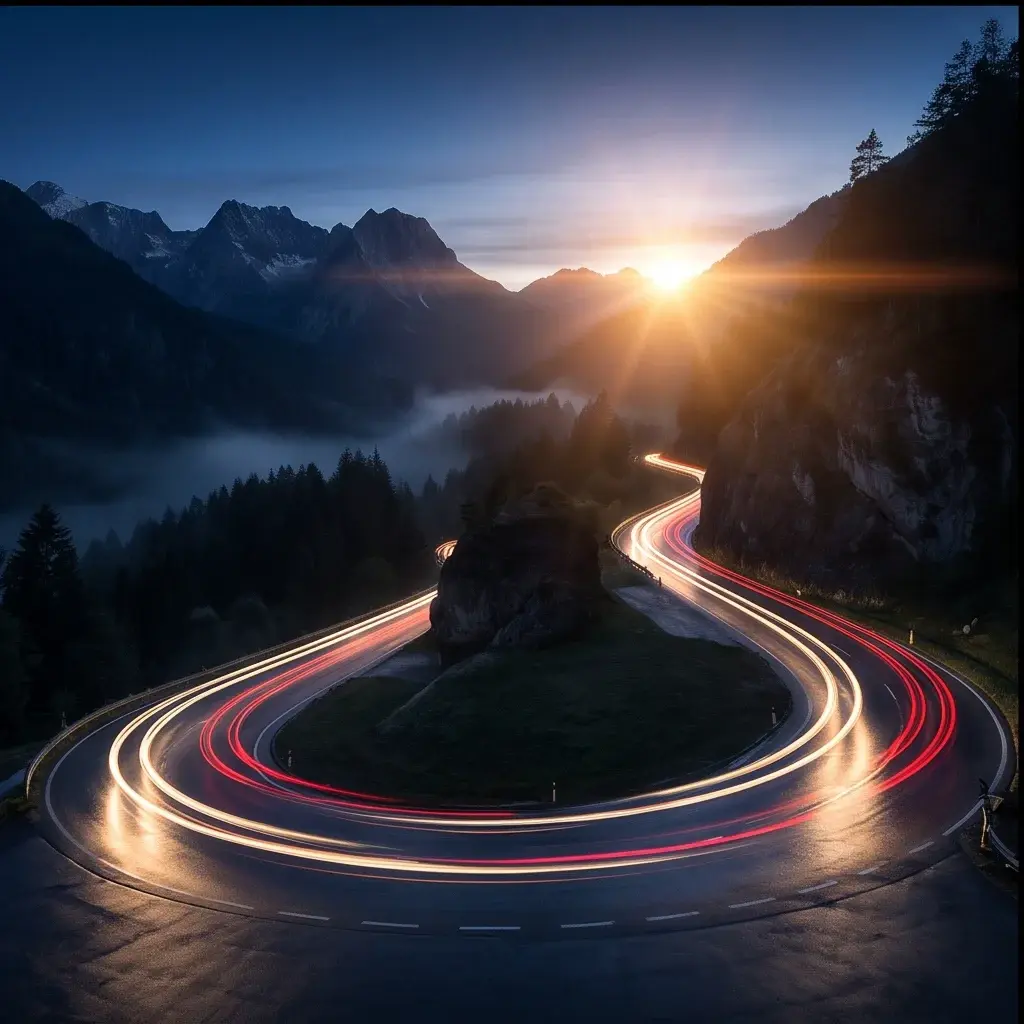


About Flux Vision Upscaler
What is FLUX Vision Upscaler?
FLUX Vision Upscaler is an AI image enhancement model by Black Forest Labs that increases image resolution while preserving and enhancing fine detail. Using the FLUX visual processing pipeline, it reduces noise and sharpens textures to produce high-resolution output from lower-quality source images.