
{
  "layers": [
    {
      "url": "https://cdn-us.eachlabs.ai/defaults/f953442c1db3949ea024b6da0331967c08cf15bd77c84a4220818e2f7cd56fff.jpg",
      "name": null,
      "size": "1584x2816",
      "bounding_box": null,
      "output_format": "jpeg"
    },
    {
      "url": "https://cdn-us.eachlabs.ai/defaults/53f354f9bbb314f7e42e56a741665b16caa1908708fb264da28ab4c0fd8fc14a.png",
      "name": "Left Orange Slice",
      "size": "677x960",
      "bounding_box": {
        "absolute": [
          0,
          1279,
          224,
          1596
        ],
        "normalized": [
          0,
          454,
          141,
          566
        ]
      },
      "output_format": "png"
    },
    {
      "url": "https://cdn-us.eachlabs.ai/defaults/5ffdfda3c182e4493fb1ad034aebdf06fb4024d5b1c692d96bb6a942499534b6.png",
      "name": "Right Orange Slice",
      "size": "727x894",
      "bounding_box": {
        "absolute": [
          1197,
          1171,
          1584,
          1648
        ],
        "normalized": [
          756,
          416,
          999,
          585
        ]
      },
      "output_format": "png"
    },
    {
      "url": "https://cdn-us.eachlabs.ai/defaults/92795b474a9206d9ac2870e3b16659b860a0713c07959ffd85189df33cb3794b.png",
      "name": "Bottom Right Orange Slice",
      "size": "946x1107",
      "bounding_box": {
        "absolute": [
          891,
          2004,
          1584,
          2816
        ],
        "normalized": [
          563,
          712,
          999,
          1000
        ]
      },
      "output_format": "png"
    },
    {
      "url": "https://cdn-us.eachlabs.ai/defaults/1aa2600eb86739d4f7e36e011f8d2f1ef545317dc371e964ae9118dd30eddaea.png",
      "name": "Bottom Left Orange Slice",
      "size": "523x1053",
      "bounding_box": {
        "absolute": [
          0,
          1793,
          251,
          2298
        ],
        "normalized": [
          0,
          637,
          158,
          816
        ]
      },
      "output_format": "png"
    },
    {
      "url": "https://cdn-us.eachlabs.ai/defaults/6cece949dfebc1451601d4653cf735775030f5b5ddfa752376b1673085369c18.png",
      "name": "Vitamin C Cream Jar",
      "size": "1170x1346",
      "bounding_box": {
        "absolute": [
          343,
          787,
          1201,
          1774
        ],
        "normalized": [
          217,
          279,
          758,
          630
        ]
      },
      "output_format": "png"
    },
    {
      "url": "https://cdn-us.eachlabs.ai/defaults/4f1c3744869ef599042b4ddc51fe5ebf2ecbd9b1efef139f1ebe33f236c91f98.png",
      "name": "Splashing Water and Droplets",
      "size": "1696x1879",
      "bounding_box": {
        "absolute": [
          0,
          60,
          1584,
          1815
        ],
        "normalized": [
          0,
          21,
          999,
          644
        ]
      },
      "output_format": "png"
    }
  ]
}Bytedance | Seedream | v5 | Layer Decomposition
Seedream v5 Layer Decomposition turns a single scene into separate transparent PNG layers, giving designers editable assets for ads and product visuals.
- Runtime (p50)
- 1m
- Estimated price
- $0.0225–$0.045 per image
Overview
Bytedance | Seedream | v5 | Layer Decomposition Overview
Bytedance | Seedream | v5 | Layer Decomposition turns a single image into separate transparent layers, so teams can edit, move, and reuse visual elements instead of flattening them into one final frame. It sits in the Seedream v5 family from ByteDance and is positioned for professional image workflows rather than casual generation. Its primary differentiator is layer separation: the model can decompose a scene into independently editable assets, which is especially useful for design, advertising, and product composition pipelines.
This makes the model useful when you need editable outputs such as foreground subjects, text, background elements, and environmental details. In practice, it supports workflows where a generated or supplied scene must be broken into production-ready components for downstream design tools.
Capabilities
Capabilities
- Decomposes a single scene into independent editable layers.
- Produces transparent assets suitable for recompositing in design workflows.
- Supports precision editing for structured visual changes.
- Works with image-to-image workflows rather than text-only prompting.
- Helps isolate major scene components such as subject, background, text, and decorative details.
- Fits production design use cases that need reusable assets instead of a flat final image.
- Integrates into automated pipelines through the Bytedance | Seedream | v5 | Layer Decomposition API.
Use cases
Use Cases for Bytedance | Seedream | v5 | Layer Decomposition
For designers, the model can break a hero composition into editable pieces for rapid layout changes. Example prompt: “Turn this campaign visual into separate transparent layers for the model, product, headline, shadow, and background.” That makes it easier to swap art direction without rebuilding the asset from scratch.
For marketers, it is useful for product ads where one image must support multiple versions. Example prompt: “Separate this beverage ad into layers so I can replace the label, change the background color, and keep the can isolated.” The layer output supports repeatable creative testing.
For creators, it helps transform a finished scene into reusable elements for thumbnails, social posts, and visual remixes. Example prompt: “Decompose this portrait scene into subject, lighting, and background layers with transparent edges.”
For developers, the API can slot into automated creative pipelines that need structured assets. Example prompt: “Extract editable layers from this product mockup and preserve transparent PNG outputs for downstream compositing.”
Tips & tricks
Tips and Tricks
Write prompts that describe which elements should become editable layers and how they should be separated. Use short, specific language for subject, background, text, and accessory grouping. When the scene includes signage or product packaging, explicitly ask for clean text regions and isolated object masks so downstream editing stays practical.
For Bytedance | Seedream | v5 | Layer Decomposition, a useful pattern is to name the main subject, the background, and any replaceable details. Example prompts: “Split this product scene into transparent layers for bottle, label, shadow, table, and background.” “Decompose this ad poster into editable layers with isolated headline text and hero object.” “Separate the foreground subject from the environment and preserve transparent edges for compositing.” Because the model is designed for precision workflows, concise instructions usually outperform vague creative direction.
Technical spec
Technical Specifications
- Model type: image-to-image model focused on layer decomposition and precision editing.
- Input: image plus a text instruction describing the desired decomposition or edit task.
- Output: transparent PNG-style layered assets that can be recomposed in downstream design workflows.
- Resolution support: Seedream v5 Pro materials describe 1K and 2K tiers, with documented output around 2048×2048 for high-quality work.
- Aspect ratios: custom aspect ratios are supported in the Seedream v5 family, with input-aware composition behavior described in related documentation.
- Processing mode: optimized for precise image editing and structured visual decomposition rather than video generation.
- API format: available through Bytedance | Seedream | v5 | Layer Decomposition API on each::labs for programmatic workflows.
Things to be aware of
Things to Be Aware Of
The model works best when the source image has clear visual structure. Dense overlaps, heavy motion blur, or cluttered scenes can make layer boundaries less reliable. It also depends on prompt clarity, so vague instructions may produce layers that are not useful for downstream editing.
Bytedance | Seedream | v5 | Layer Decomposition is not a replacement for manual retouching in every case. If a composition needs exact pixel control, complex mask cleanup, or many custom layer rules, some post-processing may still be required. Using it on the wrong task can add overhead instead of saving time.
Key considerations
Key Considerations
Bytedance | Seedream | v5 | Layer Decomposition is best used when the goal is editable output, not just a finished image. It is a strong fit for ad creatives, product scenes, and layout-driven assets where designers need to isolate objects, text, or background parts for later adjustments.
For best results, provide a clear source image and a focused instruction about what should become separate layers. The model is less useful when you only need a single flat render or when the scene has extremely complex occlusion, because decomposition quality depends on how clearly the image can be segmented into meaningful parts.
Limitations
Limitations
The model is specialized for image decomposition and editing, not video generation or audio tasks. Public Seedream v5 materials emphasize precision composition, multilingual text, and layer separation, but they do not confirm universal support for every layout type or every object boundary.
Bytedance | Seedream | v5 | Layer Decomposition can struggle when objects are heavily occluded, when transparent edges are extremely subtle, or when the input image lacks enough separation between foreground and background. Output quality is strongest when the scene is already visually legible.
Related models
4 models


About Bytedance | Seedream | v5 | Layer Decomposition
What is Seedream v5 Layer Decomposition?
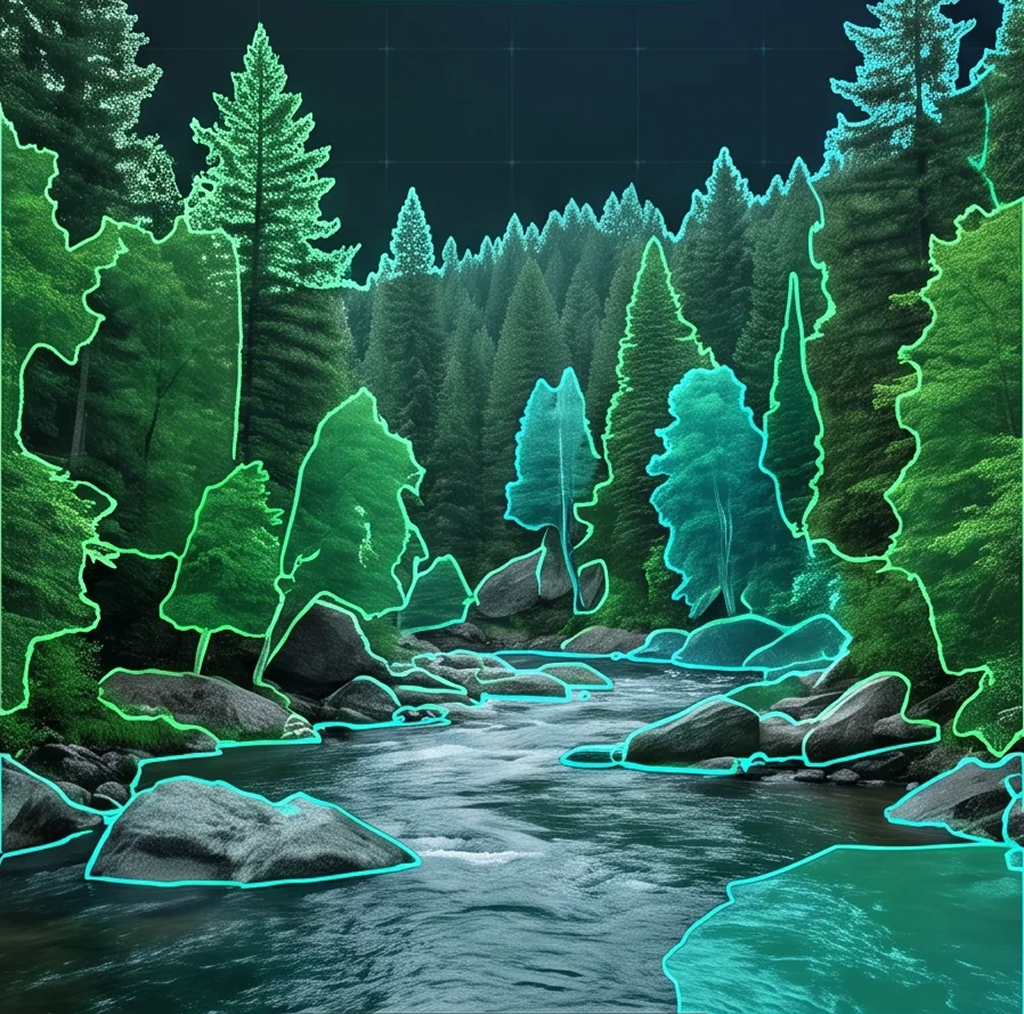
Seedream v5 Layer Decomposition is ByteDance's image model that outputs a scene as separate layers instead of one flat picture. Each result includes a background layer plus individual element layers, exported as transparent PNG files. Designers can move, resize, or restyle every element independently, which makes the output ready for real design work rather than a single locked composition.