
black-forest-labs/flux
The base family of Flux models. Known for setting new standards in open-weight image generation quality.Models
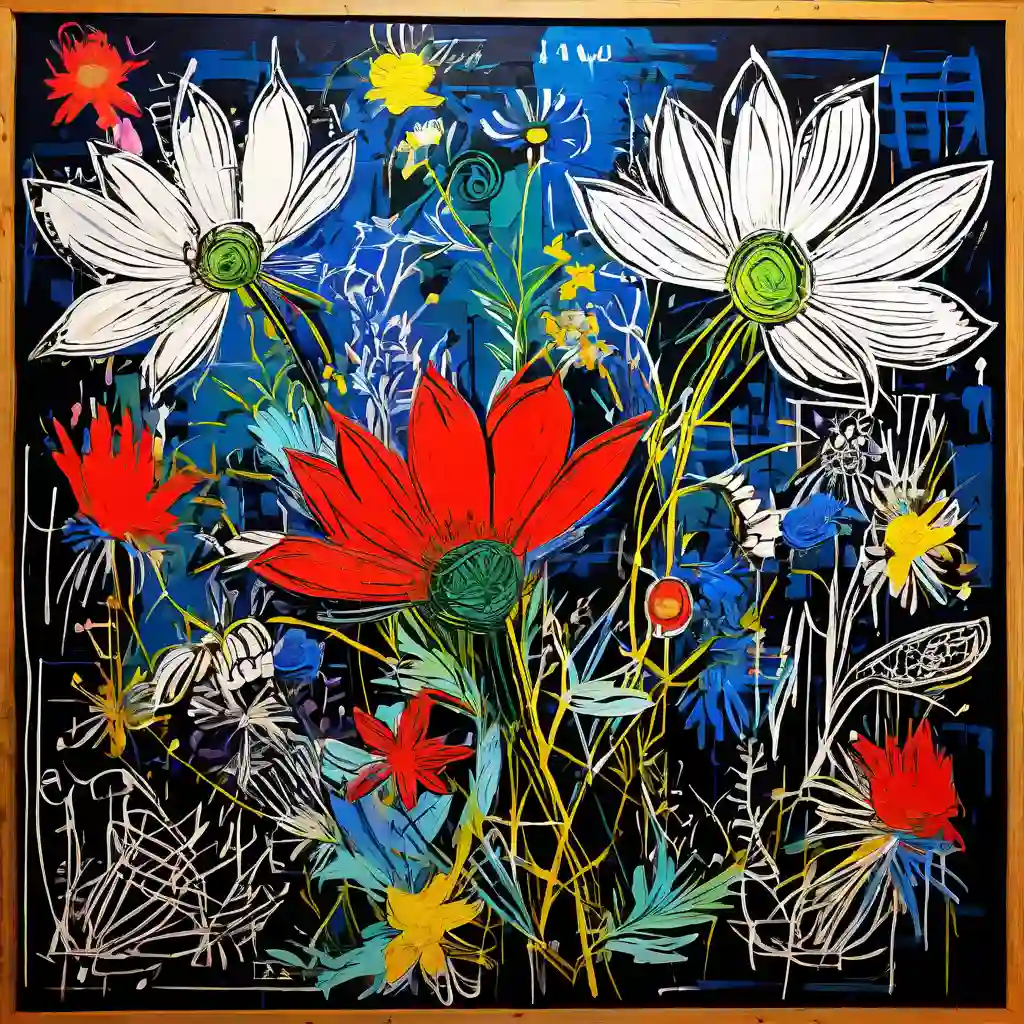






Readme
flux by Black Forest Labs — AI Model Family
The flux family from Black Forest Labs represents a groundbreaking suite of open-weight AI models that redefine image generation and editing standards. Developed by former Stability AI creators, these models excel in transforming text prompts into photorealistic, high-detail visuals while introducing advanced editing capabilities like inpainting, depth control, and multi-reference processing. Flux solves key challenges in AI imaging, such as poor prompt adherence, slow inference, and limited editing precision, delivering superior quality across text-to-image and image-to-image workflows.
This family encompasses 11 specialized models spanning Text to Image and Image to Image categories, including Flux Dev Lora, Flux Schnell, Flux Redux Schnell, Flux Depth Pro, Flux Vision Upscaler, Flux Lora, Flux Redux Dev, Flux Img-to-Img, Flux Kontext Dev, Flux Fill Pro, and Flux Turbo Trainer. From ultra-fast prototyping with Flux Schnell to professional inpainting via Flux Fill Pro, flux powers everything from rapid ideation to production-grade pipelines.
flux Capabilities and Use Cases
The flux family shines in diverse categories, with Text to Image models like Flux Schnell, Flux Dev Lora, Flux Lora, and Flux Turbo Trainer optimized for generating images from descriptive prompts. Flux Schnell, a speed-focused variant, produces artistic visuals in under two seconds using fewer inference steps, ideal for real-time previews. Flux Dev Lora and Flux Lora enable fine-tuning for custom styles, while Flux Turbo Trainer supports training workflows.
Image to Image models—Flux Redux Schnell, Flux Depth Pro, Flux Vision Upscaler, Flux Redux Dev, Flux Img-to-Img, Flux Kontext Dev, and Flux Fill Pro—handle editing tasks like inpainting, upscaling, and structure-guided generation. Flux Fill Pro excels in seamless fills for missing areas, supporting up to 10 reference images for consistent style transfer. Flux Depth Pro uses depth maps for precise spatial control, Flux Vision Upscaler enhances resolutions up to 4MP, and Flux Kontext Dev unifies generation with contextual edits.
Concrete use cases abound. Product designers might use Flux Schnell for quick concepts: "A sleek electric scooter in matte black with neon accents, parked on a rainy urban street at night." For refinement, pipe Flux Img-to-Img into Flux Fill Pro to add branded elements or backgrounds, then upscale with Flux Vision Upscaler for web-ready 4MP outputs. Interior teams leverage Flux Depth Pro for layout accuracy: start with a room photo, apply depth-guided edits to rearrange furniture without distortions.
These models chain seamlessly into pipelines—generate with Flux Dev Lora, edit via Flux Redux Dev for variations, and train custom LoRAs using Flux Turbo Trainer. Technical specs include high-resolution support (up to 4MP), rectified flow transformers for 25-step inference (faster than traditional 50+ diffusion steps), and hybrid architectures processing text-image data in latent space with expanded VAEs for richer details.
What Makes flux Stand Out
Flux sets benchmarks through its rectified flow matching architecture, which predicts direct velocity paths from noise to images, slashing generation steps while boosting stability and control over traditional diffusion models. This yields exceptional prompt adherence, photorealism, and fine details, even with complex structured JSON prompts or HEX color codes.
Key differentiators include multi-reference editing (up to 10 images in Flux Fill Pro), depth/edge guidance in Flux Depth Pro and variants, and unified generation-editing in models like Flux Redux Dev and Flux Kontext Dev. Speed kings like Flux Schnell enable interactive workflows, while 12B-parameter heavyweights deliver professional photography quality in seconds. Consistency shines in character preservation across edits, with fewer artifacts than competitors.
Ideal for creative professionals (designers, marketers), developers building automated pipelines, and content teams needing rapid, high-fidelity visuals. Artists praise its stylized outputs, e-commerce pros value scalable editing, and prototypers love the balance of quality and velocity.
Access flux Models via each::labs API
each::labs is the premier platform for harnessing the full flux family through a unified API, granting instant access to all 11 models without fragmented integrations. Deploy Flux Schnell for blazing text-to-image, Flux Fill Pro for pro inpainting, or Flux Turbo Trainer for custom training—all via simple POST requests with prediction polling.
Experiment in the interactive Playground for prompt testing and multi-ref previews, or integrate via SDK for production apps. Streamline workflows with long-polling endpoints, precise controls like guidance steps and safety tolerance, and outputs optimized for any aspect ratio. Sign up to explore the full flux model family on each::labs.