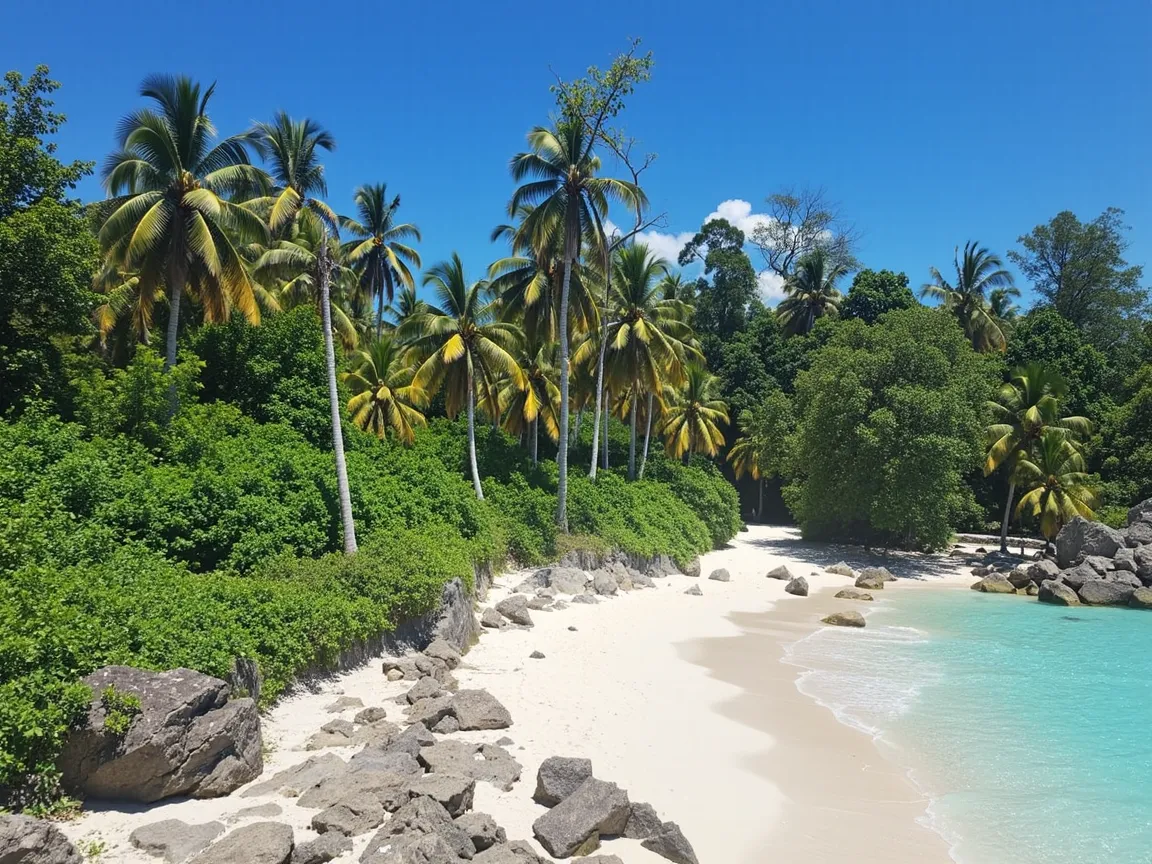
 inference · 10.6s
Flux Depth Dev
Flux Depth Dev Model provides developers with tools to manipulate and analyze depth in images creatively
- Runtime (p50)
- 10s
- Estimated price
- $0.025 per execution
Overview
flux-depth-dev — Image-to-Image AI Model
flux-depth-dev, developed by Black Forest Labs as part of the flux-dev family, empowers developers to manipulate and analyze depth maps in images for precise image-to-image transformations. This model excels in generating depth-aware edits, enabling creative control over spatial structure in outputs like 3D scene reconstruction or layered compositions. Developers seeking an image-to-image AI model with depth estimation find flux-depth-dev ideal for applications requiring accurate depth manipulation without separate preprocessing tools.
Built on Black Forest Labs' advanced rectified flow transformer architecture, flux-depth-dev processes input images to produce depth-informed variations, supporting high-resolution outputs up to 1024x1024 and beyond. It addresses common challenges in Black Forest Labs image-to-image workflows by integrating depth analysis directly into the generation pipeline.
Capabilities
Photo-realistic imagery.
Abstract designs and creative compositions.
Personalized visuals through image blending.
High-resolution outputs for print-quality projects.
Use cases
Use Cases for flux-depth-dev
AR/VR Developers: Build immersive experiences by feeding flux-depth-dev an input photo of a room and a prompt to add virtual furniture; it uses depth analysis to place objects realistically behind existing elements, avoiding flat 2D overlays common in basic editors.
E-commerce Photographers: Enhance product shots for online stores with depth-driven edits—upload a flat product image and prompt "reposition shoe on wooden shelf with soft shadows," generating a staged scene that boosts conversion rates through professional depth cues.
Game Designers: Prototype environments by converting 2D concept art into depth-structured assets. For instance, input a sketch with the prompt "convert this fantasy castle sketch to a depth map with towering spires in foreground and misty mountains behind," yielding layered outputs ready for 3D modeling pipelines.
Graphic Designers: Create dynamic marketing visuals using image-to-image AI model depth tools; marketers editing campaign images can separate subjects for custom backgrounds, streamlining workflows for "AI photo editing for e-commerce."
Tips & tricks
How to Use flux-depth-dev on Eachlabs
Access flux-depth-dev seamlessly through Eachlabs' Playground for instant testing, API for production-scale flux-depth-dev API calls, or SDK for custom integrations. Provide an input image and text prompt specifying depth adjustments (e.g., "enhance depth in foreground"), with options for resolution (1024x1024+), sampling steps, and guidance scale. Outputs deliver high-fidelity PNGs with embedded depth data, optimized for developer pipelines.
---Technical spec
What Sets flux-depth-dev Apart
flux-depth-dev stands out in the competitive landscape of image-to-image AI models by specializing in depth map generation and manipulation, a niche capability that surpasses generic editors in spatial accuracy. Unlike standard models that overlook depth, it extracts and applies precise depth information from inputs, enabling realistic relighting and object repositioning.
- Integrated depth estimation and editing: Automatically generates metric depth maps from single images, allowing developers to control foreground-background separation in edits—perfect for AR/VR prototyping where spatial fidelity is critical.
- High-resolution depth-aware outputs: Supports 1024x1024 resolutions with scalability to higher megapixels (up to 4MP in flux family pipelines), delivering sharp depth gradients that maintain detail in complex scenes like occluded objects.
- Efficient developer workflows: Leverages flux-dev's 12B parameter base for fast inference on high-end GPUs (24GB+ VRAM), with customizable sampling steps (25-50) for fine-tuned depth precision in flux-depth-dev API integrations.
These features position flux-depth-dev ahead of broader image-to-image competitors, particularly for users searching for "AI depth map generator" or "depth-based image editing API."
Things to be aware of
Control the Degree of Guidance:
- Adjusting how much influence the model should give to the provided prompt can drastically alter the output. With higher guidance values, the model will focus more on the prompt details, producing more accurate depth maps based on the input description. Lower guidance values may yield softer, more interpretative results. Testing different levels of guidance will help find the perfect balance between control and creativity.
Quality vs. Speed Trade-off:
- If time is a factor, consider adjusting the quality of the output. Lower quality may produce faster results, while higher quality settings lead to more refined and detailed outputs but require more time to process. Experiment with different quality settings to find the optimal speed and accuracy for your needs.
Resolution and Detail:
- Experimenting with different resolution settings will allow you to control the level of detail in the depth map. Higher resolution outputs (larger megapixel settings) will generate more detailed depth maps but will also take more time. Try testing different resolutions to balance processing time and quality.
Use Control Images for Better Accuracy:
- If you're working with a particular scene or environment, uploading a reference or control image can greatly improve the accuracy of the depth map. The model will be able to better understand the context and generate depth information that aligns with the control image.
Adjusting Inference Steps for Detail:
- The number of inference steps plays a crucial role in determining how detailed the output will be. Increasing the number of inference steps typically results in a more refined depth map, while lower steps may produce faster but less detailed outputs. Experiment with this setting to find the ideal balance between speed and quality.
Key considerations
Higher resolution or multiple outputs significantly increase processing time.
Disabling the safety checker should only be done with caution, as it may generate unexpected results.
Extremely high values for guidance may limit the model's creative flexibility.
Legal Information
By using this model, you agree to:
- Black Forest Labs API agreement
- Black Forest Labs Terms of Service
Limitations
May struggle with extremely complex or abstract prompts.
Outputs can take longer to render due to resource intensity at high settings
Output Format: WEBP,JPG,PNG