EACHLABS
Product Shoot is an image-to-image model optimized for generating high-quality product visuals. It enhances or restyles input images while preserving object structure, lighting, and composition, making it suitable for catalog, e-commerce, and brand-specific content generation.
Avg Run Time: 12.000s
Model Slug: product-shoot
Playground
Input
Enter a URL or choose a file from your computer.
Invalid URL.
(Max 50MB)
Enter a URL or choose a file from your computer.
Invalid URL.
(Max 50MB)
Output
Example Result
Preview and download your result.

API & SDK
Create a Prediction
Send a POST request to create a new prediction. This will return a prediction ID that you'll use to check the result. The request should include your model inputs and API key.
Get Prediction Result
Poll the prediction endpoint with the prediction ID until the result is ready. The API uses long-polling, so you'll need to repeatedly check until you receive a success status.
Readme
Overview
product-shoot — Image-to-Image AI Model
product-shoot from eachlabs revolutionizes e-commerce visuals by transforming input product images into professional-grade shots, preserving exact object structure, lighting, and composition for catalog-ready outputs. This image-to-image AI model excels in generating high-fidelity variations ideal for AI photo editing for e-commerce, eliminating costly studio reshoots. Developed by eachlabs as part of the eachlabs family, product-shoot delivers photorealistic enhancements that maintain brand consistency across product lines.
Technical Specifications
What Sets product-shoot Apart
product-shoot stands out in the image-to-image AI model landscape through its specialized optimization for product visuals, supporting high-resolution edits up to 4 megapixels while preserving geometry and texture details critical for e-commerce. Unlike generic editors, it leverages multi-reference image inputs to ensure consistent product designs and brand aesthetics across variations, enabling seamless scaling for large catalogs.
- Structure-preserving edits: Maintains original lighting and composition during restyling, producing outputs suitable for professional product photography without hallucinations. This allows e-commerce teams to generate diverse angles from a single shot efficiently.
- High-res efficiency: Handles up to ~4MP resolutions with 4-12 inference steps for balanced speed and quality, ideal for automated image editing API workflows. Users achieve print-ready results in seconds per image on consumer hardware.
- Multi-image conditioning: Supports compositions from multiple inputs like product + scene references, perfect for lifestyle shots while locking in identity. This differentiates it for complex AI image editor API applications requiring precision.
With average processing times under 10 seconds per edit at 1024x1024 and scalable to higher resolutions, product-shoot powers fast eachlabs image-to-image pipelines.
Key Considerations
- Ensure input images are clear, well-lit, and representative of the product for best results
- Use prompt engineering to specify desired backgrounds, lighting, and style while maintaining product realism
- Batch processing is efficient, but manual review is recommended to ensure brand consistency and quality
- Balance between speed and quality: faster generations may require more manual QC, while slower settings can yield more refined outputs
- Avoid overcomplicating prompts, as excessive detail can sometimes lead to less predictable results
- Monitor for potential brand drift, especially in large batches or with complex product designs
Tips & Tricks
How to Use product-shoot on Eachlabs
Access product-shoot seamlessly on Eachlabs via the Playground for instant testing—upload your input image, add a descriptive prompt like "restyle as luxury studio shot with soft lighting," and select resolution up to 4MP. Integrate through the product-shoot API or SDK with POST requests including image URL, prompt, steps (4-12), and optional multi-references; poll for high-quality PNG/JPG outputs in seconds. Eachlabs provides the optimal platform for scalable deployments.
---Capabilities
- Generates photorealistic product images with preserved object structure and lighting
- Supports restyling and enhancement without distorting key product features
- Capable of producing multiple on-brand variants from a single input image
- Handles a wide range of product categories, including glossy, textured, and labeled items
- Offers high-resolution outputs suitable for both digital and print applications
- Adaptable to different brand aesthetics and campaign requirements
What Can I Use It For?
Use Cases for product-shoot
E-commerce developers integrate the product-shoot API to automate background swaps and angle variations, feeding a sneaker photo with prompt "same sneaker on marble counter, studio lighting, white background" for instant catalog assets while preserving logo and texture details.
Marketers use product-shoot for brand-specific content, uploading a gadget image and references to generate lifestyle composites like product-in-hand scenes, maintaining consistent styling across campaigns without manual Photoshop workflows.
Designers building AI photo editing for e-commerce tools leverage its multi-reference support to create mockups from rough renders plus style images, ensuring photorealistic outputs with exact pose alignment for client approvals.
Content creators enhance raw product shots into polished visuals, such as restyling apparel on diverse models while locking composition, streamlining production for social media and ads.
Things to Be Aware Of
- Some experimental features, such as fashion try-ons and 8K upscaling, may vary in quality depending on product type and input image
- Users have reported occasional inconsistencies in color fidelity and logo placement across large batches
- Performance is generally fast, but very high-resolution outputs or complex scenes may increase generation time
- Resource requirements are moderate, but batch processing of large image sets may require substantial compute power
- Consistency is generally strong, but manual QC is advised for critical assets, especially in regulated industries
- Positive feedback highlights significant time and cost savings, especially for teams with high asset turnover
- Some users note limited documentation on export formats and watermark policies; clarifying these before large-scale adoption is recommended
- Negative feedback patterns include occasional need for manual retouching and limited pixel-level control compared to traditional editing tools
Limitations
- Limited pixel-level editing and fine-grained control compared to manual photo editing software
- May not achieve perfect realism or brand fidelity for highly complex or reflective products without manual post-processing
- Documentation and transparency on technical parameters and export options are currently limited, which may impact enterprise adoption
Pricing
Pricing Detail
This model runs at a cost of $0.080 per execution.
Pricing Type: Fixed
The cost remains the same regardless of which model you use or how long it runs. There are no variables affecting the price. It is a set, fixed amount per run, as the name suggests. This makes budgeting simple and predictable because you pay the same fee every time you execute the model.
Related AI Models
You can seamlessly integrate advanced AI capabilities into your applications without the hassle of managing complex infrastructure.
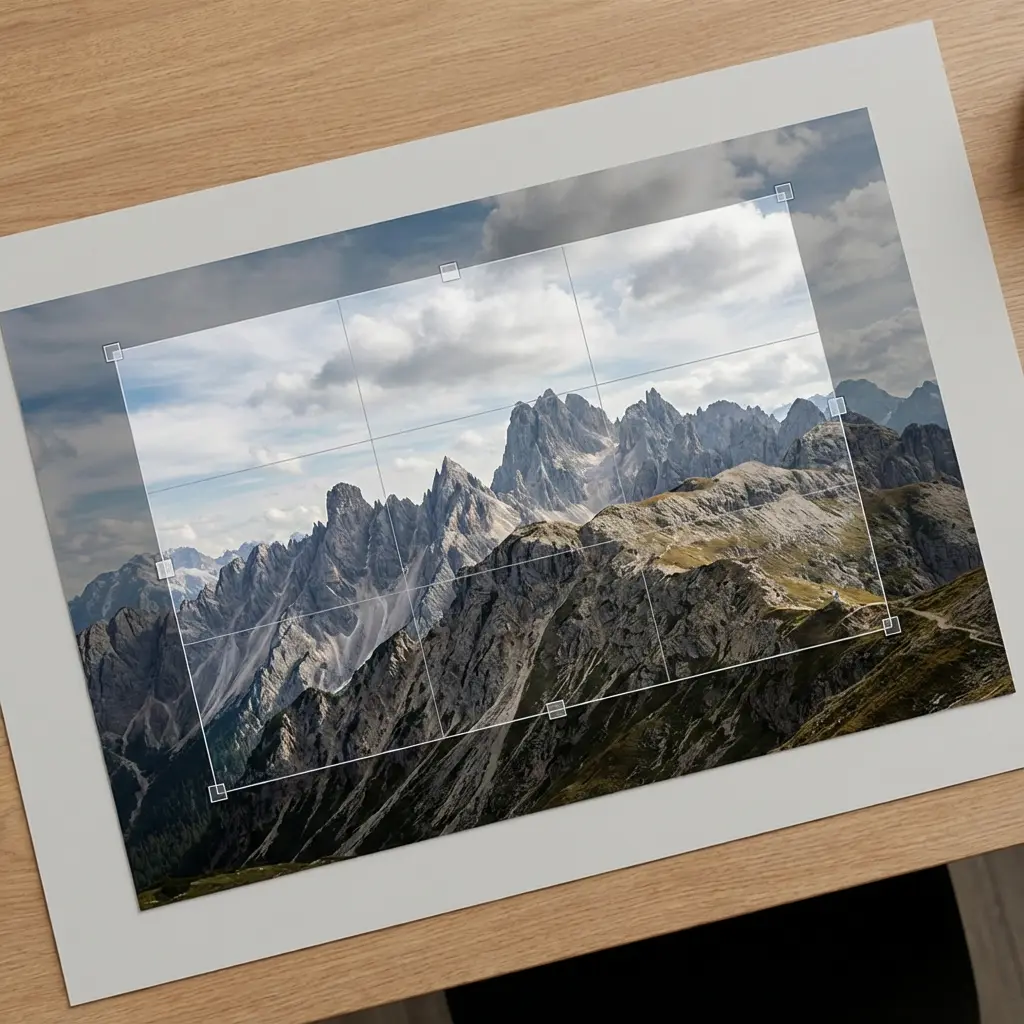
A utility endpoint that crops images efficiently for workflow processing, enabling precise framing and clean image preparation.
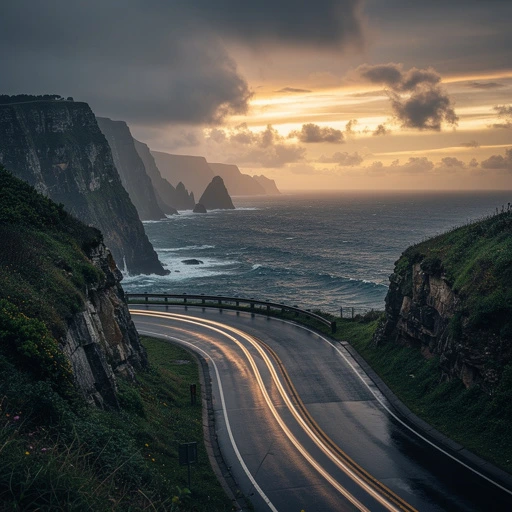
FLUX.2 [max] provides state-of-the-art image generation and advanced editing with outstanding realism, precision, and visual consistency.
FLUX.2 [dev] from Black Forest Labs provides turbo-speed image-to-image editing with precise control through natural-language instructions and hex color adjustments.
Flux 2 [klein] 9B Base from Black Forest Labs supports precise image-to-image editing with natural-language instructions and hex color–based control.