KLING-V3
Transfers motion from a reference video onto any character image, using a cost-efficient mode optimized for portraits and simple animated movements.
Avg Run Time: 450.000s
Model Slug: kling-v3-standard-motion-control
Playground
Input
Enter a URL or choose a file from your computer.
Invalid URL.
(Max 50MB)
Enter a URL or choose a file from your computer.
Invalid URL.
(Max 50MB)
Output
Example Result
Preview and download your result.
API & SDK
Create a Prediction
Send a POST request to create a new prediction. This will return a prediction ID that you'll use to check the result. The request should include your model inputs and API key.
Get Prediction Result
Poll the prediction endpoint with the prediction ID until the result is ready. The API uses long-polling, so you'll need to repeatedly check until you receive a success status.
Readme
Overview
The Kling | v3 | Standard | Motion Control model from Kling specializes in image-to-video generation, transforming static images into dynamic videos with precise motion control via tools like Motion Brush and Start/End Frame Interpolation. This Kling image-to-video solution excels in maintaining object permanence and realistic physics, solving the challenge of creating fluid, director-like animations from single images without melting artifacts or floaty movements. Part of the Kling v3 family hosted on each::labs (eachlabs.ai), it leverages the Multi-modal Visual Language (MVL) framework for unified handling of visuals and motion prompts. Its primary differentiator is advanced Motion Control, enabling users to paint motion vectors or define transitions for professional-grade outputs up to 15 seconds. Ideal for creators needing controlled, high-fidelity animations, the Kling | v3 | Standard | Motion Control API integrates seamlessly into workflows on each::labs.
Technical Specifications
- Max Duration: 10-30 seconds extendable in pro mode with motion control
- Input Formats: JPEG, PNG images; text prompts; motion control maps (brush strokes for trajectory guidance)
- Output Formats: MP4 video files
- Architecture: Diffusion-based transformer model with motion control modules for precise animation
Key Considerations
Before using Kling | v3 | Standard | Motion Control, ensure you have a high-quality reference image, as it anchors composition and subject fidelity in image-to-video workflows. This model shines in scenarios requiring motion precision, like animating static scenes with custom vectors, over general text-to-video alternatives lacking such control. Processing times vary with complexity—opt for shorter durations (5-10 seconds) for optimal quality and speed. Cost-effectiveness favors rapid prototyping on the Standard tier versus Pro for advanced physics. Access via the Kling | v3 | Standard | Motion Control API on each::labs requires an API key; test with simple prompts first to gauge performance tradeoffs in your workflow.
Tips & Tricks
For best results with Kling | v3 | Standard | Motion Control, use descriptive prompts combining scene details with motion directives, leveraging its Multi-Prompt system for sequential actions. Optimize by painting motion vectors via Motion Brush on key areas of the input image to guide dynamics precisely, avoiding vague instructions that lead to drift. Set guidance scales to balance adherence—higher for strict motion control, lower for creative variation. Recommend workflows: Start with a clear reference image, define start/end frames for transitions, and iterate with 5-second clips before extending.
Example prompts:
- "Apply slow pan right across a serene mountain landscape from this image, with gentle wind moving trees; use Motion Brush on foliage for realistic sway."
- "Animate the character in the reference image walking forward steadily, maintaining physics on clothing folds; interpolate from static pose to dynamic stride."
- "Motion Control: Brush upward vector on waves in ocean photo, creating rolling surf with foam details over 10 seconds."
These tips enhance output coherence in Kling image-to-video generations on each::labs.
Capabilities
- Precise motion control via Motion Brush for painting vectors on images, enabling custom animations like object interactions or character movements.
- Start and End Frame Interpolation for smooth transitions between static visuals in single-scene workflows.
- Realistic physics simulation with Directorial Physics, preventing melting or floaty artifacts in hugs, holds, or dynamic scenes.
- Multi-Prompt support for up to six sequential segments, structuring multi-shot videos with scene transitions.
- High temporal coherence, preserving subject consistency and reducing visual drift across frames.
- Native audio generation optional, synced to lip movements and ambient sounds in motion-controlled videos.
- Camera controls including pan, zoom, track for cinematic motion from image inputs.
- Strong prompt adherence with adjustable guidance for semantic and stylistic fidelity.
What Can I Use It For?
For creators: Animate product photos into demo videos using Motion Brush on key elements, like brushing rotation vectors on a watch to showcase mechanics. Prompt: "Motion Control on watch hands: clockwise spin with light reflections, 8 seconds from static image."
For marketers: Generate social media ads from brand images with precise transitions, interpolating start/end frames for a reveal effect. Example: "From logo image, pan out to full product scene with steady camera push, maintaining text clarity."
For developers: Build interactive prototypes via the Kling | v3 | Standard | Motion Control API, scripting motion vectors for UI animations from wireframes. Prompt: "Apply upward scroll motion to app screenshot, simulating user swipe with parallax layers."
For designers: Create mood board videos by fusing image motion with physics, like animating fabric folds realistically. These leverage the model's object permanence for professional storytelling on each::labs.
Things to Be Aware Of
Kling | v3 | Standard | Motion Control may show quality dips in longer durations beyond 10 seconds, with potential drift in complex motions. Edge cases like intricate multi-object interactions can occasionally produce minor physics inconsistencies despite Directorial Physics. Users often overlook input image quality—low-res references lead to poor anchoring and artifacts. Common mistakes include vague motion prompts without Brush tools, resulting in unintended drifts; always specify vectors explicitly. High-complexity jobs demand more compute, extending wait times up to 120 seconds. Test on each::labs with simple setups first to avoid workflow bottlenecks.
Limitations
The Kling | v3 | Standard | Motion Control model caps at 15 seconds per generation, requiring extensions for longer content which may degrade coherence. Standard tier outputs up to 1080p, lacking native 4K of advanced versions. It struggles with highly abstract or rapid actions without reference guidance, potentially yielding floaty results in edge cases. No built-in multi-language lip-sync in base motion control; audio is optional and basic. Input restrictions limit to single reference images, without native multi-image fusion.
Pricing
Pricing Type: Dynamic
Pricing calculated from output duration ($0.126 per second)
Current Pricing
Related AI Models
You can seamlessly integrate advanced AI capabilities into your applications without the hassle of managing complex infrastructure.
Omnihuman v1.5 is an upgraded generation model that creates videos from a human image and an audio input, producing vivid, high-quality results with expressive movements and emotionally responsive performance.
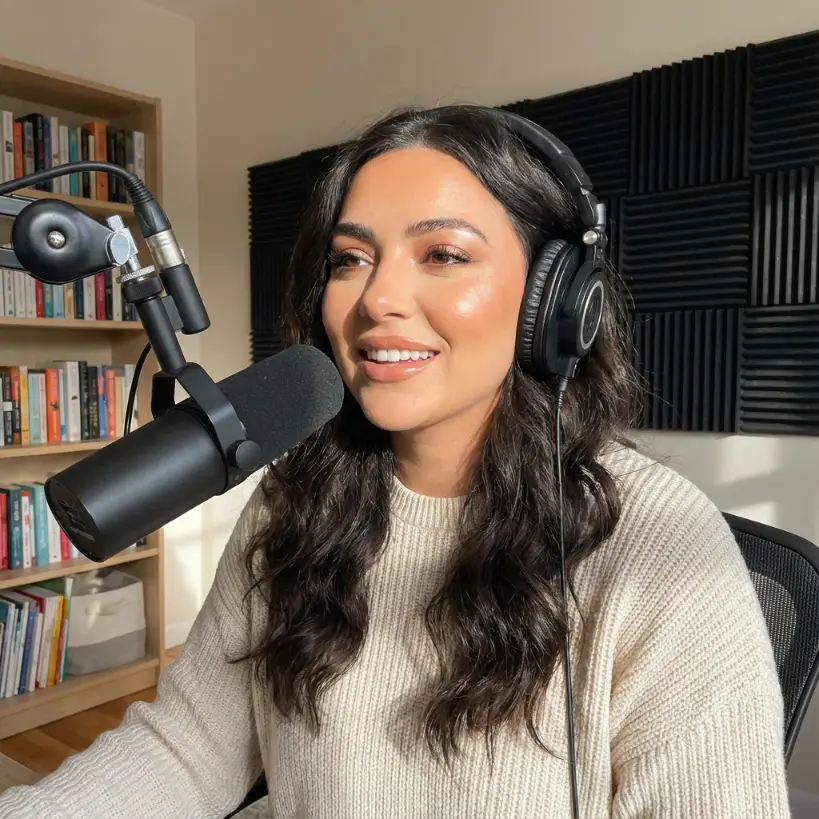
PrunaAI P-Video is a model that generates motion videos from still images by introducing natural movement, creating dynamic animated visuals from static inputs.
Transfers motion from a reference video to any character image, with Pro mode delivering higher-quality results for complex dance movements and expressive gestures.
Seedance 1.5 Image to Video Pro generates high-quality videos with synchronized audio from images, delivering smooth motion, cinematic visuals, and immersive sound.