SEEDREAM-V5
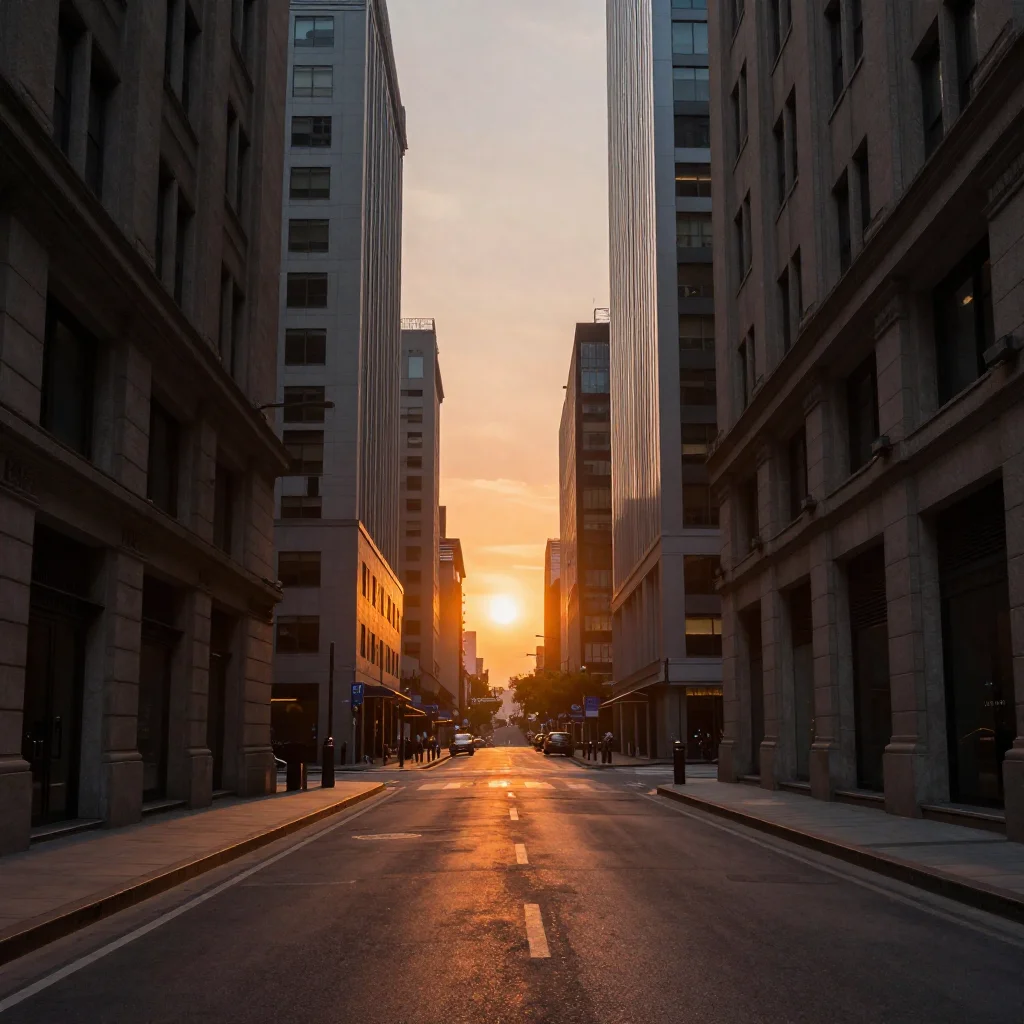
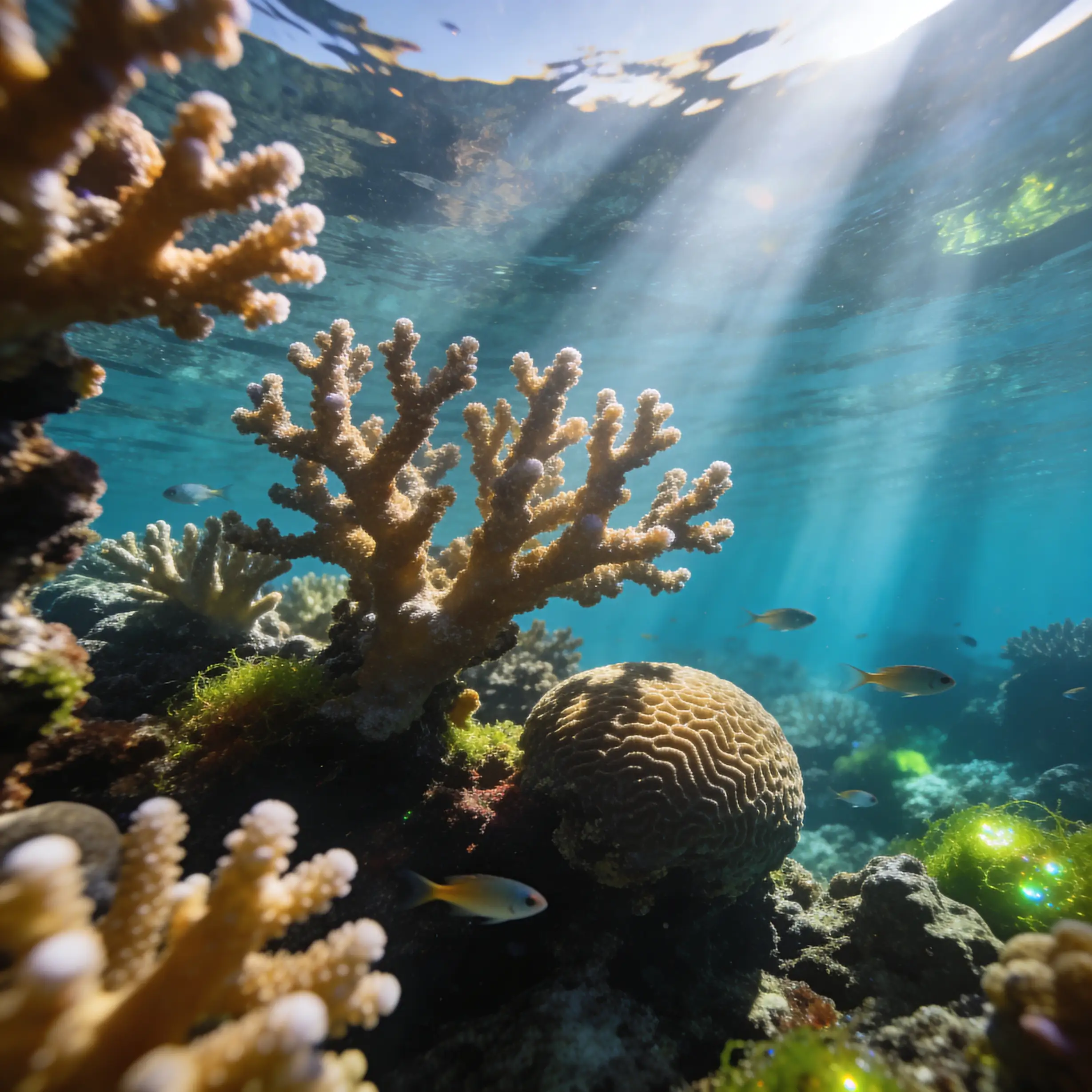
Generates new images by blending styles and visual elements from your prompt and multiple reference images, enabling seamless combinations such as outfits from separate fashion items or portraits merged with scenic backgrounds.
Avg Run Time: 50.000s
Model Slug: bytedance-seedream-v5-lite-edit
Release Date: February 24, 2026
Playground
Input
Output
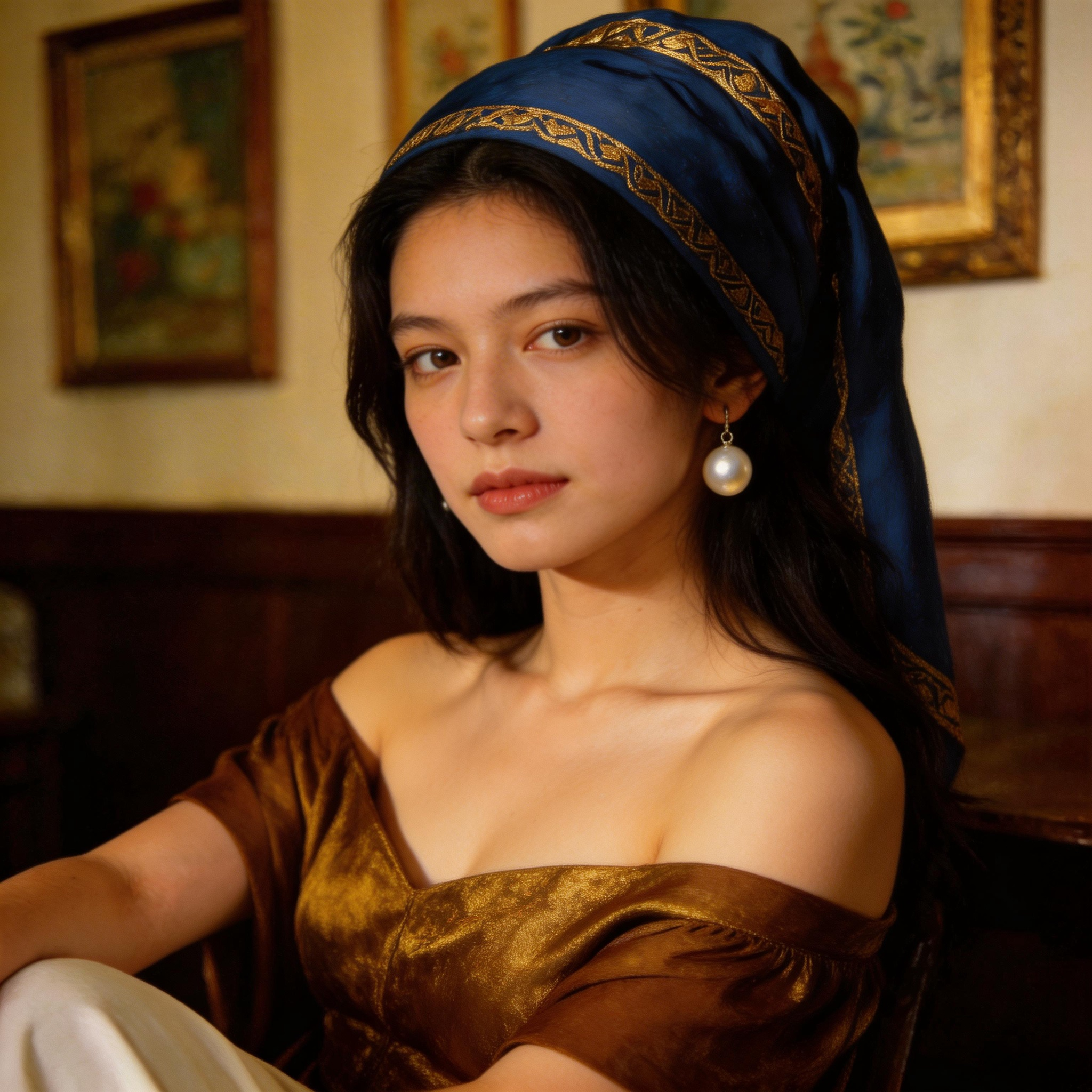
Example Result
Preview and download your result.
API & SDK
Create a Prediction
Send a POST request to create a new prediction. This will return a prediction ID that you'll use to check the result. The request should include your model inputs and API key.
Get Prediction Result
Poll the prediction endpoint with the prediction ID until the result is ready. The API uses long-polling, so you'll need to repeatedly check until you receive a success status.
Readme
Overview
The Bytedance | Seedream | v5 | Lite | Edit model from Bytedance revolutionizes image editing by transforming existing images based on text instructions, allowing precise additions, removals, style changes, and adjustments to backgrounds, perspectives, or scales. Part of the Seedream family, this image-to-image tool excels in maintaining subject consistency during edits, a key differentiator from earlier versions like Seedream 4.0, where it shows marked improvements in detail preservation and editing coherence. Available through platforms like each::labs, it empowers creators to refine visuals efficiently without starting from scratch. Ideal for quick iterations in design workflows, the Bytedance | Seedream | v5 | Lite | Edit handles complex modifications like element replacement or texture overhauls with high fidelity, making it a go-to for professional and hobbyist image manipulation on eachlabs.ai.
Technical Specifications
- Category: Image-to-image editing (text-guided)
- Input: Source image + text prompt
- Output Format: Edited image (standard PNG/JPEG compatible)
- Resolution Support: Up to 1024x1024 pixels (optimized for standard web and print sizes)
- Aspect Ratios: Flexible, maintains input proportions or user-specified
- Processing Time: Typically 5-20 seconds per edit on high-end GPUs
- Architecture: Diffusion-based with enhanced consistency modules for subject preservation
- Bytedance | Seedream | v5 | Lite | Edit API: Supports integration via REST endpoints for batch processing
These specs position the Bytedance image-to-image model as lightweight yet powerful for real-time applications on each::labs.
Key Considerations
Before using Bytedance | Seedream | v5 | Lite | Edit, ensure your input images are high-quality (at least 512x512 resolution) to maximize output fidelity. It thrives in scenarios requiring targeted edits over full regenerations, outperforming generalist models in consistency but may need prompt refinement for abstract changes. As a "Lite" variant, it balances speed and quality, ideal for iterative workflows on each::labs where cost-efficiency matters—expect lower latency than heavier family members. Users should have a clear text prompt ready, as vague instructions can lead to suboptimal results. For Bytedance | Seedream | v5 | Lite | Edit API access, verify platform quotas to avoid interruptions during bulk edits.
Tips & Tricks
Optimize prompts for Bytedance | Seedream | v5 | Lite | Edit by being specific about preserved elements first, e.g., "Keep the subject's face and pose identical, replace background with a sunset beach." Use negative prompts to avoid unwanted artifacts, like "no distortions, no extra limbs." For style transfers, reference artists or mediums explicitly: "Transform into Van Gogh starry night style, retain original composition." Parameter tweaks like strength (0.6-0.8) control edit intensity—lower for subtle changes, higher for dramatic ones. Workflow tip: Start with coarse edits, then refine iteratively on each::labs for precision. Example prompts:
- "Add a red sports car to the driveway, keep house and lighting realistic."
- "Change outfit to formal suit, preserve facial expression and background."
- "Scale up the central flower, adjust perspective to bird's eye view, vibrant colors."
These techniques leverage the model's strength in consistent editing.
Capabilities
- Precise element addition or removal while preserving original subject details
- Style and texture transformations, e.g., photo to painting or material swaps
- Color adjustments and lighting modifications across the entire image
- Background replacement or extension without altering foreground
- Perspective and scale changes, including object resizing or viewpoint shifts
- Enhanced editing consistency over Seedream 4.0, minimizing distortions
- Supports complex multi-step instructions in a single prompt
- Bytedance | Seedream | v5 | Lite | Edit API for programmatic image pipelines
What Can I Use It For?
For Designers: Quickly prototype product mockups by swapping backgrounds or colors—e.g., "Replace white background with urban storefront, adjust product lighting to match." Leverages precise color adjustments.
For Marketers: Personalize ad creatives via element addition, like "Add promotional text overlay '50% Off' on the bottle, keep label crisp." Uses subject preservation for brand consistency.
For Content Creators: Edit photos for social media, such as "Change outfit to summer dress, extend beach background seamlessly." Excels in style changes and extensions.
For Developers: Automate asset generation in apps using Bytedance | Seedream | v5 | Lite | Edit API on each::labs—prompt: "Scale character to fit scene, adjust perspective to isometric." Ideal for batch perspective tweaks in game dev.
These scenarios highlight the model's versatility across creative pipelines.
Things to Be Aware Of
Bytedance | Seedream | v5 | Lite | Edit performs best on clear, well-lit inputs; low-resolution or noisy images may amplify artifacts. Common mistakes include overly vague prompts leading to unintended changes—always specify "preserve [element]" explicitly. Edge cases like heavy occlusions or fine facial details can cause minor inconsistencies, though improved over prior versions. Resource-wise, it runs efficiently on standard GPUs via each::labs, but high-volume API calls may hit rate limits. Test iterations help mitigate over-editing in complex scenes.
Limitations
The Bytedance | Seedream | v5 | Lite | Edit struggles with extreme aspect ratio changes or non-photorealistic inputs, potentially distorting geometry. It cannot generate from scratch (text-to-image only via other family models) and may falter on highly abstract or multi-subject crowds. Output resolution caps at input quality, and processing spikes with intricate prompts. As a Lite version, it trades some detail for speed compared to full variants. No video editing support in this specific model.
Related AI Models
You can seamlessly integrate advanced AI capabilities into your applications without the hassle of managing complex infrastructure.
Flux 2 [klein] 9B Base from Black Forest Labs supports precise image-to-image editing with natural-language instructions and hex color–based control.
Creates a polished, high-resolution professional profile portrait with preserved identity, studio-quality lighting, elegant styling, and a clean cinematic look. Upload your photo to generate a sharp, modern, and approachable chest-up headshot.

FLUX.2 [dev] from Black Forest Labs enables fast image-to-image editing with precise, natural-language modifications and hex color control.

Generates images from text and reference images using Tongyi-MAI’s ultra-fast 6B Z-Image Turbo model for fast, high-quality visual results.