EACHLABS
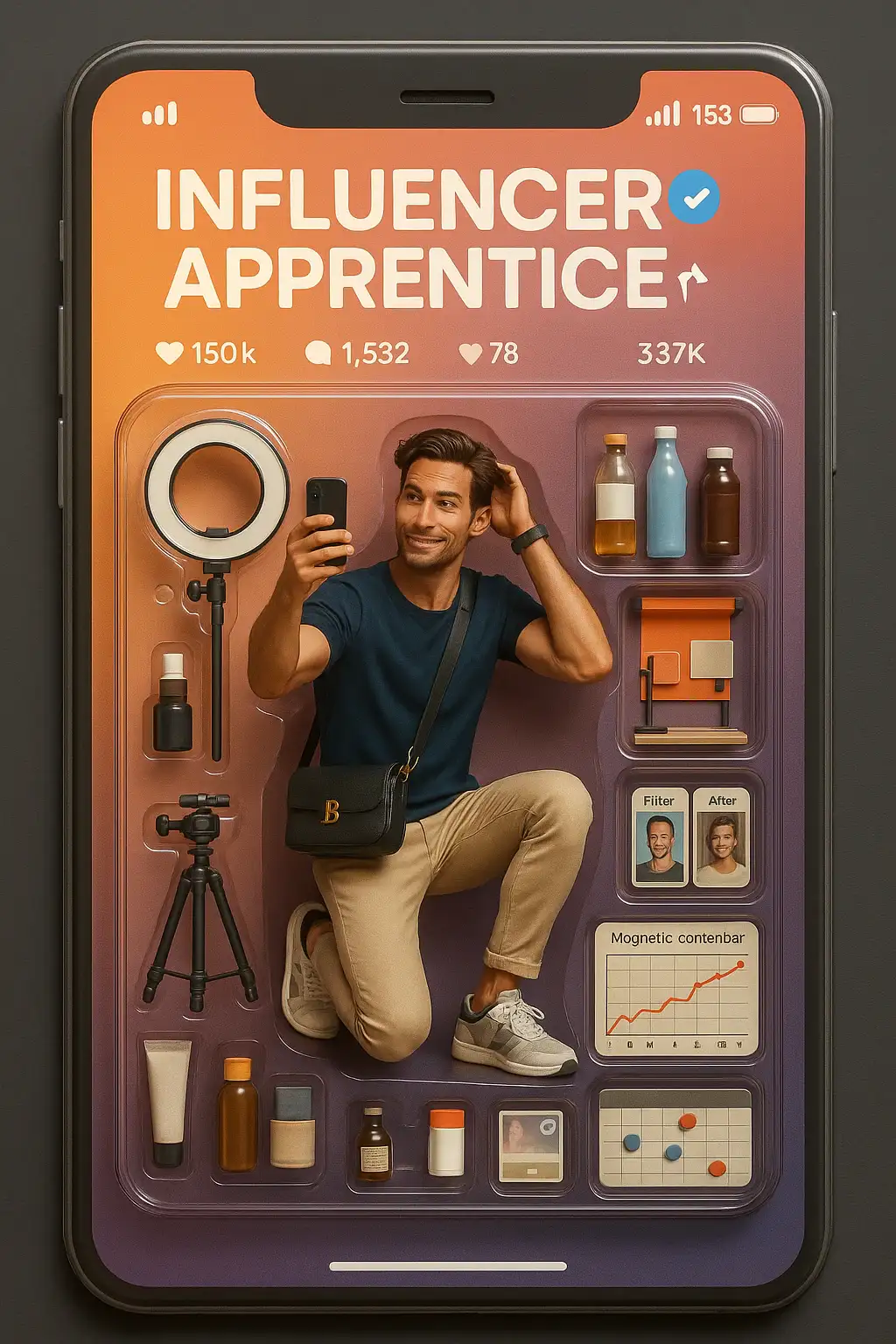
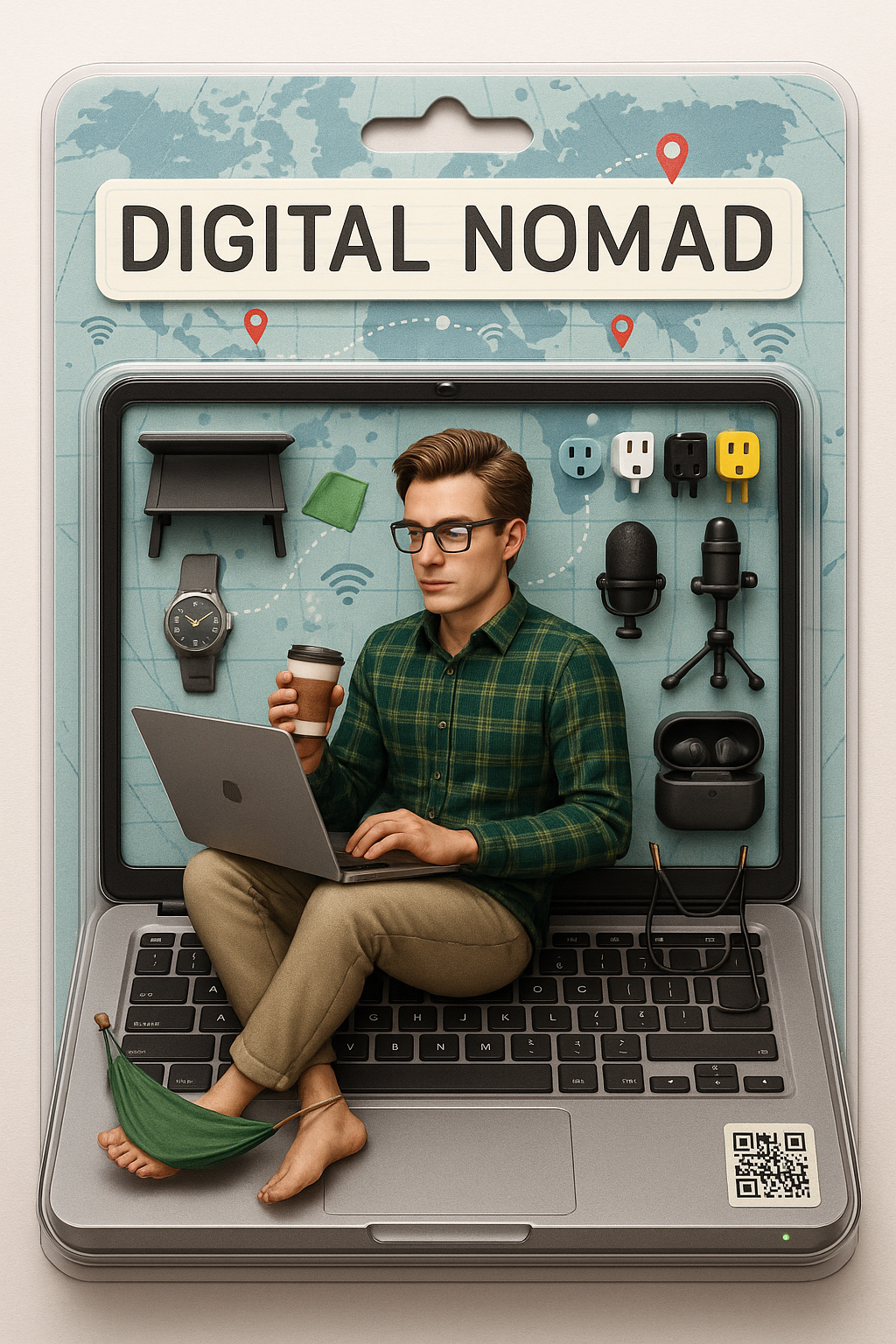
Action Figure Generator turns images into new versions by selecting from ready-made templates, streamlining creative image generation.
Avg Run Time: 360.000s
Model Slug: action-figure-generator
Playground
Input
Enter a URL or choose a file from your computer.
Invalid URL.
(Max 50MB)
Output
Example Result
Preview and download your result.
API & SDK
Create a Prediction
Send a POST request to create a new prediction. This will return a prediction ID that you'll use to check the result. The request should include your model inputs and API key.
Get Prediction Result
Poll the prediction endpoint with the prediction ID until the result is ready. The API uses long-polling, so you'll need to repeatedly check until you receive a success status.
Readme
Overview
The Action Figure Generator is an AI-powered image generation model designed to transform input images into stylized action figure or collectible figurine renderings. Developed to streamline the creative process, it leverages ready-made templates and advanced prompt engineering to produce high-quality, realistic, and customizable 3D-style images from photos or illustrations. The model is built for both casual users and professionals seeking to visualize characters, products, or concepts as physical collectibles.
Key features include the ability to accept both photo and text prompts, rapid image generation, and a variety of style templates such as PVC figurine, diorama, and blister packaging. The underlying technology is based on state-of-the-art diffusion or transformer-based image generation models, similar to those used in leading generative AI systems. What sets the Action Figure Generator apart is its focus on product-style, commercialized renders that closely mimic real-world collectible figures, complete with realistic lighting, packaging, and environmental context.
The model’s unique value lies in its intuitive workflow, flexibility in prompt customization, and the ability to produce polished, photorealistic outputs with minimal manual editing. It is widely used for creative projects, product visualization, and social media trends, and has gained popularity for its ease of use and impressive results.
Technical Specifications
- Architecture: Diffusion-based or transformer-based image generation model (specific architecture details not publicly disclosed)
- Parameters: Not publicly specified
- Resolution: Typically supports high-resolution outputs suitable for social media and print; common outputs are 512x512, 768x768, and up to 1024x1024 pixels
- Input/Output formats: Accepts JPEG, PNG, and standard image formats for input; outputs in JPEG, PNG, and sometimes WebP
- Performance metrics: Generates images in seconds; quality and realism are frequently cited in user reviews, but no formal benchmarks are published
Key Considerations
- Detailed prompts yield the most accurate and visually appealing results; specificity in style, pose, and environment is recommended
- Using high-quality, well-lit input images improves output fidelity
- Iterative refinement (adjusting prompts and re-generating) is often necessary for best results
- There is a trade-off between speed and customization: template-based generation is faster, while custom prompts allow for more creative control but may require more iterations
- Prompt engineering is crucial; referencing commercial figure styles (e.g., “PVC figurine,” “blister packaging,” “museum diorama”) helps guide the model
- Avoid overly complex or ambiguous prompts, as these can lead to inconsistent or unrealistic outputs
Tips & Tricks
- Use clear, concise prompts specifying scale (e.g., “1/6 scale commercialized figurine”), style (realistic, anime, fantasy), and context (on a desk, in packaging)
- For best results, include details about the base, environment, and packaging (e.g., “transparent acrylic base,” “toy packaging box with original artwork”)
- If the initial output is unsatisfactory, modify one aspect of the prompt at a time (pose, lighting, accessories) and regenerate
- To achieve a premium look, request realistic shadows, cinematic lighting, and product-style backgrounds
- For character-based figures, upload a high-resolution portrait and specify desired facial expression and pose
- Advanced users can experiment with diorama scenes, museum displays, or branded packaging by describing these elements in the prompt
Capabilities
- Converts photos or illustrations into realistic action figure or collectible figurine images
- Supports a range of styles, including PVC, anime, fantasy, and commercial packaging
- Produces high-quality, polished outputs with realistic textures, lighting, and shadows
- Adapts to various creative scenarios, from simple edits to complex, multi-element scenes
- Handles both single-character and group compositions
- Enables rapid prototyping for product visualization and marketing
What Can I Use It For?
- Professional product visualization for toy and collectible designers
- Social media content creation and viral trends (e.g., turning selfies into action figures)
- Marketing and promotional imagery for brands and artists
- Personal creative projects, such as custom gifts or fan art
- Industry applications in entertainment, gaming, and merchandising for concept art and pitch materials
- Showcasing character designs in portfolio presentations
- Generating mockups for packaging and retail displays
Things to Be Aware Of
- Some users report occasional inconsistencies in facial likeness or pose accuracy, especially with complex group photos
- The model may struggle with unusual accessories or highly stylized outfits unless clearly described in the prompt
- Resource requirements are moderate; image generation is typically fast, but high-resolution outputs may require more processing time
- Outputs are generally consistent, but minor artifacts or unrealistic elements can appear, especially with ambiguous prompts
- Positive feedback highlights the model’s ease of use, speed, and the realism of generated figures and packaging
- Common concerns include limited control over fine details and occasional difficulty with non-human subjects or pets
- Experimental features, such as diorama backgrounds or branded packaging, may require prompt iteration to achieve desired results
Limitations
- Limited transparency regarding underlying architecture and parameter count
- May not perform optimally with low-quality input images or highly abstract concepts
- Fine-grained control over specific figure details (e.g., exact pose, accessory placement) is limited compared to manual 3D modeling
Pricing
Pricing Detail
This model runs at a cost of $0.080 per execution.
Pricing Type: Fixed
The cost remains the same regardless of which model you use or how long it runs. There are no variables affecting the price. It is a set, fixed amount per run, as the name suggests. This makes budgeting simple and predictable because you pay the same fee every time you execute the model.
Related AI Models
You can seamlessly integrate advanced AI capabilities into your applications without the hassle of managing complex infrastructure.
Upload your room, sofa, and lamp photos to instantly generate a realistic interior scene. Your furniture is seamlessly placed into the space with natural lighting and proper proportions. Perfect for high-quality product visuals.
Creates images from text and reference images with custom LoRA support, powered by Tongyi-MAI’s ultra-fast 6B Z-Image Turbo model for rapid, high-quality generation.
FLUX.2 [dev] from Black Forest Labs enables fast image-to-image editing with precise, natural-language modifications and hex color control.

Creates a polished, high-resolution professional profile portrait with preserved identity, studio-quality lighting, elegant styling, and a clean cinematic look. Upload your photo to generate a sharp, modern, and approachable chest-up headshot.