Kling O1 | Video to Video Reference
Kling O1 Omni generates new shots guided by an input reference video, preserving cinematic language such as motion, framing, and camera style to maintain seamless scene continuity and visual coherence.
- Runtime (p50)
- 3m
- Estimated price
- $0.168 per second
Overview
kling-o1-video-to-video-reference — Video-to-Video AI Model
Developed by Kling as part of the kling-o1 family, kling-o1-video-to-video-reference enables creators to generate new video shots guided by a reference video, preserving cinematic language like motion, framing, and camera style for seamless scene continuity. This video-to-video AI model leverages Kling O1's unified multimodal architecture to handle reference videos of 3-10 seconds, outputting high-fidelity clips up to 1080p resolution that maintain visual coherence without manual editing. Ideal for filmmakers and content creators seeking Kling video-to-video tools, it transforms a single reference into extended narratives, solving the challenge of consistent multi-shot production.
Capabilities
- Generates new video shots that maintain the camera style, motion dynamics, and visual language of an input reference video.
- Supports seamless scene continuation, making it ideal for extending existing footage into multi-shot sequences.
- Preserves cinematic qualities such as camera movement, framing, lighting, and motion patterns across generated shots.
- Allows multi-modal input: reference video + character/object references (frontal + angles) + style reference images in a single generation.
- Maintains stable character and object identity across shots when using proper reference images.
- Enables text-driven editing of existing footage, such as changing time of day, swapping protagonists, or modifying backgrounds.
- Supports flexible output durations (5s or 10s) and resolutions from HD to 4K, with control over aspect ratio.
- Can preserve original audio from the reference video, maintaining soundtrack and ambient sound continuity.
- Handles complex scene transitions while keeping visual coherence and shot-to-shot consistency.
Use cases
Use Cases for kling-o1-video-to-video-reference
Filmmakers extending scenes: Upload a 5-second reference video of a character walking through a forest with dynamic camera pans, then prompt "extend to the next shot entering a cabin at dusk, matching pan speed and lighting." kling-o1-video-to-video-reference generates a 10-second continuation with identical motion and style, maintaining cinematic continuity for indie productions.
Marketers creating brand transitions: For social media campaigns, provide a reference clip of an old logo animating and prompt "morph to new logo with smooth light trails and particle effects, cyberpunk style." This video-to-video tool delivers professional morphs at 1080p, bypassing manual keyframing for quick asset refreshes.
Developers building AI video workflows: Integrate the kling-o1-video-to-video-reference API for apps needing video extension, feeding user-uploaded clips plus text like "generate previous shot with matching character action and rain environment." It ensures prop and style consistency across outputs, streamlining tools for e-commerce product videos or interactive content.
Animators applying stylization: Reference a realistic action clip and describe "re-render in Japanese anime style like Naruto, preserving fast sword swings and camera zooms." Creators achieve seamless style transfers with preserved dynamics, ideal for prototyping animated series segments.
Tips & tricks
How to Use kling-o1-video-to-video-reference on Eachlabs
Access kling-o1-video-to-video-reference seamlessly through Eachlabs' Playground for instant testing, API for scalable integrations, or SDK for custom apps. Upload a 3-10s reference video, add 1-7 images or elements, and include a natural language prompt specifying motions or edits; select duration (3-10s) and resolution up to 1080p. Eachlabs delivers high-coherence MP4 outputs optimized for professional workflows.
---Technical spec
What Sets kling-o1-video-to-video-reference Apart
kling-o1-video-to-video-reference stands out in the video-to-video AI model landscape through its Multi-modal Visual Language (MVL) framework, which fuses text prompts, 1-7 reference images, and 3-10 second video references into a single generation pass for pixel-perfect results. This unified approach outperforms models like Wan 2.6 by seamlessly combining inputs without tool-switching, enabling complex edits like shot extension or style re-rendering in one workflow.
It supports precise video reference capabilities, such as replicating camera movements and character actions from an input clip to generate previous or next shots with exceptional continuity. Developers using the kling-o1-video-to-video-reference API benefit from full control over 3-10 second durations at up to 1080p (with some sources noting native 2K potential), aspect ratios like 16:9, and formats optimized for quick processing in automated pipelines.
- Reference video action and camera preservation: Upload a 3-10s clip to generate matching shots, ensuring motion and cinematography consistency across scenes—perfect for extending short clips into full sequences.
- Multi-element fusion: Combine video references with 1-7 images and text for localized edits like background swaps or subject transformations, reducing post-production time.
- Keyframe and transition control: Specify start/end frames alongside video refs for smooth morphing, ideal for branding videos or narrative arcs with logical visual flow.
Things to be aware of
- The model is designed for shot-level continuity, so drastic deviations from the reference video’s style or motion may reduce coherence.
- Very short or low-quality reference videos (e.g., under 3 seconds, heavily compressed) can lead to less stable motion and framing in the output.
- Rapid camera movements or complex motion in the reference may not always translate cleanly into the generated shot, especially with conflicting prompts.
- Identity consistency for characters and objects improves significantly when multiple reference angles are provided, not just a single frontal image.
- Audio preservation works best when the reference video has a clear, continuous soundtrack; discontinuous or noisy audio may not transfer well.
- Users report that the model excels at maintaining cinematic language but can struggle with highly abstract or surreal prompts that contradict the reference.
- In community discussions, many highlight the strong motion and camera style preservation as a standout strength, especially for professional-looking sequences.
- Some users note that prompt specificity is crucial: vague instructions like “make it better” yield inconsistent results, while concrete directions like “zoom out slowly” work much better.
- Resource-wise, generating longer (10s) or higher-resolution outputs requires more processing time and computational resources, which can affect iteration speed.
Key considerations
- The model is optimized for generating the next shot in a sequence, so prompts should clearly describe the desired continuation relative to the reference video (e.g., “continue the action,” “widen the shot,” “cut to a close-up”).
- For best continuity, use reference videos with clear camera motion, consistent lighting, and stable framing; shaky or rapidly changing footage may reduce coherence.
- Avoid overly complex prompts that conflict with the reference video’s style or motion; the model prioritizes preserving the reference’s cinematic language over literal prompt interpretation.
- When using character/object references, provide both a frontal image and multiple angles to improve identity consistency across camera movements.
- There is a trade-off between creative freedom and continuity: highly stylized or divergent prompts may break the visual coherence that the model is designed to preserve.
- Prompt engineering works best when explicitly referencing the input video (e.g., “based on @Video1”) and specifying whether to keep the style, motion, or camera behavior.
Limitations
- Primarily designed for 5–10 second outputs, limiting its use for long-form continuous video generation.
- Works best when the new shot is a logical continuation or variation of the reference; it may not handle completely unrelated scenes or extreme style changes reliably.
Related models
4 models
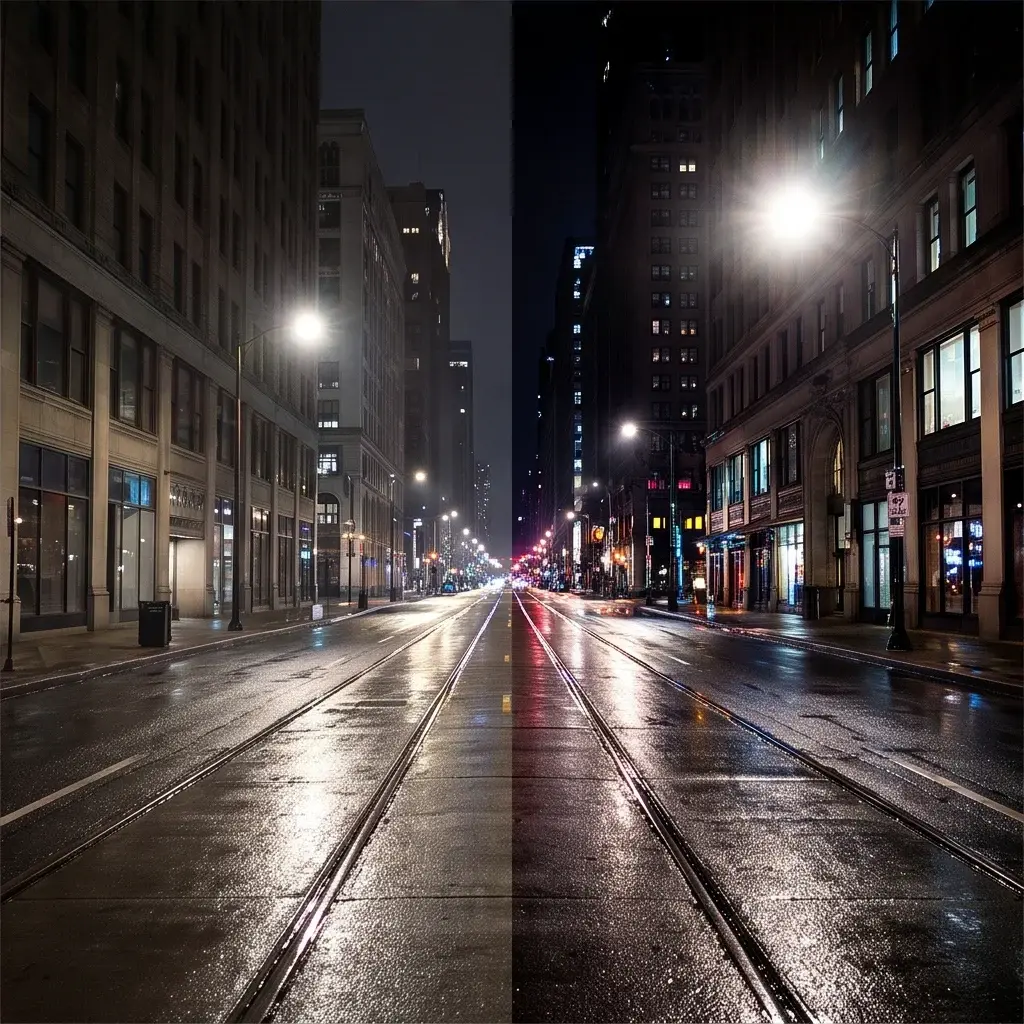


About Kling O1 | Video to Video Reference
What is Kling O1 Video-to-Video Reference on eachlabs?
Kling O1 Video-to-Video Reference is an AI model on eachlabs that generates new videos using an existing video as a visual style or motion reference. This enables style-consistent content creation, brand visual continuity, and scene reinterpretation while leveraging Kling's O1 generation quality, all accessible through eachlabs' unified API.