IMAGEN3
Google's highest quality text-to-image model, Imagen-3 is capable of generating images with detail, rich lighting and beauty
Official Partner
Avg Run Time: 15.000s
Model Slug: imagen-3
Playground
Input
Output
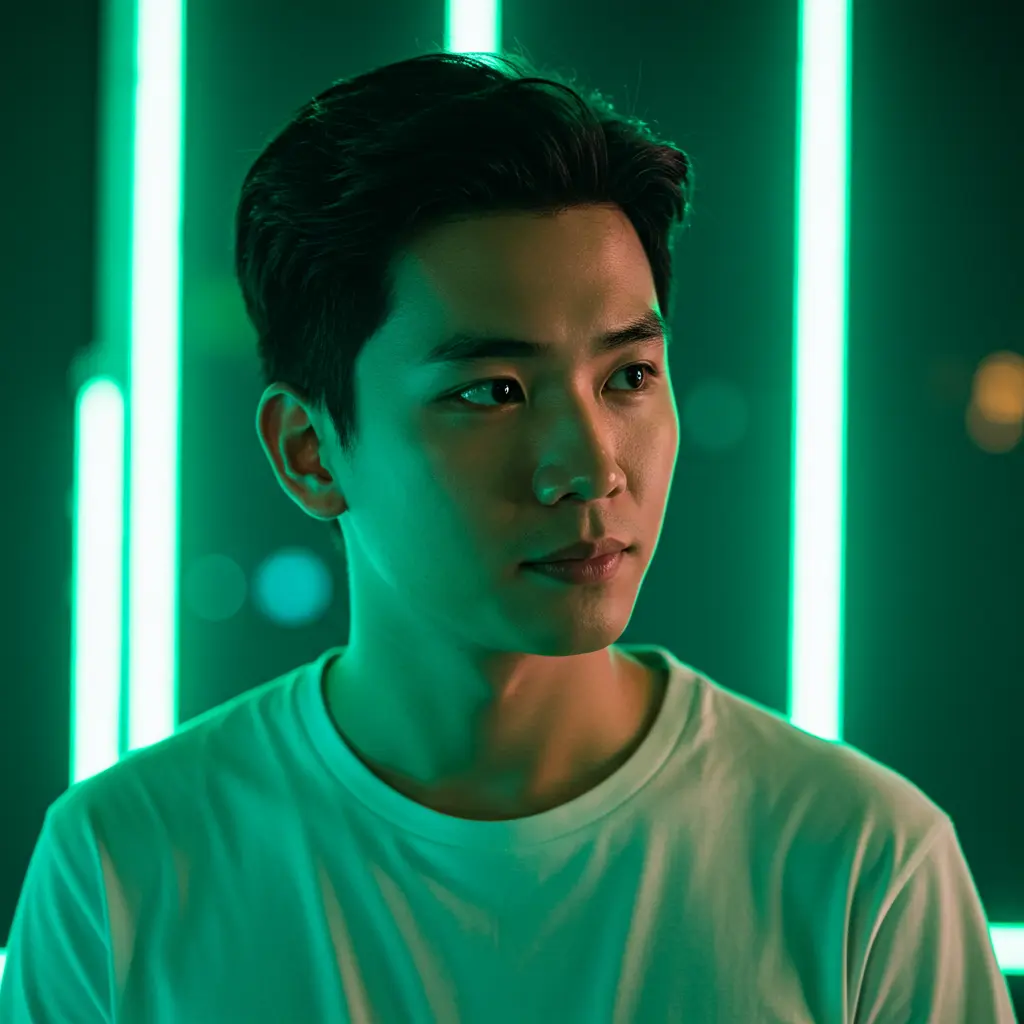
Example Result
Preview and download your result.
API & SDK
Create a Prediction
Send a POST request to create a new prediction. This will return a prediction ID that you'll use to check the result. The request should include your model inputs and API key.
Get Prediction Result
Poll the prediction endpoint with the prediction ID until the result is ready. The API uses long-polling, so you'll need to repeatedly check until you receive a success status.
Readme
Overview
imagen-3 — Text-to-Image AI Model
imagen-3, Google's highest quality text-to-image AI model from the Imagen 3 family, transforms natural language prompts into photorealistic images with exceptional detail, rich lighting, and minimal artifacts. Developers and creators access this powerhouse through the imagen-3 API on Eachlabs to generate sharp visuals for marketing, design, and prototyping without complex setups. Renowned for its advanced text rendering and high-resolution outputs up to 4K, imagen-3 stands out in Google text-to-image capabilities by producing lifelike imagery that rivals professional photography.
Technical Specifications
What Sets imagen-3 Apart
imagen-3 excels with unparalleled photorealism, rendering true-to-life details in landscapes, portraits, and objects through enhanced textures and gradients that feel tactile. This enables creators to produce stock-image quality visuals for advertising and product design without photography sessions.
Unlike many text-to-image models, imagen-3 features advanced typography, generating longer, correctly spelled text strings in images across diverse layouts and styles. Users benefit by creating infographics, comics, or packaging with legible multi-language text that other models often distort.
Supporting up to 4K resolutions and aspect ratios like 16:9, imagen-3 delivers high-fidelity outputs with fast processing, ideal for AI image generator workflows needing clarity and speed. It also integrates Google Search grounding for fact-based imagery, such as current weather infographics, ensuring accuracy in dynamic visuals.
- Photorealistic detail with rich lighting and fewer artifacts for professional-grade results.
- Superior text rendering in 100+ languages, enabling complex diagrams and labels.
- 4K high-resolution support and conversational editing for iterative refinements.
Key Considerations
Content Sensitivity: While the Imagen 3 includes safety filters, always review generated images to ensure they meet content standards, especially in sensitive contexts.
Prompt Specificity: Overly complex or ambiguous prompts may lead to unexpected results. Strive for clarity and specificity in your descriptions.
Legal Information for Imagen 3
By using this Imagen 3, you agree to:
Tips & Tricks
How to Use imagen-3 on Eachlabs
Access imagen-3 seamlessly on Eachlabs via the Playground for instant testing, API for production imagen-3 API integrations, or SDK for custom apps. Input natural language prompts, optional aspect ratios like 16:9, and resolution settings up to 4K; receive high-quality PNG/JPEG outputs with rich details in seconds. Grounded generation via Google Search enhances accuracy for real-world visuals.
---Capabilities
Diverse Style Generation: Produces images across various styles, including photorealistic, illustrative, and abstract art.
High-Resolution Output: Generates detailed images suitable for professional and creative use cases.
Natural Language Comprehension: Understands and interprets detailed textual descriptions to create corresponding visuals.
What Can I Use It For?
Use Cases for imagen-3
Marketing teams leverage imagen-3 for Google text-to-image to create e-commerce visuals, inputting prompts like "photorealistic product shot of a smartphone on a marble counter with soft morning light and product specs overlaid" to generate studio-quality composites instantly.
Developers building text-to-image AI model apps use imagen-3's API for dynamic infographics, grounding generations in real-time data like "current stock chart for AAPL with annotated trends in 4K," perfect for financial dashboards.
Designers produce diverse art styles from photorealism to anime with minimal prompt engineering, such as generating "impressionist landscape of Tokyo at sunset with weather overlay," streamlining workflows for packaging and digital art.
Content creators refine images conversationally, starting with a base prompt and iterating via "add sunset background," preserving context for rapid prototyping in advertising campaigns.
Things to Be Aware Of
Style Exploration: Experiment with different artistic styles by specifying them in your prompts.
Detail Variation: Adjust the level of detail in prompts to see how Imagen 3 interprets and represents various complexities.
Negative Prompt Testing: Use the negative_prompt to refine images by excluding certain elements and observe the changes.
Limitations
Complex Scenes: Imagen 3 may struggle with highly complex scenes involving numerous interacting elements.
Text Generation: Rendering legible text within images can be challenging and may not always be accurate.
Abstract Concepts: Interpreting and visualizing highly abstract or conceptual prompts may lead to unpredictable results.
Output Format: PNG
Pricing
Pricing Detail
This model runs at a cost of $0.050 per execution.
Pricing Type: Fixed
The cost remains the same regardless of which model you use or how long it runs. There are no variables affecting the price. It is a set, fixed amount per run, as the name suggests. This makes budgeting simple and predictable because you pay the same fee every time you execute the model.
Related AI Models
You can seamlessly integrate advanced AI capabilities into your applications without the hassle of managing complex infrastructure.
A text-to-image endpoint with LoRA support, powered by Tongyi-MAI’s ultra-fast 6B Z-Image Turbo model for efficient, high-quality image generation.
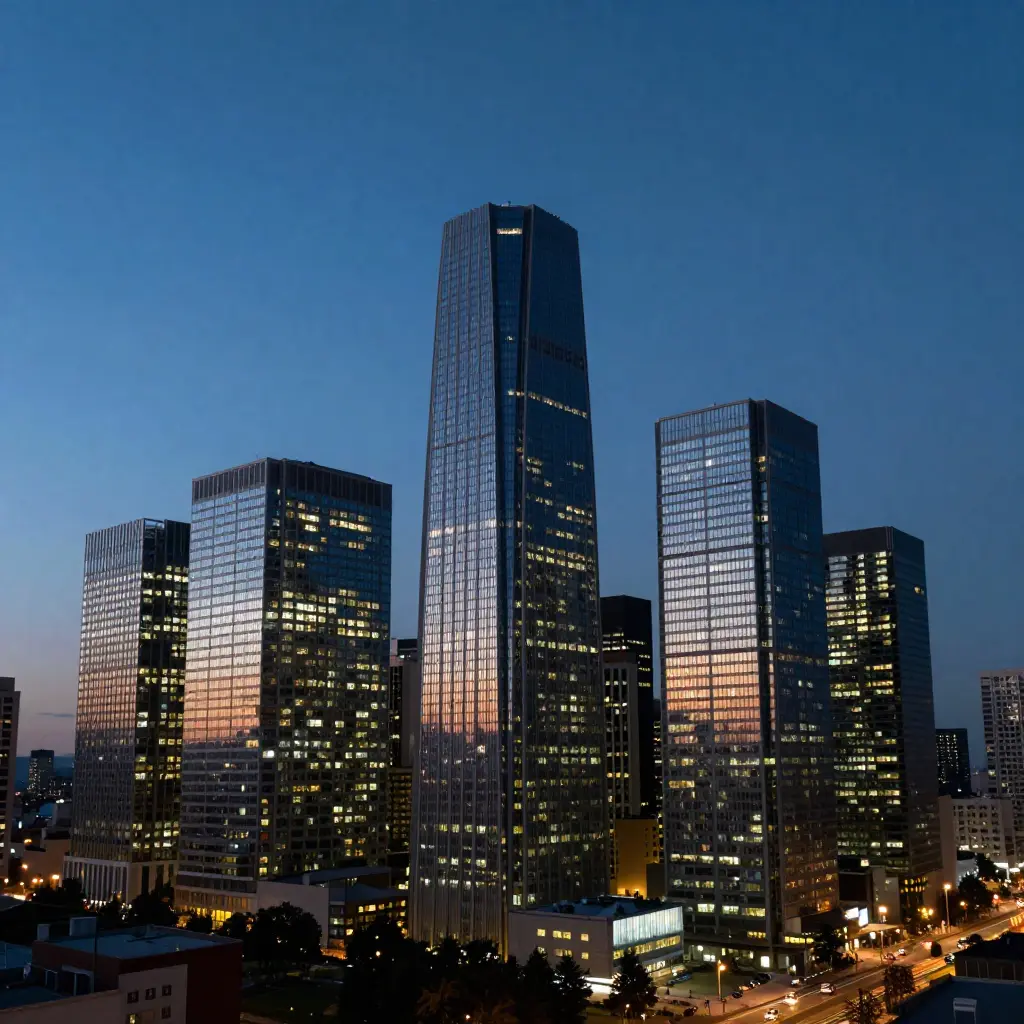
Delivers clear and precise text instructions that enable the model to quickly generate a high-quality image matching the described vision.
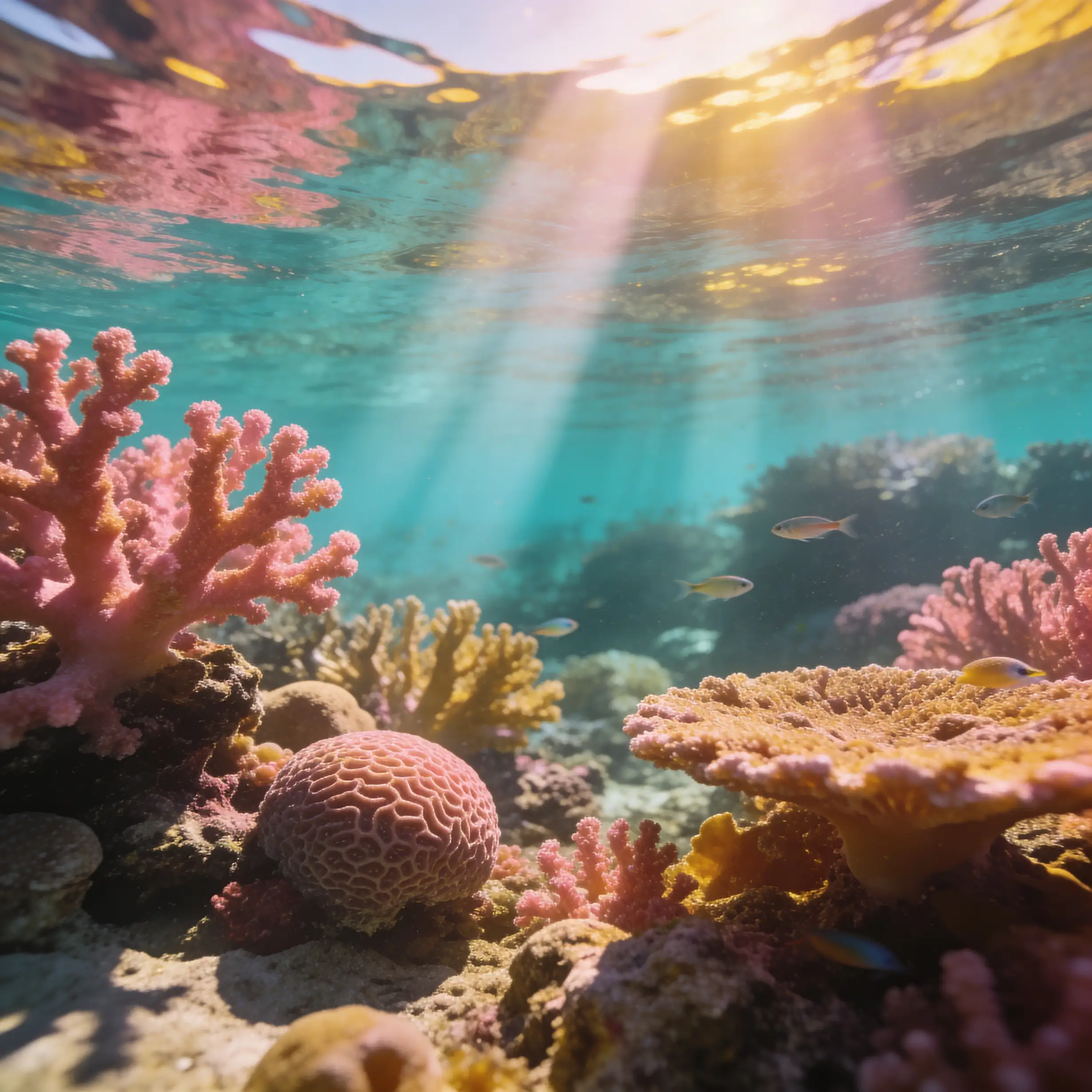
FLUX.2 [dev] from Black Forest Labs delivers turbo-speed text-to-image generation with enhanced realism, sharper text rendering, and built-in native editing tools.
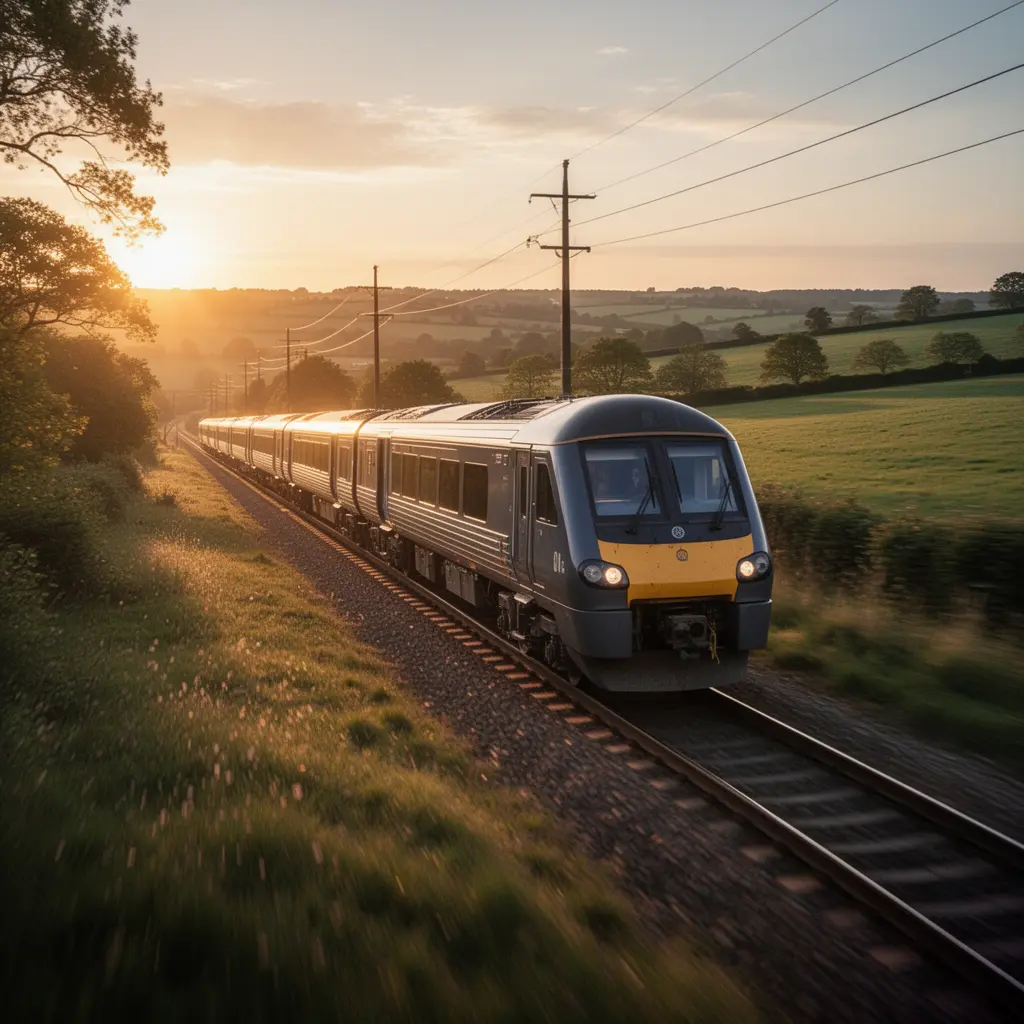
FLUX.2 [dev] from Black Forest Labs enables fast text-to-image generation with enhanced realism, sharper text rendering, and built-in native editing capabilities.