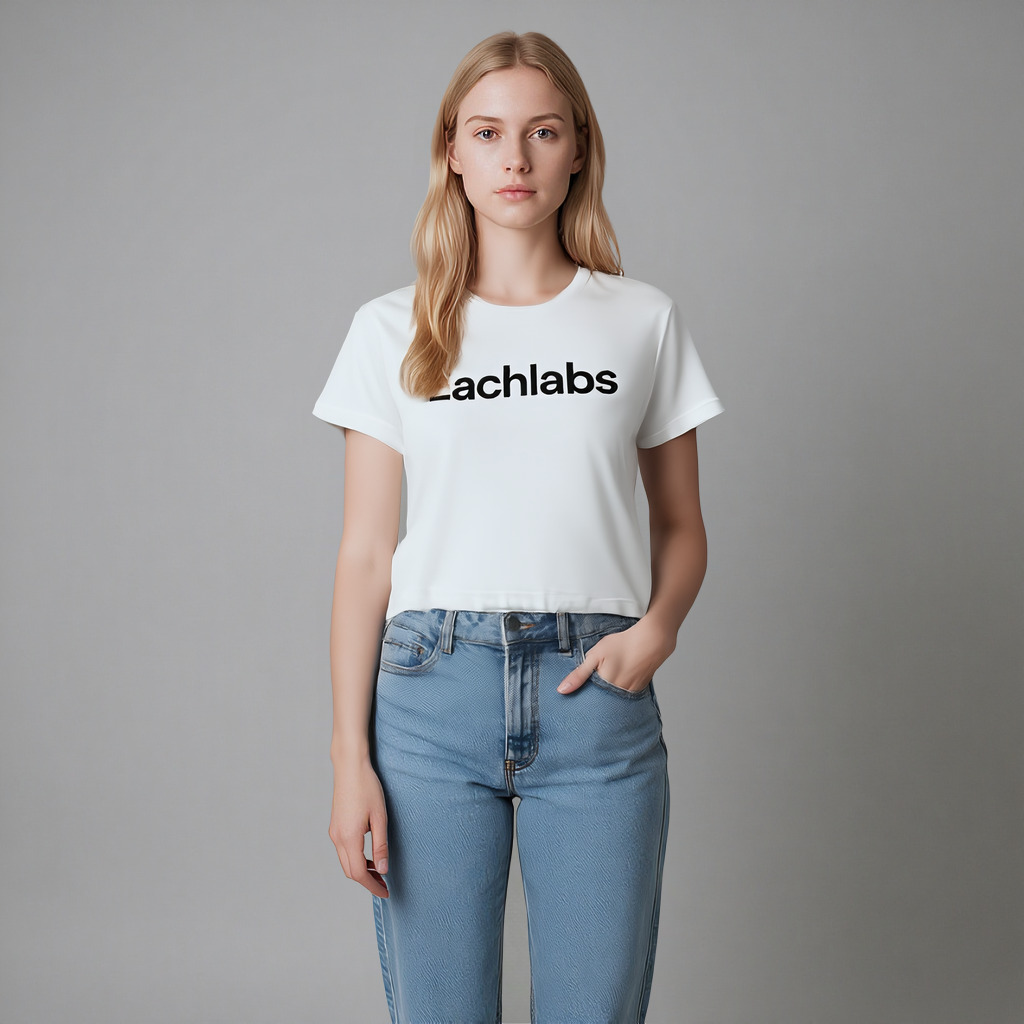
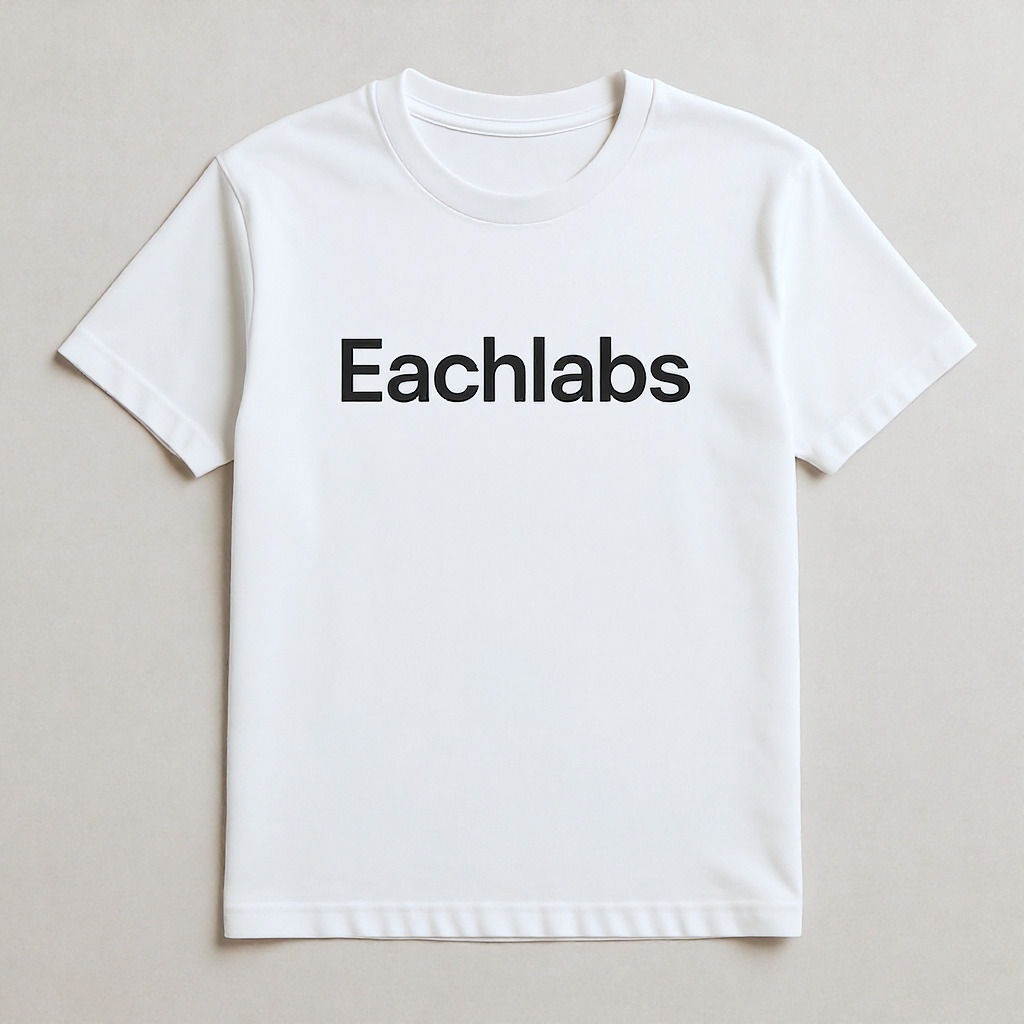
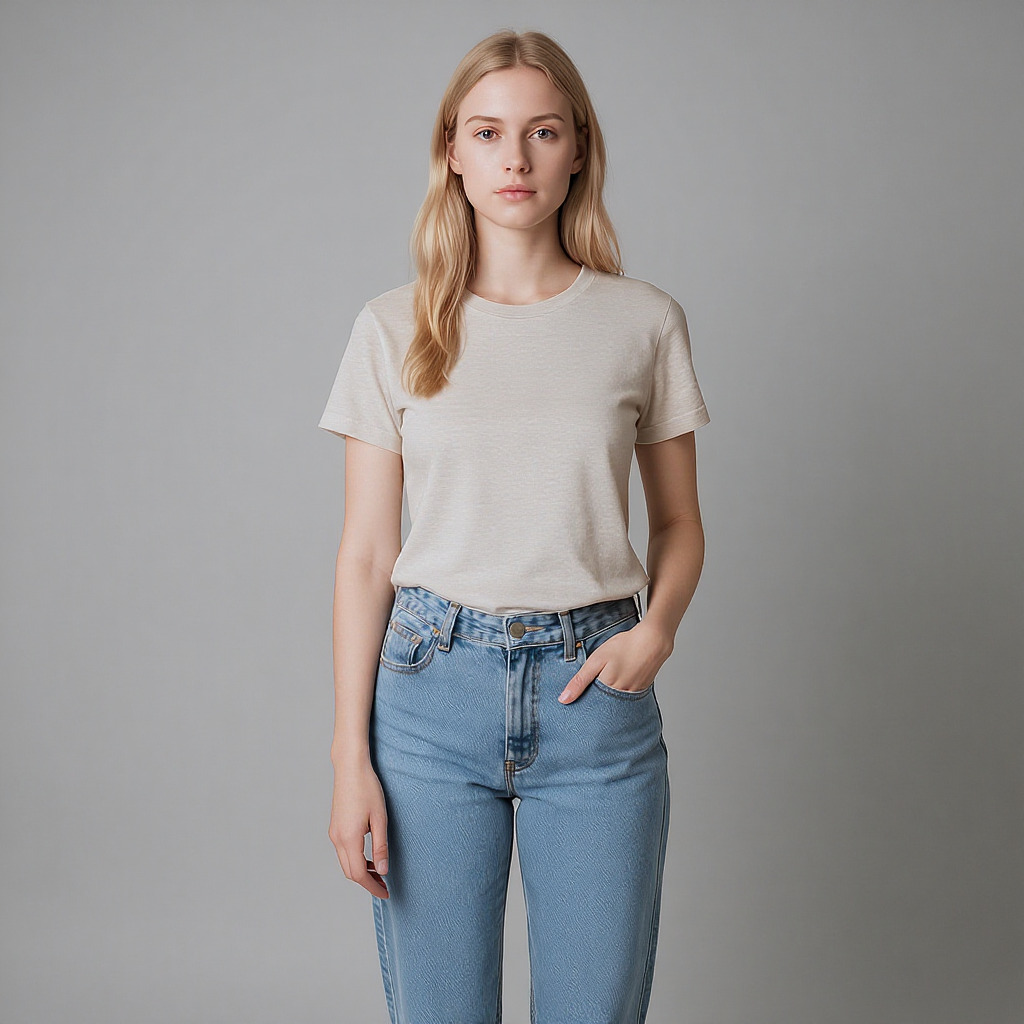
Kling 1.5 · Kolors Virtual Try On
Kling Kolors Virtual TryOn v1.5 delivers high-quality image-based try-on results.
- Runtime (p50)
- 20s
- Estimated price
- $0.07
Overview
kling-v1-5-kolors-virtual-try-on — Image-to-Image AI Model
Developed by Kling as part of the kling-v1.5 family, kling-v1-5-kolors-virtual-try-on revolutionizes fashion workflows with high-quality virtual try-on capabilities, allowing users to seamlessly fit clothing onto full-body images using advanced image-to-image processing. Powered by the Kolors large model, this image-to-image AI model delivers photorealistic results that follow physical laws for natural fabric draping, solving the challenge of costly photoshoots for e-commerce and designers. Ideal for Kling image-to-image applications, it transforms a person photo and garment image into a realistic visualization in seconds, supporting up to 1080p resolution for professional-grade outputs.
Capabilities
Realistic Garment Placement: Accurate positioning of clothing items on human figures
Natural Fit Simulation: Realistic draping and fitting based on body contours and garment properties
Lighting Integration: Seamless blending of garment appearance with photo lighting conditions
Texture Preservation: Maintains original fabric textures, patterns, and garment details
Body Proportion Accuracy: Respects human body proportions and natural clothing placement
Multi-Garment Support: Handles various clothing types including shirts, dresses, jackets, and pants
Quality Output: Generates high-resolution images suitable for fashion visualization
Color Consistency: Preserves accurate garment colors while adapting to photo environment
Use cases
Use Cases for kling-v1-5-kolors-virtual-try-on
Fashion designers seeking an AI image editor API can upload a full-body model photo and a garment image to kling-v1-5-kolors-virtual-try-on, generating variants in different poses or lighting—streamlining collections without studio costs. This leverages its reconstruction tech for natural fits, ideal for rapid prototyping.
E-commerce developers building automated image editing APIs input customer photos with product garments, like "fit this red dress on a diverse range of body types," producing catalog-ready visuals at 1080p. The model's physics simulation ensures draping accuracy, boosting conversion rates through personalized previews.
Marketers for apparel brands use it for social campaigns, combining a influencer's image with seasonal outfits in 9:16 aspect ratio for TikTok-ready content. This image-to-image AI model handles large-scale movements smoothly, creating engaging try-on demos that drive traffic.
Content creators experimenting with virtual fashion shoots feed prompts with garment details, outputting high-res composites that maintain identity consistency across variations—perfect for trend forecasting without inventory.
Tips & tricks
How to Use kling-v1-5-kolors-virtual-try-on on Eachlabs
Access kling-v1-5-kolors-virtual-try-on through Eachlabs Playground for instant testing with a person image, garment photo, and optional text prompt specifying fit or style; integrate via API or SDK for production apps. Expect 1080p image outputs with natural draping in seconds, supporting key parameters like aspect ratios for seamless kling-v1-5-kolors-virtual-try-on API workflows.
---Technical spec
What Sets kling-v1-5-kolors-virtual-try-on Apart
kling-v1-5-kolors-virtual-try-on stands out in the image-to-image AI model landscape through its full-body reconstruction technology, which accurately maps garments like a yellow-and-blue striped shirt onto any model while preserving natural folds and movements. This enables e-commerce teams to generate diverse outfit visuals without physical samples, reducing production time from days to minutes.
Unlike generic editors, it integrates Kolors for cost-effective, high-fidelity previews at 1080p resolution with support for multiple aspect ratios like 16:9 and 9:16, ensuring compatibility with social media and web formats. Users benefit from outputs that mimic real-world physics, making kling-v1-5-kolors-virtual-try-on API integrations reliable for automated fashion pipelines.
Processing delivers image-based results with average times suitable for high-volume use, priced at around 14.77 credits per run, offering efficiency over competitors requiring video extensions or manual edits. This specificity in virtual try-on makes it a top choice for precise Kling image-to-image tasks.
- Full-body garment fitting with physics-based draping for realistic try-ons.
- 1080p outputs in flexible aspect ratios for e-commerce and social platforms.
- Kolors-powered previews for fast, high-quality image-to-image transformations.
Things to be aware of
Basic Fashion Visualization
- Simple Garments: Start with basic t-shirts or simple dresses on clear front-facing photos
- Color Variations: Use the same garment in different colors on the same person photo
- Style Matching: Combine formal garments with professional photos, casual with relaxed poses
- Seasonal Coordination: Match garment weight and style with appropriate photo settings
Advanced Styling Concepts
- Layering Effects: Combine different garment types to create layered looks
- Pattern Mixing: Experiment with different patterns and textures on the same base photo
- Professional Looks: Create business attire combinations using professional headshots
- Casual Combinations: Develop everyday outfit ideas using relaxed personal photos
Commercial Content
- Product Showcasing: Display clothing items on diverse model types and backgrounds
- Brand Consistency: Create cohesive fashion content using consistent styling approaches
- Demographic Targeting: Show how garments look on different age groups and body types
- Seasonal Collections: Visualize entire fashion collections across various models
Creative Projects
- Style Evolution: Show fashion evolution by applying different era clothing to the same person
- Cultural Fashion: Explore how different cultural garments appear on various individuals
- Color Psychology: Create content showing how different colors affect overall appearance
- Personal Branding: Develop signature style combinations for personal or professional use
Educational Content
- Fashion Education: Create teaching materials showing garment fit and styling principles
- Body Positivity: Demonstrate how fashion works across different body types
- Styling Guides: Develop comprehensive guides showing multiple outfit combinations
- Trend Analysis: Create content analyzing how current trends appear on different individuals
Key considerations
Photo Quality: Poor lighting or blurry images may result in less realistic virtual try-on results
Body Position: Extreme poses or partially hidden body parts can affect garment placement accuracy
Garment Compatibility: Some complex or layered garments may not render as accurately
Size Representation: Virtual try-on shows visual appearance but not actual size fit
Lighting Consistency: Mismatched lighting between person and garment photos may affect realism
Background Elements: Busy backgrounds or similar colors to garments may cause processing issues
Privacy Considerations: Be mindful when using photos of people and respect privacy rights
Legal Information for Kling 1.5 Kolors Virtual Try On
By using this Kling 1.5 Kolors Virtual Try On, you agree to:
- Kling Privacy
- Kling SERVICE AGREEMENT
Limitations
Complex Garments: Detailed clothing with multiple layers or complex cuts may not render accurately
Extreme Poses: Unusual body positions or angled photos can affect garment placement precision
Accessory Limitations: Focus is primarily on main garments rather than accessories or jewelry
Size Accuracy: Shows visual appearance but cannot predict actual physical fit or comfort
Photo Dependencies: Results heavily depend on quality and clarity of input images
Garment Types: Works best with standard clothing items rather than specialized or unusual garments
Body Part Visibility: Requires clear visibility of the target clothing area in the original photo
Lighting Mismatches: Significant lighting differences between photos may affect result realism
Output Format: PNG
Related models
4 models



About Kling 1.5 · Kolors Virtual Try On
What is Kling V1.5 Kolors Virtual Try-On on eachlabs?
Kling V1.5 Kolors Virtual Try-On is an AI model on eachlabs that realistically composites clothing items onto model images. Using advanced garment-fitting technology, it enables e-commerce platforms, fashion brands, and retail apps to show customers how garments look when worn, accessible as a scalable API for virtual fitting room applications.