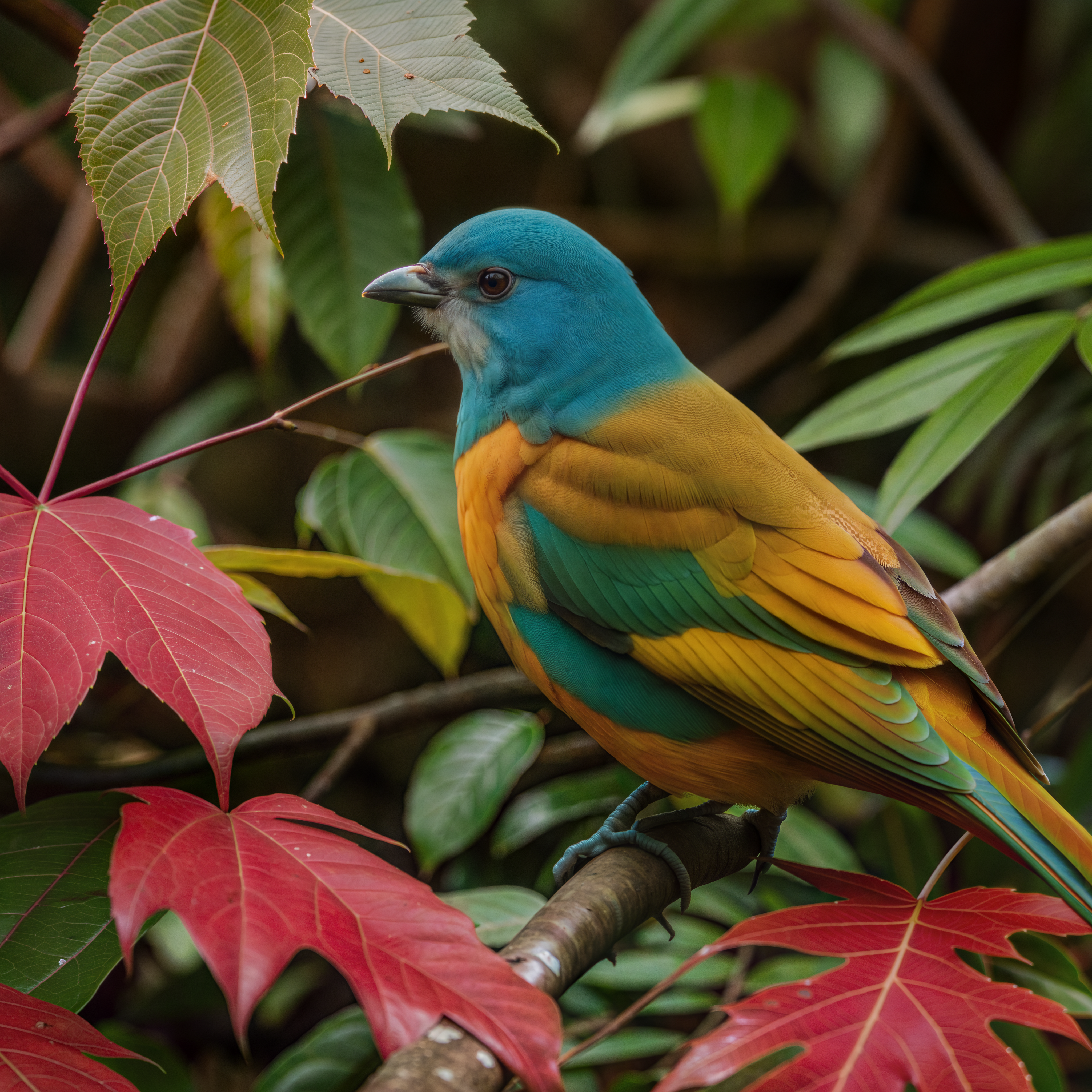
Recraft Creative Upscale.
- recraft
- Image to Image
- $0.25 per execution
- ~1 min average
Recraft Creative Upscale increases image resolution and regenerates fine details and faces.
What Recraft Creative Upscale is good at.
 Best for
Enhancing digital art to make it suitable for larger prints or displays.
Upscaling low-resolution images for better presentation in portfolios or social media. Improving AI-generated images to refine textures and details. Restoring…
 Limits and tips
Getting good results
Use high-quality input images: Images with good contrast and sharpness produce the best upscaling results. Avoid noisy images: Too much noise in an image may…
 Related modelView model
Bria Ad Delayer
Run it on the same input to compare output, speed and price.
Model documentation
About this model
Recraft Creative Upscale increases image resolution and regenerates fine details and faces. Refine photos and illustrations into WebP or PNG on each::labs.
Overview
Recraft Creative Upscale is a model designed to enhance image resolution while preserving details and improving clarity. It is ideal for refining artwork, upscaling low-resolution images, and improving image quality without introducing excessive artifacts. This model ensures that images remain sharp and natural, making it particularly useful for creative projects that require high-quality visuals.
Capabilities
- Increases image resolution while maintaining sharpness.
- Reduces pixelation and enhances fine details.
- Preserves artistic integrity without adding unwanted artifacts.
- Works well with digital artwork, photographs, and AI-generated images.
Use cases
- Enhancing digital art to make it suitable for larger prints or displays.
- Upscaling low-resolution images for better presentation in portfolios or social media.
- Improving AI-generated images to refine textures and details.
- Restoring old or compressed images by increasing clarity and reducing noise.
Tips & tricks
- Use high-quality input images: Images with good contrast and sharpness produce the best upscaling results.
- Avoid noisy images: Too much noise in an image may be amplified during upscaling.
- Pre-process images if necessary: Slight sharpening or noise reduction before upscaling can enhance results.
Technical spec
- Input Type: Image
- Output: High-resolution upscaled version of the input image.
- Processing: AI-based upscaling using deep learning techniques.
- Enhancement Focus: Detail preservation, clarity improvement, and artifact reduction.
Things to be aware of
- Upscale a hand-drawn sketch to refine line quality and remove pixelation.
- Enhance an AI-generated image to make it more detailed and high-quality.
- Improve the resolution of a digital painting to prepare it for large-scale printing.
- Upscale a vintage photograph to restore details and improve clarity.
Key considerations
- The Recraft Creative Upscale may not significantly enhance images that are extremely blurry or pixelated.
- Upscaling performance varies depending on the input image’s original quality and resolution.
- The Recraft Creative Upscale does not perform color correction or artistic modifications.
- Overly compressed images with heavy artifacts may not yield optimal results.
Legal Information for Recraft CREATIVE UPSCALE
By using this model, you agree to:
Limitations
- Cannot generate missing details from highly pixelated images with Recraft.
- May not effectively enhance very dark or low-contrast images.
- Does not provide manual control over enhancement levels.
- Fine textures may sometimes be over-smoothed or slightly altered.
Output Format: WEBP
Questions about this model
The short answers. For anything specific to your setup, talk to our team.
 Talk to an engineerPlan for your expected volume.
Recraft Creative Upscale increases the resolution of a raster image while regenerating fine details and faces. It accepts an image URL and returns one upscaled image in WebP or PNG format. On each::labs, it fits image refinement workflows for photographs, illustrations and other existing visual assets.
Recraft Creative Upscale accepts PNG, JPG and WEBP images smaller than 20 MB, with a maximum resolution of 16 megapixels. Both image sides must measure between 256 and 4096 pixels. Provide a publicly accessible image URL and choose WebP or PNG for the returned raster image.
Recraft Crisp Upscale emphasizes sharpening and cleaning an image while keeping its existing content. Creative Upscale also regenerates fine details and faces, so its output can differ more from the source. Choose Crisp when content preservation matters, or Creative when regenerated detail is appropriate for the workflow.