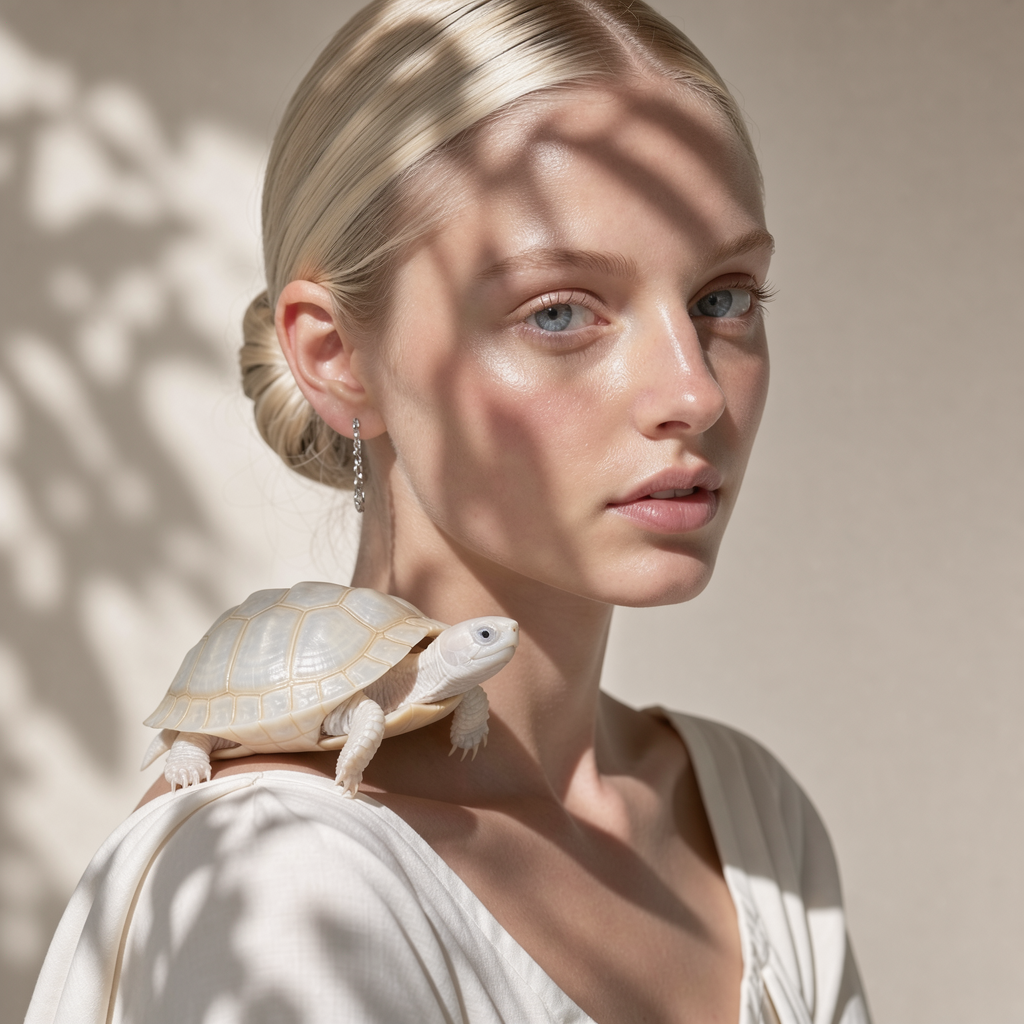
Flux 3 | Text to Image.
- Black Forest Labs
- Text to Image
- $0.041–$0.607 por execução, dependendo de resolução
Flux 3 Text to Image generates images from written prompts for visual concepts and creative projects, with selectable aspect ratios and sizes on each::labs.
Em que Flux 3 | Text to Image se destaca.
 Ideal para
Onde se encaixa
Flux 3 Text to Image is useful when this specific operation fits between source preparation and delivery. These scenarios show how it can support different…
 Limites e dicas
Make the main subject, composition, lighting and intended visual style unambiguous.
When references are available, state which details should be retained and which should change. Start with one clear creative direction before adding several…
 Modelo relacionadoVer modelo
MiniMax H3 Highspeed Text to Image
Execute-o com a mesma entrada para comparar resultado, velocidade e preço.
Documentação do modelo
Sobre este modelo
Flux 3 Text to Image generates images from written prompts for visual concepts and creative projects, with selectable aspect ratios and sizes on each::labs.
Visão geral
Flux 3 Text to Image Overview
Flux 3 Text to Image generates images from written prompts for visual concepts and creative projects, with selectable aspect ratios and sizes on each::labs.
Text prompts define new images, and exposed size controls set the delivery shape.
Flux 3 Text to Image from Black Forest Labs is available through each::labs in the flux-3 family. Required fields are prompt.
aspect_ratio: Aspect ratio of the generated image. resolution: Output size: 768sq (~0.6 MP, 768x768 at 1:1), 1k (~1 MP), 2k (~4 MP) or 4k (~16 MP).
Use the Flux 3 Text to Image API when you need this transformation or analysis as a repeatable step in an application or creative pipeline. The sections below distinguish the required material, adjustable controls and checks that matter before delivery.
Capacidades
Capabilities
- Text prompts define new images, and exposed size controls set the delivery shape.
- aspect_ratio: Aspect ratio of the generated image.
- resolution: Output size: 768sq (~0.6 MP, 768x768 at 1:1), 1k (~1 MP), 2k (~4 MP) or 4k (~16 MP).
- grounding: Let the model research the prompt with web and image search before generating.
- Produces a image result for the next stage of your workflow.
Casos de uso
Use Cases for Flux 3 Text to Image
Flux 3 Text to Image is useful when this specific operation fits between source preparation and delivery. These scenarios show how it can support different parts of a working pipeline.
Creators
Draft a product concept. Use a representative source or a concise brief, then inspect the result before preparing a larger set of assets.
Design and marketing teams
Explore an editorial illustration. Compare the result with the intended message, composition and destination. Keep reviewable versions of the source and output.
Developers
Generate a campaign mood image from a brief. Inspect the actual returned value before connecting it to another step, and keep the chosen request settings with the result.
Start with a clear definition of the desired result and use the exposed controls to reach it. Keep any additional generation, editing or application logic in separate steps so that the effect of this operation remains easy to review.
Dicas e truques
Tips and Tricks
Make the main subject, composition, lighting and intended visual style unambiguous. When references are available, state which details should be retained and which should change. Start with one clear creative direction before adding several competing requests.
- resolution: Output size: 768sq (~0.6 MP, 768x768 at 1:1), 1k (~1 MP), 2k (~4 MP) or 4k (~16 MP).
- grounding: Let the model research the prompt with web and image search before generating.
- Example direction: “A ceramic cup on a pale stone table, soft window light, centered composition, uncluttered background.”
- Example direction: “An editorial illustration of a small garden, balanced shapes, muted green palette, simple background.”
Compare one deliberate adjustment at a time. Inspect the part of the result affected by that change, then check the rest of the asset or response for unwanted side effects before reusing the settings.
Especificações técnicas
Technical Specifications
- Result type: image.
- Required fields: prompt.
- aspect_ratio: string; options auto, 21:9, 2:1, 16:9, 3:2, 7:5, 4:3, 5:4, 1:1, 4:5, 3:4, 5:7, 2:3, 9:16, 1:2, 9:21; default "auto".
- resolution: string; options 768sq, 1k, 2k, 4k; default "1k".
- prompt: string.
- grounding: boolean; default true.
Values must use the types and accepted options listed in the parameter reference. A displayed default does not remove a required-field requirement. Choose a supported output setting for this entry rather than borrowing a preset from a related model.
Pontos de atenção
Things to Be Aware Of
Review lettering, small structures, edges and any requested product details at the intended display size. An attractive first impression is not enough to establish that a visual matches its brief.
Optional settings are not necessarily interchangeable with those on another entry in the same family. Use the accepted names, types and values shown for this operation.
Check the returned content against the original input and your application requirements. A successful request means the operation completed; your application still needs to verify that the response is suitable for the next step.
Considerações principais
Key Considerations
Specify subject, composition and lighting clearly; generated typography and fine details still need review.
Public estimate: $0.041–$0.607 per execution.
Prepare prompt before starting. Optional settings include aspect_ratio, resolution, grounding. Keep these settings aligned with the intended delivery, especially when a later step expects a particular type or format.
Run a representative request before scaling to a larger collection. Judge the result against the source and the brief, and account for all generated outputs or usage-sensitive options when estimating a batch.
Limitações
Limitations
- aspect_ratio: allowed values: ["auto", "21:9", "2:1", "16:9", "3:2", "7:5", "4:3", "5:4", "1:1", "4:5", "3:4", "5:7", "2:3", "9:16", "1:2", "9:21"].
- resolution: allowed values: ["768sq", "1k", "2k", "4k"].
Unsupported parameters do not establish additional capabilities. A generated result can differ from the intended brief, so review detail and consistency before publication.
Perguntas sobre este modelo
As respostas curtas. Para qualquer coisa específica do seu cenário, fale com nossa equipe.
 Fale com um engenheiroPlaneje para o volume que você espera.
Flux 3 Text to Image generates an image from a written description without requiring a reference image. Describe the subject, setting, style, and composition you want to explore. The model offers selectable aspect ratios and output sizes, so the result can fit different creative formats.
Flux 3 Text to Image can help designers and content creators turn written concepts into visual images. Prompts can describe a scene, illustration, or composition for a creative project. On each::labs, choose the aspect ratio and output size, then describe the visual details you want the model to generate.
Flux 3 Text to Image returns a generated image, not a video or an image sequence. Output sizes range from a square 768-pixel option to larger resolution settings. The automatic aspect ratio produces a square image when no reference is supplied, and the selected resolution determines the per-image price.