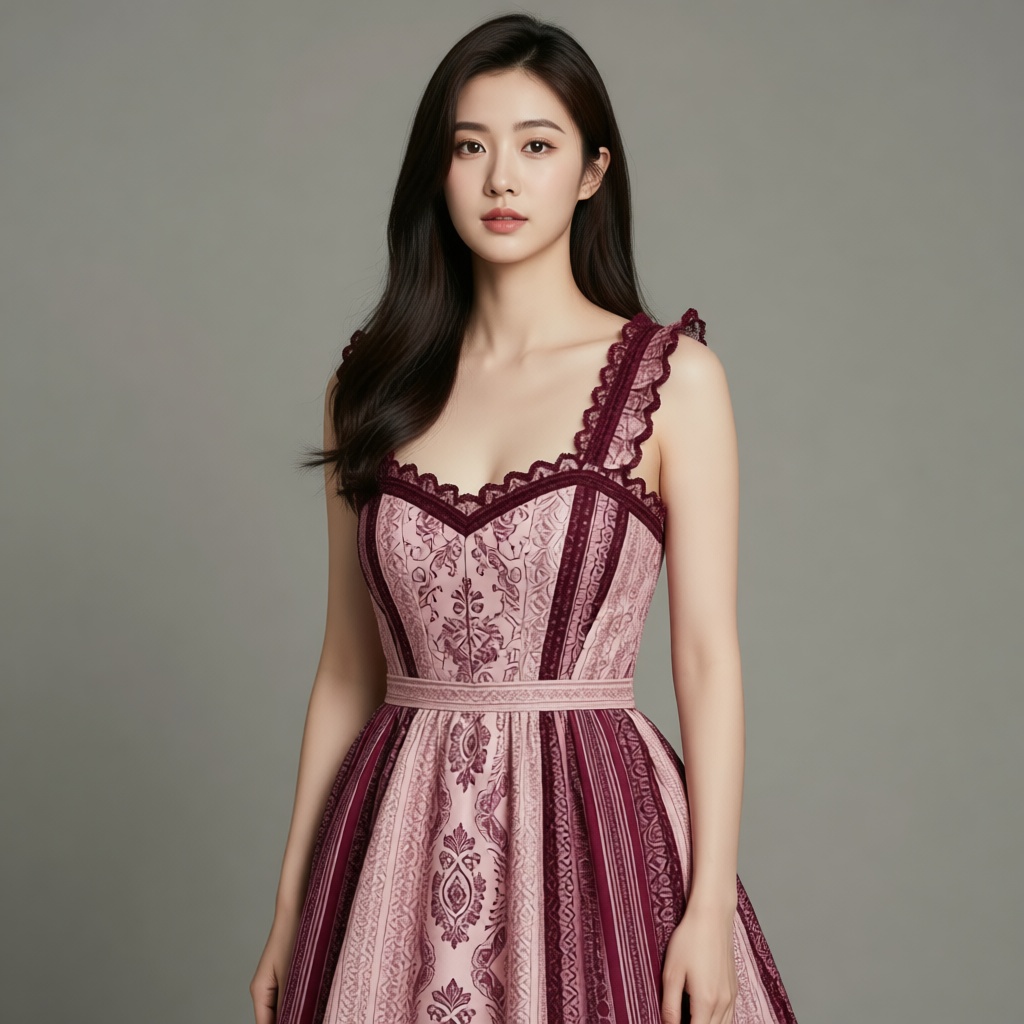
Pruna | P-Image Edit LoRA | Image Editing.
- Pruna AI
- Image to Image
- $0.01 por ejecución
- ~8 s promedio
Pruna P-Image Edit LoRA combines premium image editing with custom LoRA support.
Lo que Pruna | P-Image Edit LoRA | Image Editing hace bien.
 Ideal para
For creators: Photographers can restore old portraits using face enhancement LoRA.
Example prompt: "Restore faded 1920s photo, sharpen features, add subtle color grading."
 Límites y consejos
Cómo obtener buenos resultados
Optimize prompts for Pruna | P-Image Edit LoRA | Image Editing by specifying edit regions explicitly, e.g., "replace background with cyberpunk city, keep…
 Modelo relacionadoVer modelo
MiniMax H3 Image to Image
Ejecútelo con la misma entrada para comparar salida, velocidad y precio.
Documentación del modelo
Sobre este modelo
Pruna P-Image Edit LoRA combines premium image editing with custom LoRA support.
Resumen
The Pruna | P-Image Edit LoRA | Image Editing model from Pruna enables precise image-to-image transformations using custom LoRA adaptations for targeted edits. Part of the P-Image family, it solves common challenges in AI image editing by combining premium editing capabilities with lightweight LoRA fine-tuning, allowing users to adapt styles or modifications without full model retraining. This Pruna image-to-image tool stands out for its efficiency in handling custom styles on consumer hardware, making high-quality edits accessible via APIs on platforms like each::labs.
Developed by Pruna, it leverages LoRA technology—Low-Rank Adaptation—for fast, resource-efficient customization. Ideal for creators needing quick iterations on images, it supports seamless integration into workflows on each::labs (eachlabs.ai). Whether enhancing details or applying artistic changes, this model delivers consistent results with minimal overhead.
Capacidades
- Precise image inpainting and outpainting for object removal or addition
- Custom LoRA style transfers, adapting images to specific artistic or realistic styles
- Face restoration and detail enhancement using LoRA fine-tuning
- Background replacement with context-aware blending
- Text-guided edits maintaining subject consistency and pose
- Super-resolution upscaling integrated with editing pipeline
- Support for multi-region edits in a single pass
- API-ready deployment for batch processing on each::labs
Casos de uso
For creators: Photographers can restore old portraits using face enhancement LoRA. Example prompt: "Restore faded 1920s photo, sharpen features, add subtle color grading."
For marketers: Generate product variants by editing clothing or backgrounds. Example: "Change model outfit to summer dress on beach scene, keep lighting consistent."
For designers: Apply custom brand styles via LoRA to mockups. Example: "Transform logo placement on apparel, cyberpunk neon glow adaptation."
For developers: Build apps with Pruna image-to-image API for user-uploaded edits. Example: "Inpaint user-selected areas with AI-suggested elements, seamless integration."
These leverage the model's LoRA efficiency for tailored, high-fidelity results on each::labs.
Consejos y trucos
Optimize prompts for Pruna | P-Image Edit LoRA | Image Editing by specifying edit regions explicitly, e.g., "replace background with cyberpunk city, keep foreground subject intact." Use LoRA weights between 0.6-0.8 for balanced adaptation without over-stylization. Combine with negative prompts like "blurry, distorted proportions" to refine outputs. For best results, start with high-quality input images at 512x512 resolution and upscale post-edit.
Example prompts:
- "Enhance facial details to photorealistic, add golden hour lighting, LoRA style: portrait master"
- "Edit clothing to Victorian gown, preserve pose and expression, high detail fabric texture"
- "Inpaint damaged areas with seamless forest background, natural blending"
Workflow tip: Train custom LoRAs on 10-20 images for domain-specific edits, then deploy via Pruna | P-Image Edit LoRA | Image Editing API on each::labs for rapid testing.
Especificación técnica
- Category: image-to-image, focused on image editing with LoRA support
- Resolution Support: Up to 1024x1024 pixels, compatible with Stable Diffusion ecosystems for higher resolutions via upscaling
- Aspect Ratios: Flexible, including 1:1, 16:9, 9:16; optimized for square and landscape edits
- Input/Output Formats: PNG, JPEG inputs; outputs in PNG/JPEG; accepts base images and text prompts
- Processing Time: 5-30 seconds per image on RTX 3060+ GPUs, faster via API on each::labs
- Architecture: LoRA fine-tuned on Stable Diffusion base, enabling low-VRAM operation (8GB minimum)
These specs make Pruna | P-Image Edit LoRA | Image Editing suitable for real-time workflows, with API access streamlining deployment.
Aspectos a tener en cuenta
Common mistakes include vague prompts leading to inconsistent edits; always specify regions like "top-left corner." Edge cases arise with complex occlusions, where multi-step inpainting helps. Resource constraints on low-VRAM GPUs may slow processing—use each::labs cloud for reliability. Outputs can overfit strong LoRA weights, causing artifacts; test incrementally. User feedback notes occasional color shifts in extreme style transfers, best mitigated with reference images.
Consideraciones clave
Before using Pruna | P-Image Edit LoRA | Image Editing, ensure access to a GPU with at least 8GB VRAM for local runs or use each::labs API for cloud processing. It excels in scenarios requiring custom style transfers over generic edits, outperforming base models in targeted modifications. Consider cost tradeoffs: free local use versus efficient API credits on each::labs for speed. Prerequisites include a source image and descriptive prompt; no video inputs supported. Best for iterative editing where LoRA customization provides precision without heavy compute.
Limitaciones
Pruna | P-Image Edit LoRA | Image Editing lacks native video support, focusing solely on static images. It struggles with heavy geometric distortions or non-rigid transformations. Input images over 1024x1024 may require pre-resizing. Custom LoRA training needs 10+ examples for quality; fewer yield poor generalization. No built-in upscaling beyond base resolution without additional steps.
Preguntas sobre este modelo
Las respuestas cortas. Para cualquier cosa específica de su configuración, hable con nuestro equipo.
 Hablar con un ingenieroPlanifique según su volumen previsto.
Sora 2 Characters is best suited for video content indexing, accessibility captioning, and automated scene understanding. It excels at workflows requiring structured metadata extraction from video, including post-production pipelines, content moderation, and video search applications.
Pruna AI LoRA Image Edit is a compressed, efficient image editing model that applies LoRA-based fine-tuning to perform targeted edits on existing images. It enables prompt-driven modifications such as style changes, object replacement, and texture adjustments while preserving overall image structure.
Pruna AI LoRA Image Edit is accessible via the eachlabs unified API. Send a POST request with your source image and a text prompt describing the desired edit; the model returns a modified image. Billing is pay-as-you-go through eachlabs.