NutriScan Food Nutrition Analysis
NutriScan returns nutrition facts, diet compatibility and allergens from a dish photo, a nutrition label, a barcode or an ingredient list with amounts.
- Platebase
- 4 variantes
- Precio
- Ver precio
- Velocidad
- ~1 min
- Ideal para
- LLM · Text to Text
- Precio
- Ver precio
- Velocidad
- ~1 min
- Ideal para
- LLM · Text to Text
- Precio
- Ver precio
- Velocidad
- ~1 min
- Ideal para
- LLM · Text to Text
- Precio
- Ver precio
- Velocidad
- ~1 min
- Ideal para
- LLM · Text to Text
Trabajar con NutriScan.
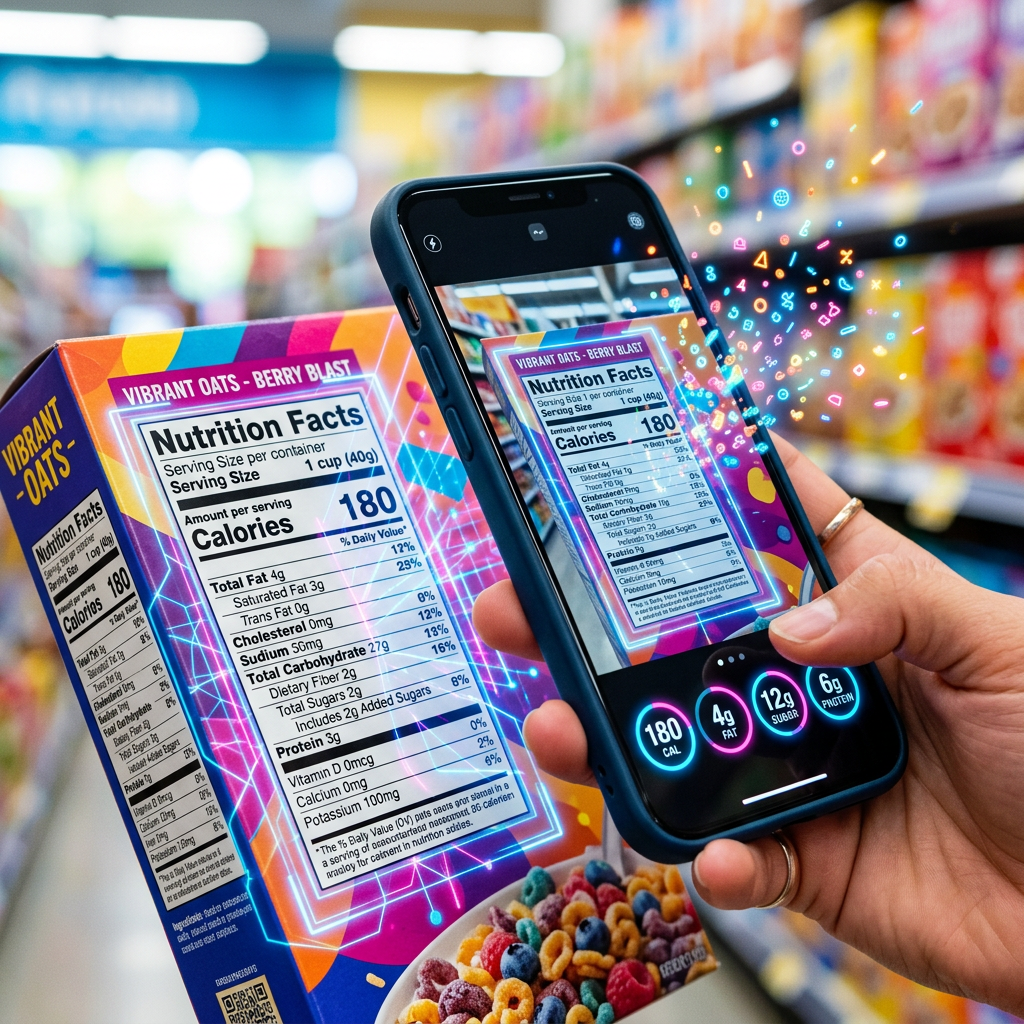
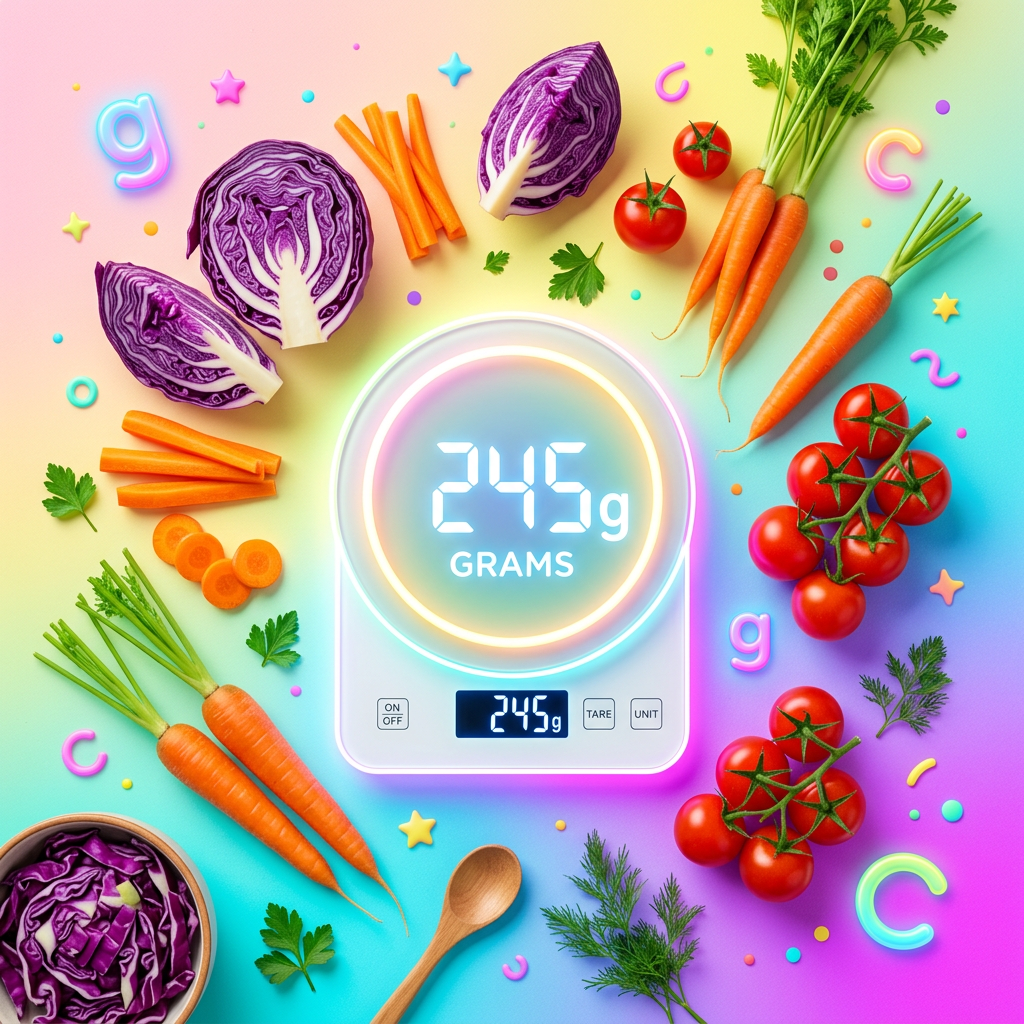
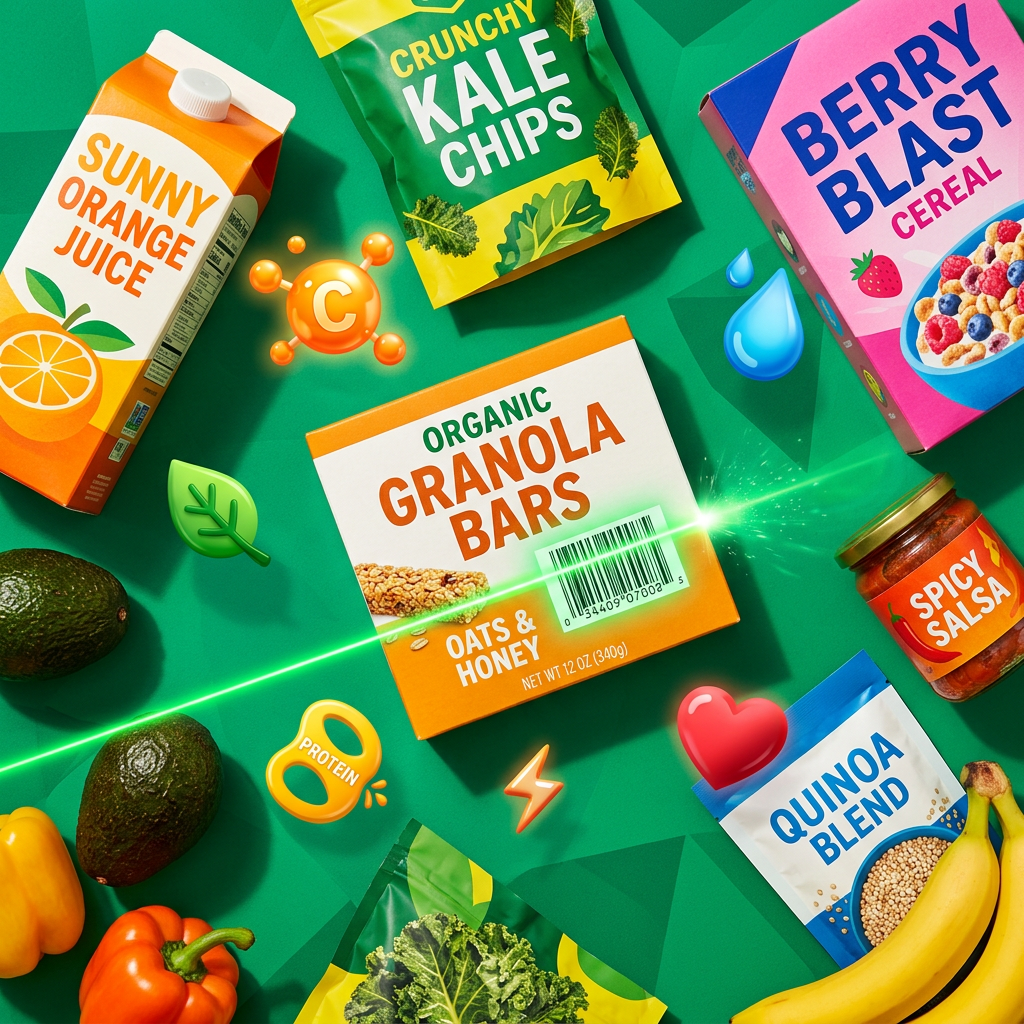
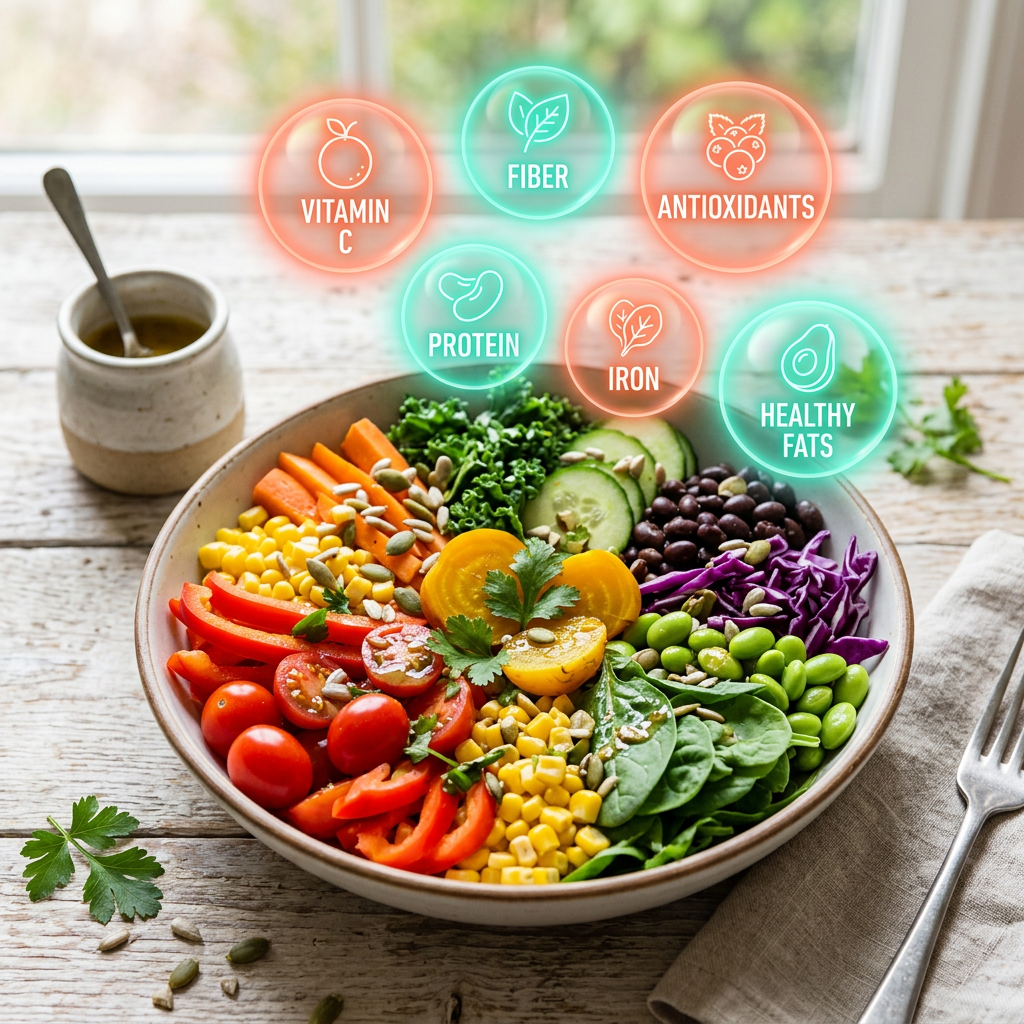
NutriScan is a structured-data family rather than a creative one. Dish Scan reads a food photo or description and returns nutrition, diet compatibility, allergens and a likely ingredient list; Label Scan normalises a nutrition-label photo; Barcode Lookup finds branded product data; and Ingredient Measure converts amounts to grams and recomputes the numbers per batch.
Cuándo elegir NutriScan
Come here when an application needs food data it can act on — a calorie tracker, a menu tool, an allergen check. Every variant returns structured fields rather than prose.
Cómo elegir entre las variantes
Dish Scan handles a plate of food or a description. Label Scan reads packaging. Barcode Lookup identifies a branded product. Ingredient Measure is the one for recipe maths, converting amounts and recomputing nutrition per batch.
Preguntas sobre NutriScan
Las respuestas cortas. Para cualquier cosa específica de su configuración, hable con nuestro equipo.
 Hablar con un ingenieroPlanifique según su volumen previsto.
Yes. Allergen detection is returned across the dish, label, barcode and ingredient variants alongside the nutrition data.
It converts ingredient amounts to grams and recalculates nutrition, diet compatibility and allergens for each batch size.
Label Scan does exactly that — it reads a nutrition-label photo and returns normalized facts and product details in one call.