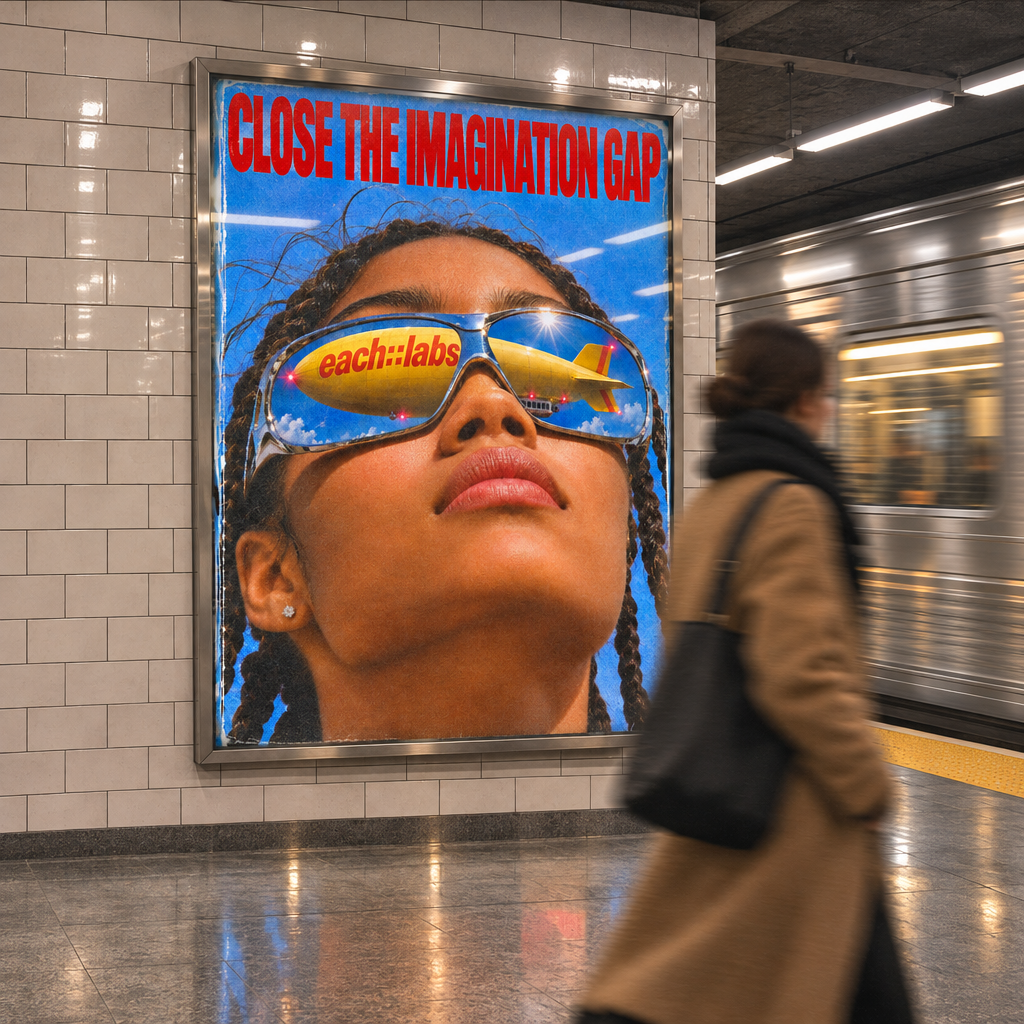
GPT Image | v2.6 | Flare | Edit.
- OpenAI
- Image to Image
- $0.02–$0.8445 por imagen, según tamaño y calidad y input images
- ~30 s promedio
Precision editing that targets only the requested changes while preserving the subject, composition, and background, with consistent identity across different styles and multiple rounds of edits.
Lo que GPT Image | v2.6 | Flare | Edit hace bien.
 Ideal para
Dónde encaja
Marketers can adapt a product photograph to a seasonal campaign: “Keep the bottle shape and label; add a warm autumn tabletop setting.” This uses…
 Límites y consejos
Cómo obtener buenos resultados
For GPT Image | v2.6 | Flare | Edit, structure the prompt around subject, setting, composition, lighting, and the exact change or result you want. Refer to…
 Modelo relacionadoVer modelo
MiniMax H3 Highspeed Image to Image
Ejecútelo con la misma entrada para comparar salida, velocidad y precio.
Documentación del modelo
Sobre este modelo
Precision editing that targets only the requested changes while preserving the subject, composition, and background, with consistent identity across different styles and multiple rounds of edits.
Resumen
GPT Image | v2.6 | Flare | Edit Overview
GPT Image | v2.6 | Flare | Edit provides OpenAI image editing through each::labs. Built on GPT Image 2.6 Flare, it is intended for interactive image creation and fast creative iteration. Supply one or more source images and describe the changes you want. The model interprets your instructions together with those references to produce a new image, making it useful for background changes, visual restyling, and combining subjects into a coherent scene. You control output dimensions, rendering quality, background behavior, and file format using explicit request parameters. The endpoint supports PNG, JPEG, and WebP rather than every format available in the broader provider family. Start with one image and automatic quality, review the result, and refine your brief before generating more variants.
Capacidades
Capabilities
- Transform existing images using a natural-language editing brief.
- Combine instructions with up to 16 source image URLs.
- Specify scene layout, lighting, materials, and short visible text in the prompt.
- Select square, portrait, or landscape output presets.
- Adjust rendering quality separately from planning complexity.
- Request transparent backgrounds with PNG or WebP output.
- Produce up to ten image outputs per request for reviewing alternatives.
Casos de uso
Use Cases for GPT Image | v2.6 | Flare | Edit
Marketers can adapt a product photograph to a seasonal campaign: “Keep the bottle shape and label; add a warm autumn tabletop setting.” This uses reference-guided editing to produce a new presentation without starting from a blank prompt. Designers can explore material treatments: “Preserve the chair silhouette; change the upholstery to dark green velvet.” They should compare the result against the source before treating it as a product representation. Creators can reframe editorial imagery: “Keep the subject recognizable; replace the background with a softly lit studio wall.” Explicit preservation instructions make the intended revision clearer. Developers can build an image-revision interface around source URLs, a change brief, and output-format controls. Present returned candidates for review, retain the original files, and let people submit a narrower follow-up edit when details drift.
Consejos y trucos
Tips and Tricks
For GPT Image | v2.6 | Flare | Edit, structure the prompt around subject, setting, composition, lighting, and the exact change or result you want. Refer to source images by their position and state preservation requirements before new instructions. Avoid asking for several incompatible changes to the same feature. For example: “Keep the product and label unchanged; replace only the background with pale blue paper and soft studio shadows.” “Use image 1 for the subject and image 2 for the object; place the object on the subject’s open palm in natural afternoon light.” Compare one change at a time. Use low or medium complexity for focused experiments, and test higher complexity for dense layouts. Choose an explicit size preset when dimensions matter, then inspect the delivered image rather than assuming every requested detail is exact.
Especificación técnica
Technical Specifications
- Inputs: a required text prompt, up to 32,000 characters, plus 1–16 source image URLs.
- Dimensions: image_size defaults to 1024x1024. Listed presets include 1536x1024, 1024x1536, 2048x2048, 2048x1152, 3840x2160, and 2160x3840; auto is also available.
- Quality: low, medium, high, xhigh, max, or auto. The default is auto.
- Batch size: 1–10 output images; the default is one.
- Formats: PNG by default, with JPEG and WebP options; transparent backgrounds require PNG or WebP.
- Planning: complexity accepts low, medium, or high; omitted complexity uses high. No fixed processing-time guarantee is published for this endpoint.
Aspectos a tener en cuenta
Things to Be Aware Of
Generation is not deterministic: repeated requests can produce different compositions and details. Faces, logos, object geometry, and small text can change even when the prompt asks to preserve them. Reference URLs must remain accessible during processing; a broken or unavailable image can prevent a successful edit. Automatic quality is not a fixed-price setting. Larger images and more outputs can increase usage. The catalog marks resolutions above 2560x1440 as experimental. Standard content filtering remains active, including when the compatibility moderation value is low.
Consideraciones clave
Key Considerations
Choose GPT Image 2.6 Flare when your workflow calls for interactive image creation and fast creative iteration. Use clear source photographs and identify which image supplies each subject or object. A descriptive prompt should distinguish elements that must remain from elements that may change. Billing is usage-based, not a fixed price for every image. Dimensions, rendering quality, and image count affect the final charge. Start with one output, keep quality automatic while exploring, and compare a small number of candidates before committing to a larger batch.
Limitaciones
Limitations
This endpoint returns raster images, not SVG files, animated GIFs, video, or editable design layers. It does not expose a seed or a separate negative-prompt field. It does not expose a mask parameter; request targeted edits in the prompt, without expecting pixel-exact preservation. Exact text, identity, and geometry are not guaranteed. Output quality depends on the brief. Select an explicit listed size rather than custom when predictable dimensions are required.
Preguntas sobre este modelo
Las respuestas cortas. Para cualquier cosa específica de su configuración, hable con nuestro equipo.
 Hablar con un ingenieroPlanifique según su volumen previsto.
GPT Image v2.6 Flare Edit edits one or more input images according to a text prompt. Provide image_urls and describe the changes you want.
Choose the requested size, quality and PNG, JPEG or WebP output. Set num_images for multiple images; multiple outputs are returned as an array.
Charges are based on the image call's reported usage. The final charge can vary with input images, output size and quality; displayed estimates are indicative.